Hostinger Agency Hosting lets you enable maintenance mode to temporarily take your website offline while displaying a professional message to visitors, ensuring a good experience during updates, migrations, or troubleshooting.
How to enable maintenance mode
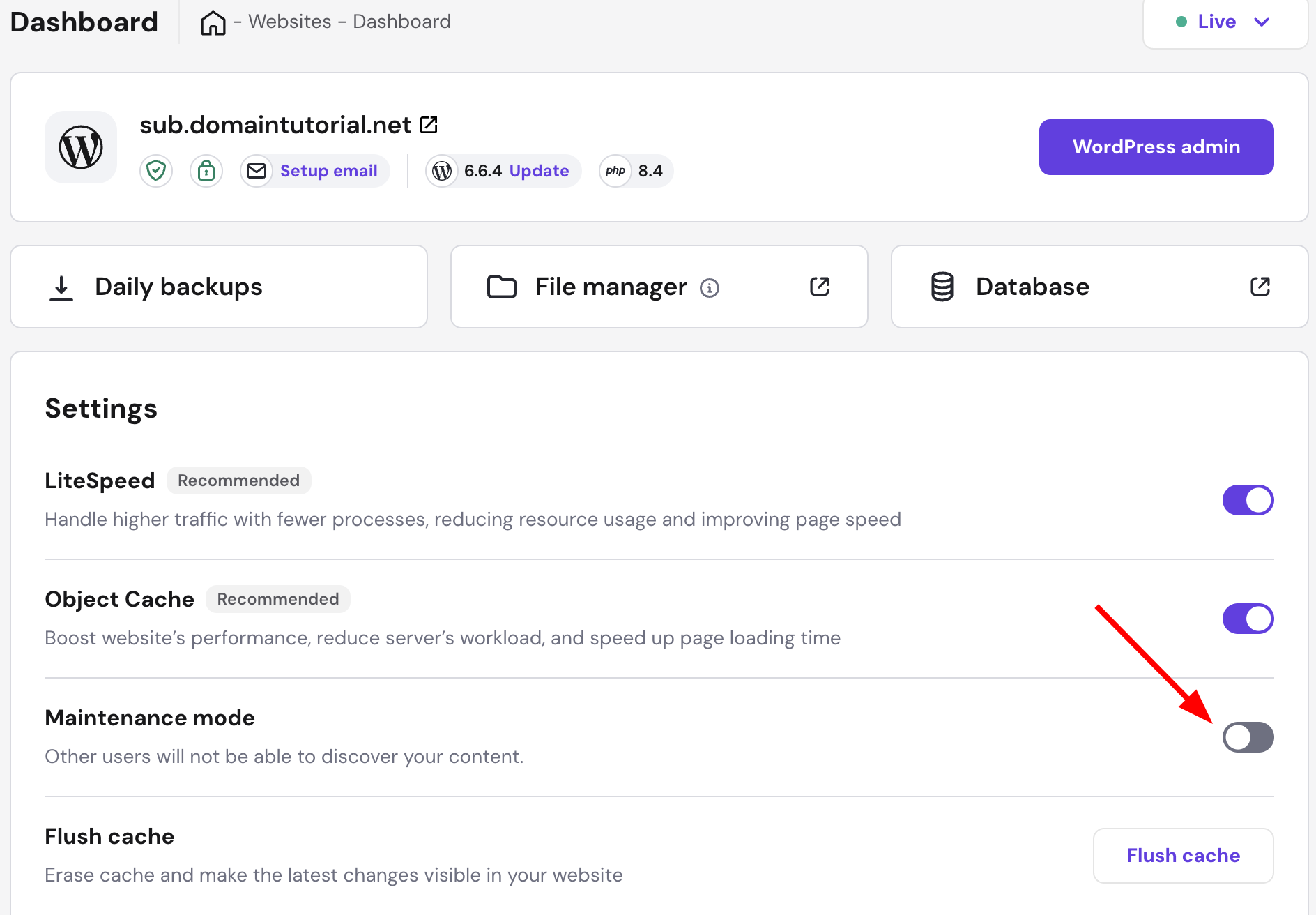
- Go to your website dashboard
- Find Maintenance mode
- Toggle the switch to enable it
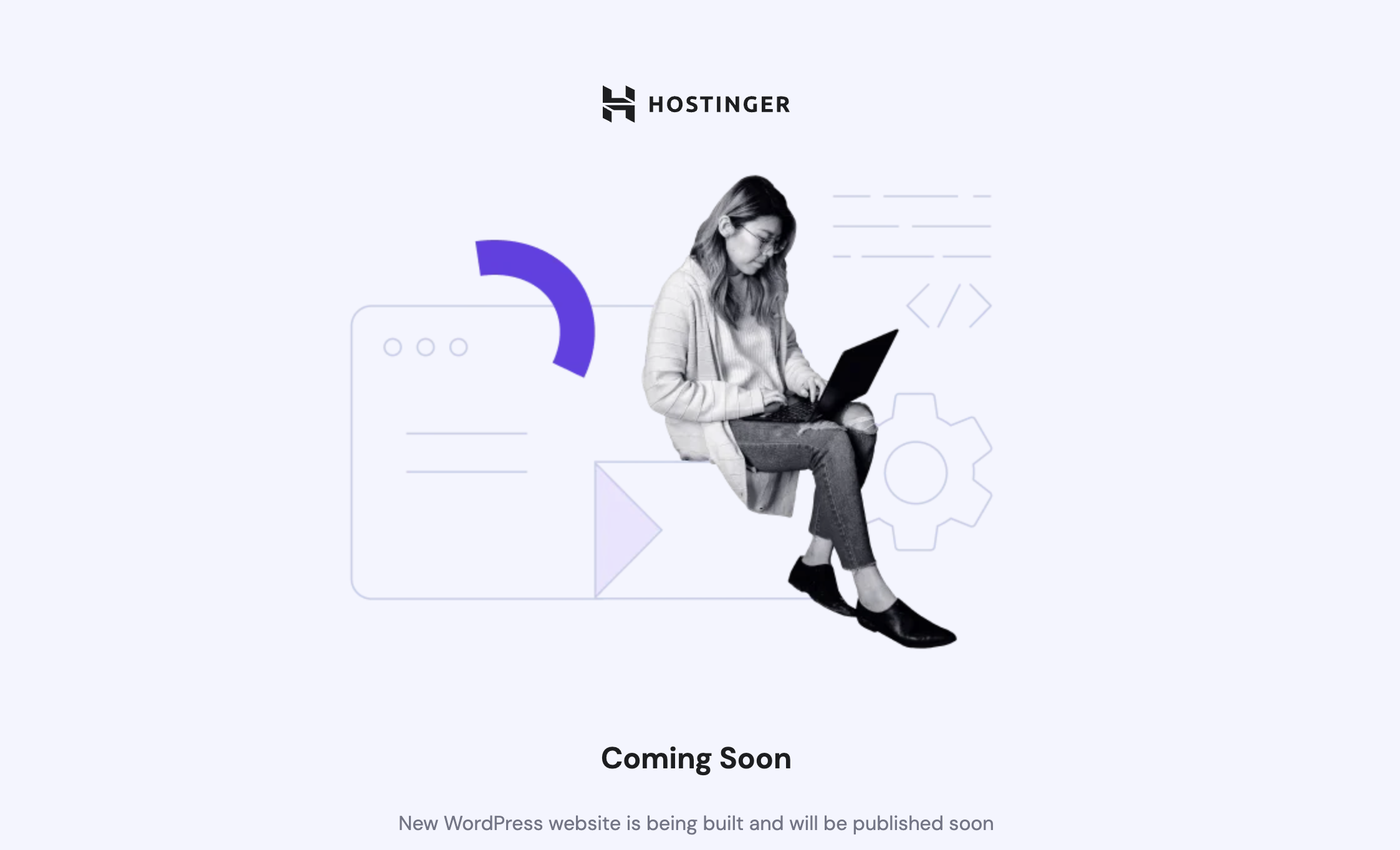
While in the maintenance mode, your website will showcase this landing page:
You can disable the mode the same way at any time.
Maintenance mode ensures a smooth and professional experience for visitors while you make updates. For more on your plan’s features, see how to get started with Hostinger Agency Hosting plans.