Docker Manager lets you deploy applications from Docker images. If an image is stored in a private repository, Docker Manager needs valid credentials to access it before the image can be pulled and deployed. This article explains how to add those credentials for a private registry, such as Docker Hub, GitHub, or a custom registry.
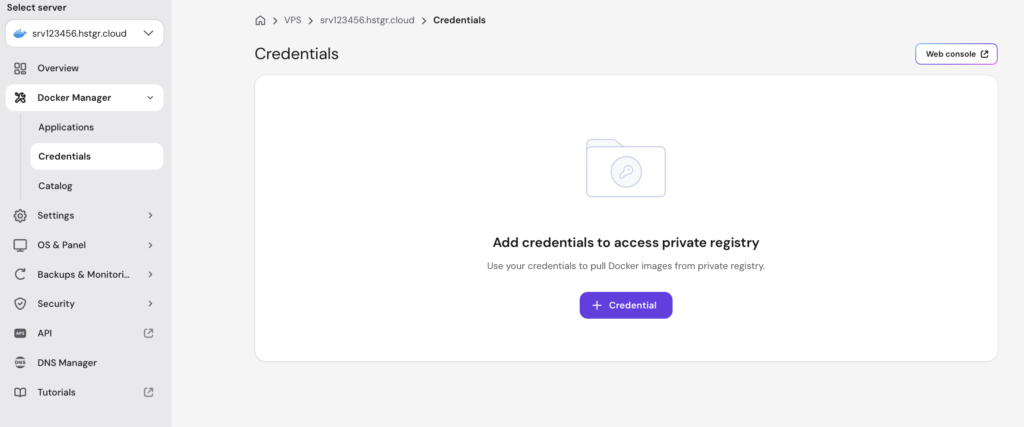
Add a credential
- Log in to Hostinger dashboard.
- Go to VPS, then select your VPS.
- Navigate to Docker Manager, then select Credentials.
- Click + Credential.
- In the Add credential window, select the registry from the Registry drop-down menu. You can choose Docker Hub, GitHub, or a custom registry.
- Enter the username for the registry account in the Username field.
- Enter a personal access token or password in the Token field. Use a personal access token if the registry supports it. Click the eye icon next to the field to show or hide the entered value.
- Click Save.
Your credential is now added, and Docker Manager can use it to pull images from the selected private registry.
Additional resources