Organize and layer elements on your Hostinger AI Builder manual mode website by dragging them to your preferred position, or using the right-click menu for more precise control.
Organize elements
The elements can also be organized this way:
-
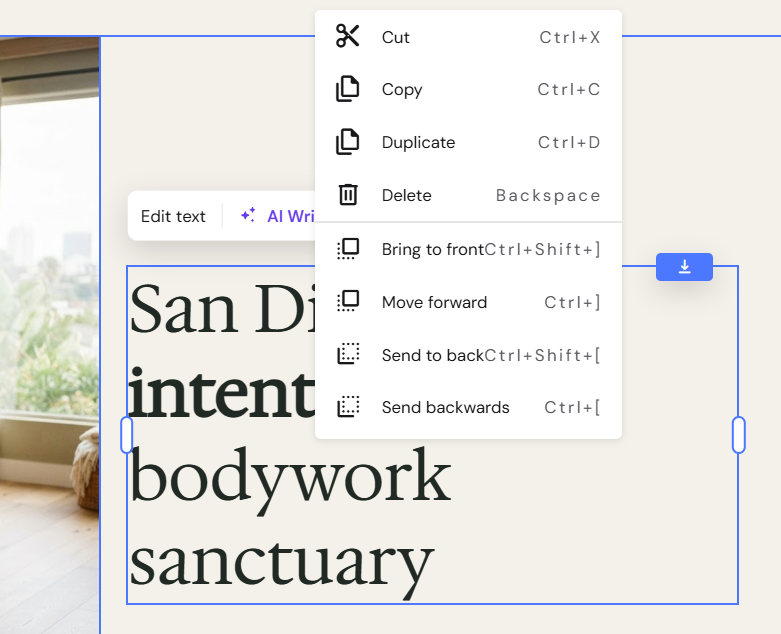
Cut
-
Copy
-
Paste
-
Duplicate
- Rotate
-
Bring to front
-
Move forwards
-
Send to back
-
Send backwards
-
Delete
Right-click on any website element to reveal a secondary menu:
You may also select multiple elements and move all of them at once:
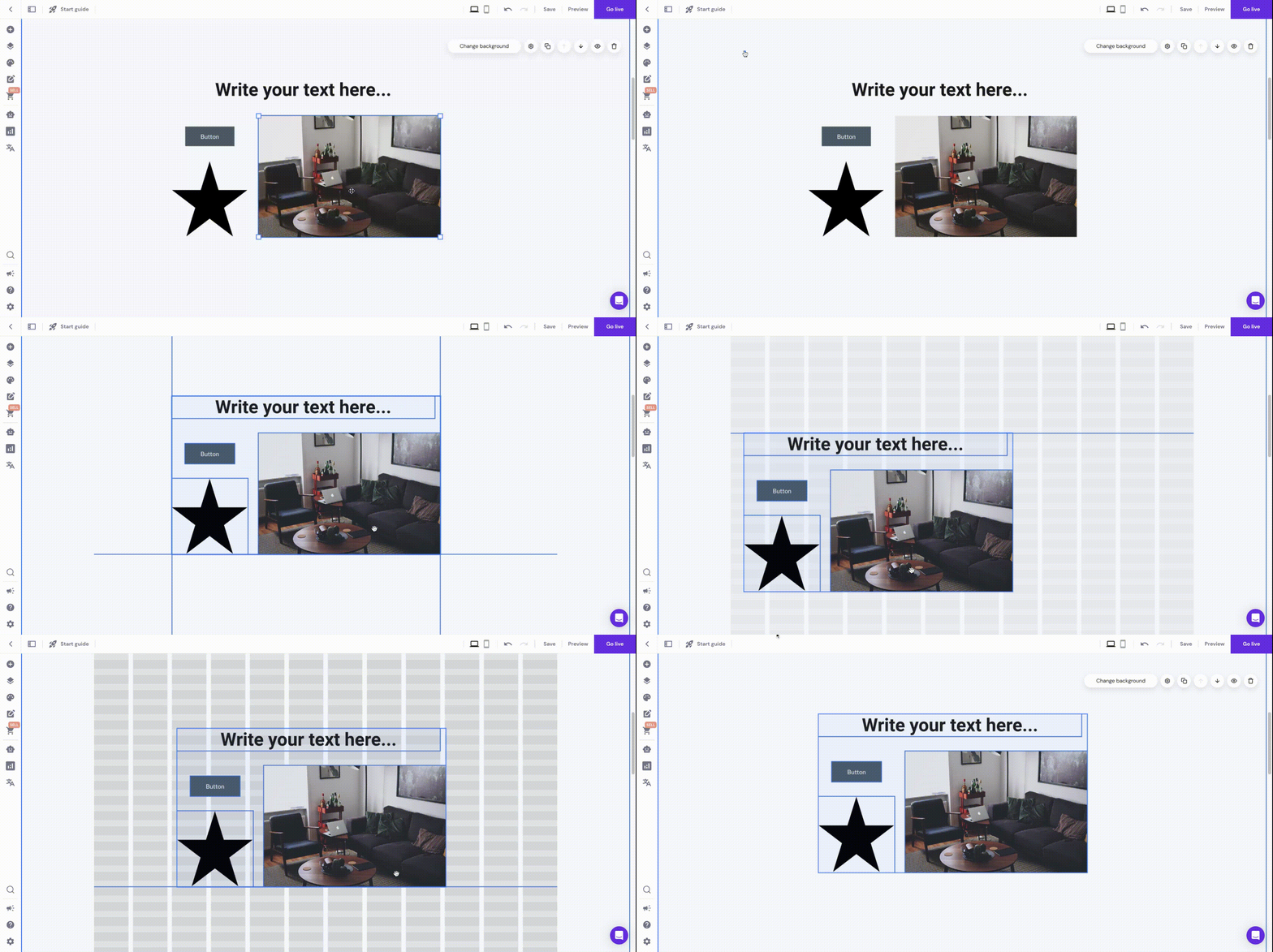
This way, you can also move elements between sections (except for the slideshow, blog, and product sections).
NOTES
-
To right-click on Mac, click and hold on the Control button and then click on the touchpad
-
Learn how to resize elements and sections
- Learn how to add and customize website elements
-
If you delete an element or a section on the desktop view, it’s also automatically removed from the mobile view and vice versa