Hostinger Agency Hosting plans let you download your website or database backups directly from the dashboard to keep a local copy of your data.
Download a backup
- Select the website in your Hostinger dashboard select the website for which files you want to download on the left side menu:
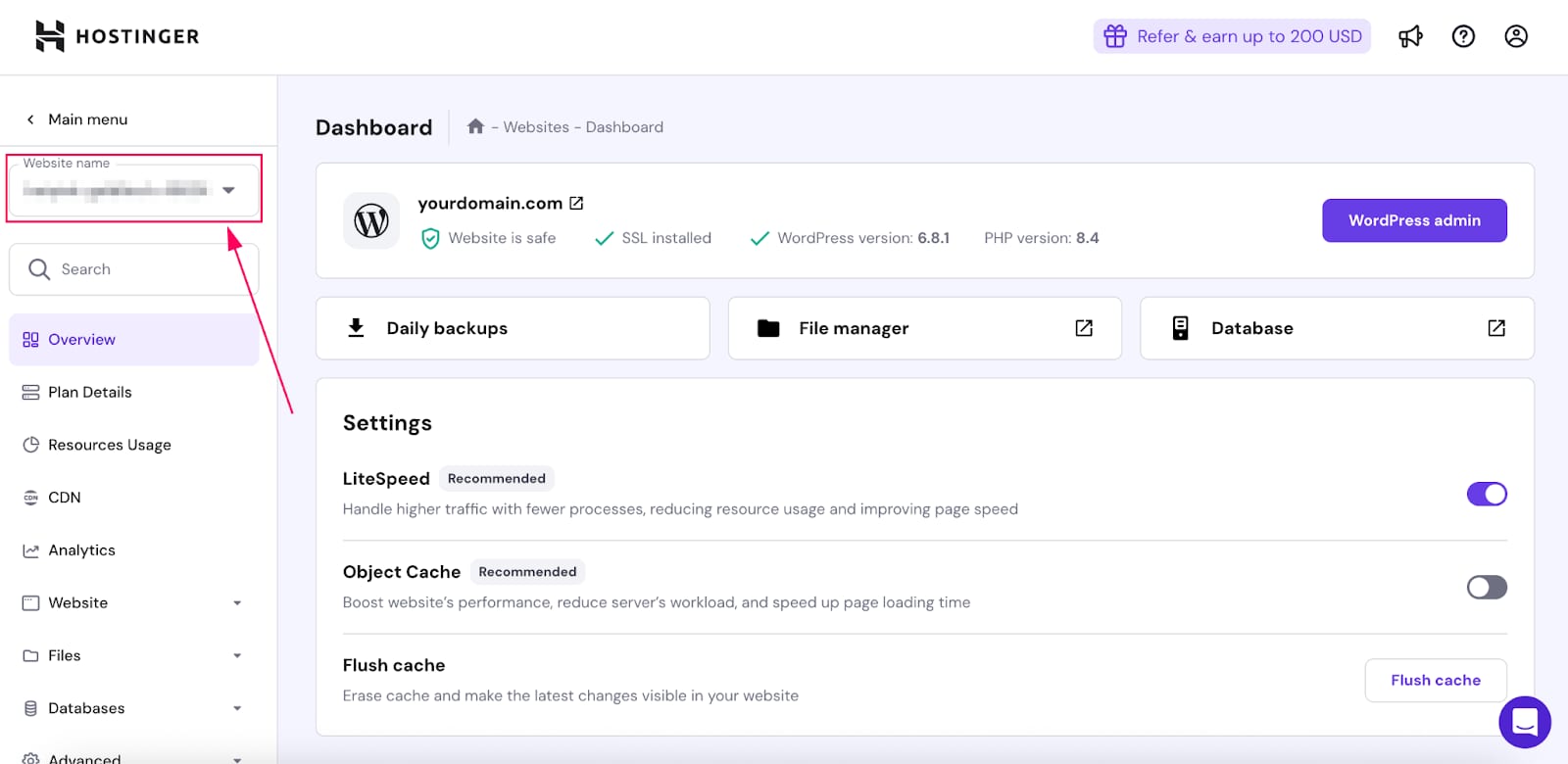
- Click on Daily Backups:
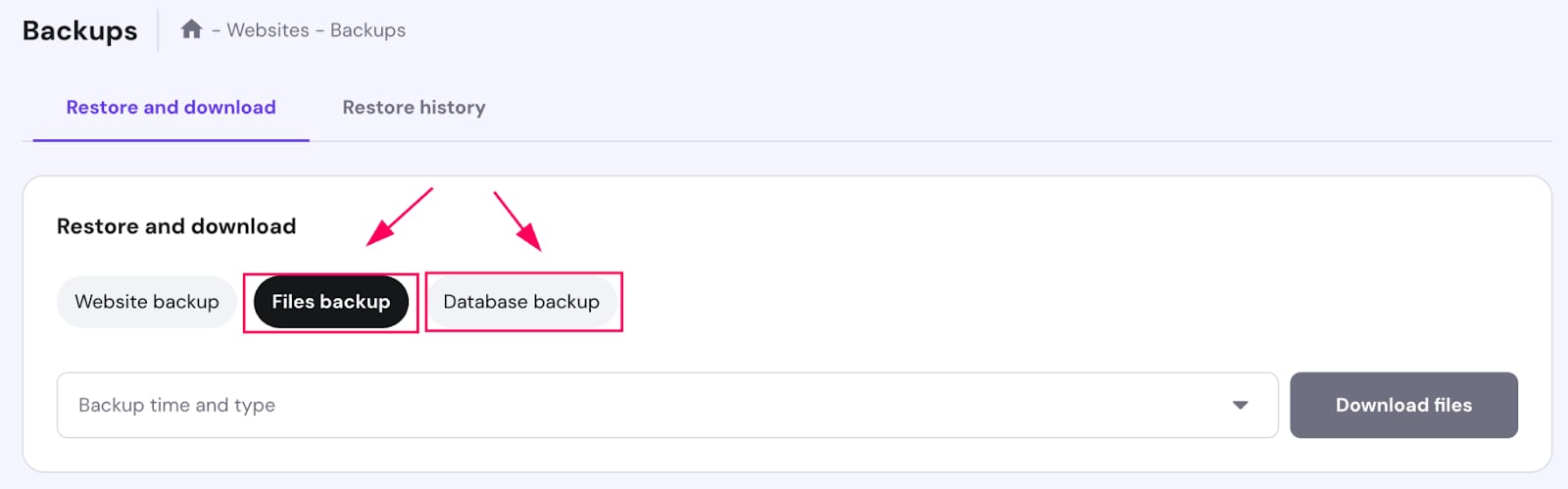
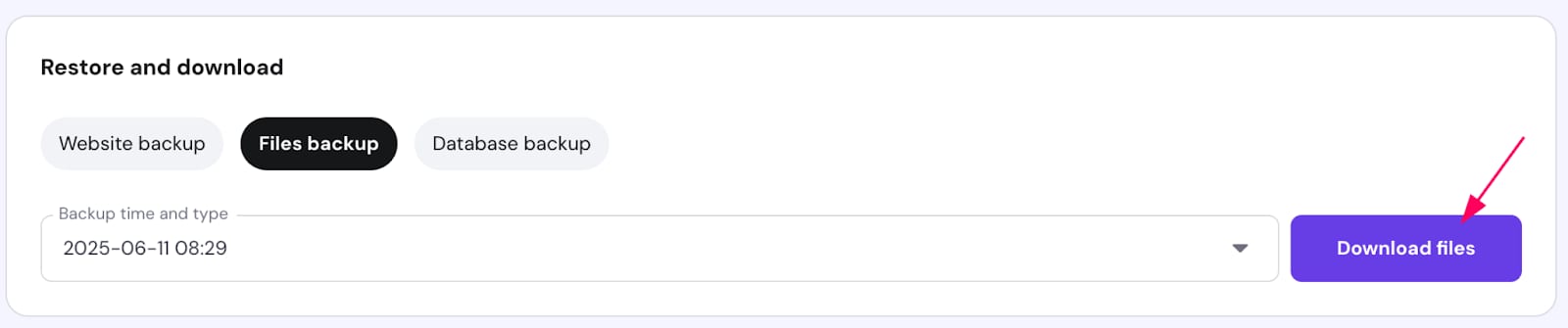
- Navigate to the drop down and select the data and click on Download files or Download database:
- A progress bar will display the file preparation:
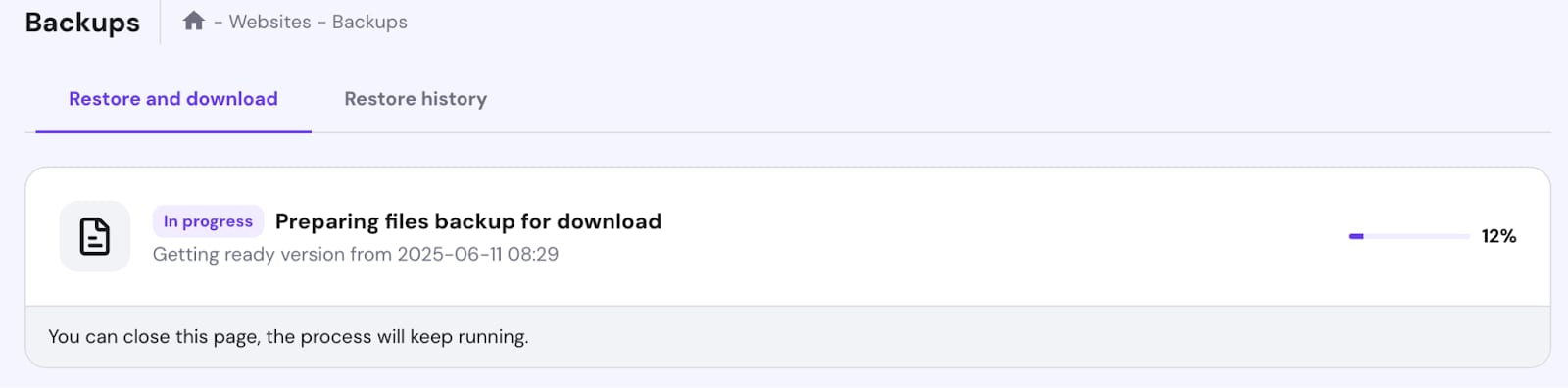
Once it reaches 100% you will be able to download the backups to your local device.
NOTES
- For WordPress websites, the downloaded file backup contains `wp-config.php` and the `wp-content` folder only, not the full WordPress installation.
- Download the `public_html` folder directly from File Manager if you need the complete WordPress installation, including core files.

With your backup downloaded, you have a secure local copy of your website data. For more on managing your plan, see how to get started with Hostinger Agency Hosting plans.