The Hermes CLI is a powerful command-line interface designed to control and configure your Hermes setup right from your browser terminal. This tool allows you to execute specialized commands directly without needing to navigate the visual interface, speeding up your management tasks.
Before you start
- Ensure you have an active AI automation app plan.
- Note that this command-line tool now provides full command-line access within your Hermes environment, not just a limited set of Hermes-specific commands. Access is contained within your environment’s isolated storage boundary, and does not extend to the underlying host server. If your projects require full root-level privileges, you can choose a Hostinger VPS plan with Hermes instead.
Access the Hermes terminal from Hostinger dashboard
- Log in to your Hostinger account and access your Hermes instance.
- Open the main Dashboard menu.
- Click the Command line (CLI) button.
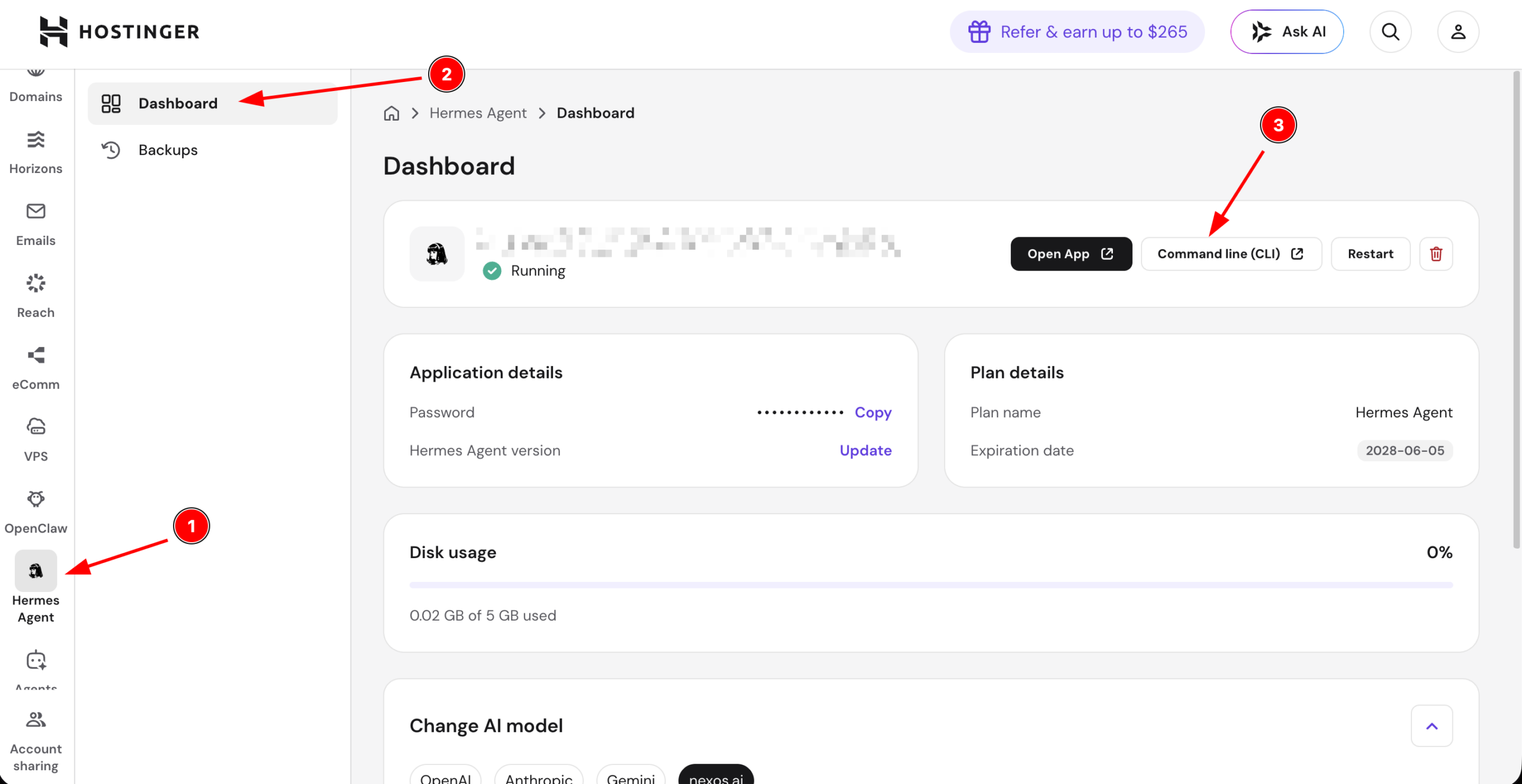
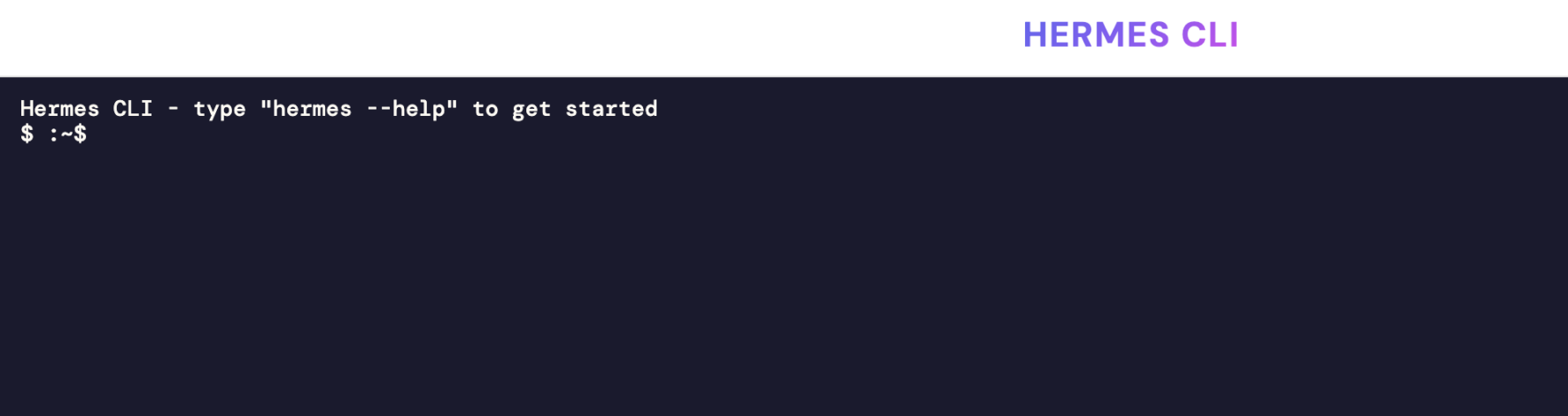
A secure terminal window will open on a new browser tab.
If the terminal button is grayed out or unclickable, verify that your Hermes instance status is set to active.
Additional resources
- To find a complete list of all supported operations, check out the official CLI Reference in the Hermes documentation.