Change your Minecraft server configuration via Game Panel.
If you haven’t set up your server yet, see how to create and start a Minecraft server at Hostinger, or check the Hostinger quick start guide for Minecraft on Game Panel.
Edit your server settings
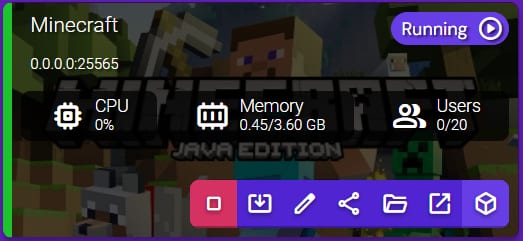
You can easily edit your Minecraft server settings by selecting your Instance and clicking on Manage:
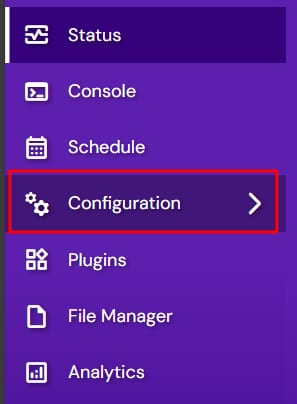
Once there, select Configuration from the left side menu:
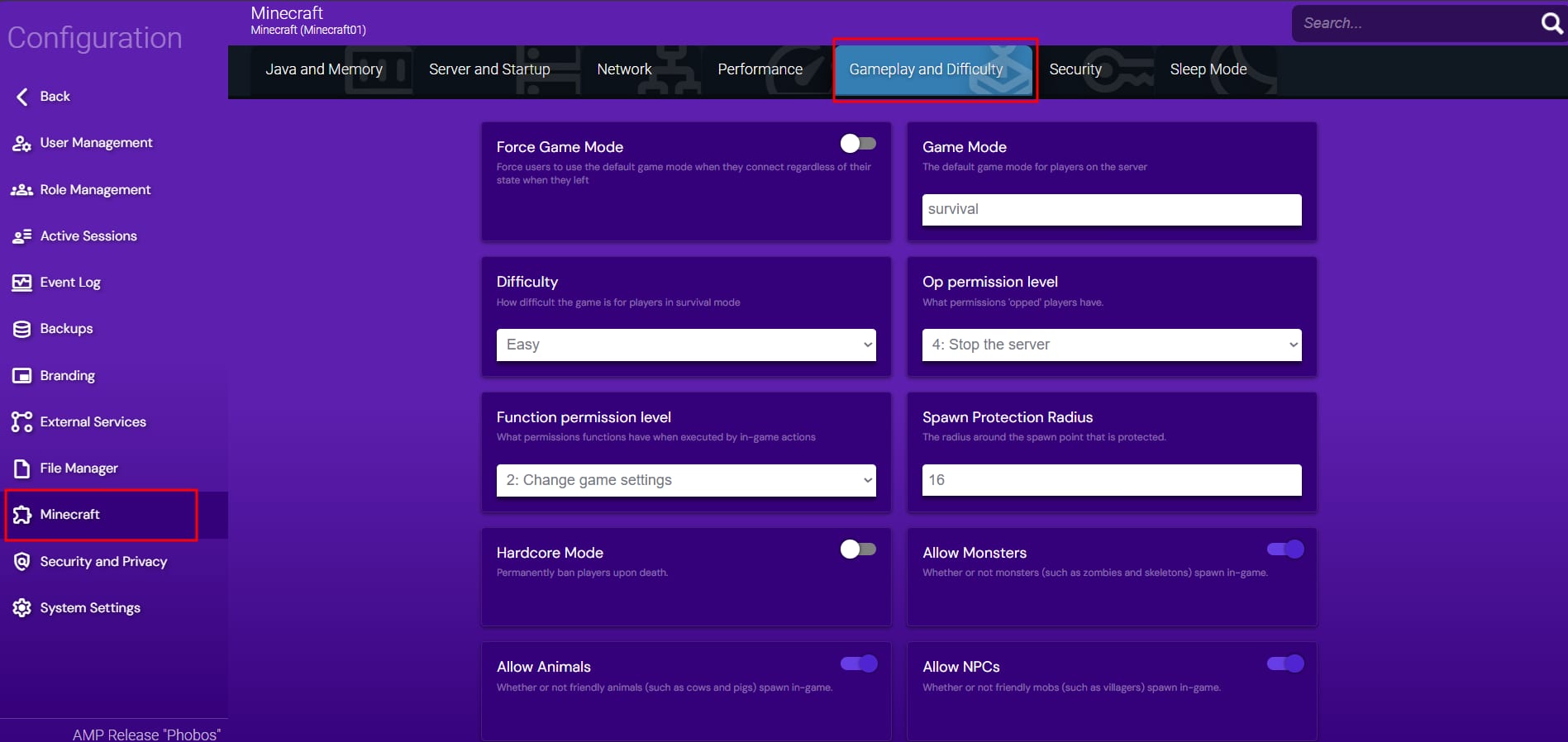
In the Minecraft section, you will be able to edit settings such as:
-
Difficulty
-
Game Mode
-
Spawn Monsters
-
Spawn NPC
-
Server Type (Official, CraftBukkit, Spigot, Paper, Forge, and many more)
After changing any of these settings, make sure to restart your server.
💡Learn more about the different server commands by checking this video!
Related Minecraft server settings