Peppermint.sh is an open-source helpdesk solution offering a feature-rich platform, focused on ease of use and accessibility, especially designed for teams. At Hostinger, you can easily set up Peppermint.sh with just a few clicks using the Peppermint.sh VPS template.
Accessing your Peppermint.sh installation
To access Peppermint.sh, open a web browser and navigate to:
https://your-vps-ip:1000Make sure to replace your-vps-ip with the actual IP address of your server.
Next, log in to the Peppermint.sh interface using the credentials provided in your Hostinger dashboard:
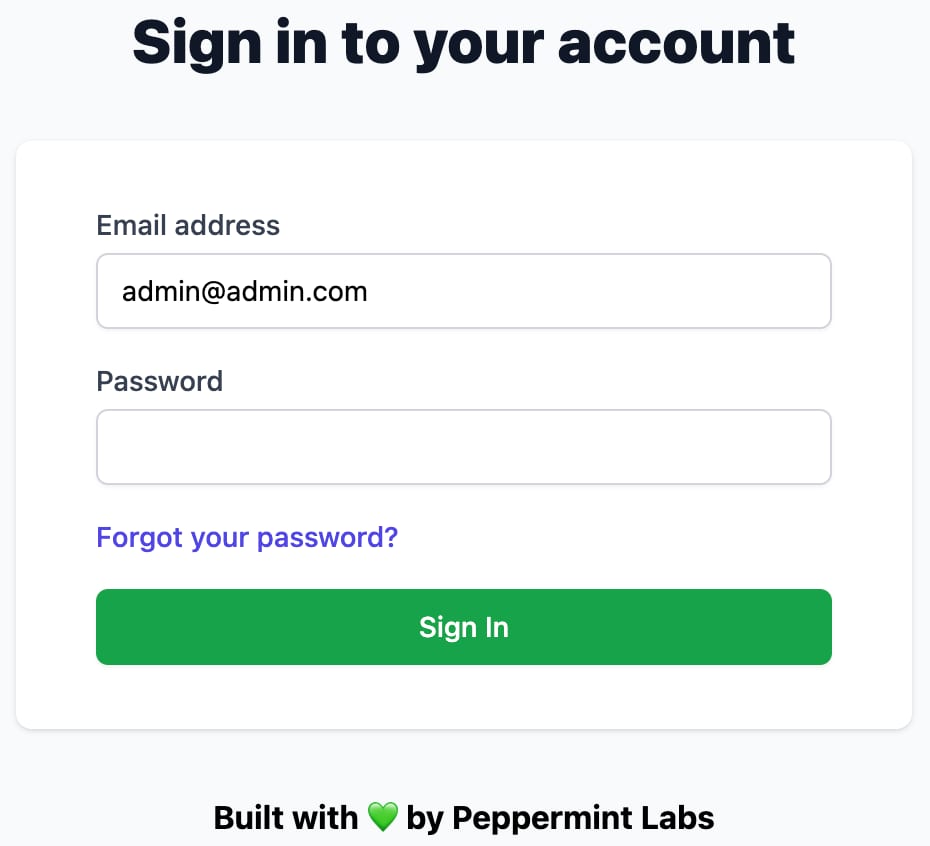
For enhanced security, change your credentials after logging in for the first time
Exploring Peppermint.sh
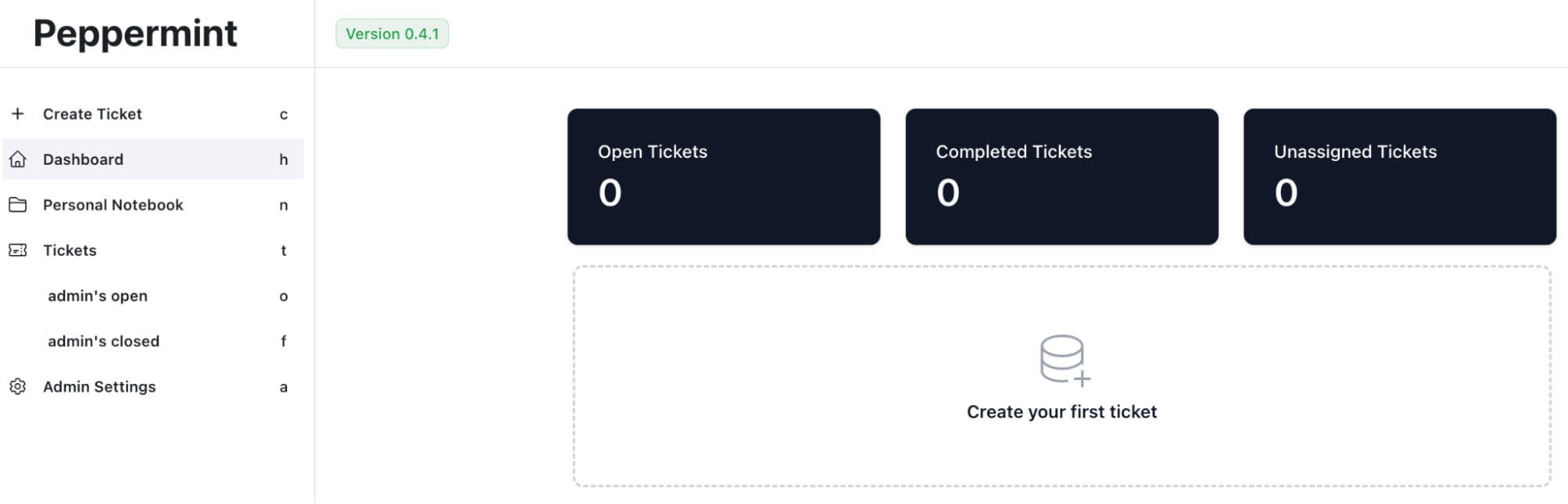
Once logged in, get familiar with Peppermint.sh’s interface. Check out the dashboard, ticketing system, user management, and other features:
Configuring your helpdesk
-
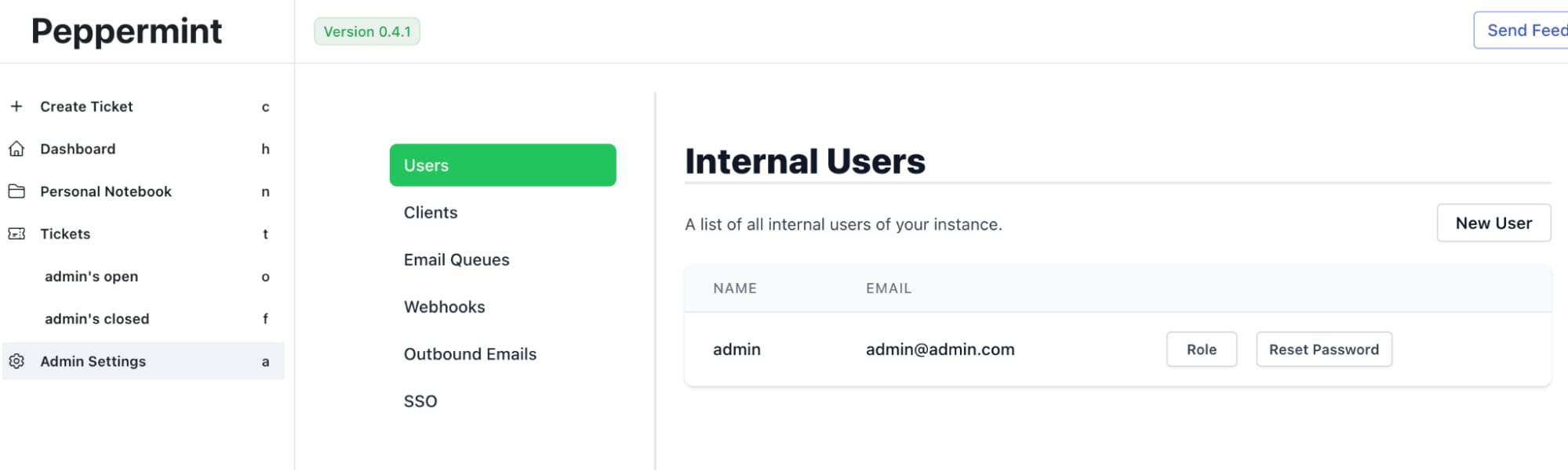
Set Up users and teams – create user accounts for your team members. Assign roles and permissions as needed

-
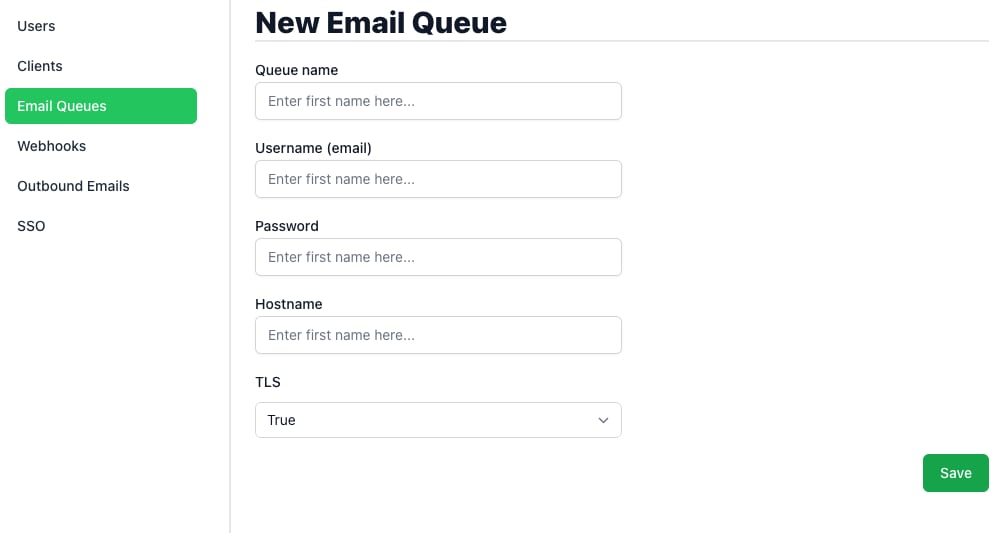
Set up email integration – add your email settings to receive and respond to tickets via email

-
Third-party Integrations – leverage any available integrations with other tools and platforms used by your team to streamline your workflow
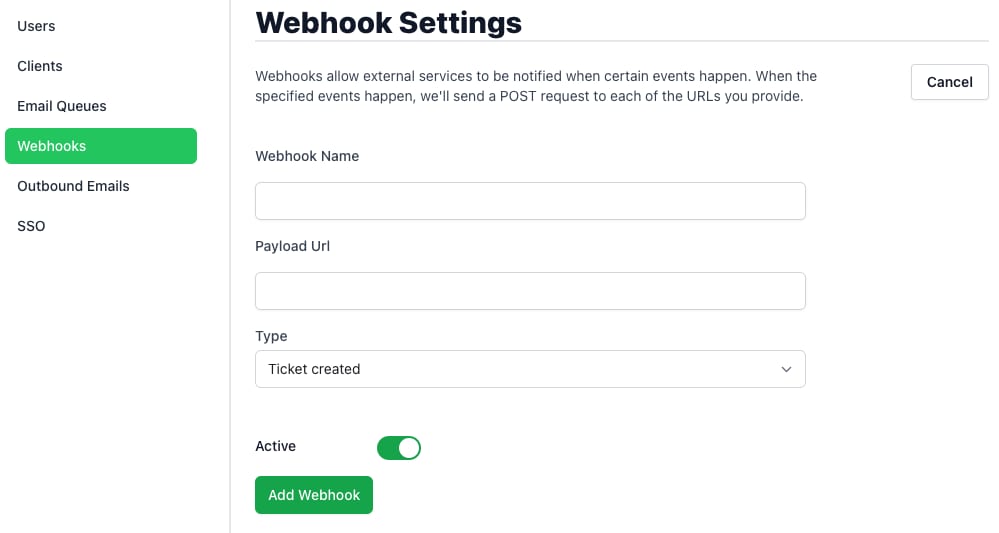
With Peppermint.sh on your Hostinger VPS, setting up an efficient and user-friendly helpdesk system is straightforward. Peppermint.sh offers a robust set of features that can enhance your team’s customer support capabilities.
For more detailed information and best practices, refer to the Peppermint.sh documentation