Enable PayPal in your Hostinger AI Builder online store to accept payments through a well-known payment gateway that supports 25 currencies in more than 200 countries.
Enable PayPal
To enable PayPal in your e-store, follow these steps:
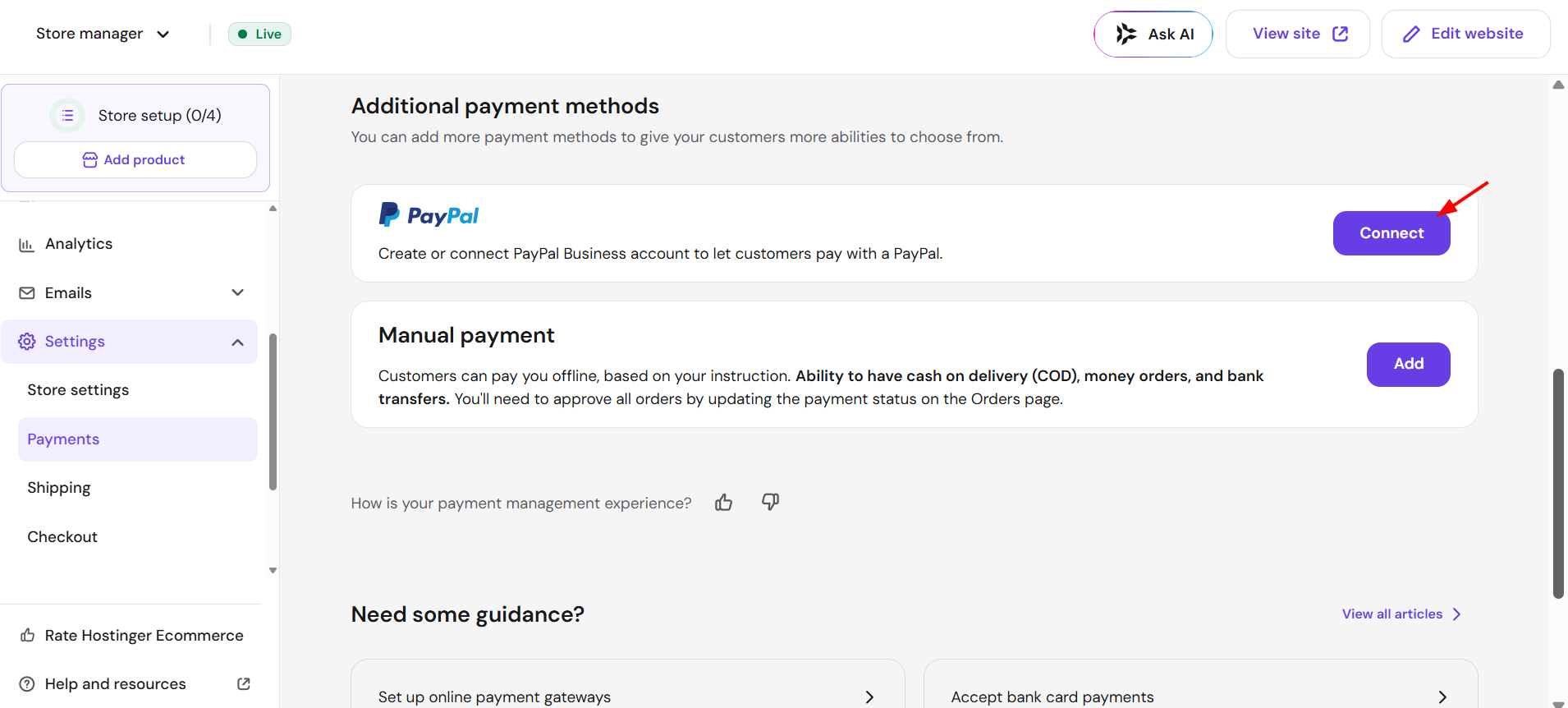
- Within the builder, navigate to the store management area → Store settings → Payments and click on Connect next to PayPal:

- Then, connect your PayPal Business account to start accepting payments.
And that is all you need to do! Your online store can now accept payments through PayPal.