Update your company information in your Hostinger Ecommerce online store from the unified Store settings page in Store Manager. This information appears on invoices, emails, and at checkout.
Edit company information
In the Store Manager, go to Settings → Store settings → Company information, and customize the following:
-
Company name and logo

-
Contacts and address

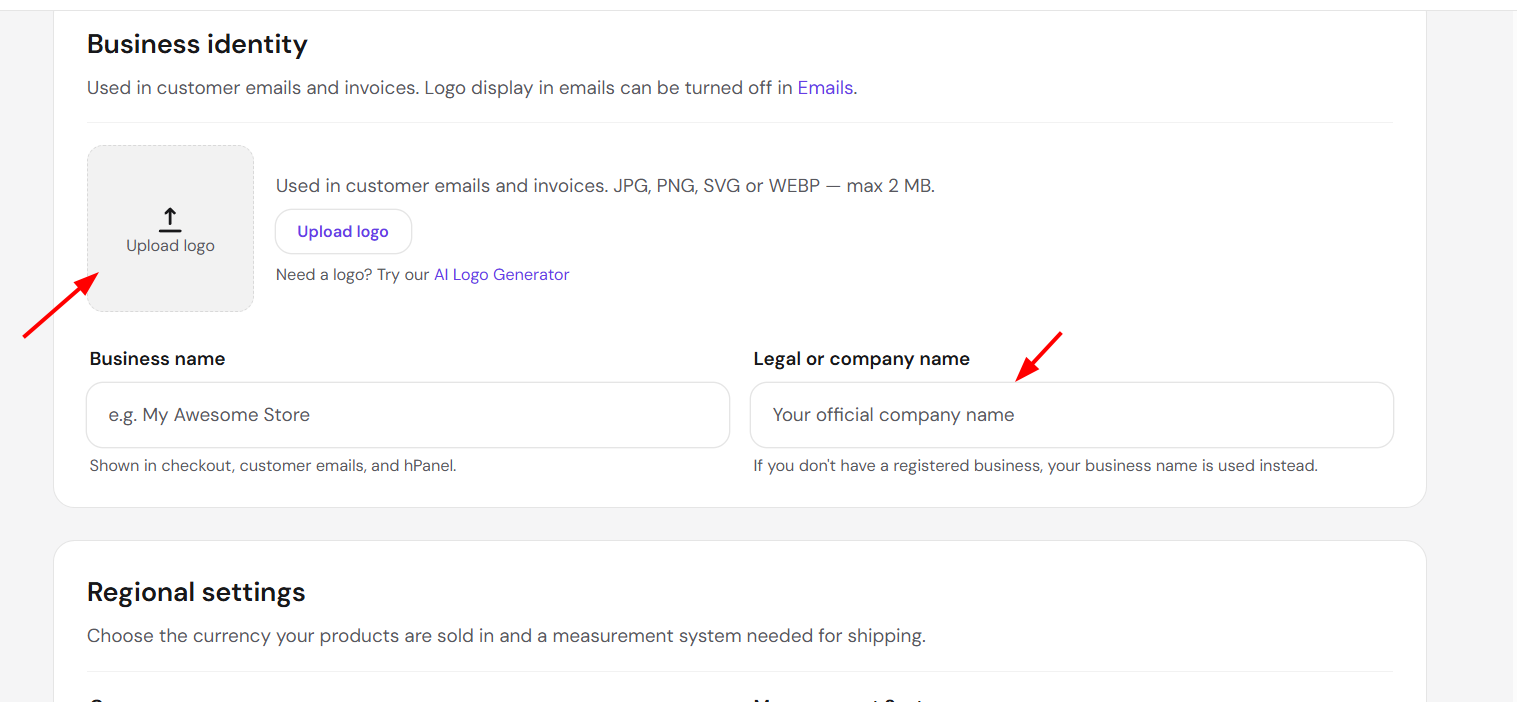
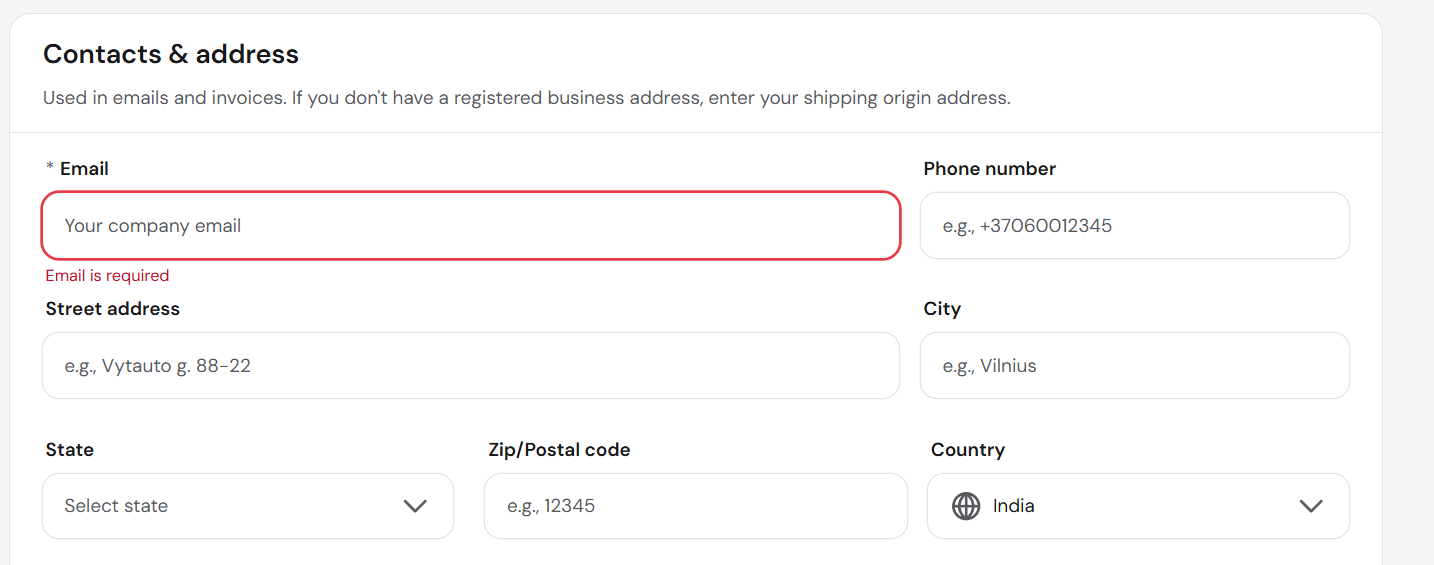
Business identity, regional settings, and contact details are now managed from a unified Store settings page in Store Manager. This information will appear on invoices, emails, and at checkout.
If you want to change the store country or currency, you’ll first need to disable all payment methods. If any payment methods are still enabled, the option will remain greyed out in the company information section.