Add to bag buttons in Hostinger AI Builder manual mode appear by default in single-product sections and on product pages. You can also add them as individual elements and link them to your products.
Add an Add to bag button
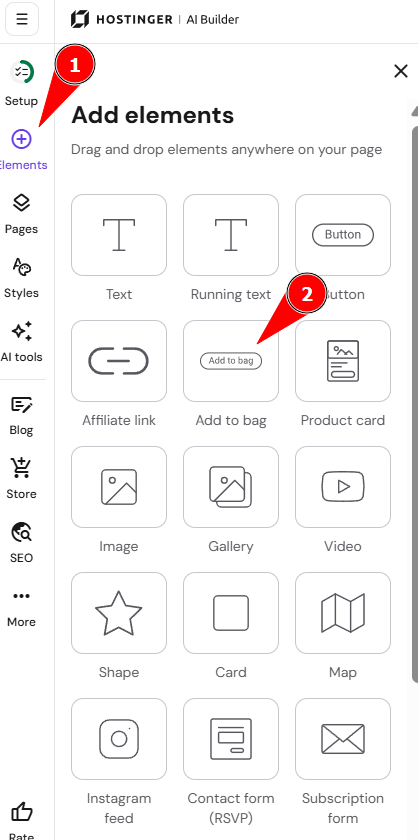
- Expand the Add elements panel on the left.
- Find the Add to bag button.
- Drag and drop it anywhere on your page:

Configure the button
Click on a button to see more options (edit, duplicate, hide, delete, resize):
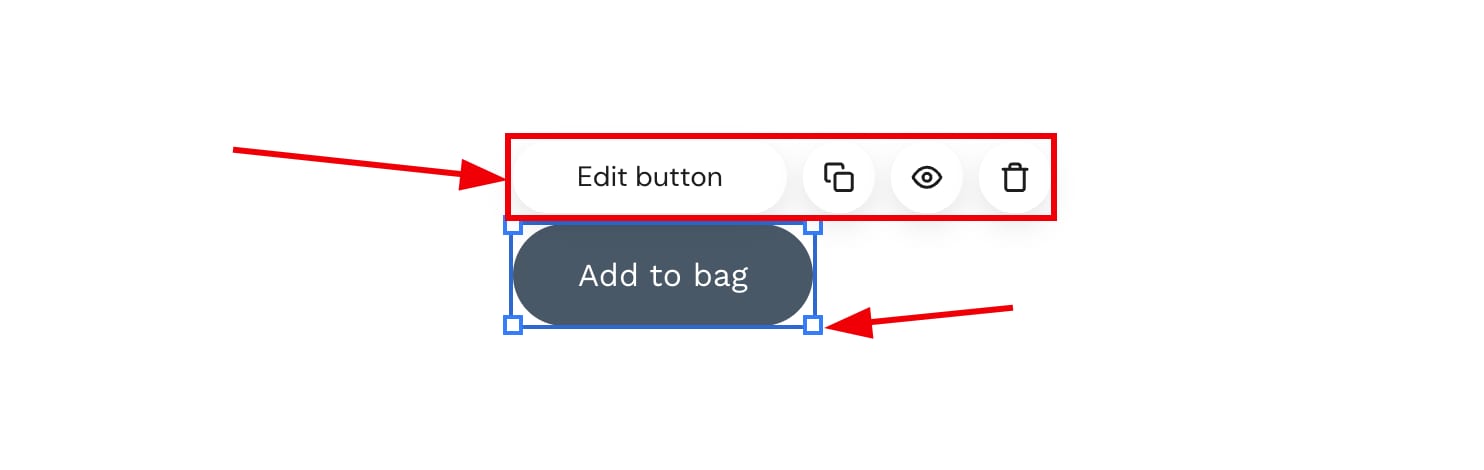
Click Edit product to open its settings:
|
Product |
General |
Style |
|
Link the button to your product |
Rename the button |
Change the button style:
|
Your Add to bag button is now linked to your product and styled to match your design.