Collect newsletter subscribers on your Hostinger AI Builder manual mode website using a subscribe form or a third-party tool.
Adding a subscription form
There are several ways to add subscription forms to your website. The easiest is to insert a subscription form element or a subscription form section.
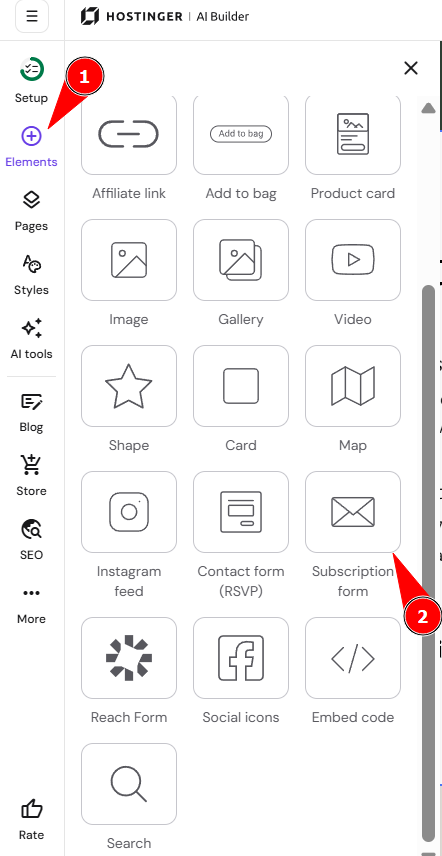
- Within the editor, click the Elements panel on the left.
- Find the Subscription form element and drag and drop it anywhere on your page:

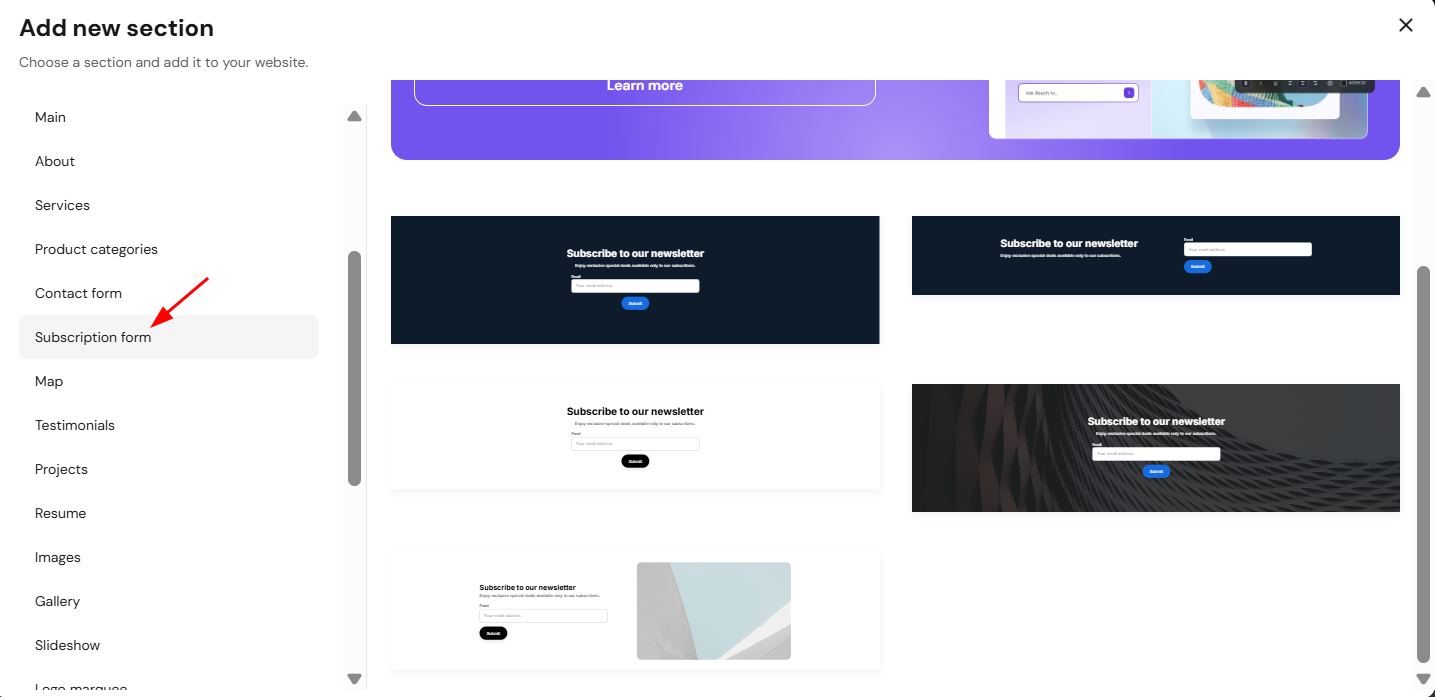
- To add a subscription form section, click Add section – you’ll see this button on the horizontal border of any section:

- From the menu on the left, choose Subscription form. Select the preferred section template on the right and click on it:


Editing the subscription form
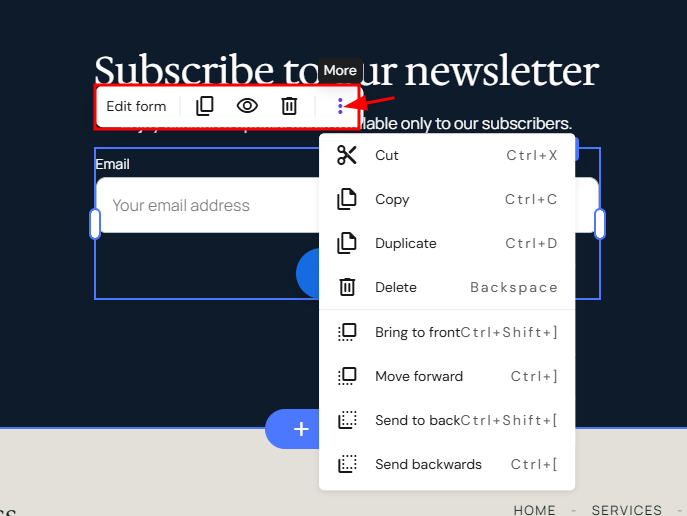
- Click on the subscription form element to see more options (edit, duplicate, delete, resize):

- Click Edit form to open its settings:
|
GENERAL |
|
|
FIELDS |
|
|
BUTTON |
|
|
STYLE |
|
|
ANIMATION |
|
Viewing form submissions
Once your website visitor submits a form, you’ll automatically get a notification to your email address that’s linked to your Hostinger account.
You can view all the forms that people have been submitting through your subscription form within the builder.
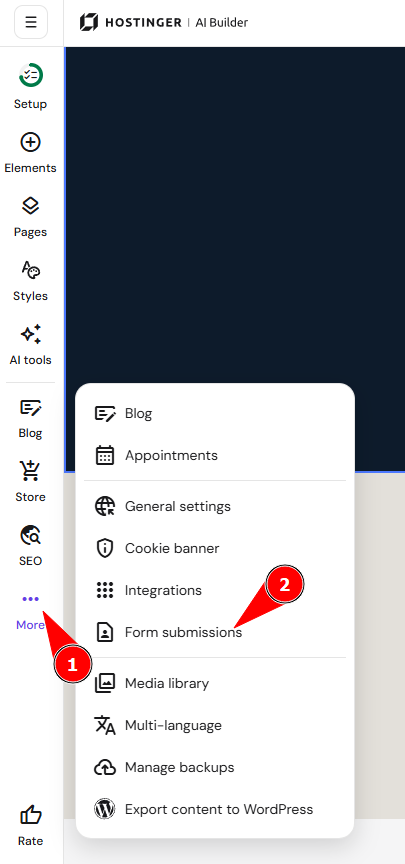
- Click the Ellipsis more on the left
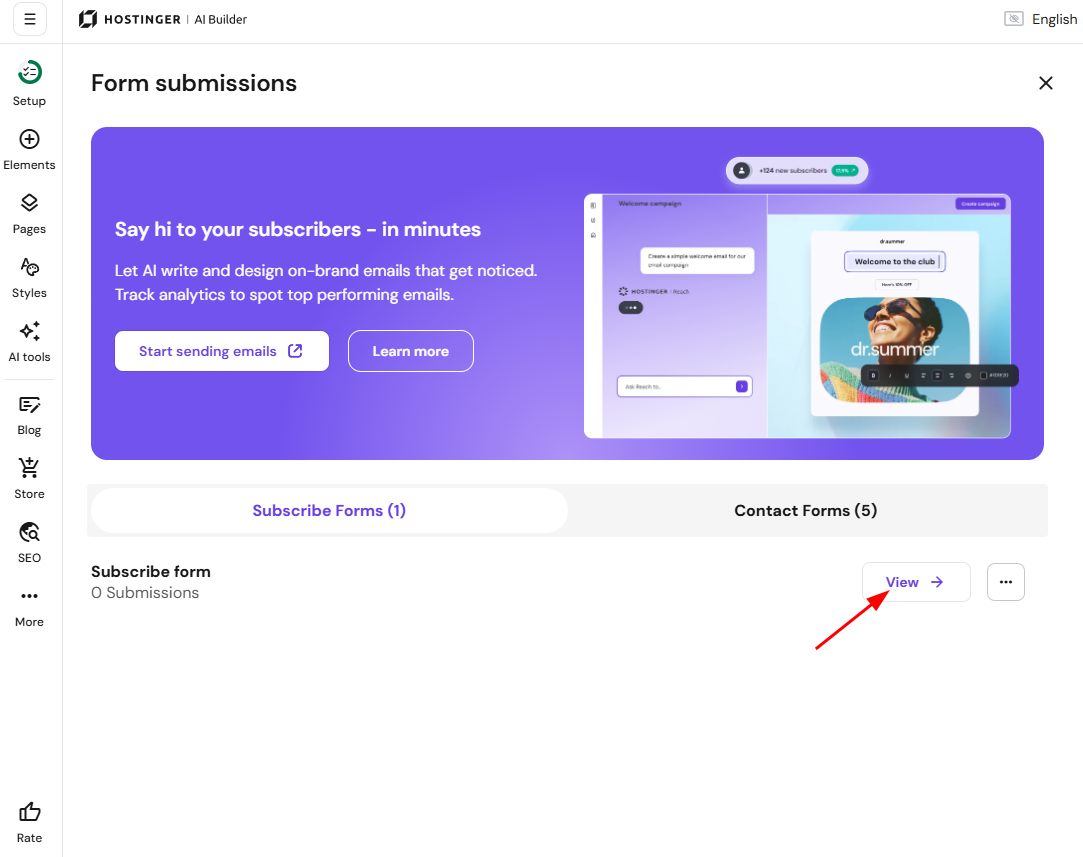
- Go to Form submissions:

- Click View:

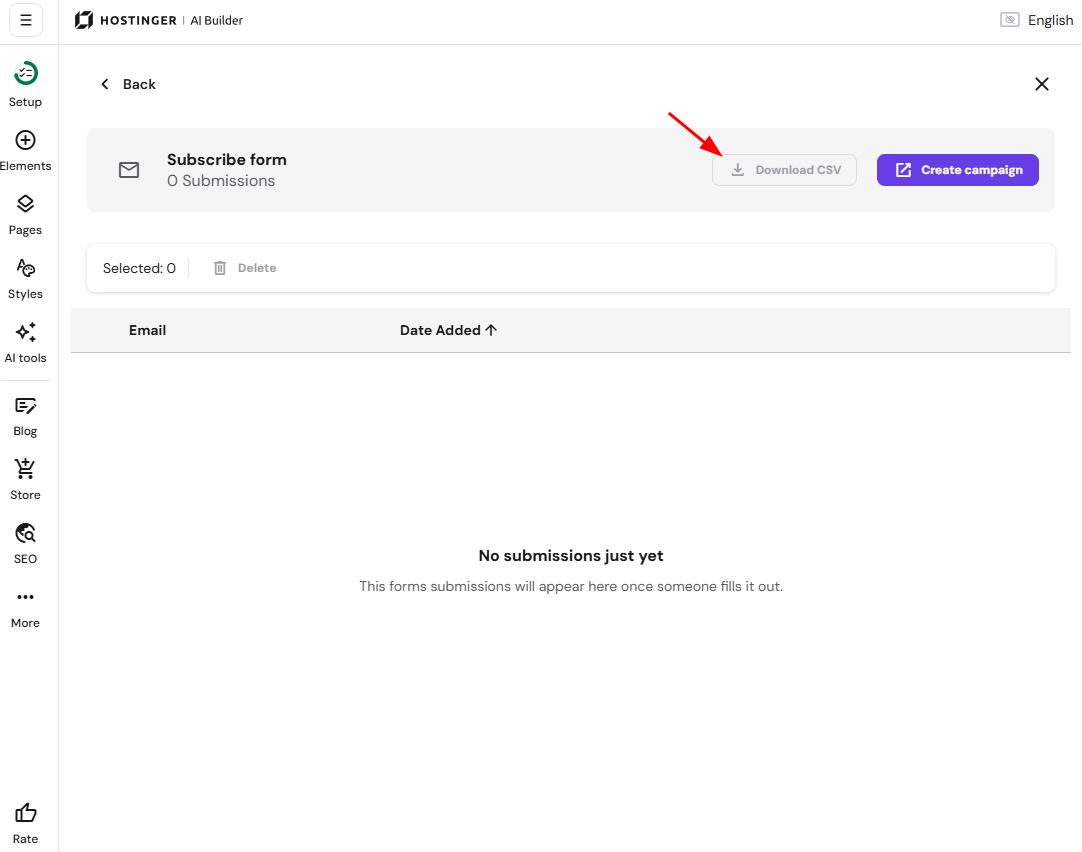
- You’ll see all submitted subscription forms. You can easily export selected forms to a .CSV file and delete the unnecessary ones:

Adding a third-party subscription form
With the help of a custom code, you can add any third-party subscription form to your website. There are two ways to add a custom code to your website:
-
To the <head>/<head> part of your website’s source code
-
To the <body></body> part of your website’s source code
Whether the code should be added to the <head></head> or the <body></body>, depends on the integration itself. Integration developers usually specify that in the instructions.
Here are some examples:
-
Mailchimp: Add a pop-up signup form to your website
-
Mailerlite: How to create a pop-up form
-
Omnisend: Types of signup forms