- Go to the Hostinger AI Builder platform.
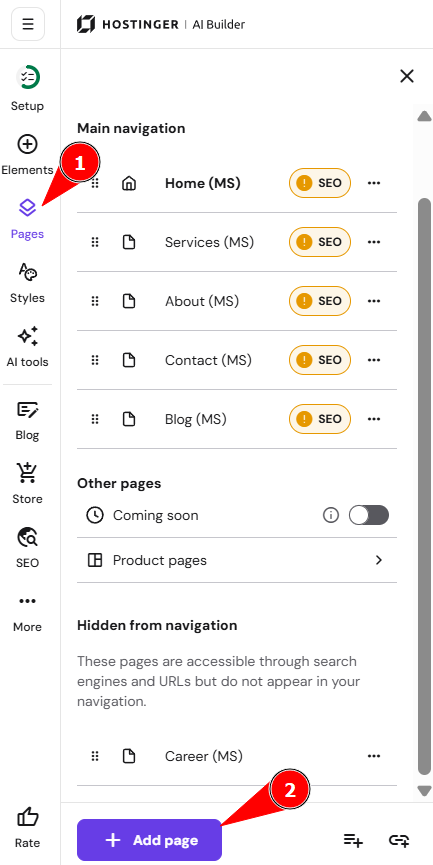
- Expand the Pages and navigation panel on the left and click on Add page.
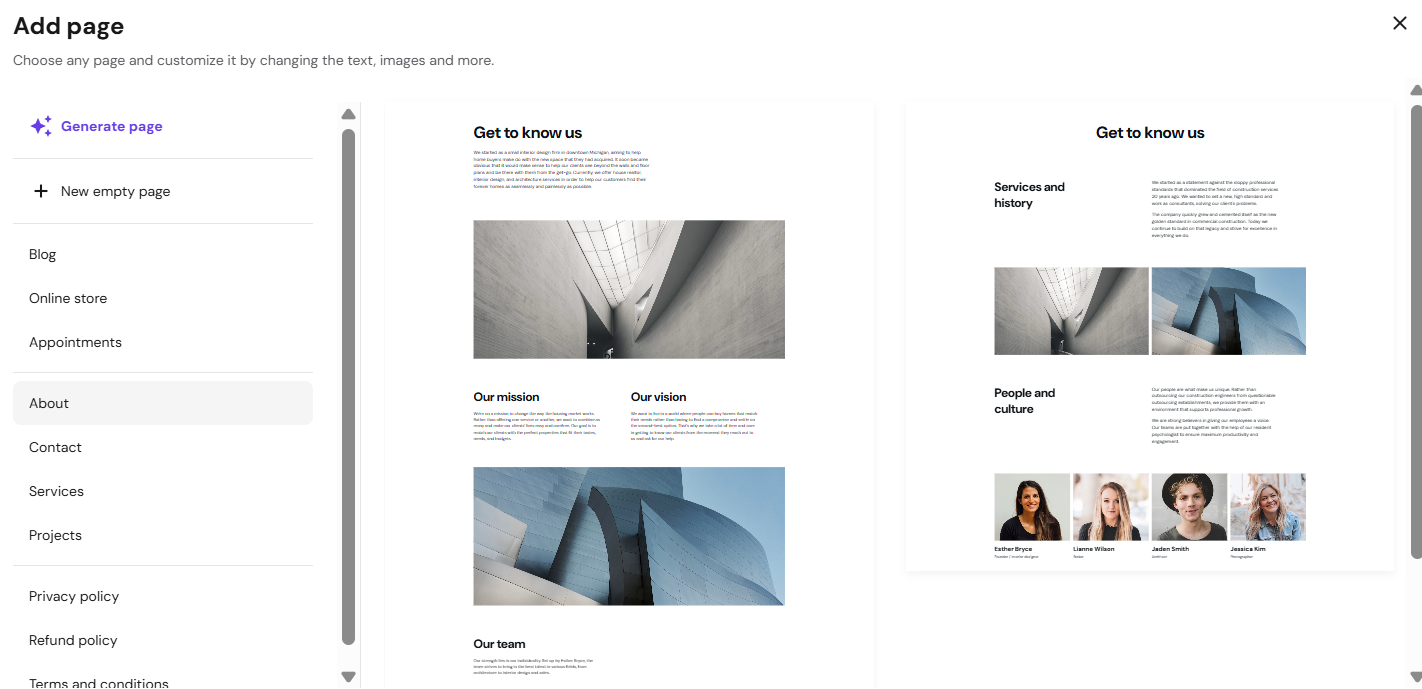
- Select the type of page (on the left) and click on a page thumbnail (on the right) to add it to your website.
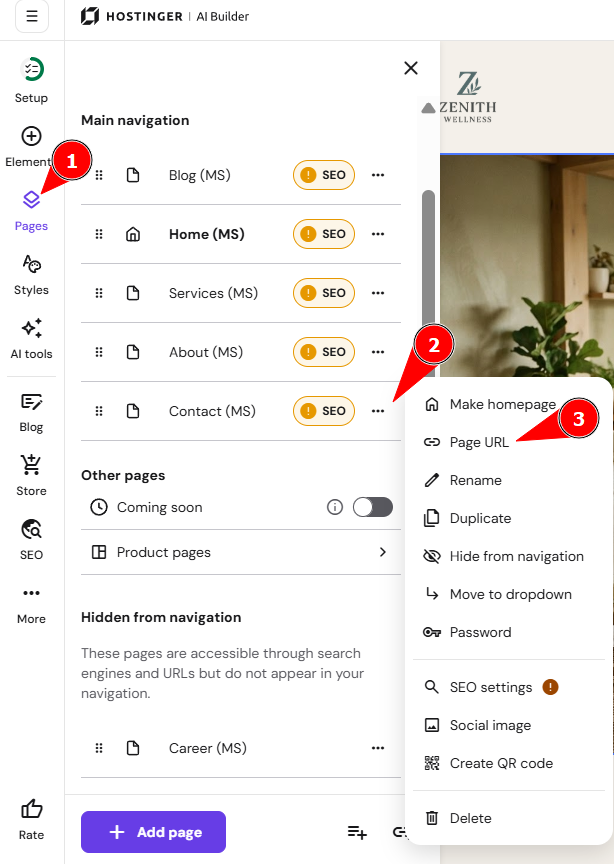
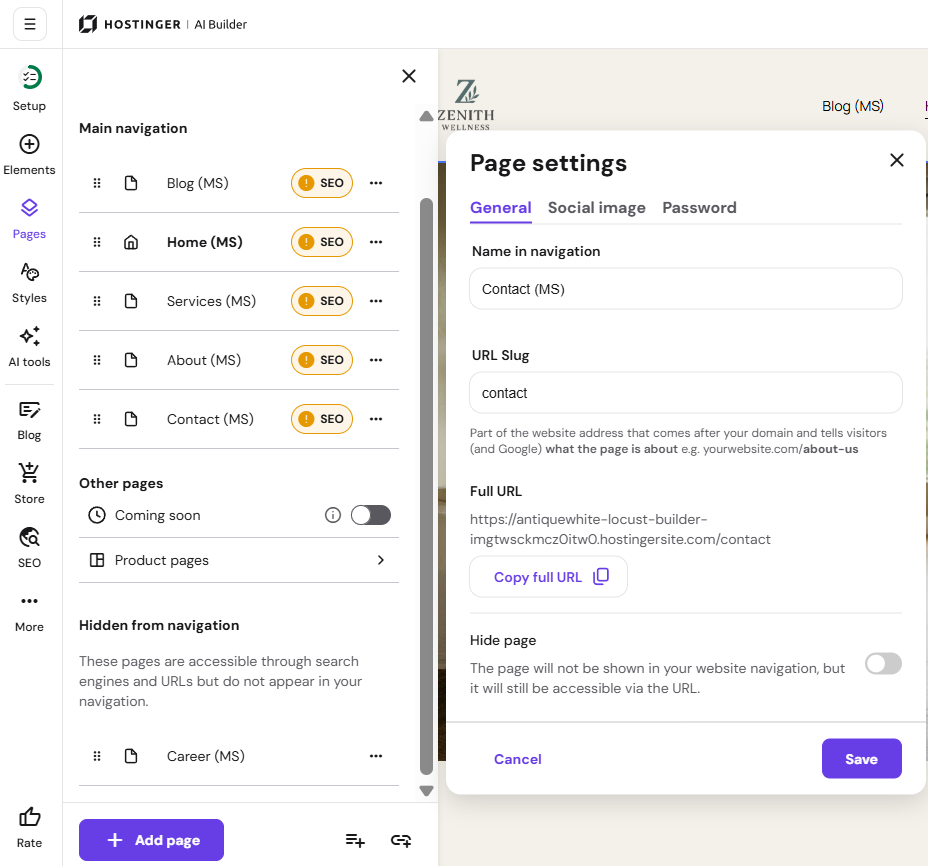
- Edit the page settings if necessary, for example, page URL and save the changes.
- When ready, update your website for the changes to reflect online.
Configure page settings
There are three main tabs in the page settings pop-up:
|
General |
Social image |
Password |
|
|
|
Alternatively, you can skip this customization and come back to it later.