Add a blog section to your website page to display blog posts in Hostinger AI Builder manual mode.
Add a blog section
- Within the editor, click on the Add section button that’s between any two sections:

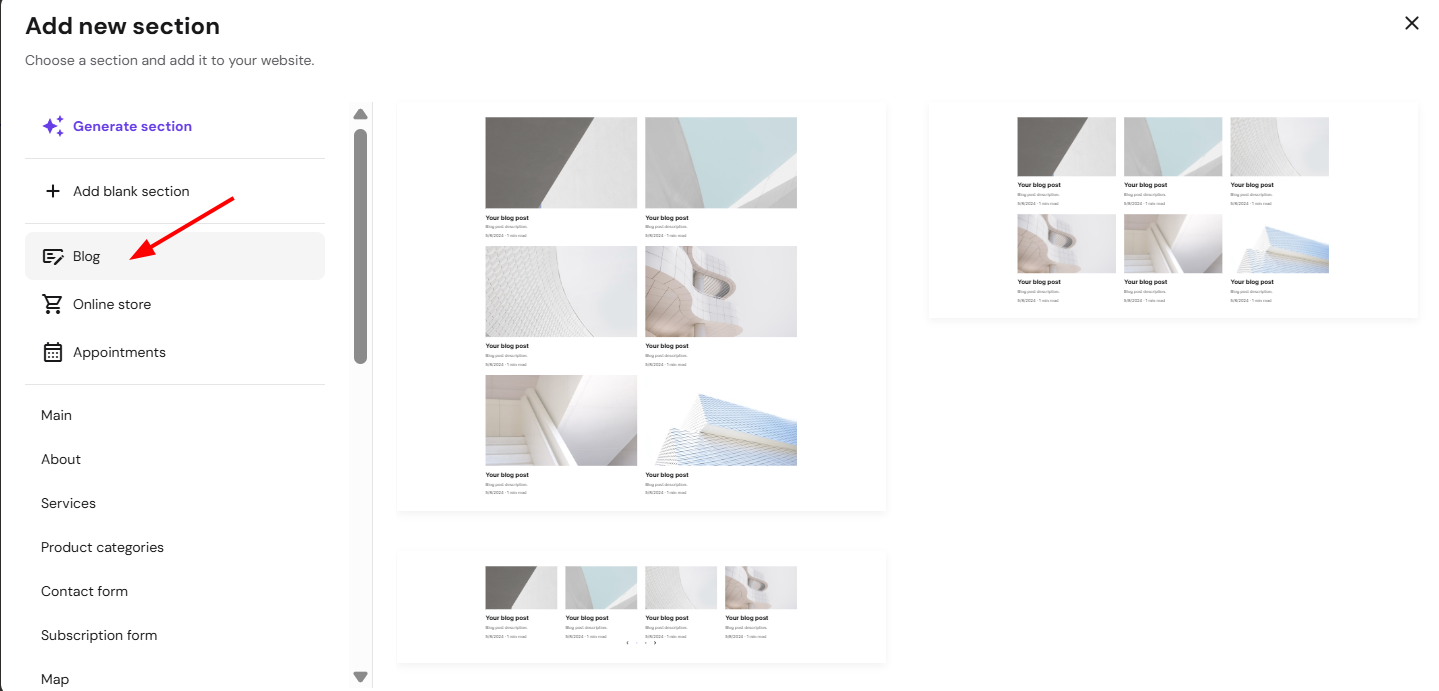
- From the menu of sections, select Blog, click on the section thumbnail, and a blog section will be inserted below:
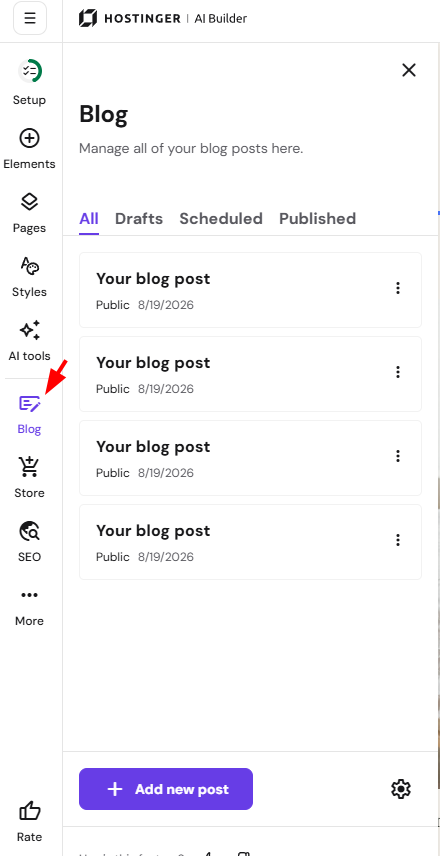
- You can manage blog posts and their categories via the blog management panel on the left:
- After making any edits, update your website for the changes to reflect online.
Your blog posts are now visible on your website.