Update your Minecraft server via Game Panel if you’re getting an error while connecting, such as Outdated server! I’m still on 1.16.2.
If you haven’t set up your server yet, see how to create and start a Minecraft server at Hostinger, or check the Hostinger quick start guide for Minecraft on Game Panel.
Update your server
You can easily update it by double-clicking the instance to Manage it:
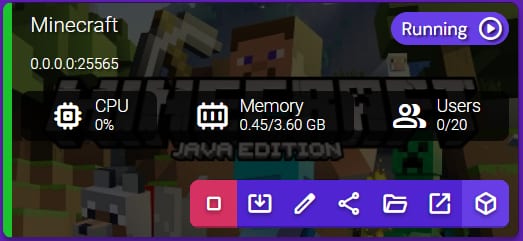
Stop the server and click on the Update button:
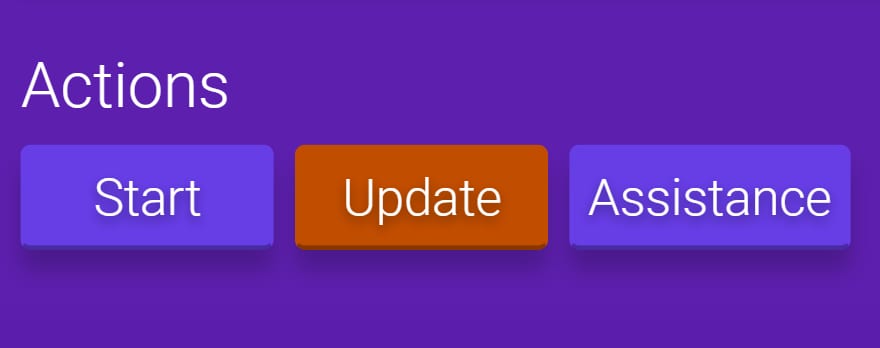
Once the update is done, you can safely start the server again.
That’s it! Now you know how to keep your Minecraft server up to date 🚀
Related Minecraft server settings