Editing your server.properties file allows you to change all the settings for your Minecraft server.
If you haven’t set up your server yet, see how to create and start a Minecraft server at Hostinger, or check the Hostinger quick start guide for Minecraft on Game Panel.
Edit server.properties
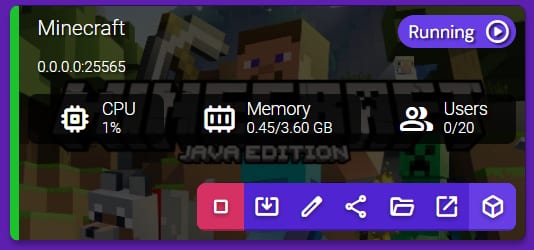
To edit it, click on the Manage button for your Minecraft server instance:
Select File Manager:
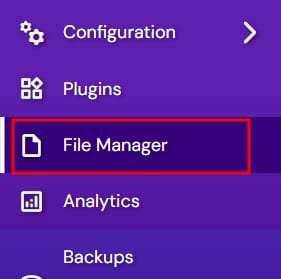
Double-click on the server.properties file to open the Text Editor window, where you will be able to edit all the needed parameters. Once you’re done, click Save:
Now, just right-click the server properties file and select Import Configuration:
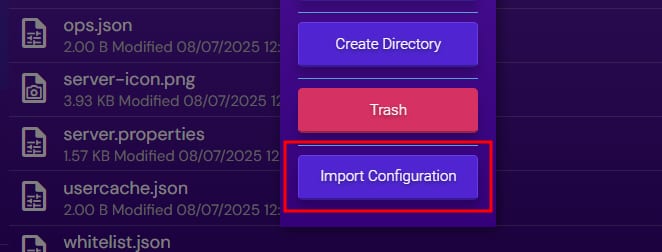
That’s it! Now you know how to edit the hidden settings on your Minecraft server 😊
NOTE:
-
If the settings are not imported, they are lost upon server restart