To fix the “Your connection is not private” error on VPS login, bypass the browser warning in Chrome, Firefox, or Safari. The error appears because some Hostinger VPS login URLs use the non-secure HTTP protocol, so browsers can block your VPS control panel login page.
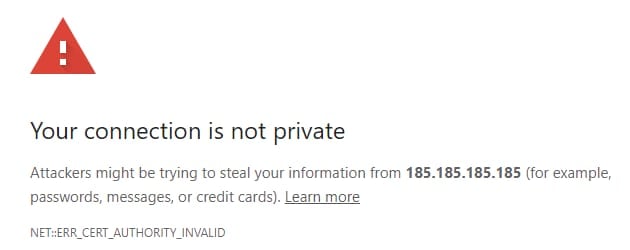
To fix it, follow the steps below corresponding to your browser:
Use these bypasses only for websites you trust, such as your own VPS. Never use it on third-party sites.
Chrome
Below the error message, click on Advanced and select Proceed to [your-vps-ip] (unsafe). In case the Proceed button does not appear:
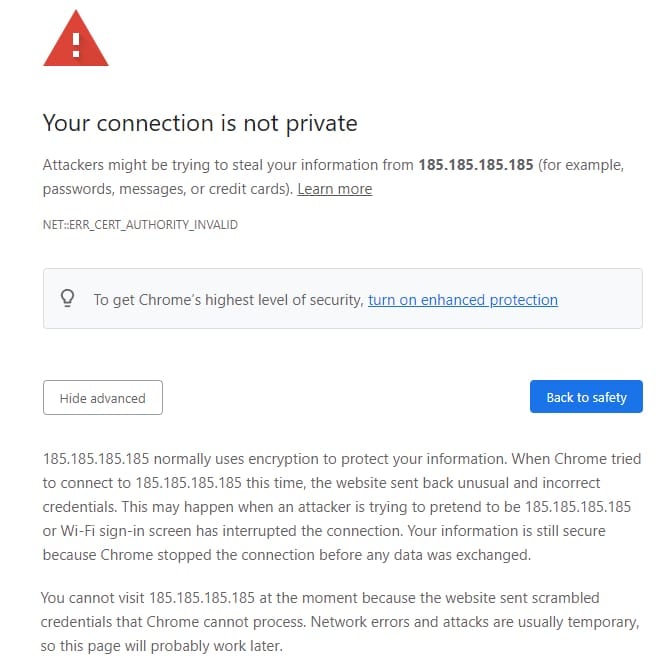
Click a blank space anywhere on the page and type in thisisunsafe on your keyboard. You should be redirected to the panel login page after that.
Firefox
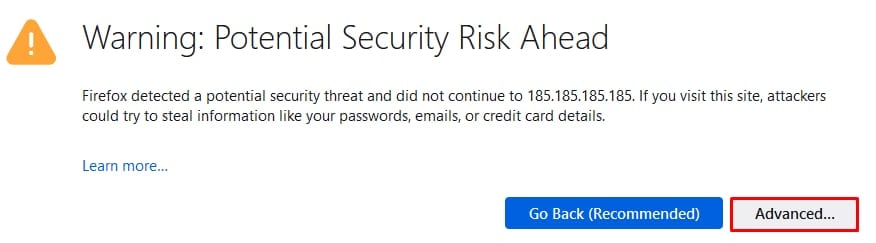
Below the warning, select Advanced:
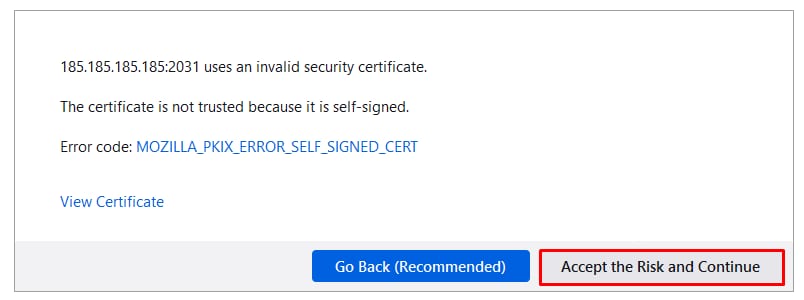
Click Accept the Risk and Continue:
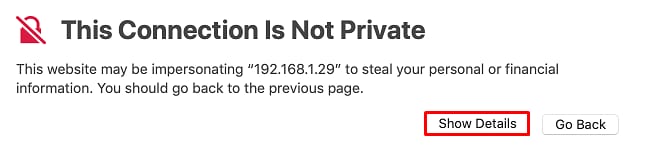
Safari
Below the error message, select Advanced:
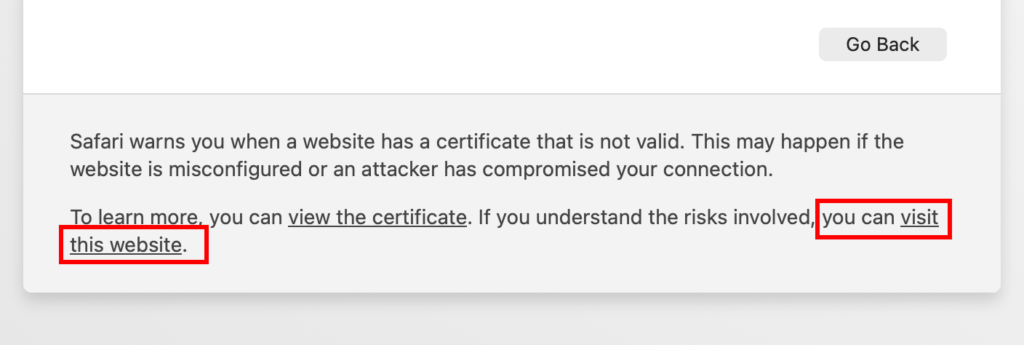
And then click visit this website:
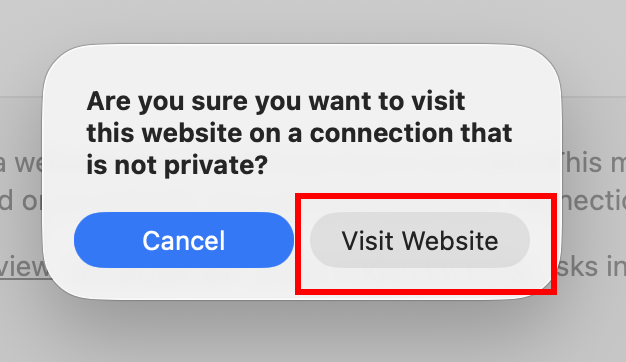
After you proceed, your browser opens the VPS control panel login page.