Each new Hostinger Email account created as part of the free accounts included in your hosting plan provides 1 GB of storage for each mailbox, which is more than enough for the average user. If you want more storage and security, you can upgrade your email accounts to Business Starter or Business Premium.
If you have multiple mailboxes linked to the same domain name (e.g., hello@domain.tld, support@domain.tld, contact@domain.tld) and want to upgrade your email service, the upgrade applies to all the mailboxes of a particular domain.
In other words, it is not possible to upgrade only a specific mailbox or mix free and paid mailboxes in the same domain
If you already have a paid email plan and are looking to upgrade only storage space for your selected mailboxes – take advantage of our Flexible Storage Addon feature
What are the advantages of upgrading?
-
Enterprise-grade spam and phishing protection for incoming and outgoing emails – the same used by Google
-
More inbound/outbound email capacity – you can find a comprehensive comparison here: Parameters and Limits of Hostinger Email
-
More storage: 5 GB with Business Starter, 20 GB with Business Standard, and 50 GB with Business Premium per each email account
How to upgrade
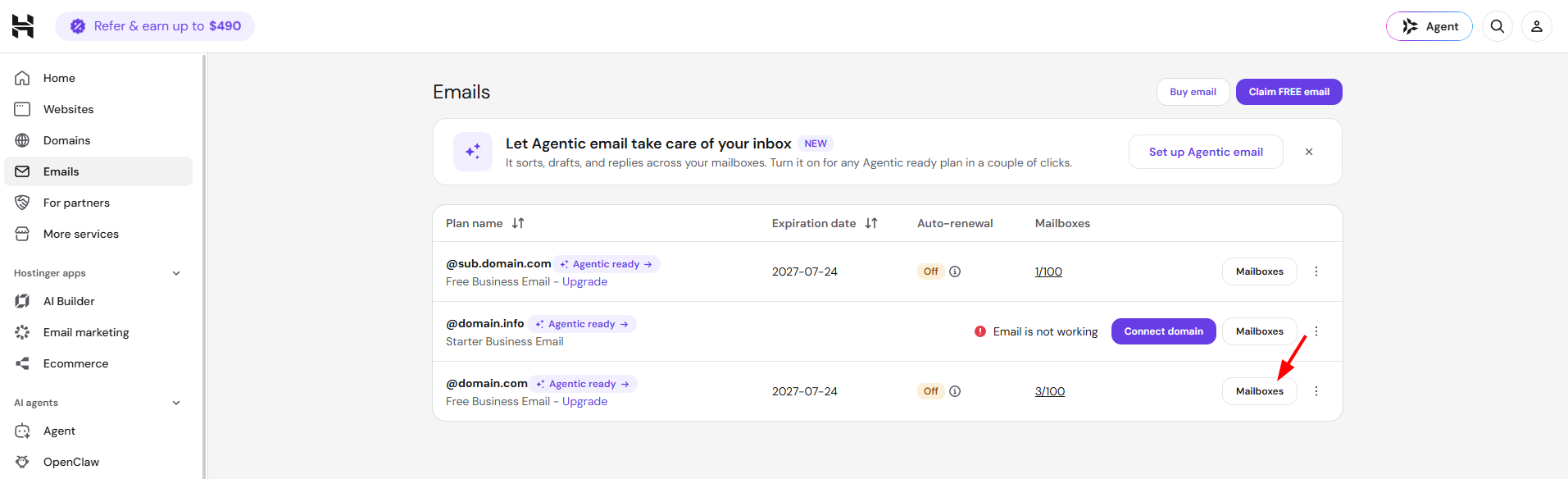
Open the Emails section and click Mailboxes next to the desired address:
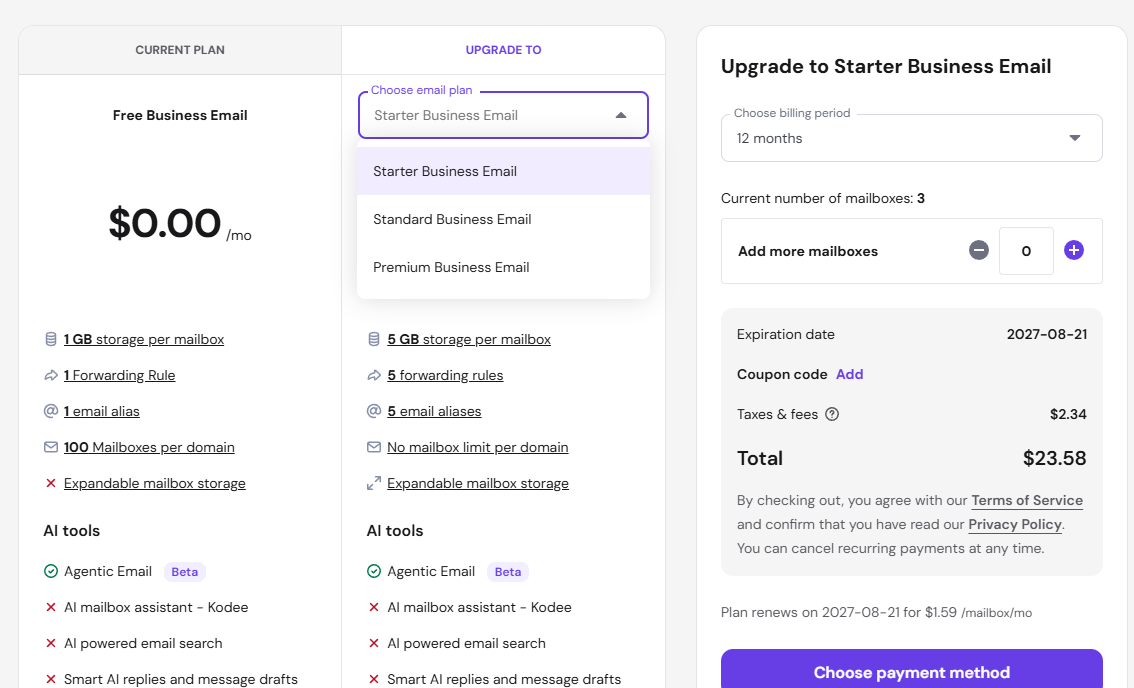
Once there, select Upgrade your email plan:

If you’re on a Business Starter Trial, you can choose which plan to upgrade to directly, using the Choose email plan dropdown: Business Starter Email, Business Standard Email, or Business Premium Email. You no longer need to first upgrade to Business Starter before upgrading to a higher tier.
NOTES
-
If you have a Business Premium email plan, you will see an option to purchase additional mailboxes instead
- If you upgrade a Business Starter Trial to Business Starter (the same tier), you won’t be able to purchase extra mailboxes as part of the upgrade. You can purchase additional mailboxes once the upgrade is complete. Upgrading to Business Standard or Business Premium doesn’t have this restriction.
How to purchase an email plan separately
If you don’t have a hosting plan yet or only need email hosting, you can purchase an email-only plan. All you need to do is open the Emails section and select Buy email:
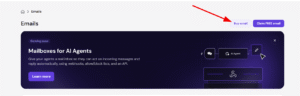
There, you will be able to choose the Business Email plan, the number of email accounts you wish to purchase, and the billing period.