To make an OP user in Minecraft at Hostinger, run op <nickname> from the Console in Game Panel, or run /op <nickname> in-game if you already have OP privileges. An operator (OP) is a player with access to commands that manage the server.
Method 1 – Game Panel
When your server is running, start managing the instance and open the Console menu:
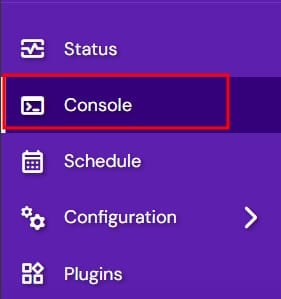
Then run the command op <nickname>.
Method 2 – In-game command
In case you already have OP privileges yourself, you can set any other player as an OP by joining your server and running this command:
/op <nickname>
The player you chose now has OP privileges on your Minecraft server and can run management commands.
NOTES
-
If you see an error “That player does not exist”, log into the server once and run the command again
-
To remove the user from OP’s list, run the command
/deop <nickname> -
Type
/helpto see the list of available commands