You can renew your Google Workspace email plan at any time.
Renew your plan
To do so, go to the Emails section, and click on Mailboxes next to the service in question:

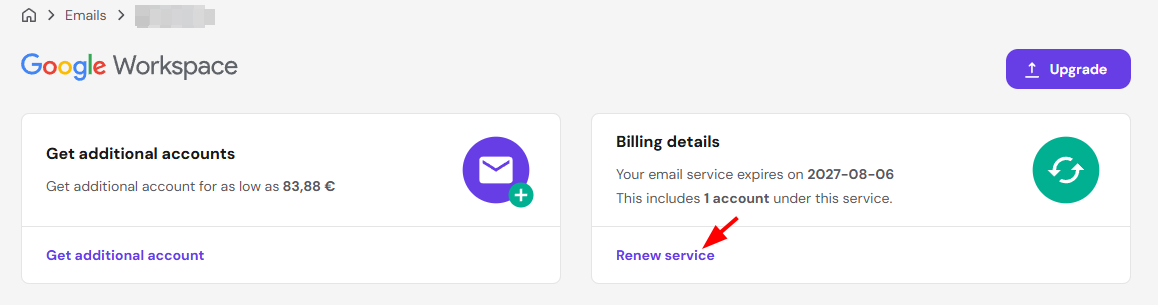
Then, click on Renew service:
Finally, proceed with the payment. And that’s it! 😊
NOTES
-
If your Google Workspace plan is expired, you may purchase a new one
- If you need to reduce the number of mailboxes, the available option is canceling the current plan. Google will then switch the account to a 14-day trial, after which you can re-subscribe directly with the number of seats you need. Keep in mind the cancellation can’t be reverted.
Related Google Workspace tasks