When you see errors like 500 it’s a good idea to enable PHP error messages to see the true error.
Enable PHP error display
In order to turn on PHP error reporting, open your cPanel and choose Select PHP Version:
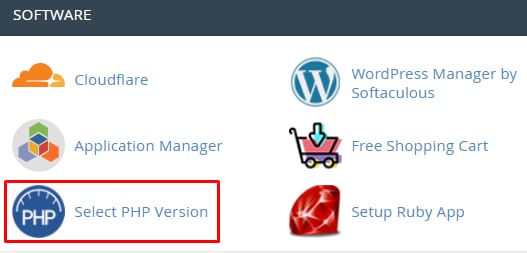
On the newly opened page, select Options tab, scroll down a bit and select the display_errors checkmark:

That’s it! Now you know how to enable error display on your website 😊
In case you wish to disable the errors, simply uncheck the selection.
Additional resources: