Changing the permissions of the database user might be useful if you want to have custom preferences for some databases, for example, to make a database with read-only permissions.
Before you start
- If you don’t have a database yet, see how to create a new MySQL database in Hostinger.
Change database user permissions
To change your database’s permissions, go to Websites → Dashboard, search for Databases Management on the sidebar and click on it:
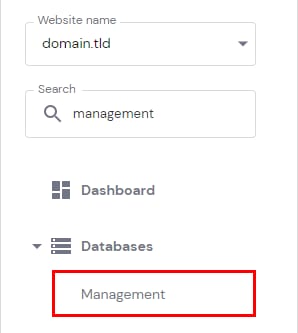
In the section List of Current MySQL Databases And Users, click on ⋮ button in front of the desired database and choose Change Permissions:

By default, MySQL user has all the permissions granted. You can revoke permissions by removing the checkmark next to the specific permission:

Once everything is ready, click on Update to apply the changes.
Additional resource: