Check your domain transfer status at Hostinger on the Transfers page of the Domains section in Hostinger dashboard, where each active transfer shows as Transferring or Error. A domain transfer to Hostinger typically requires 5 to 7 days to complete.
How to check domain transfer status?
To check the status of a domain transfer to Hostinger, go to the Domains page of Hostinger dashboard and select Transfers on the sidebar. Transfers typically take 5 to 7 days.
You will find all your active transfers in the Transfer list:
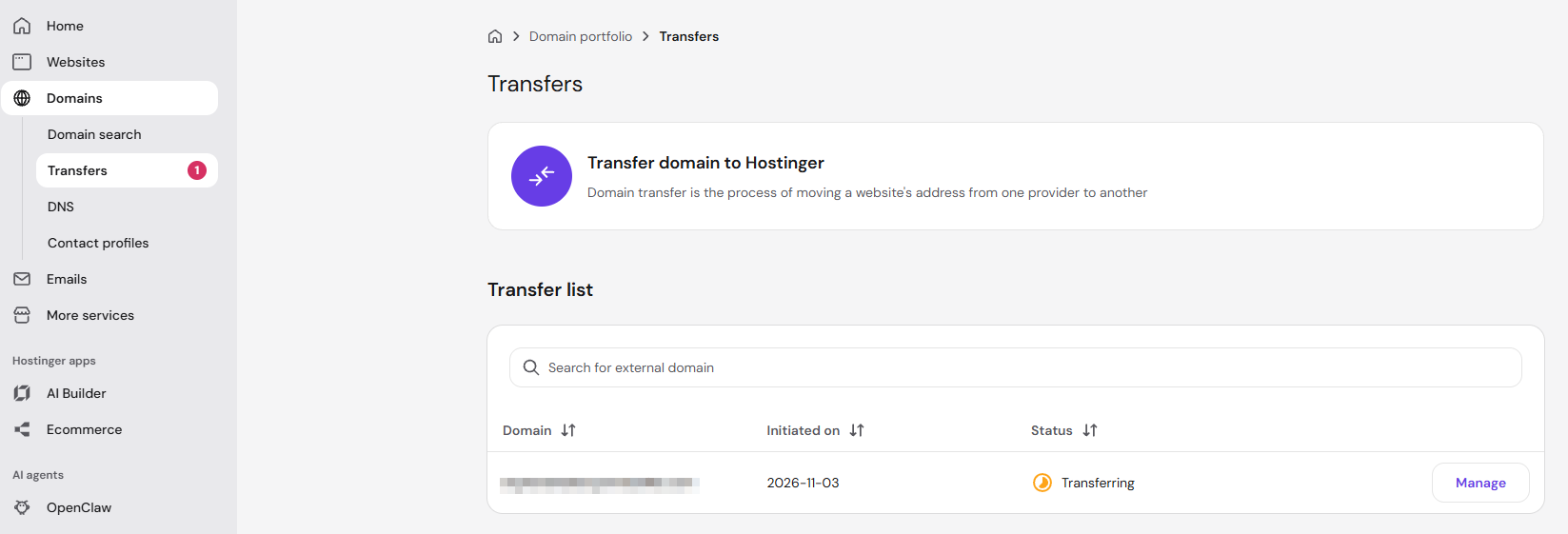
Their status will be either Transferring or Error.
What does Transferring status mean?
The domain transfer is ongoing. To learn more, click on your domain name, and you’ll find an additional note regarding the status of the transfer.
If the message indicates Action Required, refer to the following article: What Does the Domain Transfer Status Mean?
What does Error status mean?
This means that something went wrong during the transfer. If this happens, or if in case the status is still Transferring after 7 days, please provide us with your domain name and the transfer error message, if any. Our team will look further into it and solve it as soon as possible.
Once the transfer is completed, the domain status will be Active and it will no longer appear on the transfer list.