Reset your n8n user password at Hostinger if you’ve forgotten it and can’t access your instance.
Before you start
- The “Forgot Password” feature only works if SMTP is properly configured. If SMTP isn’t set up, you’ll need to reset the user data manually using the browser terminal, as described below.
- If you’re new to n8n on VPS, see how to use the n8n VPS template at Hostinger first.
Reset your n8n user data
-
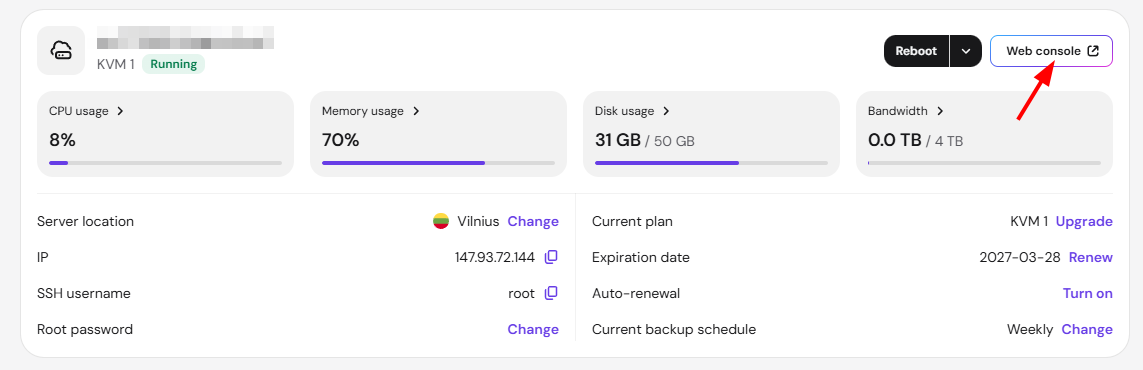
Access your VPS through a web console:
-
Navigate to the n8n directory:
cd /docker/n8n -
Run the following command to reset user data:
docker exec -u node root-n8n-1 n8n user-management:reset -
After the reset is complete, restart the container:
docker restart root-n8n-1
Once restarted, you’ll be prompted to create a new admin account when you access the n8n web interface.
NOTE
- This process will delete existing users and allow you to set up a new account from scratch. It won’t affect your workflows or execution data.