Start a free trial of Hostinger AI Builder to build and preview a website or web application before purchasing a plan. This article guides you through starting your trial, choosing how to build, and understanding trial limitations.
Start the Hostinger AI Builder free trial
- Navigate to the official Hostinger AI Builder page.
- Enter a description of your web application idea in the prompt field. For optimal results, use 2–5 sentences detailing the purpose, desired features, and target audience of the application.
- When the description is completed, click Start for free. If your initial prompt clearly describes something suited to agentic mode, Hostinger AI Builder may route you there directly during setup.

- Log in to your existing Hostinger account or create a new one.
- Select Manual for drag-and-drop editing, or Agentic to shape and customize your site through a conversation with AI. Agentic mode uses AI credits. Click Next to continue.
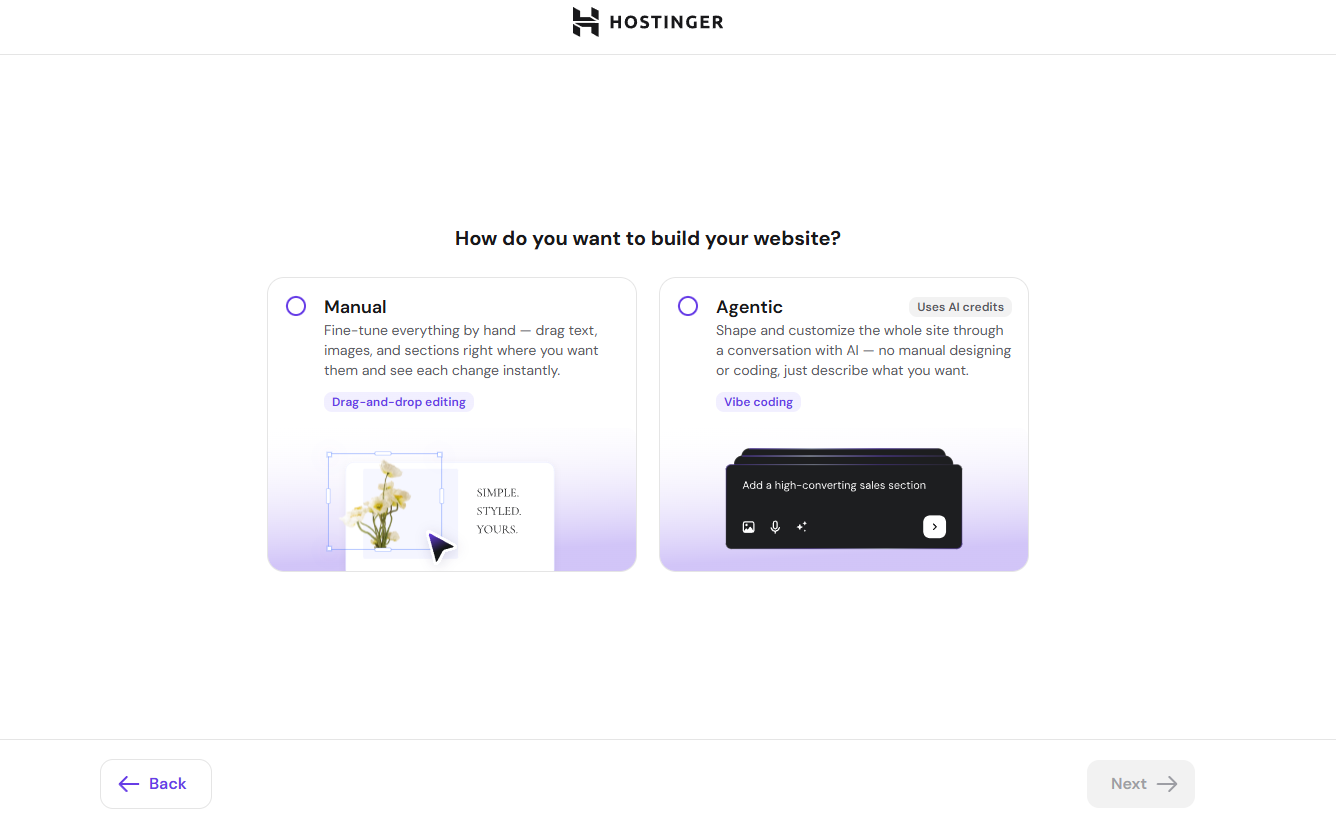
-
On the next presence screen, describe your website or business in the text box. If you’re not sure what to write, click one of the suggested prompts, such as Create a business website or Launch an appointments website, or scroll down to pick a template and choose a ready-made template to start from instead. You can also speak your initial prompt instead of typing it, using the microphone icon on the prompt screen.
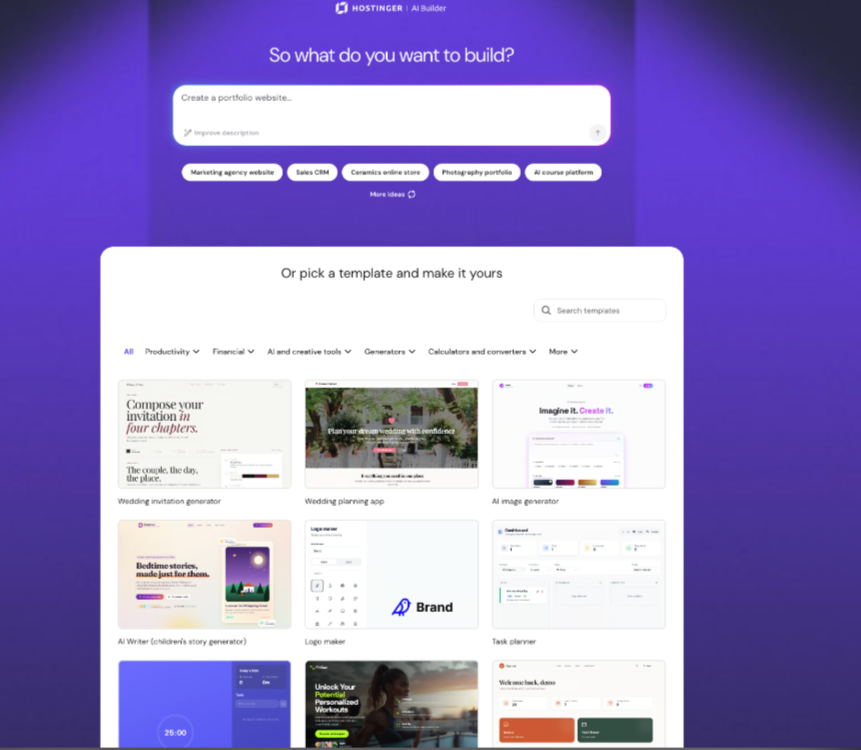
Your free trial begins once you confirm your selection, and the interface displays your initial AI-generated website or web application. The trial lasts 7 days.
NOTES
- During the trial period, websites cannot be published.
- Online stores created during the trial cannot connect payment methods.
- For agentic mode, you will get 5 complimentary credits to test out.
Refine your web application
- Submit follow-up prompts to the AI assistant using the chat interface if you selected agentic mode, or edit elements directly if you selected manual mode.
- Request one specific change or addition per message to maintain clarity and accuracy in agentic mode.
- Select the preview option to review your changes and test the application interface in real time.
The application remains saved as a draft in your Hostinger account. To publish your application, get more credits, export the project code, or create more websites, upgrade to a paid plan.