Connect your Hostinger AI Builder agentic mode web application to Google AdSense in agentic mode by verifying domain ownership through a code snippet. Google offers multiple verification methods, but adding the snippet directly to your web application is the most straightforward for Hostinger AI Builder agentic mode projects.
Verify domain ownership with a code snippet
To connect to AdSense, first you need to verify the domain ownership. There are multiple ways how to verify web app ownership when connecting to AdSense, as below:
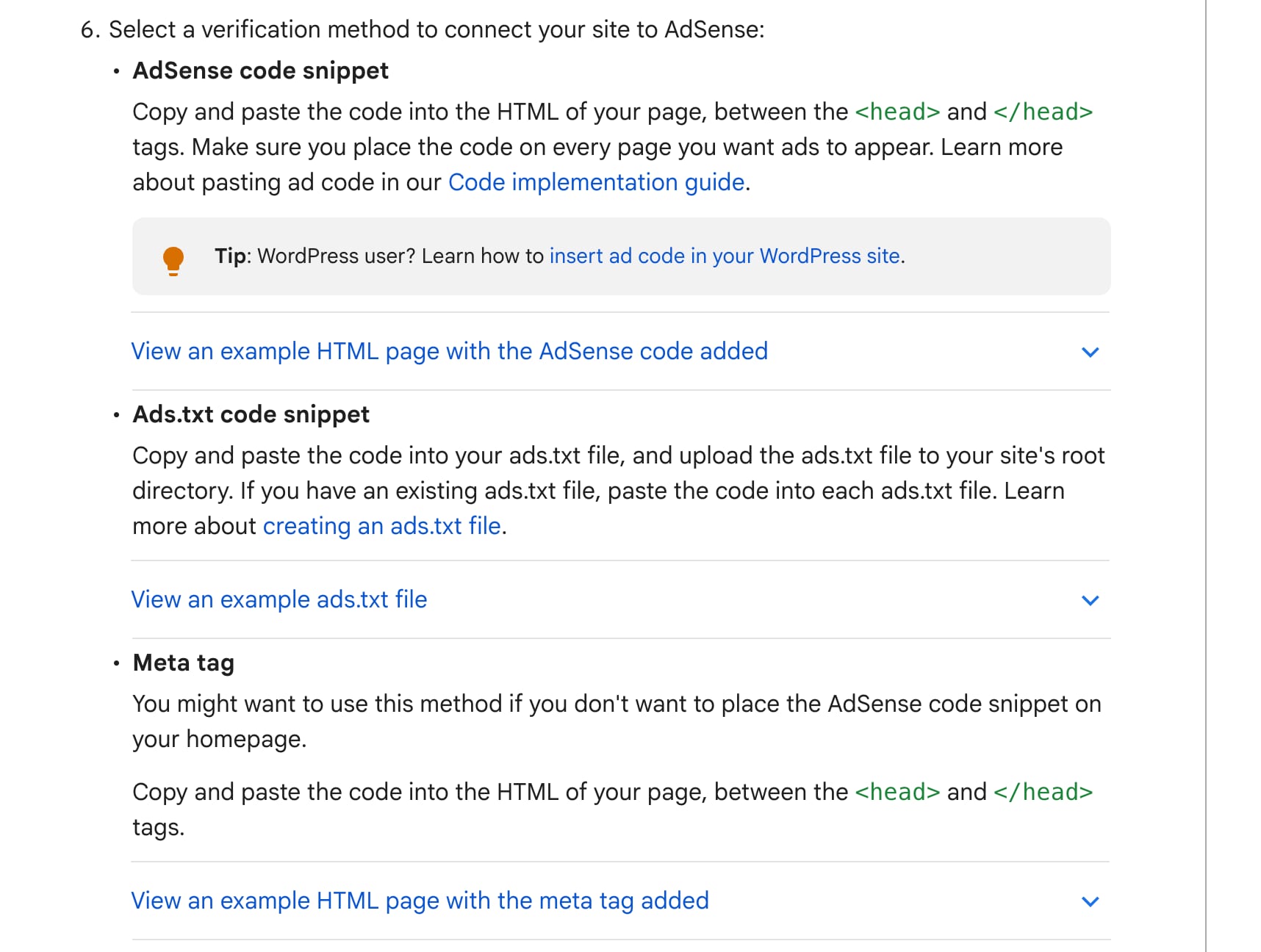
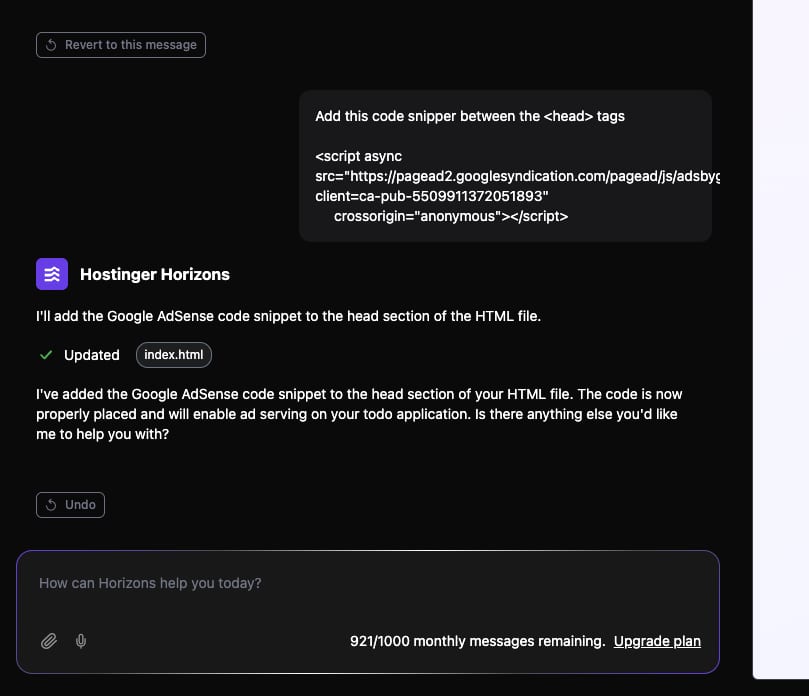
The easiest one would be to add the code snippet provided from AdSense directly to your WebApp. You can write the prompt such as:
-
Add this code snipped to all pages between the
<head>and</head>tags
Instead of all pages, you can write the pages where you would like to add it as well. Result example below:
And you should be good to go!
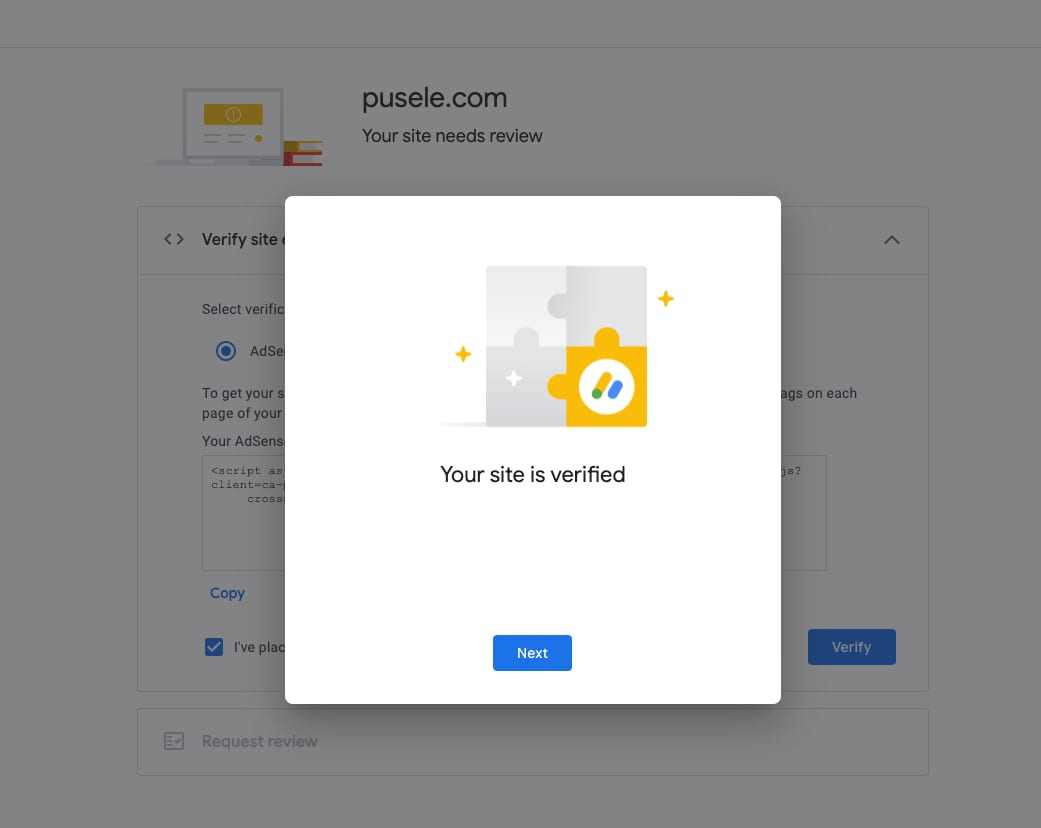
Your web application is now set up to verify ownership with Google AdSense, and you can proceed with the AdSense approval process.
NOTES
- Google AdSense may take time to detect the verification snippet and approve your domain.
- For other third-party services you can connect this way, see how to use integrations in agentic mode.