Hostinger Agency Hosting lets you check and update your website’s WordPress version directly from your website’s dashboard, keeping client sites current and secure.
NOTE
- WordPress releases new versions publicly first. Hostinger makes each new version available to select on Agency Hosting afterward.
Check your WordPress version status
If the version is outdated, you will see a button “Update“:

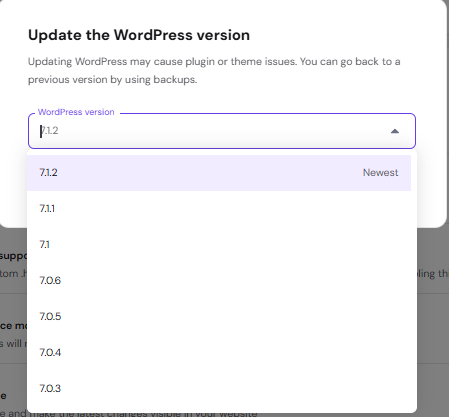
Once you click it, you will be able to select the newest version:
Keeping your WordPress version up to date helps ensure your website stays secure and compatible with the latest plugins and themes. For more on managing your plan, see how to get started with Hostinger Agency Hosting plans.