Deploying your Bolt.new application to a Hostinger VPS is straightforward. Follow this step-by-step guide to get your site up and running quickly.
Step 1 – Create and download your application in bolt.new.
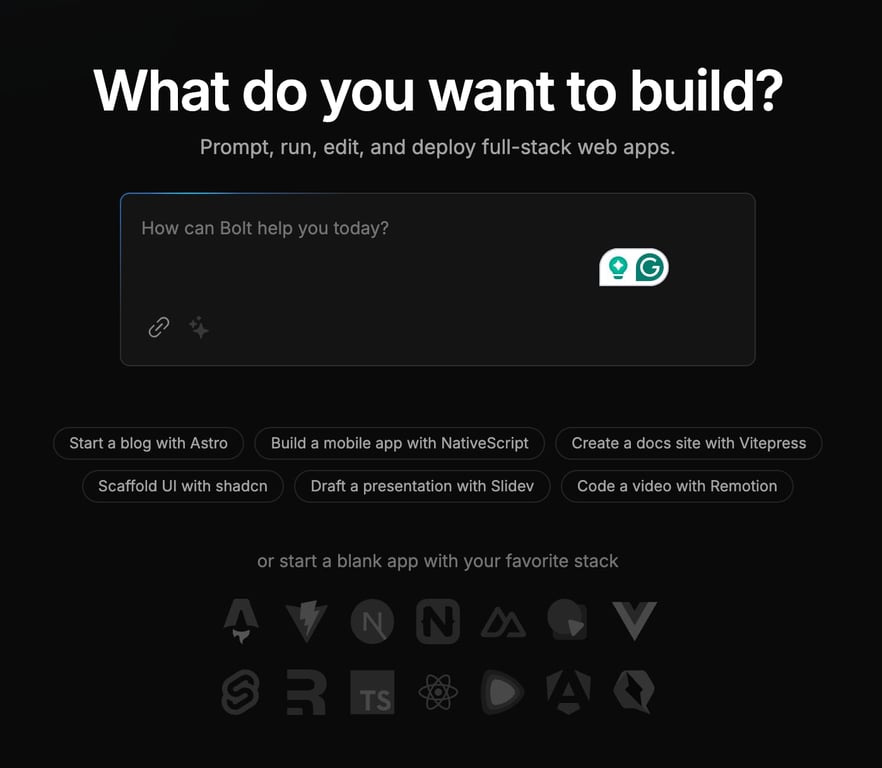
For this guide, we will use their suggestion for creating a Vitepress application, but the process should be similar to all projects.
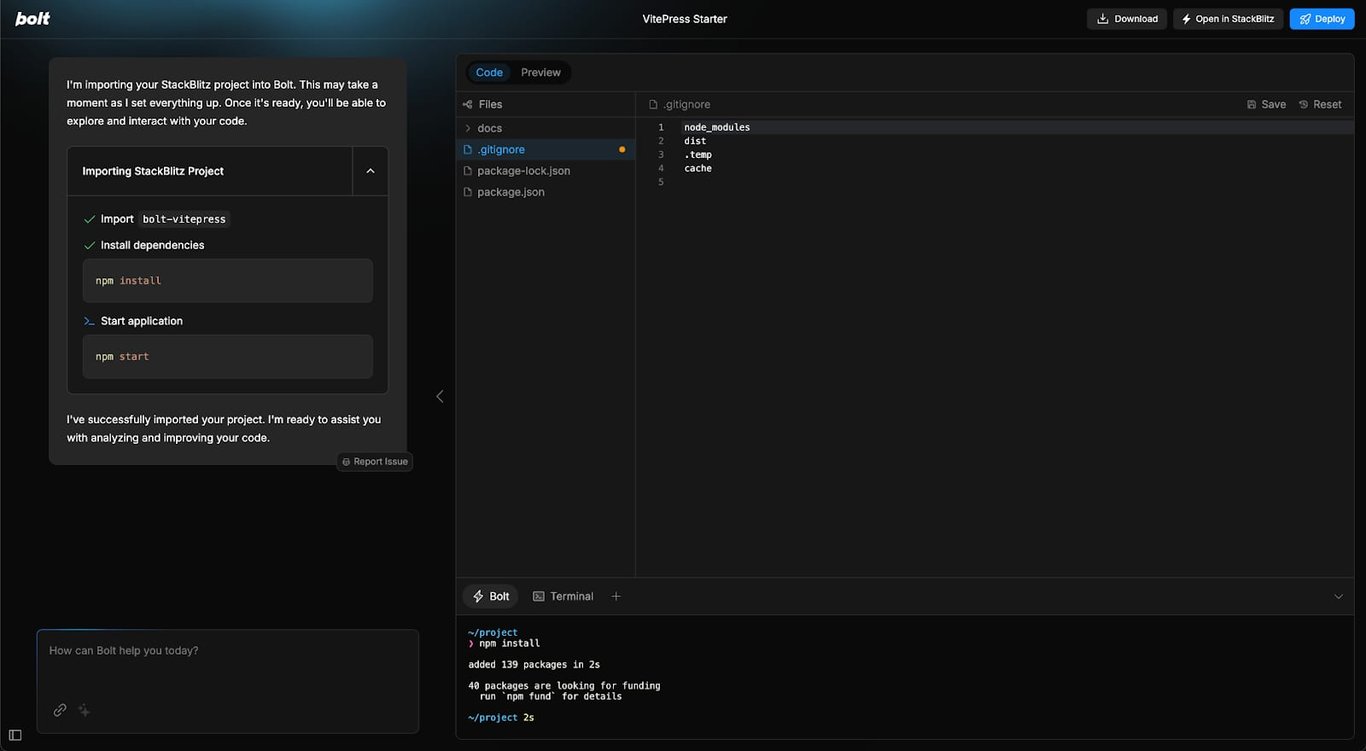
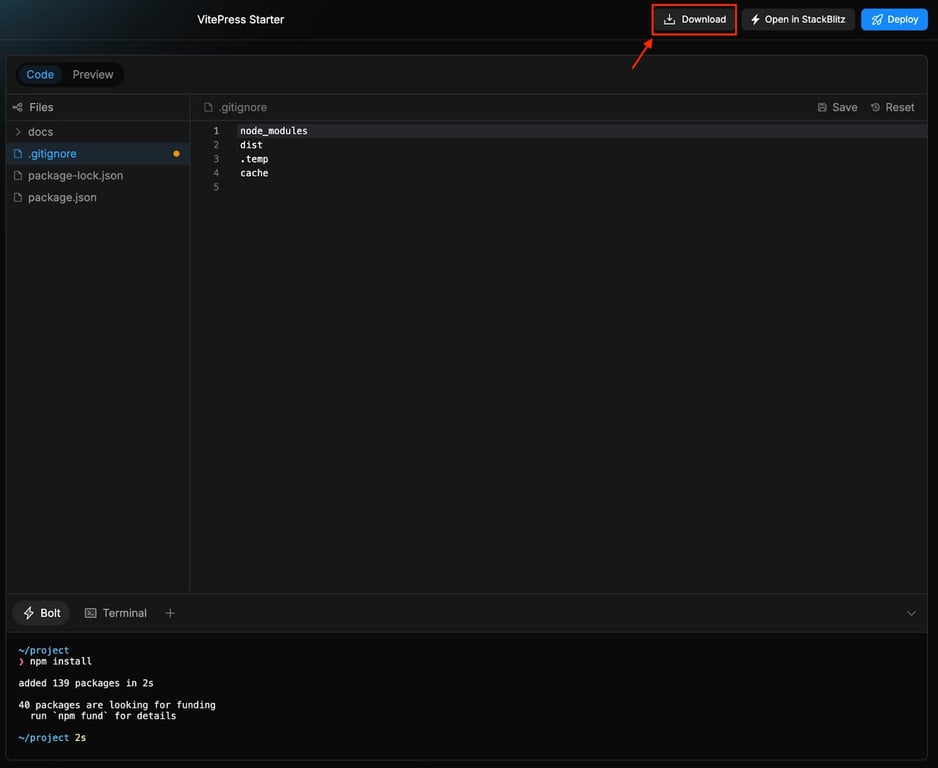
Once the code is generated, you can download the source code with a single click. Simply click the Download button located in the top-right corner, and a ZIP file will be downloaded for you.
Step 2 – Install Ubuntu 24.04 with CloudPanel in Hostinger
Step 3 – Access your CloudPanel account
Enter https://your_vps_ip:8443/
Replace your_vps_ip with the IP address of your VPS.
Enter the login credentials provided during the CloudPanel setup:
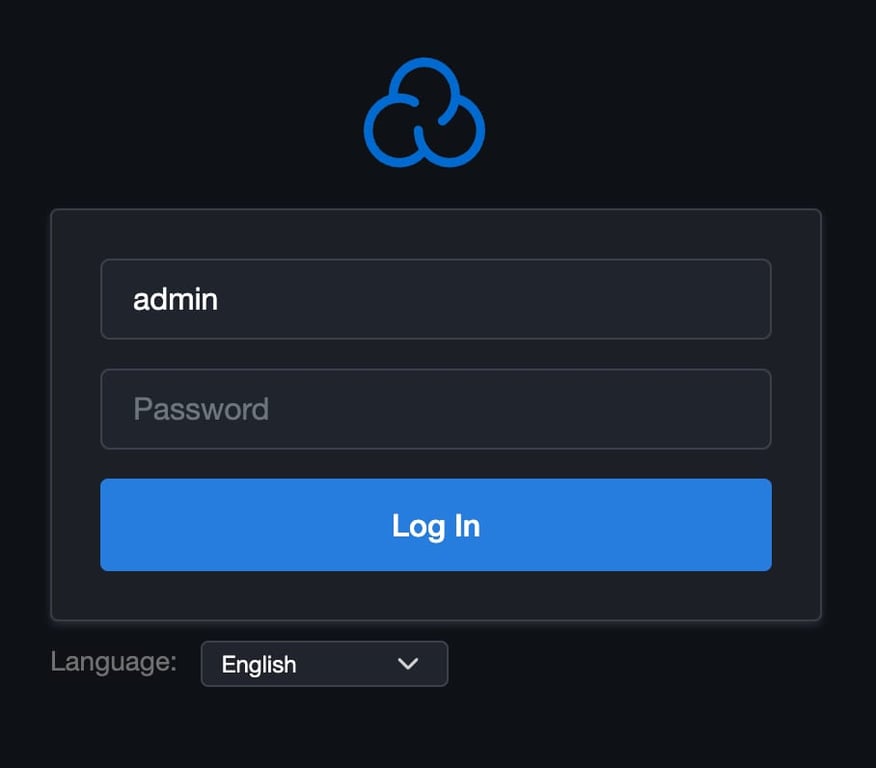
Once logged in, navigate to the “Sites” tab.
Click “Add Site” and select Node.js.

Enter your domain (e.g., domain.tld) and complete the setup.
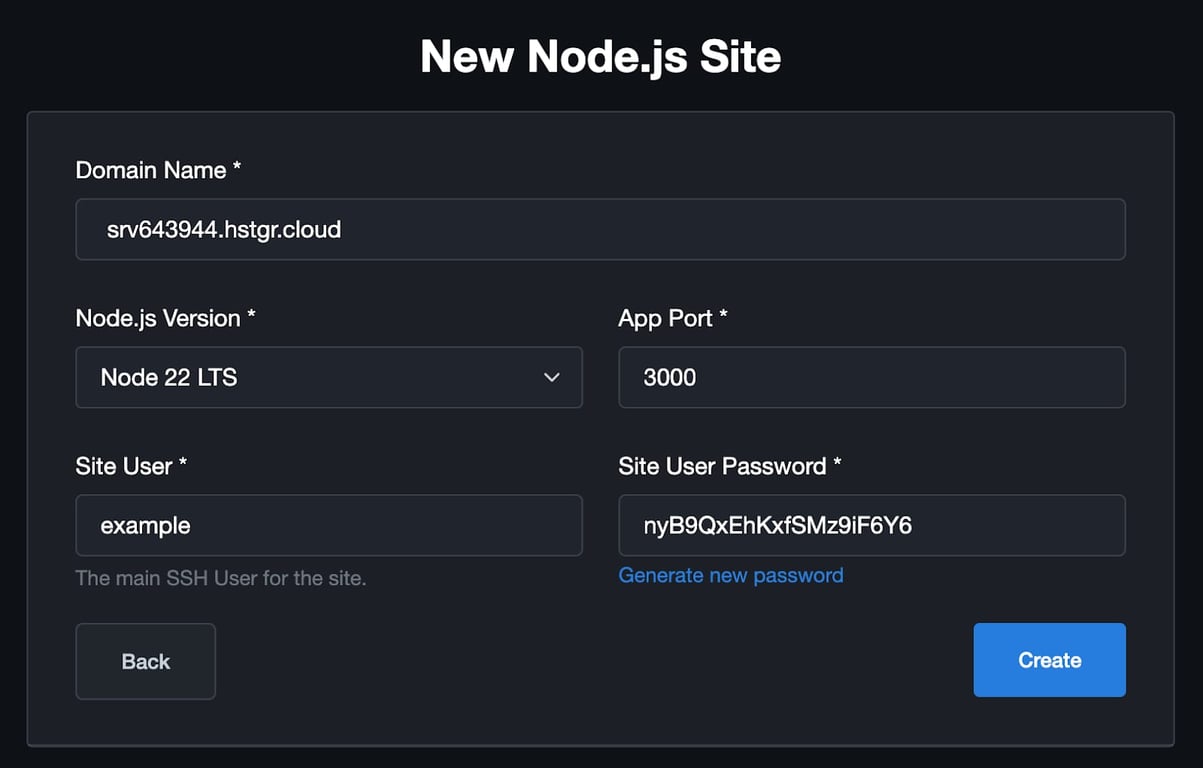
You can use your hostname as your domain name for this guide
Step 4 – Upload Your Source Code
-
Go to your newly created site by clicking on the “Manage” button.
-
Open the File Manager in CloudPanel.
-
Navigate to
/htdocs/your_domain_name/ -
Upload your downloaded source code .zip file here and extract it. Make sure all files are in
your_domain_namefolder.
Step 5 – Install Dependencies
-
Connect to your VPS via SSH:
ssh example@your_vps_ip -
Navigate to your project directory:
cd /home/your_username/htdocs/your_domain_name/ -
Install Node.js dependencies:
npm install
Step 6 – Build the Application
-
Run the build command to generate static files:
npm run build -
Install the serve package globally:
npm install -g serve -
Use PM2 to keep the server running:
npm install -g pm2pm2 start "serve ./docs/.vitepress/dist" --name "vitepress"pm2 savepm2 startup -
Check Your Application
Open your domain in a browser (e.g.,http://domain.tld) to confirm the application is running.
Step 7 – Enable SSL (Optional)
-
In CloudPanel, go to the SSL/TLS tab.
-
Click Actions → New Let’s Encrypt Certificate.
-
Verify that SSL is installed by visiting your domain via HTTPS (e.g.,
https://domain.tld).
That’s it! Your Bolt.new application is now live on your Hostinger VPS.