Enable Razorpay in your Hostinger AI Builder online store if your business is located in India, to accept payment methods such as credit and debit cards, net banking, UPI, and bank transfers.
The complete list of available payment methods can be found in the Razorpay account linked to your online store.
Enable Razorpay
To enable Razorpay in your e-store, navigate to the store management area → Settings → Payments and click on Connect next to Razorpay:
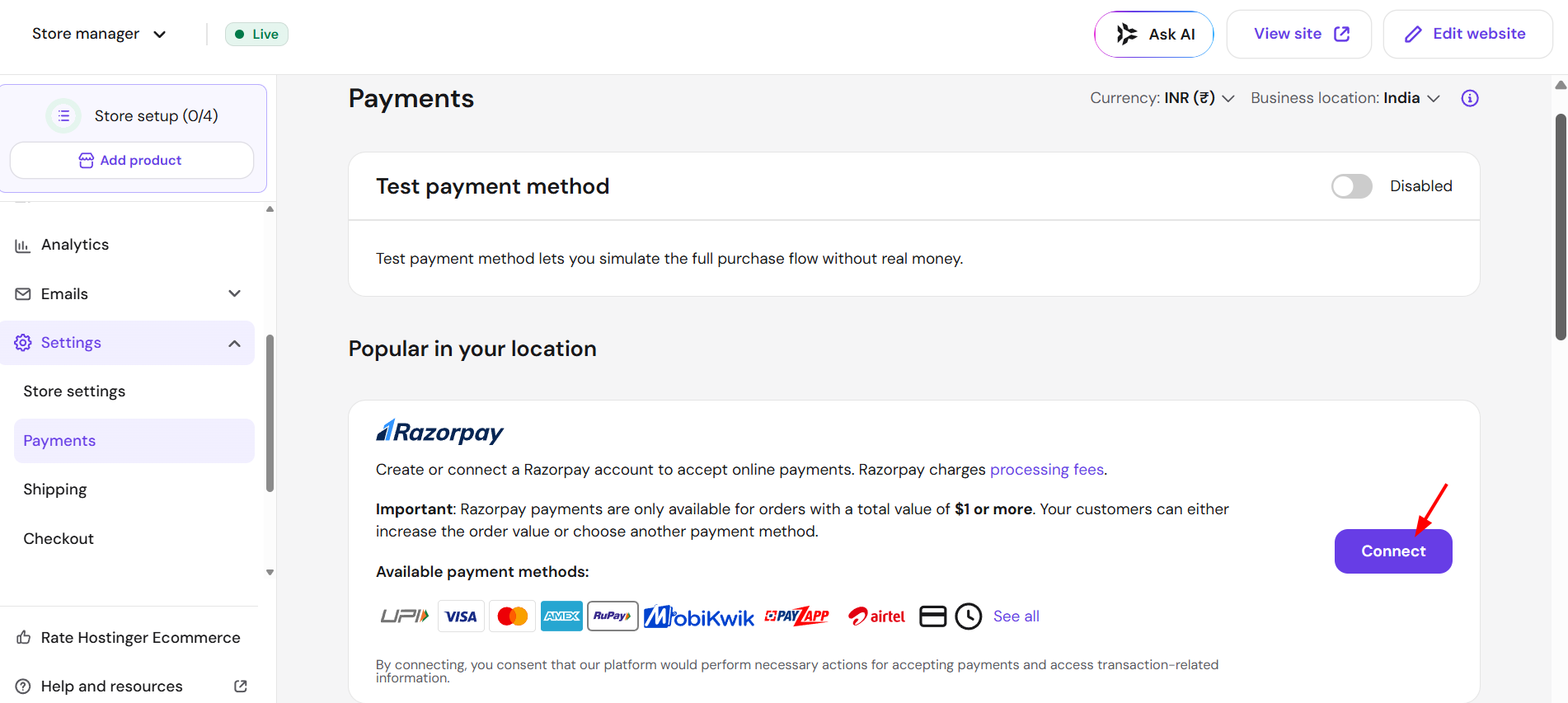
Then, follow the given instructions and connect your Razorpay account to start accepting payments.
And that is all you need to do! Your online store can now accept payments through Razorpay.