To reinstall the Monarx malware scanner on your Hostinger VPS, uninstall Monarx from the Malware Scanner section in Hostinger dashboard, then click the banner and follow the instructions to install it again. Reinstalling Monarx can quickly resolve issues with your VPS malware scanner.
See Hostinger VPS Malware Scanner for more on how Monarx works.
Reinstall Monarx
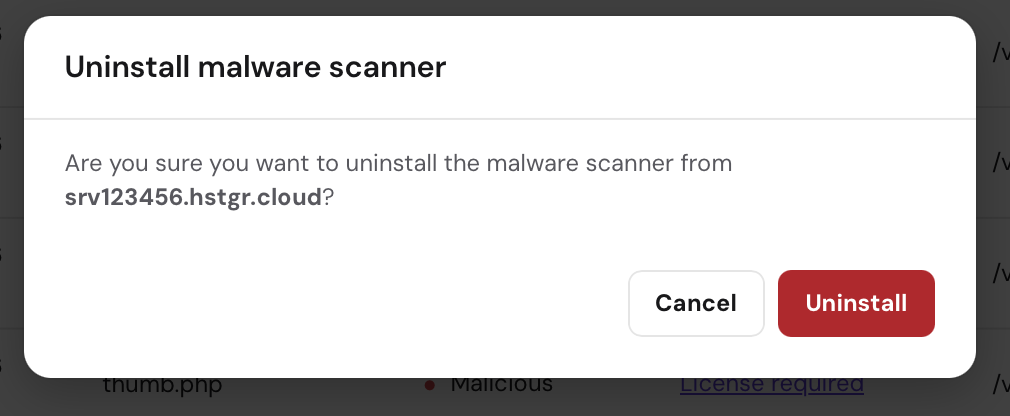
- Uninstall Monarx: Go to the Malware Scanner section in Hostinger dashboard, click on Uninstall, and follow the prompts to complete the removal.

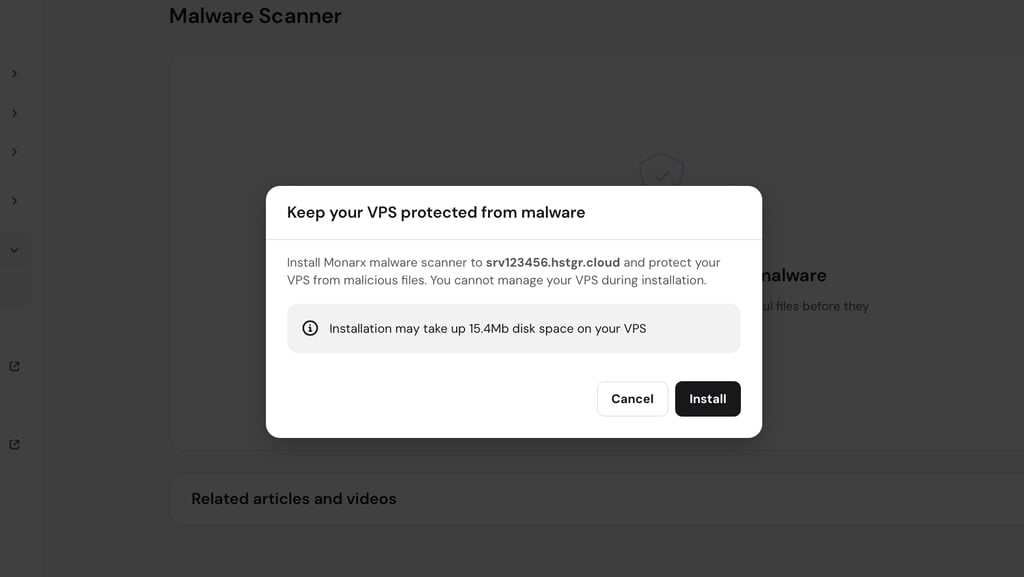
- Reinstall Monarx: After uninstallation, navigate back to the Malware Scanner section, click on the banner, and follow the instructions to reinstall Monarx.
If you have previously purchased a license, it will automatically be reattached after reinstallation. If you don’t have a license, the auto-removal feature will remain inactive, and you will need to remove malicious files manually. After these steps, the Monarx malware scanner should be working again.