All Hostinger Tutorials
Learn more about web hosting, VPS, domain names, SSL, and more with our newest releases.
13 Best Image Formats and When to Use Them
Each image format is optimized for a different use, which is why it’s essential to understand their differences and know when to use them.More...

What is reCAPTCHA? everything you need to know
reCAPTCHA is a free Google service that protects websites from spam and abuse by distinguishing human users from automated bots. Using machine...
There Has Been a Critical Error on This Website: 7 Quick Fixes
Encountering the “There has been a critical error on your website” message can be concerning for WordPress site owners. It may restrict...
What is domain privacy? Is domain privacy worth it?
Domain privacy is a registrar service that keeps your name, home address, phone number, and email address out of public domain registration records....

How to create a post in WordPress
Creating a post in WordPress is the primary way you add and manage content on the platform. Every article, announcement, or update you publish goes...

How to create a homepage that drives sales?
An effective homepage performs two functions – it represents your business and converts visitors into customers at the same time. Achieving this...
Best sites to sell online: 15 platforms for every type of seller
The best sites to sell online depend on what you’re selling, who you’re selling to, the fees you’re willing to pay, your shipping...

7 Tips for Writing Good Website Content
Your website’s content can determine your online business’s success. If the copy doesn’t resonate with the site’s visitors,...
How to choose a domain name
A domain name is your website’s unique URL and the address people use to find you online. When choosing a domain name, make sure it’s easy...
Moving from WordPress.com to WordPress.org: A comprehensive guide
As your site grows, moving from WordPress.com to WordPress.org will become inevitable, as the latter provides more control, customization options, and...
Do I Need a Location to Run a Business?
If you finally decided to quit your 9-to-5 job and start your own business, you must be prepared for what’s ahead. You should have a clear plan...

Is Instagram Enough For My Business
An Instagram for Business account is a must for every online brand. It’s a great way to gain visibility for your business and build a community...
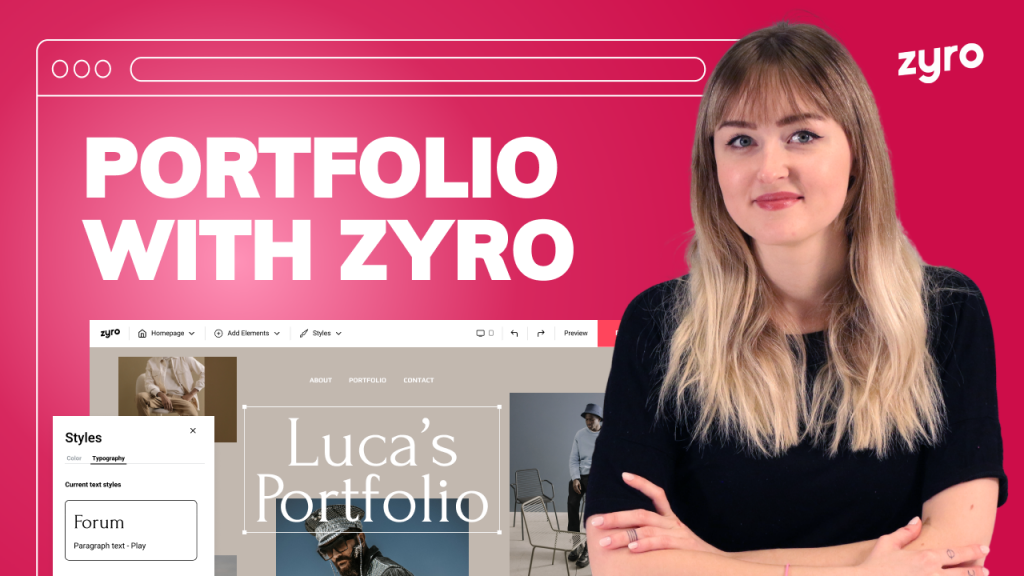
How to Make a Portfolio Website With Zyro – Simple & Easy
If you’re looking for a way to make a portfolio website in a few simple steps, then look no further. With the Zyro site builder, you’ll be...
How to Restore a WordPress Website – Video Guide
In this tutorial, you’ll learn how to restore your WordPress website in a few simple steps. This is a perfect solution for when you want...
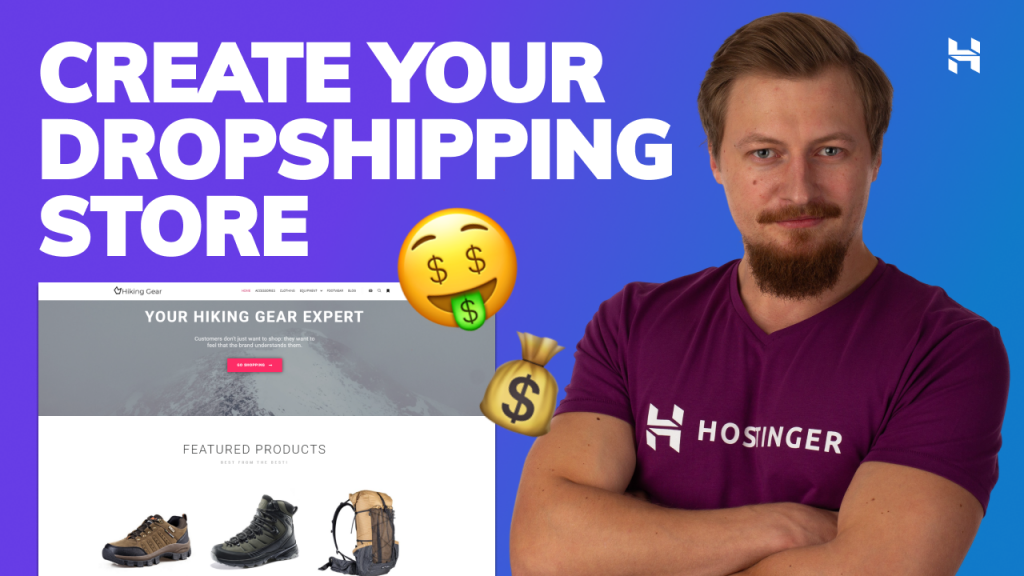
How to Create a Dropshipping Store | Dropshipping Tutorial on a Low budget
Creating a dropshipping store doesn’t have to be difficult or expensive. In this tutorial, you’ll learn how to do so without having to...

Hostinger Web Hosting Plans Explained | Shared Web Hosting, WordPress Hosting, VPS, Cloud Hosting
Choosing the correct hosting plan can be difficult, especially when you’re a beginner. This isn’t made any easier by the number of...

How to Sell Stuff Online: Beginner’s Guide to Selling Unused Items for Profit
Looking to turn your clutter into cash by selling it online? You’re in the right place.This guide will walk you through every step of selling...

How to install WordPress in 3 simple steps
The process of installing WordPress depends on the hosting provider. Some will need you to download and install WordPress manually. Others will...
How to make a website with WordPress in 3 easy steps
If you want to make a website with WordPress but you don’t know where to start, you have come to the right place. In this article you’ll...
How to migrate a WordPress website in 2 steps
Migrating your WordPress website can seem like a daunting task. It’s a risky and intimidating process, especially if you don’t know what...
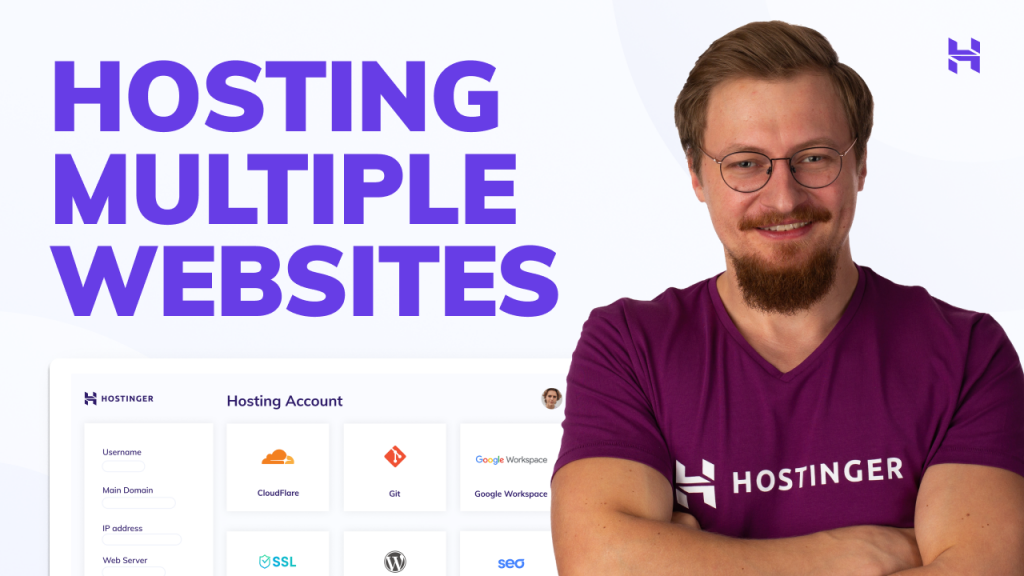
How to Host Multiple Websites With Your Hosting Plan | Hostinger | hPanel
Hosting multiple websites using the same hosting plan is completely possible. In this tutorial, you will learn how you can add multiple websites...

How to create a landing page
A landing page is a standalone web page built for one specific goal, such as collecting leads, promoting a product, or encouraging visitors to sign up...