Tuesday March 24, 2026
Gediminas G.
One-click AI agents: OpenClaw just got easy for everyone
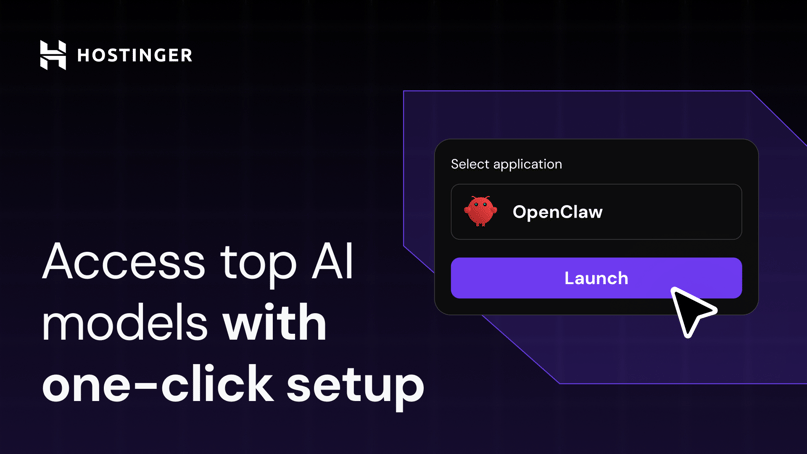
One small step for AI agents. One huge leap for anyone who just wants to use them.
OpenClaw on Hostinger now works in a single click. You can deploy an AI agent and start using it immediately, without external accounts or setup hurdles.
Security, AI credits, and the app itself are already installed. Everything runs in a stable, always-on environment, ensuring your workflows never stop.
Why OpenClaw is taking off
OpenClaw, formerly known as Clawdbot and Moltbot, is an always-on AI assistant that works inside the tools you already use. And it’s having a moment. It’s now the most popular AI app among our clients, with tens of thousands of new installations each week.
Popular OpenClaw use cases include:
- Running AI assistants in WhatsApp, Slack, or Telegram
- Automating everyday tasks
- Controlling browsers and web tools
- Running customer support bots
OpenClaw is powerful and flexible. But until now, it could feel too technical and difficult for beginners to set up.
That’s changed.
Everything is ready from the start
With one-click OpenClaw, you can launch your private AI agent in seconds. We handle the setup and ongoing maintenance.
- No-code launch. Click once and your AI assistant is live. Hosting and configuration are already in place.
- Always on. Your AI agent stays online 24/7, no manual intervention needed.
- Built-in privacy. Each agent runs in its own isolated container, so your data stays separate and protected.
- Secure by default. Prevent unauthorized access with a strong security key generated automatically.
- Integrated AI credits. Skip third-party accounts and API keys. Buy nexos.ai credits and start using models from OpenAI, Anthropic, and Google immediately inside OpenClaw.
- Fully managed. Upgrade to the latest stable version with one click. DDoS protection, malware scanning, and automatic backups are on us.
Built for results, not infrastructure lessons
One-click OpenClaw is built for people who want to use AI agents, not manage the technical stack.
Unlike personal hardware like a Mac mini that must stay powered, updated, and reachable around the clock, our managed setup gives you always-on resources, a public IP, and built-in maintenance from day one.
If you need help managing your environment, our AI agent Kodee is at your service. It connects directly to Hostinger dashboard and can perform over 350 administrative actions. Just describe what you want in your own words, in more than 50 languages, and Kodee handles the technical work. It can restore backups, check server health, scan for malware, monitor performance, and more.
Focus on what your OpenClaw agent does, not how it’s wired. Start building your personal AI assistant today.

Gediminas is a communications specialist passionate about technologies and their possibilities. His main responsibility is to help people understand Hostinger products and their features. He likes spending his free time bathing in the hot tub, grilling, playing poker, fishing, and other activities.