Monday May 11, 2026
Gediminas G.
Your VPS terminal now speaks human
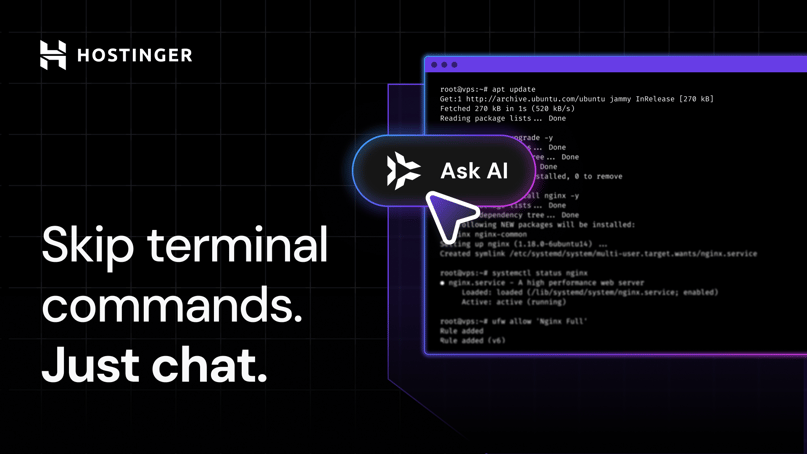
VPS hosting gives you freedom to build almost anything, from websites and apps to game servers and custom tools. The only challenge is that, until now, using that power often meant learning the language of the terminal.
With Kodee built directly into the VPS terminal, you no longer need to memorize commands like sudo apt update, systemctl restart nginx, or chmod 755. Simply describe in your own words what you want to achieve, and Kodee will plan the steps, run commands, read logs, troubleshoot issues, and apply fixes.
Terminal and Hostinger dashboard Kodee: What’s the difference?
Kodee has been available for VPS customers since its launch in 2024. We’ve kept improving it by giving it access to server infrastructure, so it could help you understand server limits, manage domains, configure firewall settings, create snapshots, reboot servers, and diagnose issues.
But one thing was missing. Without terminal access, Kodee was more of a helper than a doer.
Now, it works directly inside the server. It can read logs and configs, troubleshoot issues, run commands, apply fixes, deploy applications, and improve security. Ask it to set up a game server, create a WordPress site with SSL, run a security audit, or apply server hardening best practices, and it will do the work for you.
Unlike external AI tools such as Claude Code or OpenClaw, Kodee does not need a separate subscription, manual installation, or complex permission setup. It is already there when you open your VPS terminal, available 24/7 and included for free.
Expert quote
Kodee does not remove the power of the terminal. It removes the fear of it. People who love bash can still use it. Everyone else can now manage their server by explaining what they want in their own words.

A real-world test, right away
Kodee’s terminal version is now available to all customers, but we quietly launched it to a limited group a few weeks ago to see how it handled real requests. Soon after, a Linux kernel vulnerability was disclosed, affecting servers across major distributions.
We emailed VPS customers mitigation instructions that required terminal steps. Those who already had Kodee in VPS terminal simply pasted the instructions, and Kodee applied the fix for them. A task that would normally require terminal skills became as simple as a chat, helping protect thousands of servers.
And it’s not only this one case. Customers are already using Kodee regularly:
- VPS customers have more than 5K conversations with Kodee a day, with around 1K happening in the terminal
- One in four customers return for multiple terminal sessions, while power users chat with Kodee more than 20 times a week
- 69% of customers rate their terminal conversations 4 or 5 stars out of 5
- Docker and container management is the top use case, followed by VPS setup, OS management, and access issues
Making VPS more useful out of the box
Kodee in VPS terminal is part of our broader push to make VPS hosting simpler, faster, and more accessible for everyone.
Recent improvements include a growing Docker catalog with automated SSL setup, including Paperclip and Hermes Agent templates for deploying autonomous AI agent systems, and one-click OpenClaw for running your personal AI assistant.
Together, these updates turn VPS from a blank server into a launchpad: a place where you can deploy, experiment, automate, secure, and scale using the tools you actually understand.

Gediminas is a communications specialist passionate about technologies and their possibilities. His main responsibility is to help people understand Hostinger products and their features. He likes spending his free time bathing in the hot tub, grilling, playing poker, fishing, and other activities.