
How to set up and manage a WordPress cron job
Cron is a UNIX utility that allows users to run scheduled tasks on a web server. WordPress has its own ...
WordPress custom fields: definition, tutorial, and use cases
WordPress custom fields let you store and display additional information like pricing, product details, or author notes – all without ...
Everything you need to know about wp-config.PHP
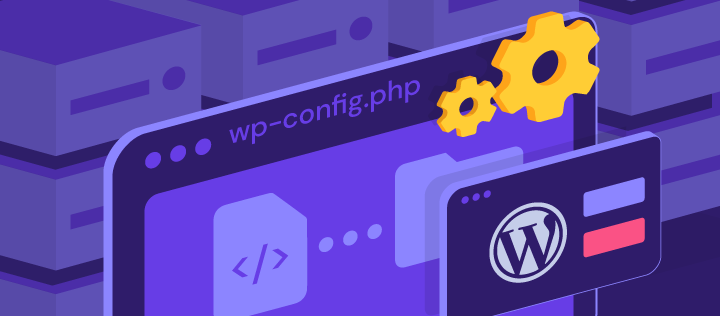
The wp-config.php file is a significant part of a WordPress installation. Created during the WordPress installation process, the file contains ...

How to create a WordPress plugin step-by-step
WordPress has a massive collection of plugins available that introduce custom functionality. What’s more, plugins can add new features to ...

How to locate and create the WordPress .htaccess file on cPanel and Hostinger dashboard
When you install WordPress on your hosting account, the software adds a list of directories to your web server. From ...
How to set up a WordPress intranet: A comprehensive guide
As your business grows and develops, it will start facing the need for a proper organizational tool to streamline employee ...

How to create a WordPress custom post type: what it is and its customization
WordPress has multiple post types to help you organize your website’s content. You can easily create a chronological blog or ...
Adding PHP to WordPress: 2 methods to add PHP code snippets
Adding PHP to WordPress lets you add custom functionality, automation, and specific logic directly to your website’s architecture. By adding ...
How to use WordPress do_shortcode
Extending site functionality is easy with the help of shortcodes. To place them on any part of your website, you ...