The best email marketing platforms for 2026 include Hostinger Reach for AI-assisted campaign creation, Brevo for budget-friendly multichannel marketing, MailerLite for ease of use, Klaviyo for ecommerce, HubSpot for CRM-led teams, Kit for creators, and Sender for a generous free plan.
The right pick depends on your business type, audience size, budget, free-plan needs, and whether you need features like automation, ecommerce integrations, or a built-in CRM.
Many platforms offer free plans or trials, so you can test the interface, automation builder, and reporting before committing. Compare the cost at your expected list size because sending limits, paid features, and upgrade prices vary considerably.
Here’s a side-by-side look at all 17 platforms:
| Platform | Free plan | Starting price | Automation/AI strength | Main limitation | Best for |
| Hostinger Reach | 100 recipients, 200 emails/month | A$ 2.89/month(24-month term) | AI email creation, scheduling | Limited native third-party integration | Beginners, creators, and small businesses |
| Brevo | 100,000 contacts, 300 emails/day | $9/month | Email automation, workflow templates | Daily sending cap on the free plan | Budget-conscious businesses |
| MailerLite | 250 subscribers, 2,500 emails/month | $12/month | Visual automations | Limited CRM and ecommerce depth | Beginners, creators, nonprofits, and small businesses |
| Klaviyo | 250 active profiles, 500 emails/month | $20/month | Behavioral flows, segmentation | Steeper learning curve | Ecommerce stores |
| GetResponse | 500 subscribers, 2,500 emails/month | $15.58/month annually | Autoresponders, funnels on Marketer+ | Webinars require the Creator plan | Businesses that want an all-in-one marketing platform |
| HubSpot | 2,000 emails/month | $7/month per seat annually | CRM-powered workflows | High Professional cost and onboarding | Growing businesses and B2B teams |
| Kit | 10,000 subscribers, unlimited emails | $33/month annually | Behavior-based sequences | Limited free-plan automations | Creators, bloggers, and online educators |
| Sender | 2,500 subscribers, 15,000 emails/month | $7/month annually | Automation and segmentation on the free plan | Lacks ecommerce and CRM depth | Small businesses and beginners |
| Mailchimp | 250 contacts, 500 emails/month | $13/month | Templates, audience tools; 4-step flows on Essentials | Costs rise with contacts and sends | Beginners and small businesses |
| Omnisend | 250 contacts, 500 emails/month | $16/month | Ecommerce workflows, push | Not suited for non-ecommerce use | Small to medium-sized ecommerce businesses |
| ActiveCampaign | 14-day trial | $15/month annually | AI-powered automation builder, 950+ recipes | SMS/WhatsApp are paid add-ons | Growing businesses |
| Moosend | 30-day trial | $7/month annually | Pre-built workflow templates | No built-in CRM | Small to mid-sized businesses |
| Drip | 14-day trial only | $39/month | Revenue tracking, dynamic segments | Higher entry price, scales fast | Mid-sized ecommerce businesses |
| Twilio SendGrid | 60-day trial: API 100 emails/day; Marketing 2,000 contacts, 6,000 emails/mo | API: $19.95/month; Marketing: $15/month | SMTP/API infrastructure | Two separate products; no permanent free plan | Developers and technical teams |
| Mailjet | 1,000 contacts, 6,000 emails/month | $9/month | Collaborative editor | Automation is Premium-only | Teams that need collaborative email creation |
| Mailgun | Free tier, 100 emails/day | $15/month | Deliverability tools | No visual campaign builder | Developers and technical teams |
| Constant Contact | 14-day trial | $12/month | Basic workflows | Automation is limited on lower plans | Small businesses, local businesses, nonprofits, and event-focused organizations |
1. Hostinger Reach
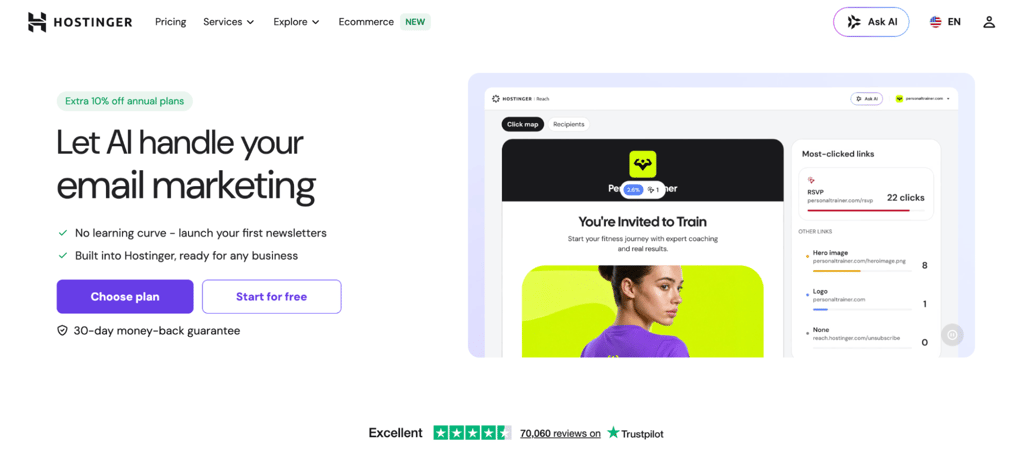
Best for: beginners, creators, and small businesses that want AI-assisted email marketing with minimal setup.
Hostinger Reach is an AI-powered email marketing tool for beginners who want to send campaigns quickly. Describe your campaign in a prompt, and Reach generates the email copy and mobile-friendly layout.
The AI-powered email builder creates the initial copy and layout. You can then edit the text, images, design, and call to action manually or ask the AI to revise the campaign.
You can import contacts through CSV files, add them manually, or sync them from Hostinger AI Builder forms. WordPress users can install a plugin that integrates with 11+ form builders, including WPForms, Contact Form 7, and WooCommerce.
You can create automated sequences for welcome emails, follow-ups, abandoned-cart reminders, and post-purchase messages. Built-in analytics track opens, clicks, and engagement for each campaign.
Reach also now supports WhatsApp marketing. You can connect a WhatsApp Business Account, build message templates in the editor, then send and track campaigns the same way you would with email. It’s an early version of the feature, so the toolset is still basic, but it already lets you run both channels from one place.
For Hostinger domains, Reach automatically configures email authentication to help your emails land in the primary inbox rather than spam. Every email also includes an unsubscribe link to meet GDPR and CAN-SPAM requirements.
You don’t need Hostinger hosting to use Reach, and the WordPress plugin works with other hosting providers. Reach currently doesn’t support third-party integrations, but you can submit contact through its API and sync WooCommerce checkout data through the WordPress plugin.
Some features, like automatic email authentication setup, only work with Hostinger domains. So while Reach runs on any WordPress site, Hostinger customers get the simplest setup.
Hostinger Reach pros
- AI-powered email creation. Describe your campaign in a prompt, and the AI builds a mobile-friendly, ready-to-send email.
- Flexible editing options. Fine-tune any email manually or let the AI handle adjustments.
- Built-in email sequences. Automate welcome emails, follow-ups, and promotions with flexible scheduling.
- Automatic email authentication. SPF, DKIM, and DMARC are configured automatically for Hostinger domains, helping your messages reach the primary inbox.
Hostinger Reach cons
- Some features are Hostinger-specific. Reach works on any WordPress site, but automatic email authentication is limited to Hostinger domains.
- The free plan is time-limited. It lasts one year and is suitable for testing but not sustained list growth.
Hostinger Reach pricing
Hostinger Reach offers a free plan for one year that includes 100 unique recipients and 200 emails/month. Paid plans start at A$ 2.89/month on a 24-month term, or A$ 3.69/month billed annually, or A$ 8.69/month for 500 unique recipients and 3,500 monthly emails.
2. Brevo
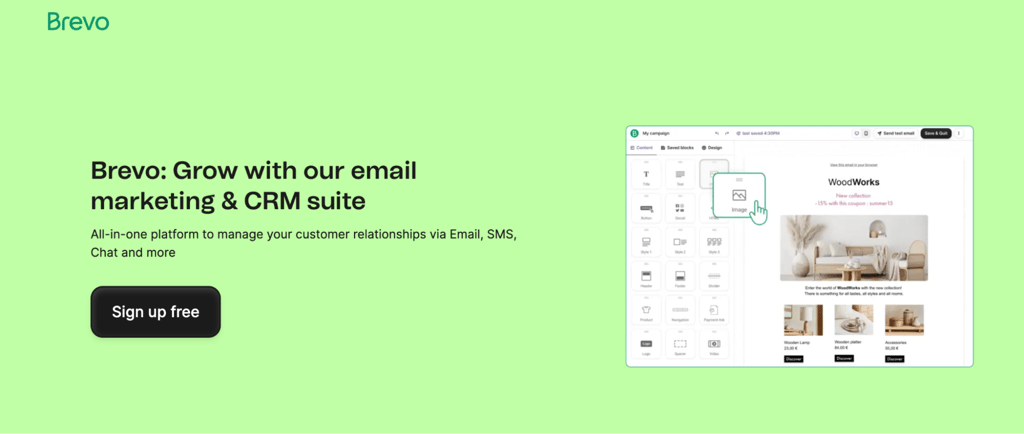
Best for: budget-conscious businesses that need email automation, large contact storage, and multichannel campaign options.
Brevo is a budget-friendly email marketing platform that scales into multichannel campaigns on higher-tier plans. Formerly known as Sendinblue, it suits businesses with large contact databases and controlled sending volumes.
Brevo’s pricing is based on both monthly email volume and stored contacts. The Starter plan includes 500 contacts and 5,000 monthly emails, while higher send volumes support larger contact allowances.
Brevo also includes sales and conversations tools such as pipelines, live chat, and shared communication features. Pre-built workflow templates make it simple to set up email automation for a small business without having to build everything from scratch.
Push notifications are available from the Starter plan with limits, and SMS is a paid add-on across plans. WhatsApp messaging is only available on the Professional plan. Full multichannel workflows and contact scoring are also Professional-tier features.
Brevo pros
- Pricing based on email volume and contacts, with higher-tier plans offering more flexibility for larger lists.
- Built-in CRM and live chat for managing customer conversations.
- SMS is available as a paid add-on across plans. WhatsApp is available on the Professional plan.
- Drag-and-drop email editor with pre-built workflow templates.
Brevo cons
- 300 emails/day cap on the free plan. You’ll hit this quickly during campaign sends.
- Free plan automation is limited. Full automation requires a paid plan.
- WhatsApp and full multichannel workflows are Professional-tier only, starting at $449/month annually.
Brevo pricing
The free plan includes up to 100,000 contacts and 300 emails/day, with automation limited to 2,000 contacts/month. The Starter plan starts at $9/month for 5,000 emails, including 500 contacts. Additional contacts and branding removal are available as add-ons.
The Standard plan starts at $18/month and adds features such as A/B testing and broader automation. Brevo also offers custom Enterprise pricing.
3. MailerLite
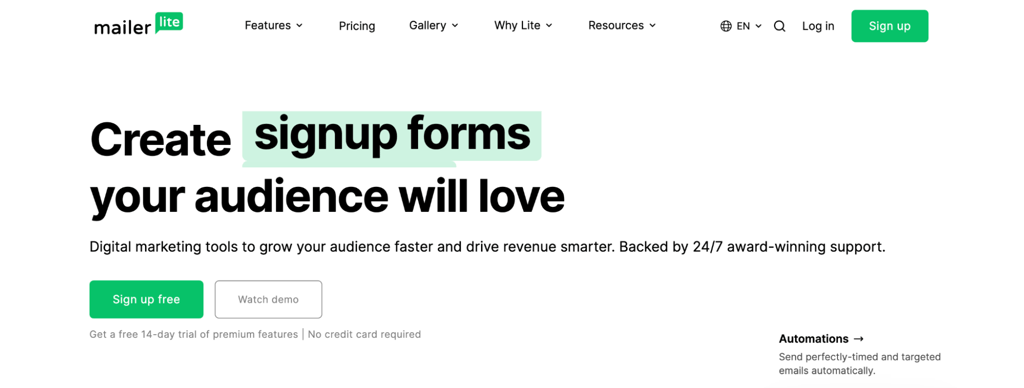
Best for: beginners, creators, nonprofits, and small businesses that need an easy-to-use platform with solid value on the free plan.
MailerLite has a clean interface and a drag-and-drop builder that makes campaign creation approachable for beginners and small businesses. It also offers simple and custom HTML editors for users who want different levels of control.
MailerLite’s current free plan supports up to 250 subscribers and 2,500 monthly emails. It remains useful for testing the platform, but the allowance is smaller than its previous free tier.
Beyond email, MailerLite includes landing page and website builders, embedded sign-up forms, and pop-up creators. The automation workflows are visual and easy to follow, covering everything from welcome sequences to re-engagement campaigns.
MailerLite is less suitable for teams that need a full sales CRM, complex enterprise automation, or the deeper customer-data functionality offered by ecommerce-focused platforms such as Klaviyo.
MailerLite pros
- Drag-and-drop email and newsletter builder with a clean, intuitive interface.
- Landing page and website builders are included on all plans. The free plan limits you to one of each, while the Power plan offers unlimited.
- Visual marketing automation workflows for welcome series and re-engagement.
- Embedded sign-up forms and pop-ups for list building.
- Smart Sending for optimized delivery times on the Comfort plan and above.
MailerLite cons
- Automation is capped at three workflows with five steps each on the free plan.
- Live chat support only available for 14 days on the free plan.
- Limited CRM and ecommerce depth. Not suited for product-level behavioral tracking or multi-step sales pipelines.
MailerLite pricing
The free plan supports up to 250 subscribers and 2,500 monthly emails. The Comfort plan starts at $10.80/month, billed annually, or $12/month for up to 500 subscribers with 5,000 emails/month, with pricing and send limits increasing by subscriber tier.
The Power plan starts at $22.50/month, billed annually with unlimited monthly email sends. Prices increase as your subscriber count grows.
4. Klaviyo
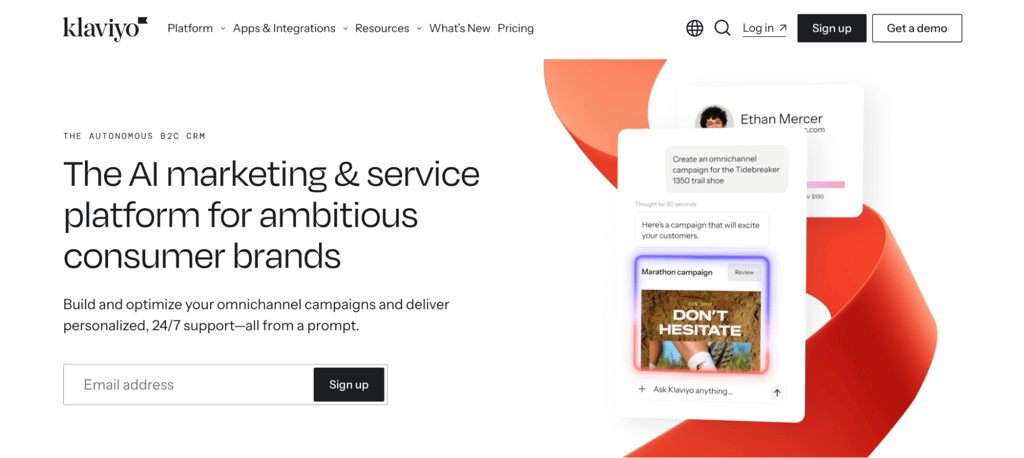
Best for: ecommerce stores that need data-driven segmentation, personalized automations, and deep store integrations.
Klaviyo is an email marketing platform built for ecommerce stores that want to turn customer data into personalized campaigns. It pulls purchase history, browsing behavior, and engagement data from your store to build detailed customer profiles.
Since February 2025, Klaviyo has used active profile-based billing, so you pay for all subscribed contacts, even ones you haven’t emailed. Factor this into your costs if you have a large list with many inactive subscribers.
Klaviyo integrates closely with Shopify and also supports ecommerce platforms such as WooCommerce and BigCommerce. Store data can power abandoned-cart flows, post-purchase campaigns, and personalized product recommendations.
The free plan includes automations, segmentation, reporting, and $5 in mobile messaging credits, so stores can test an ecommerce email marketing strategy across email and SMS before upgrading.
The trade-off is a steeper learning curve than general-purpose tools. Klaviyo is built for ecommerce teams, not someone sending their first newsletter.
Klaviyo pros
- Native Shopify integration with WooCommerce and BigCommerce support via plugins.
- Behavioral segmentation and customer data profiles built from real shopping behavior.
- Abandoned cart, product recommendation, and post-purchase automations out of the box.
- Predictive analytics for customer lifetime value and expected next purchase date.
- Integrated SMS marketing coordinated with email campaigns.
Klaviyo cons
- Steeper learning curve than general-purpose email tools. Built for ecommerce teams, not newsletter beginners.
- Active profile billing counts all subscribed profiles in your plan tier, not only the contacts emailed in a given month.
- Higher price point than simpler alternatives, especially as your list grows.
Klaviyo pricing
The free plan includes up to 250 active profiles and 500 emails/month. The Email plan starts at $20/month for up to 500 active profiles and 5,000 email sends.
The Email + SMS plan starts at $35/month for up to 500 active profiles with mobile messaging credits included. Pricing rises with active profiles, email volume, and mobile messaging use.
5. GetResponse
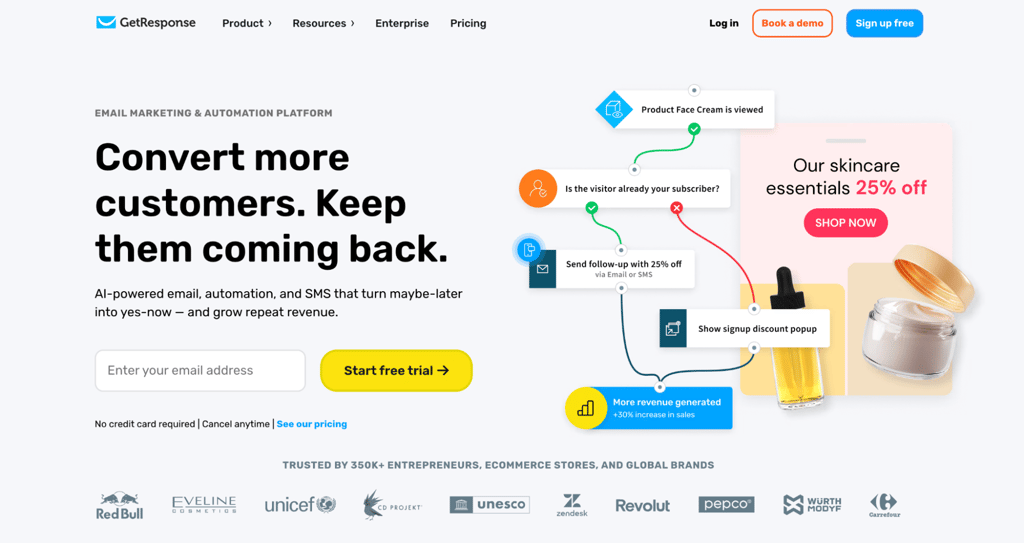
Best for: ecommerce businesses and marketing teams that want email marketing, lifecycle automation, landing pages, and revenue reporting in one platform.
GetResponse is an email marketing and automation platform for creating newsletters, growing a contact list, and automating customer journeys from one place. Landing pages, sign-up forms, pop-ups, and a visual workflow builder come alongside the core email tools.
GetResponse works best for retention-focused ecommerce teams. You can automate welcome series, lead nurturing, abandoned cart recovery, post-purchase follow-ups, and re-engagement campaigns, then add promo codes and product recommendations to those messages.
Revenue reports on the Marketer plan and above tie each campaign and workflow to actual sales, so you can see which automations generate revenue instead of tracking opens alone.
GetResponse pros
- Unlimited monthly email sends on all paid plans.
- AI tools for email content and subject lines speed up campaign creation.
- Landing pages, sign-up forms, and pop-ups are included on all plans.
- Visual automation builder for mapping multi-step customer journeys.
- Ecommerce tools such as abandoned cart recovery, promo codes, product recommendations, ecommerce tracking, and revenue reports.
- Web automation available on relevant plans.
GetResponse cons
- The Starter plan includes only one custom automation workflow. Unlimited workflows require the Marketer plan or higher.
- Ecommerce features start on the Marketer plan. Starter users miss abandoned cart recovery, promo codes, and revenue reports.
- SMS marketing, mobile push notifications, transactional emails, and a dedicated IP address are Enterprise-only.
- Pricing increases as your contact list grows.
GetResponse pricing
GetResponse offers a free plan with up to 500 subscribers and 2,500 emails/month, plus a 14-day trial of premium features. The Starter plan costs $15.58/month, billed annually, for up to 1,000 contacts with unlimited email sends and one automation workflow.
The Marketer plan at $48.38/month, billed annually, unlocks unlimited automation workflows, advanced audience segmentation, and the full ecommerce toolkit. The Creator plan at $56.58/month, billed annually, adds webinars, a website builder, a course creator, and premium newsletter subscriptions. Enterprise pricing is custom.
6. HubSpot
Best for: growing businesses and B2B teams that need tight integration between email marketing, sales, and CRM.
HubSpot is a CRM and email marketing platform built for teams that want to manage the full customer journey in one place. Its email marketing tools sit inside a much larger system that includes sales, customer service, landing pages, and reporting.
HubSpot’s strength is how everything connects. Your email campaigns pull directly from CRM data, so you can segment contacts by deal stage, website activity, and past interactions. That makes personalization more detailed than standalone email tools.
The free CRM tier includes basic email marketing with a 2,000 sends/month and simple automation, making it suitable for testing HubSpot’s connected CRM and email workflow.
HubSpot works well for teams that need a full customer management system, not just email campaigns.
HubSpot pros
- CRM-powered contact segmentation and personalization based on deal stage, activity, and history.
- Drag-and-drop email builder with marketing automation workflows.
- Landing page and form builders with analytics.
- All-in-one reporting for email, website traffic, and audience insights.
- Extensive app marketplace for third-party integrations.
HubSpot cons
- Mandatory onboarding fees add a high upfront cost. The Professional plan has a $3,000 onboarding fee, while the Enterprise requires $7,000.
- More tools than needed if you only want to send email newsletters.
- Per-seat pricing and contact limits on Starter add up for larger teams. The base plan includes only 1,000 marketing contacts; additional contacts cost more.
HubSpot pricing
The free CRM includes email marketing with 2,000 sends/month. The Marketing Hub Starter plan costs $ 7/seat/month, billed annually, and includes 1,000 marketing contacts.
Professional starts at $800/month, billed annually, with a $3,000 onboarding fee; Enterprise starts at $3,600/month, billed annually, with a $7,000 onboarding fee.
7. Kit
Best for: creators, bloggers, and online educators who want to build a subscriber base, automate email sequences, and sell digital products.
Kit is an email marketing platform designed for creators, bloggers, YouTubers, and course builders who want to grow and monetize their audience. Formerly known as ConvertKit, it focuses on subscriber management, newsletters, and digital product sales.
Audience tagging and segmentation are at the core of Kit. You can tag subscribers based on their behavior, interests, or the form they signed up through. That makes it easy to send targeted content to different segments without managing multiple lists.
Kit also includes built-in monetization tools. You can sell digital products, paid newsletter subscriptions, and even accept tips directly through the platform. If you’re a creator who wants to earn from your email list without setting up a separate store, Kit handles that.
The free Newsletter plan includes one basic visual automation and one email sequence. Unlimited automations and third-party integrations require paid plans.
Monetization tools like digital product sales, paid newsletters, and tips are available on all plans, including the free plan. Kit is less suitable for complex ecommerce setups or enterprise CRM needs.
Kit pros
- Subscriber tagging and behavior-based segmentation without managing multiple lists.
- Visual automation builder for email sequences.
- Landing page and opt-in form builders included.
- Monetization tools on all plans, including digital products, paid newsletters, and tips.
- Creator Network for cross-promotion with other creators.
Kit cons
- Newsletter plan limited to one visual automation and one email sequence. Full automation requires a paid plan.
- Third-party integrations require a paid plan, limiting how far the free tier can connect with an existing stack.
- Not suited for complex ecommerce or enterprise CRM workflows.
Kit pricing
The free Newsletter plan supports up to 10,000 subscribers with unlimited sends but limits automations to one sequence and one visual automation. Once you pass 10,000 subscribers, Kit automatically moves you to a paid plan.
The Creator plan starts at $33/month, billed annually for 1,000 subscribers, and includes basic A/B testing for subject lines.
The Pro plan starts at $66/month, billed annually with full content A/B testing, subscriber engagement scoring, and deliverability reporting.
Paid plans offer a 14-day free trial to test the product.
8. Sender
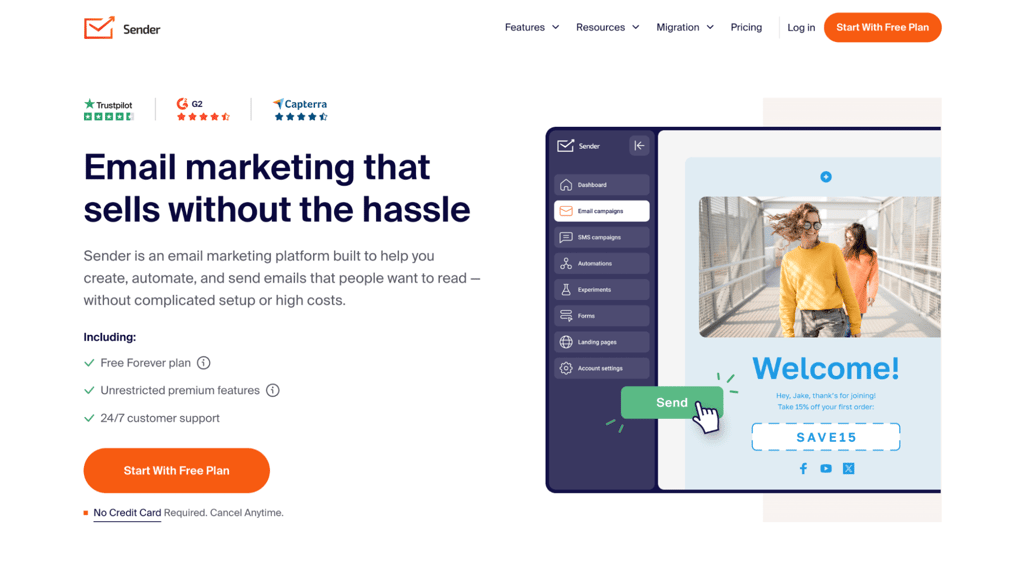
Best for: small businesses and beginners who want a generous free plan that includes automation.
Sender offers a generous free plan for small businesses on a tight budget. The free tier includes email automation, segmentation, landing pages, forms, and transactional email.
The free plan’s main restrictions are 2,500 subscribers, 15,000 emails/month, one user seat, and Sender branding. Paid plans remove branding and add collaboration, SMS, A/B testing and advanced features.
The interface is simple, and you don’t need technical knowledge to set up your first campaign. As your list grows, paid plans scale affordably.
Where Sender falls short is in advanced features. It doesn’t have the deep ecommerce integrations of Klaviyo or the CRM capabilities of HubSpot.
Sender pros
- The free plan includes email automation, segmentation, landing pages, forms and transactional email.
- Email and SMS marketing from one platform on the Standard plan and above.
- Drag-and-drop email builder with templates.
- Audience segmentation and landing pages included.
- Affordable paid plans that scale without sharp price jumps.
Sender cons
- Lacks advanced ecommerce integrations like Klaviyo or Omnisend.
- No CRM depth compared to HubSpot or ActiveCampaign.
- The free plan is limited to one seat, and the free emails carry Sender branding.
Sender pricing
The free plan includes up to 2,500 subscribers and 15,000 emails/mo. The Standard plan starts at $7/month billed annually for up to 1,000 subscribers, including branding removal, SMS access, A/B testing, and even more teams seats.
The Professional plan starts at $14/month billed annually, and includes advanced automation, priority support, and SMS credits equal to your monthly subscription fee. The Standard plan also includes SMS access, but you’ll need to purchase credits separately.
9. Mailchimp
Best for: beginners and small businesses looking for a well-known, easy-to-start email marketing platform.
Mailchimp is a well-known email marketing platform that provides a drag-and-drop builder, pre-built templates, and a beginner-friendly dashboard, making it easy to create and send campaigns quickly.
Beyond basic email, Mailchimp has expanded into a broader marketing platform with contact management, audience segmentation tools, and branded templates on higher tiers. Reporting gives you open rates, click rates, and revenue attribution.
SMS marketing is also available as a paid add-on on all paid plans. This lets you coordinate email and text campaigns from one dashboard, though costs add up quickly at higher volumes.
Mailchimp’s large integration ecosystem is an advantage, with connections for major website builders, ecommerce platforms, CRMs, and analytics tools.
Mailchimp pros
- Drag-and-drop email builder with a large template library.
- Generative AI features for email copy and design on Standard and Premium plans.
- Contact management and audience segmentation for targeted campaigns.
- A/B testing for subject lines and content.
- Wide range of third-party integrations with most website builders and ecommerce platforms.
Mailchimp cons
- No automation on the free plan. The Essentials plan includes automation flows with up to four steps. Flows with up to 200 steps require the Standard plan.
- Free plan support is limited to email for the first 30 days, with no direct support after that.
- Costs climb quickly as your list grows.
Mailchimp pricing
The free plan includes up to 250 contacts and 500 monthly emails, with a 250/day limit. The Essentials plan starts at $13/month after the free trial, with 500 contacts and up to 4 automation steps. The Standard plan starts at $20/month and supports flows up to 200 steps.
Pricing scales with contacts and sending volume. Enterprise plans are available. These packages offer advanced add-ons and premium features like dedicated account managers, transactional emails, SSO and SAML for secure team access, and dedicated IPs for better email deliverability.
10. Omnisend
Best for: small to medium-sized ecommerce businesses that want omnichannel automation designed for online stores.
Omnisend is an omnichannel marketing automation platform built for ecommerce stores. It combines email and push notifications on all plans, with SMS campaigns available on the Pro plan.
Omnisend integrates with ecommerce platforms like Shopify and WooCommerce. Pre-built templates cover abandoned cart emails, welcome series, order confirmations, and product recommendation flows.
The drag-and-drop builder includes ecommerce blocks like product listings and discount codes. You can set up campaigns without starting from scratch.
Segmentation is based on shopping behavior, purchase history, and engagement data. Paid plans can coordinate email, SMS, and web push in the same customer journey, with Pro including more SMS value.
Omnisend works well for ecommerce. If your business isn’t selling products online, you’ll find that many of its best features don’t apply. For general business email marketing, a tool like Brevo or MailerLite is a better fit.
Omnisend pros
- Email and push-notification campaigns across all plans. SMS is available as a paid add-on on the Pro plan.
- Pre-built ecommerce automation workflows for abandoned carts, welcome series, and product recommendations.
- Drag-and-drop builder with ecommerce blocks like product listings and discount codes.
- Shopping behavior-based segmentation and engagement tracking.
- 200+ app integrations with major ecommerce platforms.
- 24/7 live chat and email support on all plans, including the free plan.
Omnisend cons
- Not suited for non-ecommerce businesses. Most features are designed around online shopping workflows.
- SMS campaigns require the Pro plan. Free and Standard plans are email- and push-only.
- Free plan caps are restrictive for testing at scale.
Omnisend pricing
The free plan includes up to 250 contacts and 500 emails/month. The Standard plan starts at $16/month for 500 contacts and 6,000 emails. The Pro plan starts at $59/month for up to 2,500 contacts with unlimited email sends.
SMS pricing varies by destination and message type, so total costs depend on the countries you send to.
11. ActiveCampaign
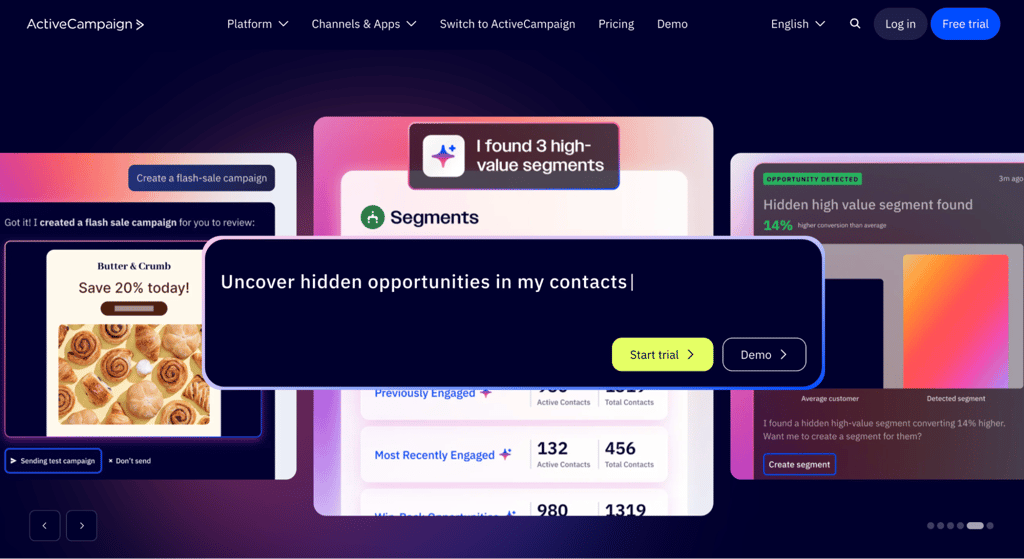
Best for: growing businesses that need advanced automation and sales-marketing integration for lead nurturing.
ActiveCampaign is an advanced automation platform for businesses that have outgrown basic email tools. All plans include contact profiles, tags, and automation, with full CRM and lead scoring available through the Pipelines add-on on Plus and above.
The automation builder is ActiveCampaign’s main strength. You can create workflows using behavioral triggers, tags, and conditional logic and a large library of pre-built automation recipes.
Pre-built templates cover common scenarios like welcome sequences, re-engagement campaigns, and sales follow-ups. SMS and WhatsApp messaging are separately priced channels and are not included in the base email plan.
Segmentation supports attributes, behaviors, tags, custom fields, purchase history, and location. This depth is useful for businesses running complex lead-nurturing sequences or managing multiple customer journeys at once.
The learning curve is steeper than beginner-focused platforms. If you’re just getting started with email marketing, ActiveCampaign is more complex than you need.
ActiveCampaign pros
- Extensive library of marketing automation templates. Starter is limited to five actions per workflow; unlimited on Plus and above.
- Advanced audience segmentation by behavior, tags, custom fields, and purchase history.
- SMS and WhatsApp messaging are available as paid add-ons for Plus, Professional, and Enterprise plans. Not available on Starter.
- 1,000+ app integrations to connect with your existing tools.
ActiveCampaign cons
- No permanent free plan. Offers a 14-day free trial and the lowest tier plan starts at $15/month.
- Starter plan limits automations to 5 actions per workflow. Unlimited actions require Plus or higher.
- Key features are paid add-ons. CRM pipelines, SMS, WhatsApp, and other specialist capabilities may require paid add-ons, so the actual monthly cost can exceed the base email plan.
ActiveCampaign pricing
The Starter plan starts at $15/month, billed annually for 1,000 contacts with email sends capped at 10 times your contact count per month. At 1,000 contacts, that’s 10,000 emails/month. Automation is limited to 5 actions per workflow. The Plus plan starts at $49/month, billed annually and removes that cap.
Four email plan tiers are available, with pricing increasing based on contact list size and access to features. Key add-ons like CRM pipelines, SMS, and custom reporting significantly increase the real monthly cost.
WhatsApp is also available as a standalone plan or as an add-on to email plans.
12. Moosend
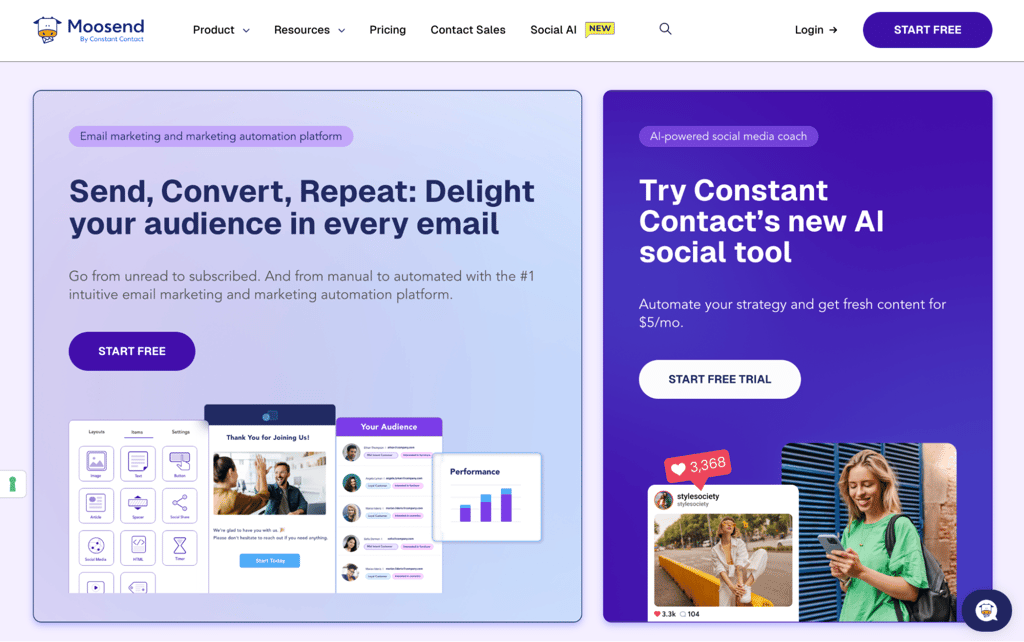
Best for: small to mid-sized businesses that want affordable automation without the complexity of enterprise tools.
Moosend is an affordable email marketing platform for small and mid-sized businesses that need visual automation without enterprise-level complexity.
The drag-and-drop editor handles email campaigns, landing pages, and subscription forms. Pre-built workflow templates, segmentation, reporting, and team collaboration features reduce setup time.
Moosend keeps things simple compared to enterprise-focused tools. It doesn’t include a full CRM or deep ecommerce integrations, but it covers the core email marketing needs well.
Moosend pros
- Drag-and-drop email editor with pre-built automation templates.
- Audience segmentation and reporting are included on the base tier.
- Landing pages and subscription forms built in.
- Team collaboration with up to five team member seats on Pro.
- Unlimited email sends on all paid plans, with no per-message caps.
Moosend cons
- Free trial limits you to one published automation at a time. Unlimited published workflows require the Pro plan.
- No built-in CRM for managing customer relationships.
- A smaller native integration library compared to platforms like Mailchimp or ActiveCampaign.
- Transactional emails require the Moosend+ add-on at custom pricing. They’re not included in the base Pro plan.
Moosend pricing
Moosend doesn’t have a permanent free plan but offers a 30-day free trial. You can build and test automations during the trial, but only one workflow can be published at a time. Paid plans start at $7/month, billed annually, with 500 contacts and unlimited email sends.
Moosend offers a Pay-as-you-go credit system ideal for occasional senders or seasonal businesses. That makes it a good fit for businesses with large lists that send infrequently.
13. Drip
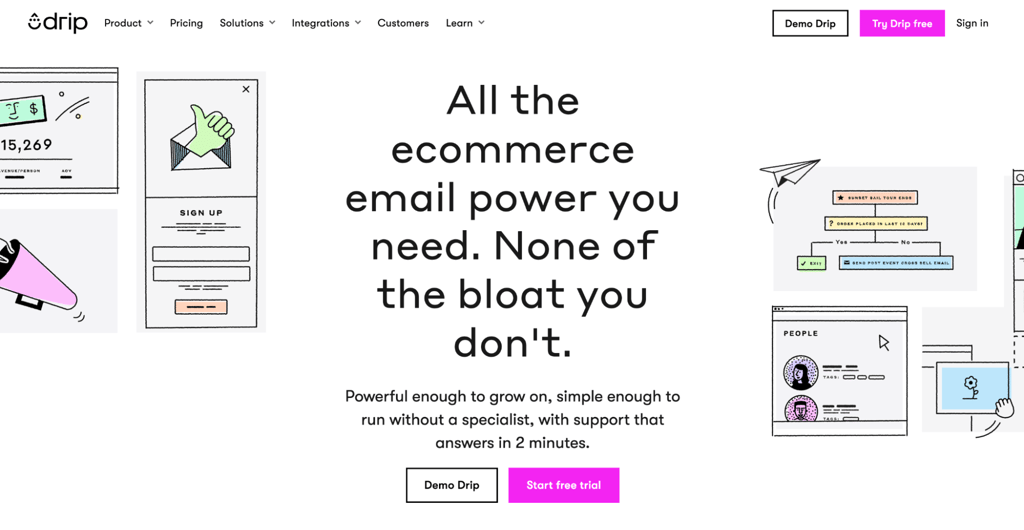
Best for: mid-sized ecommerce businesses that need personalized automation and revenue tracking.
Drip is an ecommerce CRM and automation platform for online stores that want dynamic customer journeys, revenue reporting, and detailed segmentation without a broader omnichannel suite.
What sets Drip apart is ecommerce personalization. You can create workflows based on purchase history, cart activity, and browsing behavior. Segments update automatically as customer behavior changes, keeping your campaigns relevant.
Revenue tracking is built into the analytics dashboard. You can see exactly how much revenue each email, workflow, or campaign generates. A/B testing for subject lines and content helps you optimize based on real results.
Compared to Klaviyo, Drip has a lighter setup and works well for mid-sized stores that need more than basic email but don’t need a full data platform. Compared to Omnisend, Drip focuses more on CRM-style customer journeys than omnichannel messaging.
If you’re exploring how a drip campaign works, Drip’s pre-built templates make it easy to get started.
Drip pros
- Ecommerce-focused workflow automation based on shopping behavior.
- Dynamic segmentation that updates automatically as customer behavior changes.
- Revenue tracking is built into the analytics dashboard.
- A/B testing for subject lines and content.
- Integrations with ecommerce and marketing tools Shopify, BigCommerce, and WooCommerce.
Drip cons
- Higher starting price for up to 2,500 contacts, with up to 50 automation workflows included.
- No native SMS marketing. Drip is email and onsite campaigns only, unlike Klaviyo or Omnisend.
- Live chat support requires a plan at $99/month or higher. The $39/month base plan is limited to email support, Monday through Friday.
- 14-day free trial only, no permanent free plan. Unlimited email sends aren’t available during the trial.
Drip pricing
A single plan starts at $39/month for up to 2,500 contacts with unlimited email sends and up to 50 automation workflows. Pricing scales significantly beyond that threshold, so check the cost at your expected list size before committing.
14. Twilio SendGrid
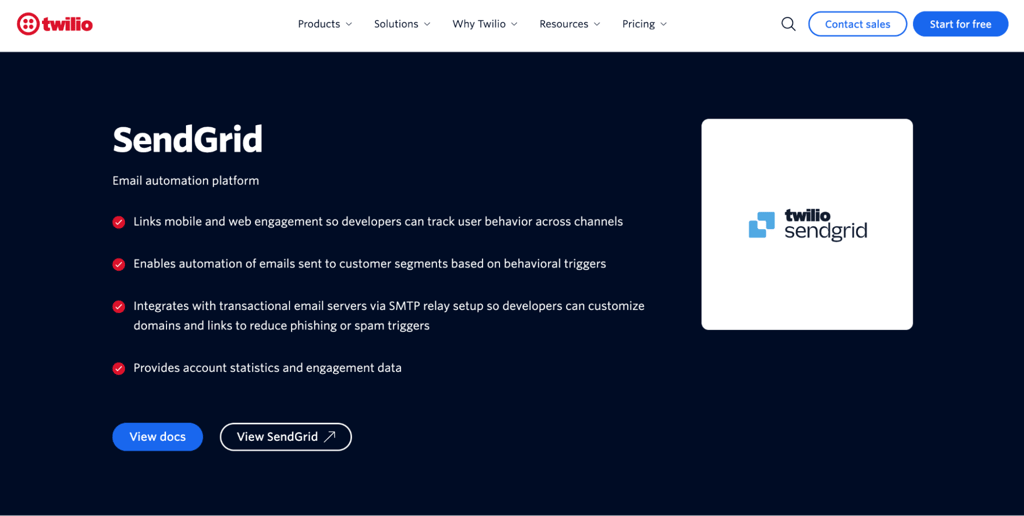
Best for: developers and technical teams that need API-driven email infrastructure for transactional and high-volume sending.
Twilio SendGrid is an email infrastructure platform with two separate products: the Email API for developers and Marketing Campaigns for marketers. They’re priced and sold separately, so it’s important to know which one you need.
The Email API is the core product, built to send transactional emails such as order confirmations, password resets, and shipping notifications via code. It includes SMTP and API infrastructure for high-volume, programmatic sending.
Marketing Campaigns is a separate product with a drag-and-drop template builder, contact management, and sign-up forms. Automation is only available on the Advanced Marketing Campaigns plan, not on the Basic plan.
Deliverability tools include domain authentication, inbox previews, and credit-based spam testing. Dedicated IPs come with higher-tier plans. If your team can work with APIs, SendGrid gives you precise control over sending and tracking.
Teams can combine SendGrid email with Twilio’s SMS, WhatsApp, and voice products when they are building a broader communications stack through code.
Twilio SendGrid pros
- Email API and SMTP for programmatic, high-volume sending.
- Marketing Campaigns product with a drag-and-drop builder, sign-up forms, and contact management, sold separately.
- Dedicated IPs and domain authentication on Email API Pro and Marketing Campaigns Advanced.
- Inbox rendering and spam testing on a credit basis, included on paid plans.
- Multichannel messaging through Twilio for SMS, WhatsApp, and voice.
Twilio SendGrid cons
- Not beginner-friendly. The Email API is designed for developers. Marketers need the separate Marketing Campaigns product.
- Two separate products with separate pricing. The Email API and Marketing Campaigns are billed independently, which can be confusing.
- No permanent free plan. The 60-day trial gives access to both products, but ongoing use requires a paid subscription.
- Automation requires the Advanced Marketing Campaigns plan, which costs $60/month. The Basic plan doesn’t include it.
Twilio SendGrid pricing
New Twilio accounts get a 60-day free trial with access to both Email API and Marketing Campaigns. During the trial, you can send up to 100 emails/day through the API, and Marketing Campaigns includes 2,000 contacts, 6,000 emails/month, A/B testing, and automation.
For the Email API, the Essentials plan starts at $19.95/month for up to 50,000 emails/month. The Pro plan starts at $89.95/month with dedicated IPs and advanced deliverability tools. The Premier plan offers custom pricing for higher-volume senders.
For Marketing Campaigns, the Basic plan starts at $15/month but doesn’t include automation. The Advanced plan starts at $60/month with automation and dedicated IPs. Unlike most email marketing tools that charge by subscriber count, SendGrid charges by monthly email volume.
15. Mailjet
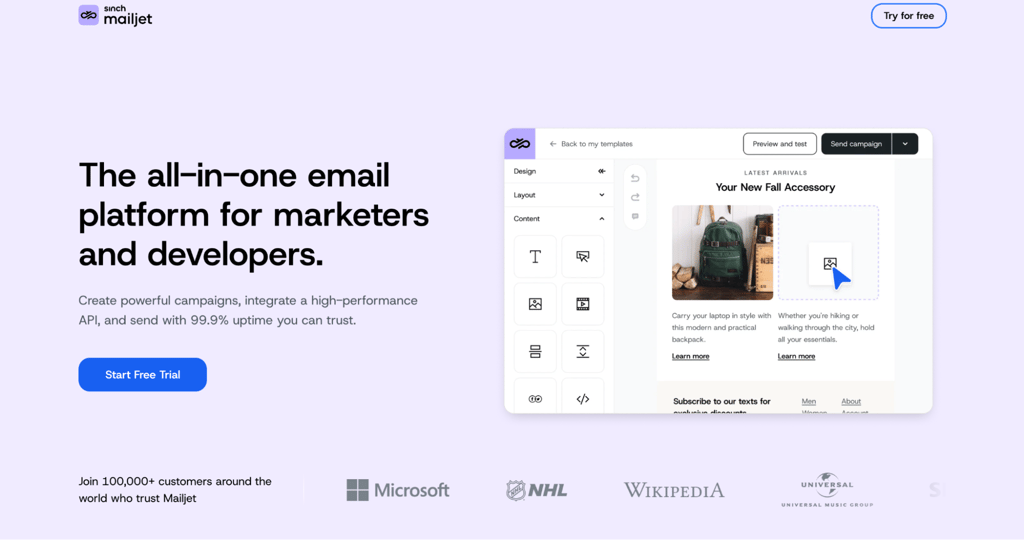
Best for: teams that need collaborative email creation plus marketing and transactional sending.
Mailjet combines marketing and transactional email on a single platform, with a collaborative email builder and API support.
The drag-and-drop editor supports multilingual campaigns via a built-in language switcher, useful for businesses with international audiences. Template locking and approval workflows on the Premium tier let teams collaborate without accidentally overwriting each other’s work.
Sub-accounts, collaboration, automation, testing and landing-page allowance vary by plan. Premium is the main tier for teams that need advanced collaboration and marketing automation together.
Mailjet pros
- Team and account management on Premium, alongside advanced statistics and priority support.
- Transactional email API for programmatic sending.
- AI-assisted content creation on Essential and higher tiers.
- Sub-accounts on all plans. One sub-account on Free through Essential; up to 20 on Premium.
- Drag-and-drop email editor with a collaborative workflow for teams.
Mailjet cons
- Automation, A/B testing, and landing pages are all Premium-only. Free, Starter, and Essential plans don’t include them.
- Free plan support is limited to the first month. After 30 days, free plan users lose access to direct support.
- The free plan limits your ability to run larger campaigns.
- Stronger on team collaboration than on advanced segmentation or personalization.
Mailjet pricing
The free plan includes 1,000 contacts and 6,000 emails/month, capped at 200/day. Paid plans start at $9/month for the Starter tier with 2,000 contacts and 8,000 emails/month.
The Essential plan costs $17/month and includes 15,000 emails and unlimited contacts. The Premium plan starts at $27/month and adds automation, A/B testing, landing pages, advanced statistics, team and account management, and priority support.
Pricing is based on monthly email volume, not contact count. Essential and above offer unlimited contacts.
16. Mailgun
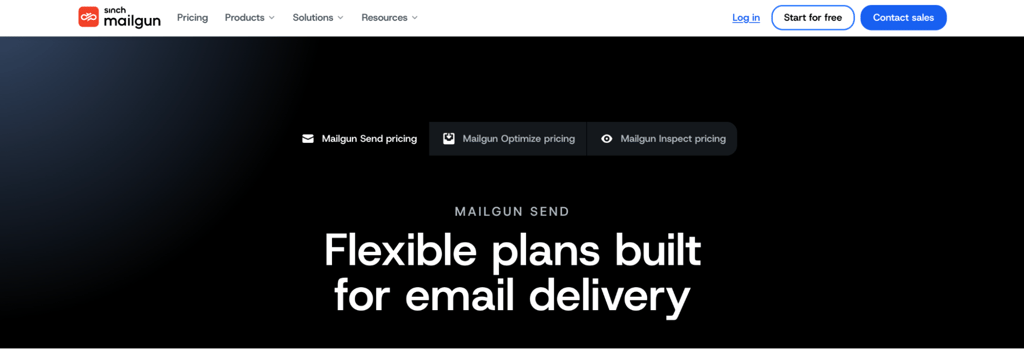
Best for: developers and technical teams who need a scalable email infrastructure for transactional and programmatic email sending.
Mailgun is a developer-first email infrastructure platform built for sending, receiving, and tracking large volumes of email through APIs and SMTP. Higher plans include a template builder, but Mailgun isn’t a traditional visual campaign tool.
The platform focuses on deliverability and technical control. Its API and SMTP tools support tracking, webhooks, inbound routing, domain authentication, and high-volume transactional sending, with advanced deliverability products sold separately.
Email validation is included on the Scale plan and available as a paid add-on on lower tiers. Sender reputation monitoring and inbox placement testing are part of the separate Mailgun Optimize product.
Mailgun is best suited for development teams building custom email systems. For campaign creation, scheduling, and visual design, other platforms on this list are a better fit.
Mailgun pros
- Email API and SMTP for high-volume, programmatic sending.
- IP warm-up and engagement tracking for deliverability control.
- Email validation included on the Scale plan; paid add-on on lower tiers.
- Inbound email parsing for processing incoming messages.
- Support for SPF, DKIM, and DMARC authentication through sender-domain DNS configuration.
Mailgun cons
- No visual campaign builder on Free or Basic. Foundation and above include a template builder, but it’s still developer-oriented.
- Free and Basic plans are limited to ticket support only. Chat support requires Foundation; phone support requires Scale.
- Requires developer skills to set up and maintain.
Mailgun pricing
The free plan is a permanent tier that includes up to 100 emails/day for API and SMTP testing. The Basic plan starts at $15/month for 10,000 emails/mo and removes the daily sending cap, allowing flexible burst sending.
The Foundation plan is free for the first month, then $35/month for 50,000 emails/month. It adds chat support and an email template builder; dedicated IP options depend on sending volume.
The Scale plan is also free for the first month, then $90/month for 100,000 emails/month. It includes one dedicated IP, dedicated IP pools, advanced analytics, and live phone and chat support. Overage rates range from $1.10 to $1.80 per 1,000 emails, depending on the plan.
17. Constant Contact
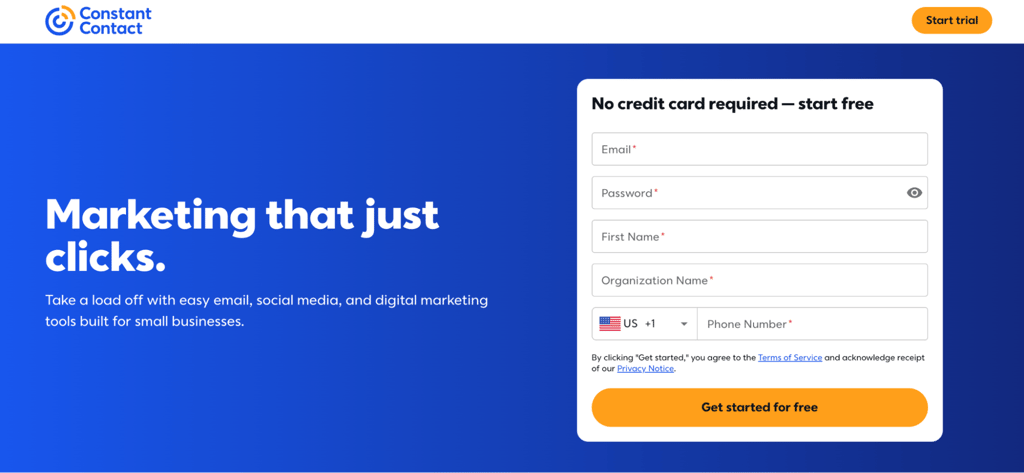
Best for: small businesses, local businesses, nonprofits, and event-focused organizations that want a simple, reliable email marketing tool.
Constant Contact is an email marketing platform for small businesses, local businesses, nonprofits, and event-focused teams that want straightforward email, social, SMS, and event-marketing tools.
The platform focuses on simplicity. Newsletter templates, contact management, and basic automation are all straightforward to set up.
Constant Contact also includes event marketing tools for creating registration pages, sending invitations, and tracking RSVPs from within the platform.
Lite is limited to one automation template. Standard includes three templates, an AI campaign builder, and automatic resend to non-openers. Premium offers unlimited custom automations, including ecommerce templates and auto-send welcome emails.
It is a practical choice for teams that prioritize ease of use, live support, and built-in event promotion over advanced behavioral automation.
Constant Contact pros
- Newsletter templates and drag-and-drop builder for easy campaign creation.
- Contact management and list segmentation. One segment on Lite, 10 on Standard, unlimited on Premium.
- Event marketing tools with registration and RSVP tracking.
- SMS marketing on all plans. Premium includes 500 messages/month; Lite and Standard offer SMS as a paid add-on.
- Social media marketing tools with automatic posting to Facebook, Instagram, and LinkedIn on all plans. Social ads manager on Standard and above.
- Phone and chat support for hands-on help.
- Beginner-friendly interface supported by phone and chat assistance
Constant Contact cons
- The Lite plan is limited to 1 user and 1 automation template. Standard allows 3 users with 3 templates. Unlimited users and custom automations require the Premium plan.
- A/B testing requires Standard or above. Dynamic email content is Premium-only.
- No permanent free plan. A 14-day free trial is available, with a 30-day money-back guarantee on paid plans.
- Monthly email sends are capped at 10–24 times your contact count, depending on the plan, with an overage fee of $0.002/email.
Constant Contact pricing
The Lite plan starts at $12/month for up to 500 contacts. Standard starts at $35/month. Premium starts at $80/month. Monthly email sends are capped at 10 times contacts on Lite, 12 times on Standard, and 24 times on Premium.
Nonprofits can save up to 30% with annual prepay billing.
How to choose the best email marketing platform
Choose an email marketing platform by matching its pricing model, automation depth, integrations, deliverability controls, analytics, and support to your business type, list size, and technical ability.
Reporting also affects the decision because the tools differ in attribution, ecommerce revenue and email marketing performance data.
Match the platform to your business type
Different businesses need different tools. Here’s a quick breakdown:
- Beginners and small businesses – Hostinger Reach, MailerLite, Mailchimp, and Sender all offer beginner-friendly interfaces and affordable or free plans.
- Ecommerce stores – Klaviyo, Omnisend, and Drip are built around shopping data, product recommendations, and abandoned cart recovery. Klaviyo and Omnisend place more emphasis on coordinated mobile messaging, while Drip focuses on email and onsite customer journeys.
- Creators and newsletter publishers – Kit is designed for bloggers, YouTubers, and course creators who want to grow a subscriber base and sell digital products. The free plan offers a high subscriber allowance but limits automation and integrations.
- B2B and CRM-led teams – HubSpot and ActiveCampaign combine email marketing with CRM, sales pipelines, and lead nurturing for teams managing complex customer relationships.
- Budget-conscious teams – Sender offers the strongest combination of free subscriber capacity and core automation. Brevo and Hostinger Reach both suit cost-conscious businesses, but Brevo works better for large stored lists and multichannel marketing, while Reach prioritizes simpler AI-assisted email creation. MailerLite and Kit suit simpler creator and small-business workflows.
- Developers and technical teams – SendGrid and Mailgun provide APIs and SMTP for programmatic email delivery. Mailjet bridges marketing and transactional use cases with both an API and a visual builder.
Compare automation, segmentation, and personalization
Automation depth varies significantly between platforms. When comparing ActiveCampaign and Hostinger Reach, for example, ActiveCampaign is better suited to advanced conditional workflows and CRM-led marketing, while Reach keeps automation simpler for small businesses.
When comparing platforms, check how they handle welcome sequences, abandoned cart emails, and behavioral triggers. Some let you build dynamic segments that update automatically, while others limit you to static lists.
Product recommendations, lifecycle workflows, and send-time optimization are available on platforms like Klaviyo, ActiveCampaign, and Omnisend. If personalization matters to your strategy, compare each platform’s email list segmentation, tagging, dynamic segments, and behavioral triggers.
Check email deliverability and sender authentication
Email deliverability measures whether messages reach recipients’ mail servers and inboxes instead of bouncing or being filtered as spam. Before choosing a platform, consider which authentication tools it provides.
SPF, DKIM, and DMARC are the main sender-authentication protocols, but setup varies. Reach can configure records in one click for domains using Hostinger nameservers; most platforms provide records that you add through your DNS provider.
Also check for dedicated IPs, bounce handling, list hygiene tools, and spam testing, though these are often locked behind higher-tier plans. Strong deliverability setup means more emails reach inboxes and fewer land in junk folders.
Review integrations with your website, CRM, and ecommerce tools
Your email marketing platform should connect with the tools you already use. If it doesn’t integrate with your website builder, CRM, or ecommerce platform, you’ll spend time manually moving data between systems.
Check for native integrations with platforms like WordPress, Hostinger AI Builder, Shopify, WooCommerce, BigCommerce and the CRM tools you already use. Hostinger Reach, for example, sync Hostinger AI Builder and WordPress, while its API can submit contacts from other tools.
CRM connections are important for B2B teams, and Zapier or API access helps fill gaps when native integrations aren’t available. The easier it is to sync contacts, track behavior, and trigger automations from your existing tools, the more value you’ll get from your email platform.
Calculate the real cost as your list grows
Most email marketing platforms advertise low starting prices, but costs increase as your subscriber count and sending volume grow. Before choosing a plan, calculate what you’ll actually pay at your expected list size.
Look beyond the base subscription. Extra charges often apply for SMS credits, additional users, automation access, CRM features, dedicated IPs, landing pages, and branding removal. Some platforms charge per contact, while others charge per email sent.
Compare pricing at your current list size and at your projected size in 6 to 12 months. Calculating the full email marketing costs helps you account for contacts, send volume, users, SMS, add-ons, and feature gates.
Compare analytics and reporting depth
Analytics help you understand what’s working and what isn’t. Every platform offers basic open and click tracking, but the depth varies.
Platforms such as Klaviyo offer ecommerce revenue attribution and predictive customer insights, while ActiveCampaign provides attribution and conversion reporting. MailerLite and Sender focus more heavily on campaign-level metrics such as opens, clicks, bounces, and unsubscribes.
If you plan to optimize campaigns based on data, check whether the platform tracks the metrics that matter to your business.
Check customer support and scalability
Customer support quality varies widely between platforms. Some offer live chat and phone support on all plans, while others limit it to higher tiers or rely on documentation and community forums.
Scalability matters too. A platform that works well at 500 subscribers might slow down or become expensive at 50,000. Check whether the platform can handle your projected growth without forcing a migration later.
Which email marketing platforms offer the best free plans?
Several email marketing platforms offer free plans with enough features to get started. The best free plans balance subscriber limits, email volume, and feature access.
Here’s how the top free plans compare:
| Platform | Free subscribers | Free monthly emails | Automation included | Platform branding on free emails | Best use case |
| Hostinger Reach | 100 | 200 | Yes | No | Hostinger users wanting AI-powered emails |
| Kit | 10,000 | Unlimited | Limited, 1 automation + 1 sequence | Yes | Creators building a subscriber base |
| Brevo | Up to 100,000 | 300/day | Yes, up to 2,000 contacts/mo in automations | Yes | Large lists with infrequent sends |
| MailerLite | 250 | 2,500 | Limited, three active | Yes | Beginners testing email marketing |
| GetResponse | 500 | 2,500 | Basic | Yes | Small businesses testing funnels |
| Mailchimp | 250 | 500 | None | Yes | Small businesses want brand recognition |
| Omnisend | 250 | 500 | Yes, email and push only | Yes | Ecommerce stores getting started |
| HubSpot | 1,000 | 2,000 | One automated action | Yes | Teams already using HubSpot CRM |
| Klaviyo | 250 active profiles | 500 | Yes, full flows, volume-capped | Yes | Ecommerce stores are testing data-driven campaigns |
| Sender | 2,500 | 15,000 | Yes | Yes | Small businesses starting out |
“Yes” in the branding column indicates that the platform’s logo or footer appears in your emails. “No” means emails are unbranded.
For a small business testing email marketing, Sender is a strong option because its free plan includes automation, landing pages, forms and transactional email for up to 2,500 subscribers and 15,000 monthly sends.
Kit provides the largest subscriber allowance among the free plans in this comparison, making it useful for creators who prioritize audience growth. Its free tier limits automation and third-party integrations.
Brevo suits businesses that need to store a large contact list but send to smaller groups. Its 300-email daily cap prevents a large free account from emailing the full database in one campaign.
Before committing to any free plan, check whether platform branding matters to your audience, how fast you’ll outgrow the subscriber or send cap, and whether key features like automation are included or locked behind a paid tier.
Email marketing platforms vs. email API services
Email marketing platforms help marketers build and manage campaigns, while email API services give developers the infrastructure to send transactional or programmatic messages from an application.
Platforms like Hostinger Reach, MailerLite, Brevo, Mailchimp, Kit, HubSpot, Klaviyo, Omnisend, and ActiveCampaign are designed for campaign creation. They include visual builders, automation workflows, subscriber management, and analytics. They generally require less technical setup than an API service.
API services like Mailgun and SendGrid are built for developers who need infrastructure for transactional email services, SMTP and high-volume programmatic sending.SendGrid also offers a separate Marketing Campaigns product with a visual builder.
Brevo and Mailjet bridge both categories by offering visual campaign tools alongside transactional APIs and SMTP.
Mailjet pairs a collaborative drag-and-drop editor with real-time co-editing, approval workflows, AI-powered content tools, and a transactional API. That makes it a strong fit for teams where marketers and developers need to work from the same tool.
Choose a marketing platform for visual campaign creation, an API service when email must be triggered from an application, or a hybrid platform such as Brevo or Mailjet when you need both.
Next steps for choosing an email marketing platform
Pick an email marketing platform after you’ve mapped out your campaign goals. Whether you’re building a welcome sequence, recovering abandoned carts, or nurturing leads, your goals shape which features and platform fit best.
Test before you commit. Every platform listed offers either a free plan or a free trial, so you can build a real campaign, import your contacts, and see how the interface feels in practice.
For developer-first services such as Mailgun and SendGrid Email API, test authentication, API or SMTP integration, logs, error handling and deliverability rather than judging them by a newsletter editor.
Once you’re set up, focus on growing your list, testing your content, and tracking your results. A well-chosen platform paired with a clear email marketing strategy gives you the foundation to reach your audience and grow your business over time.
This article is a localized version of 17 best email marketing platforms for 2026, originally published in English.

Justina is a Content Writer passionate about marketing, with a background in social media and customer success management. She also loves reading books, traveling and exploring new places as well as cooking, and trying out new recipes. Follow her on LinkedIn.

Miglė Padelytė is the Product Manager for Reach at Hostinger, where she focuses on creating an exceptional user experience and driving business growth. She's an empathy-driven, hands-on leader who loves diving deep to solve real user problems and tackle complex challenges. With a background in fintech, Miglė is comfortable with data analysis and uses her technical skills to make smart, informed decisions. Follow her on LinkedIn.