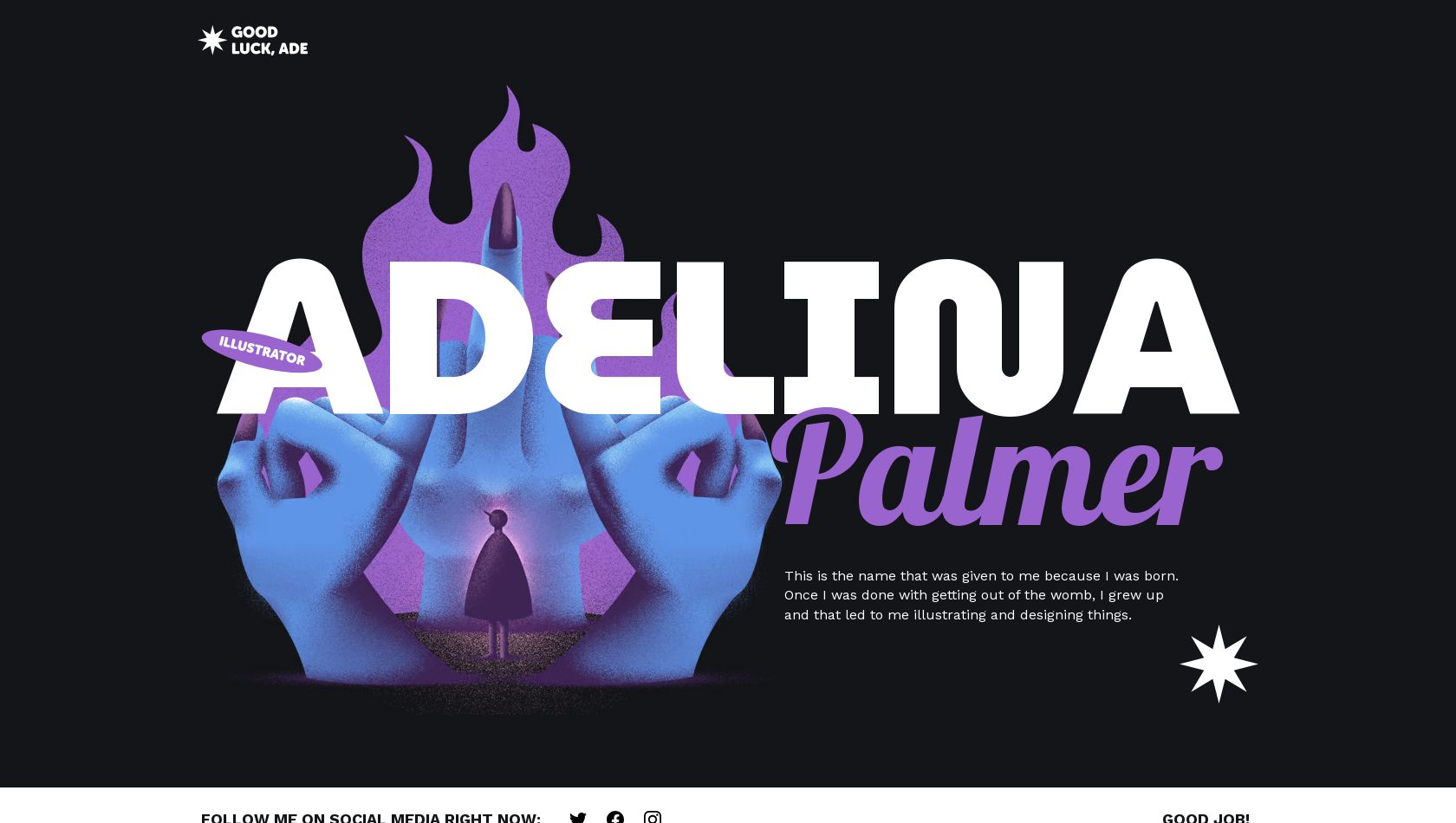
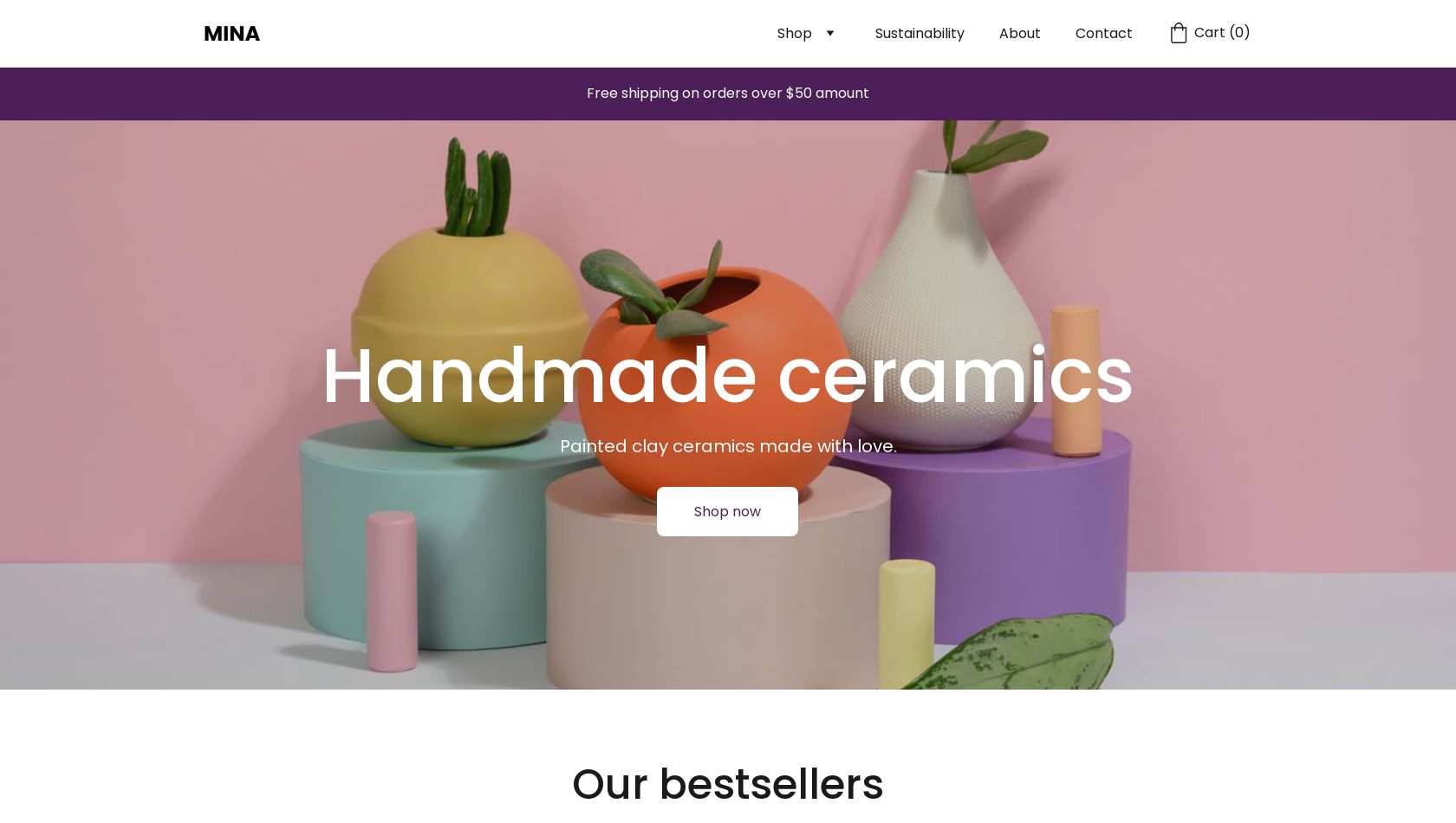
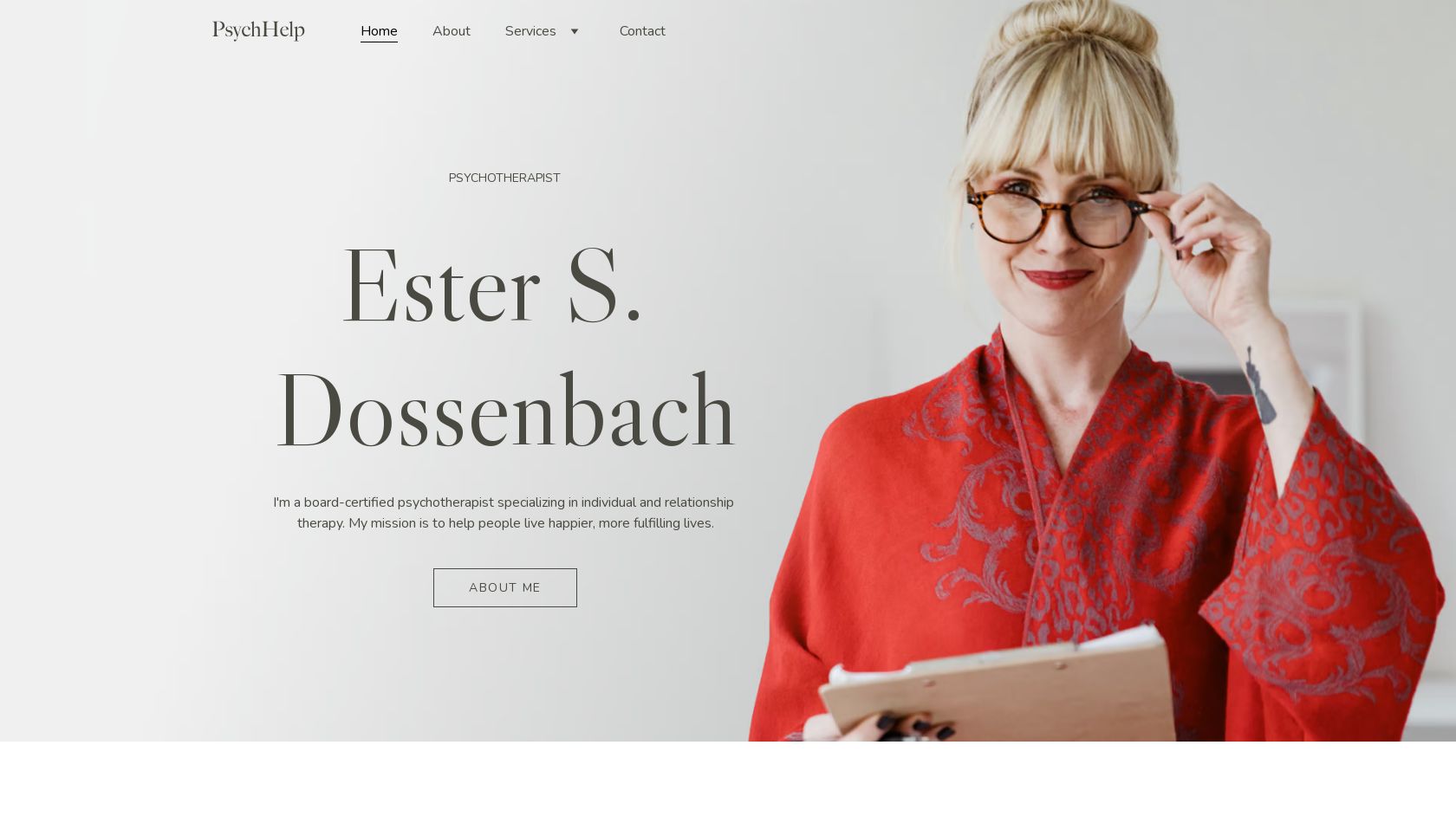
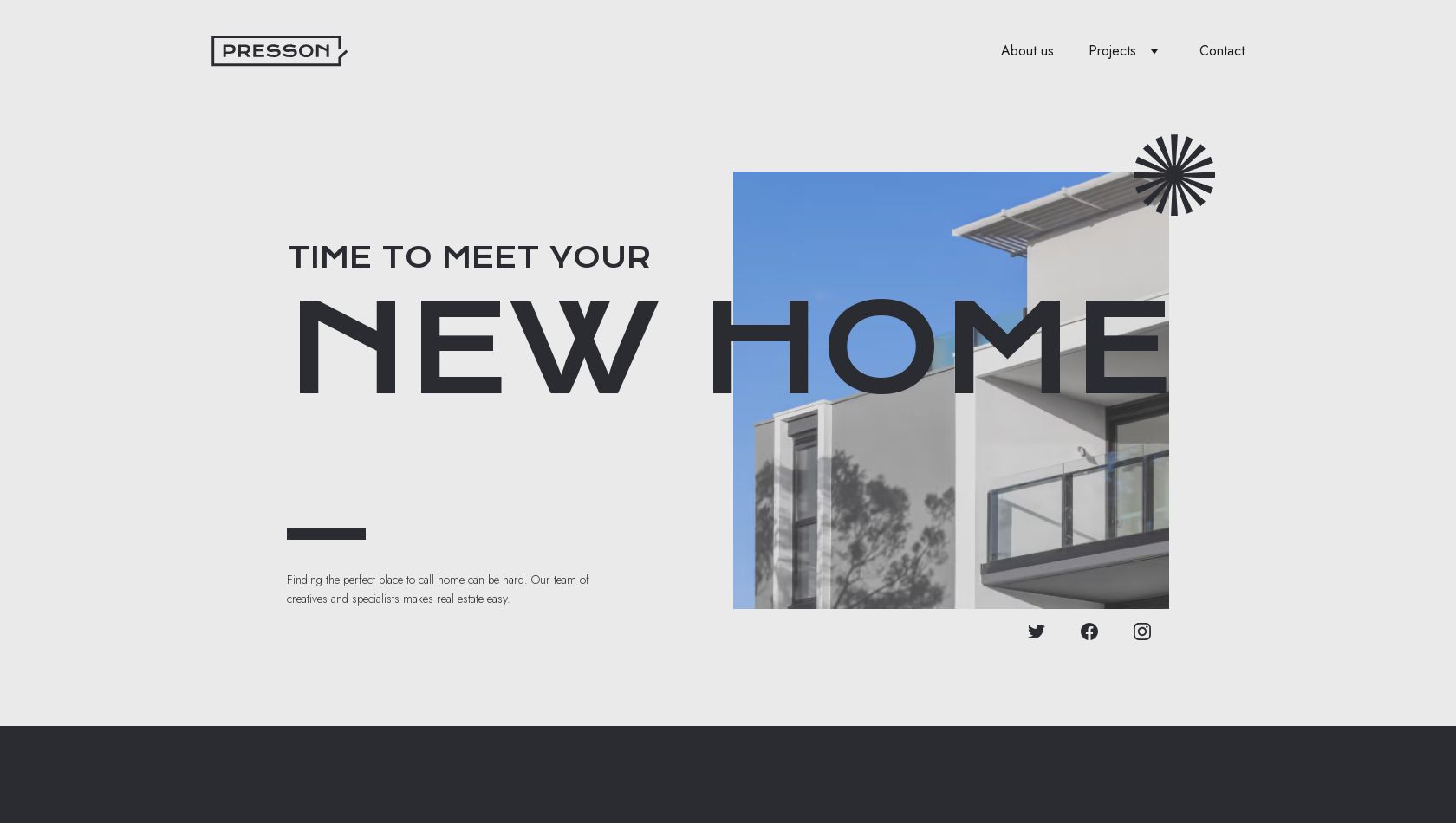
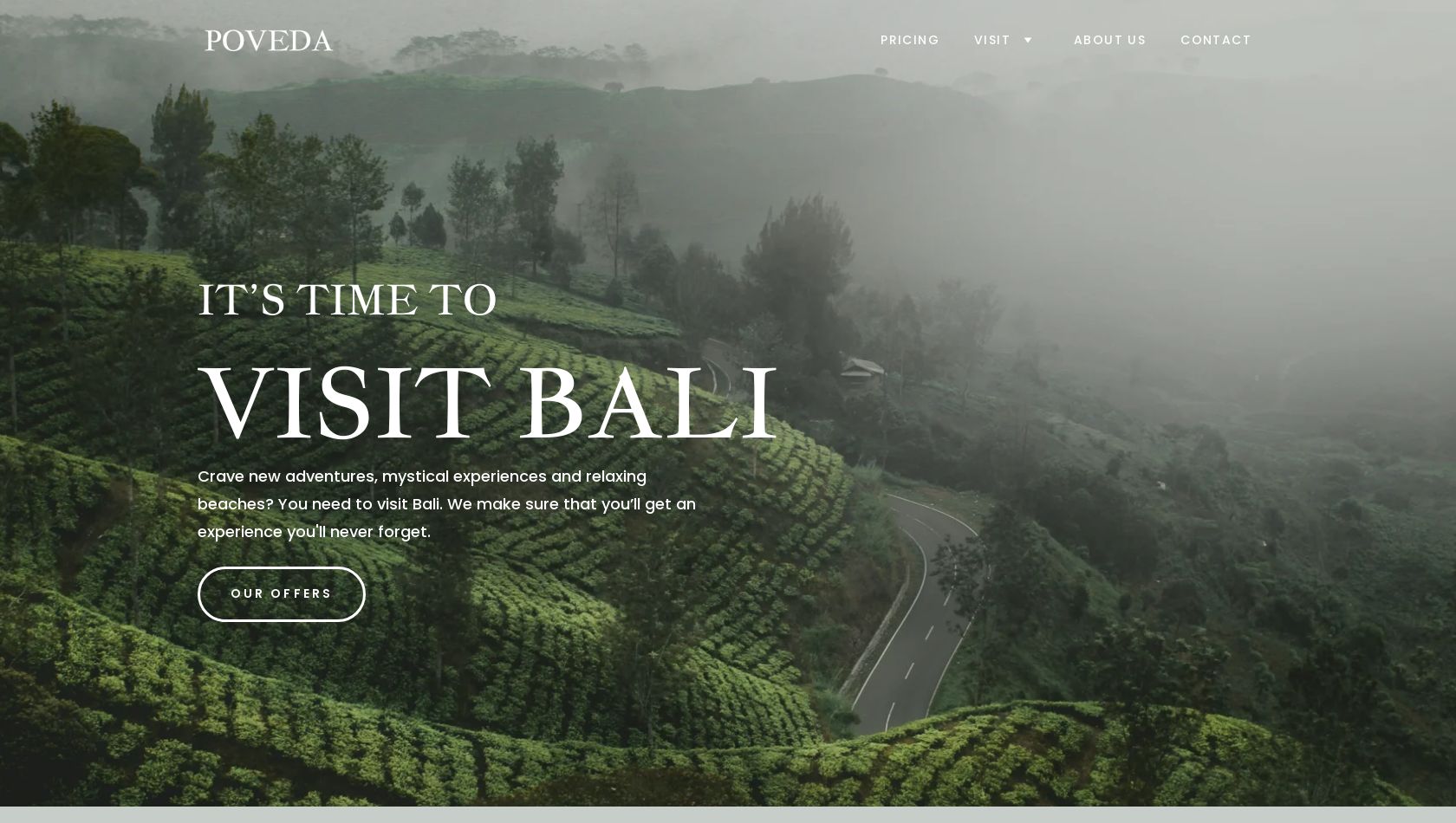
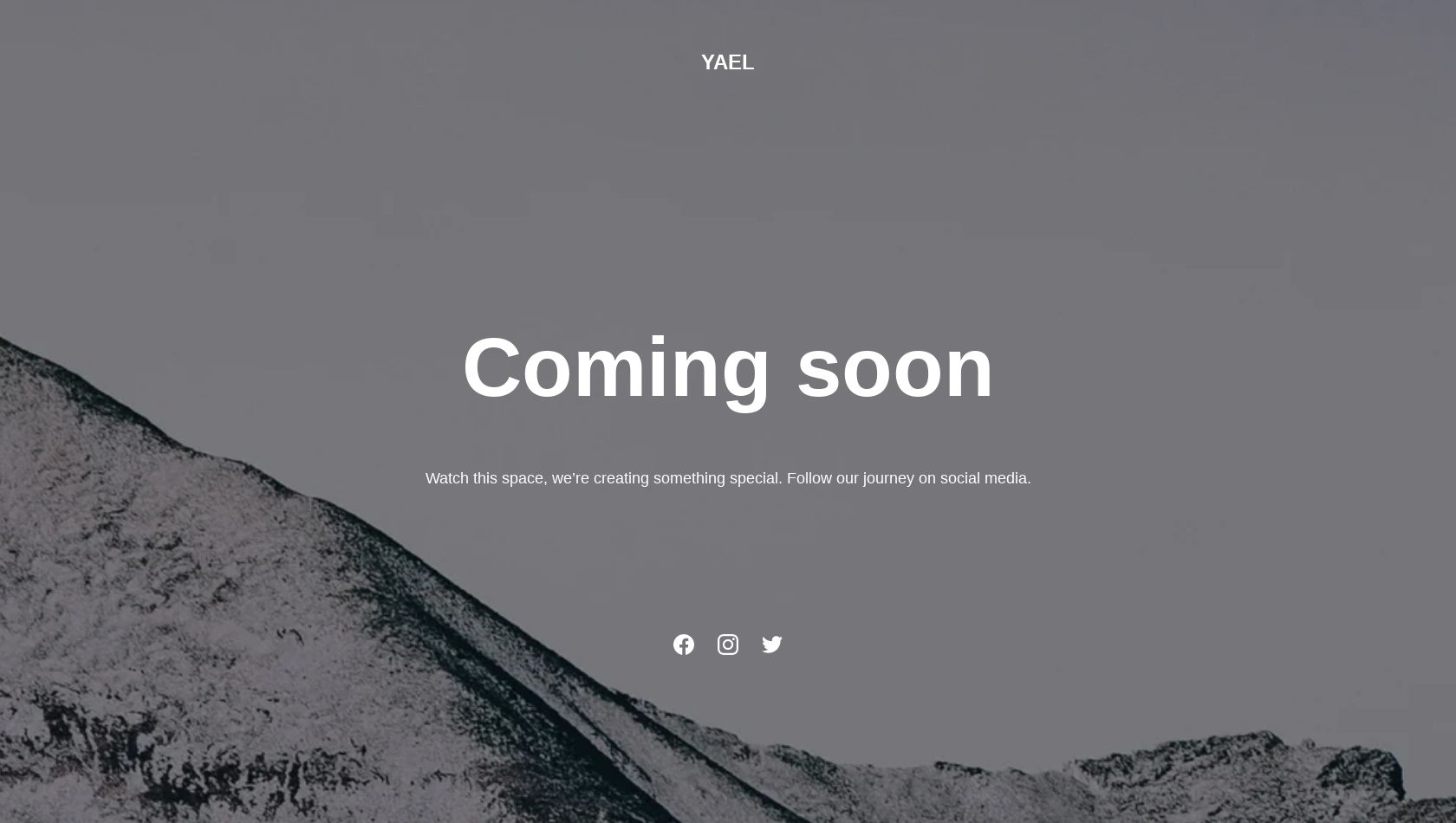
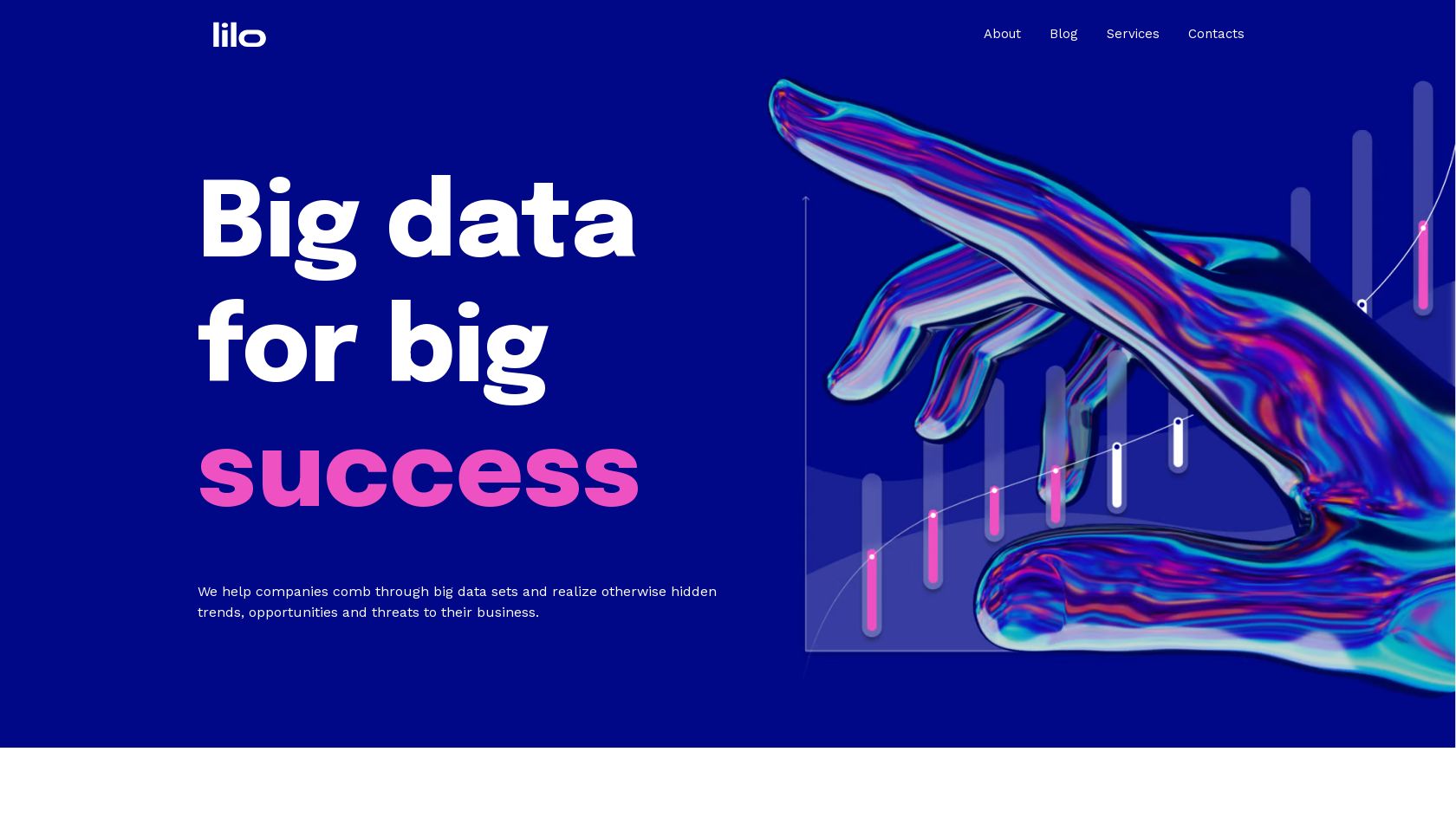
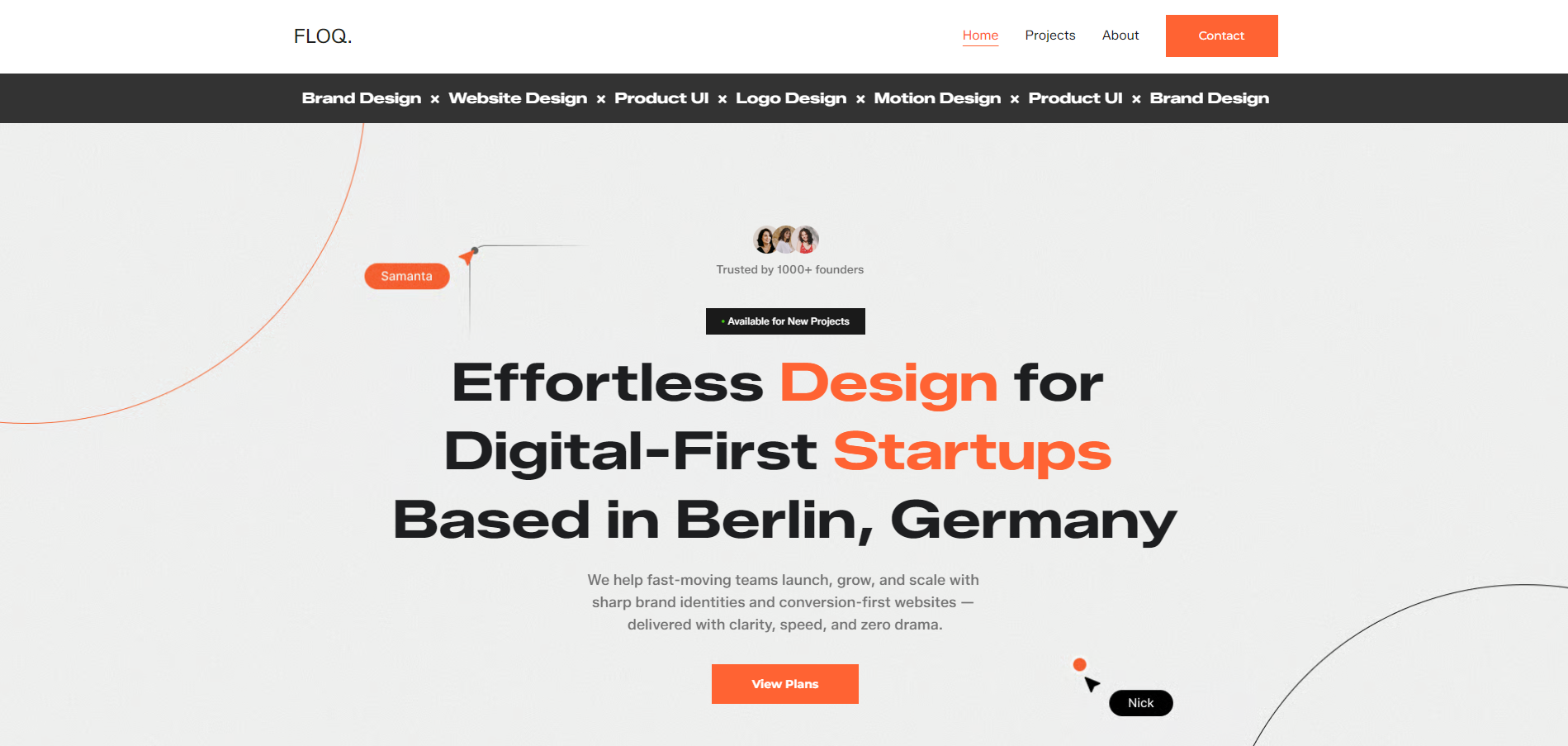
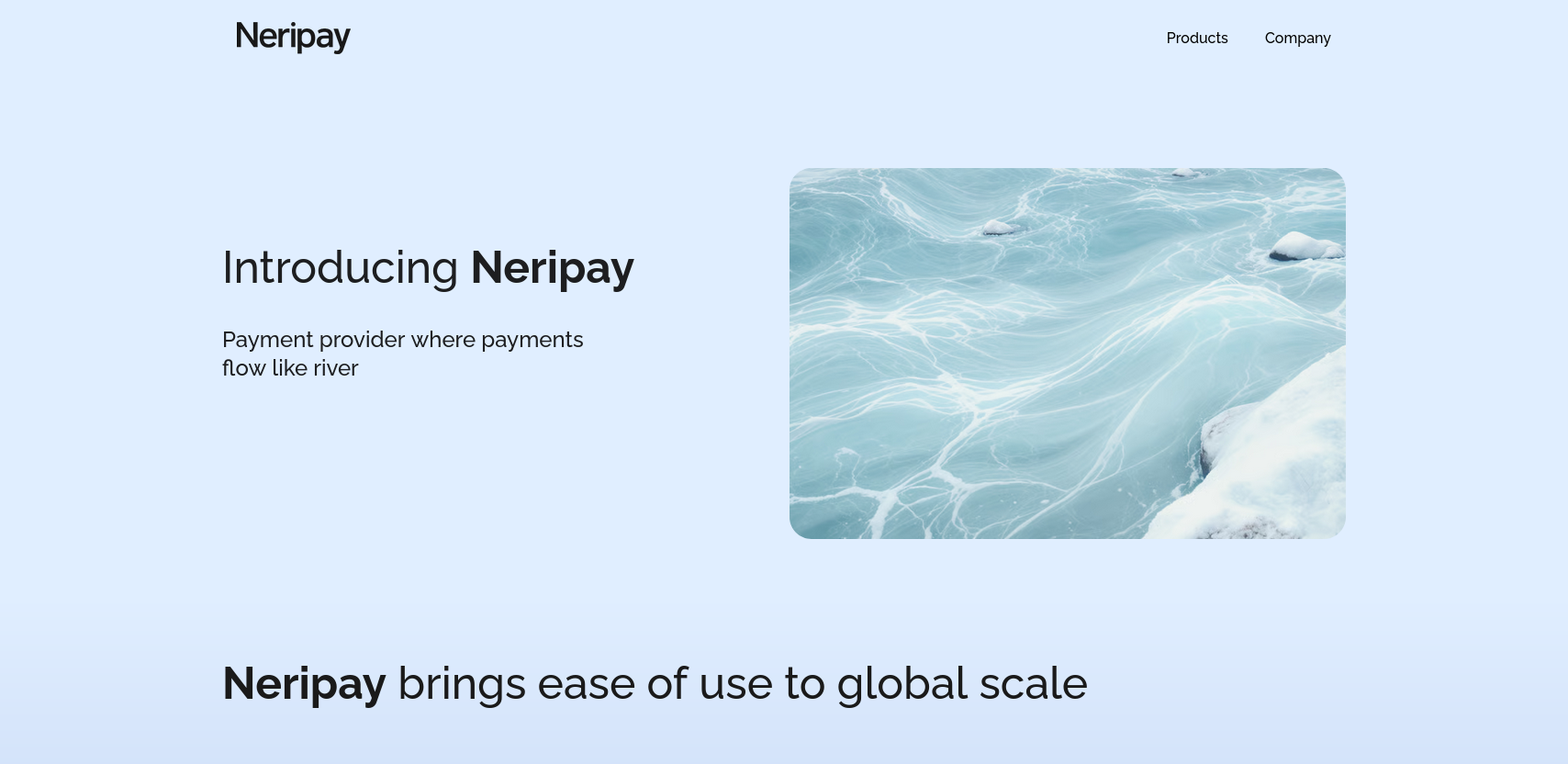
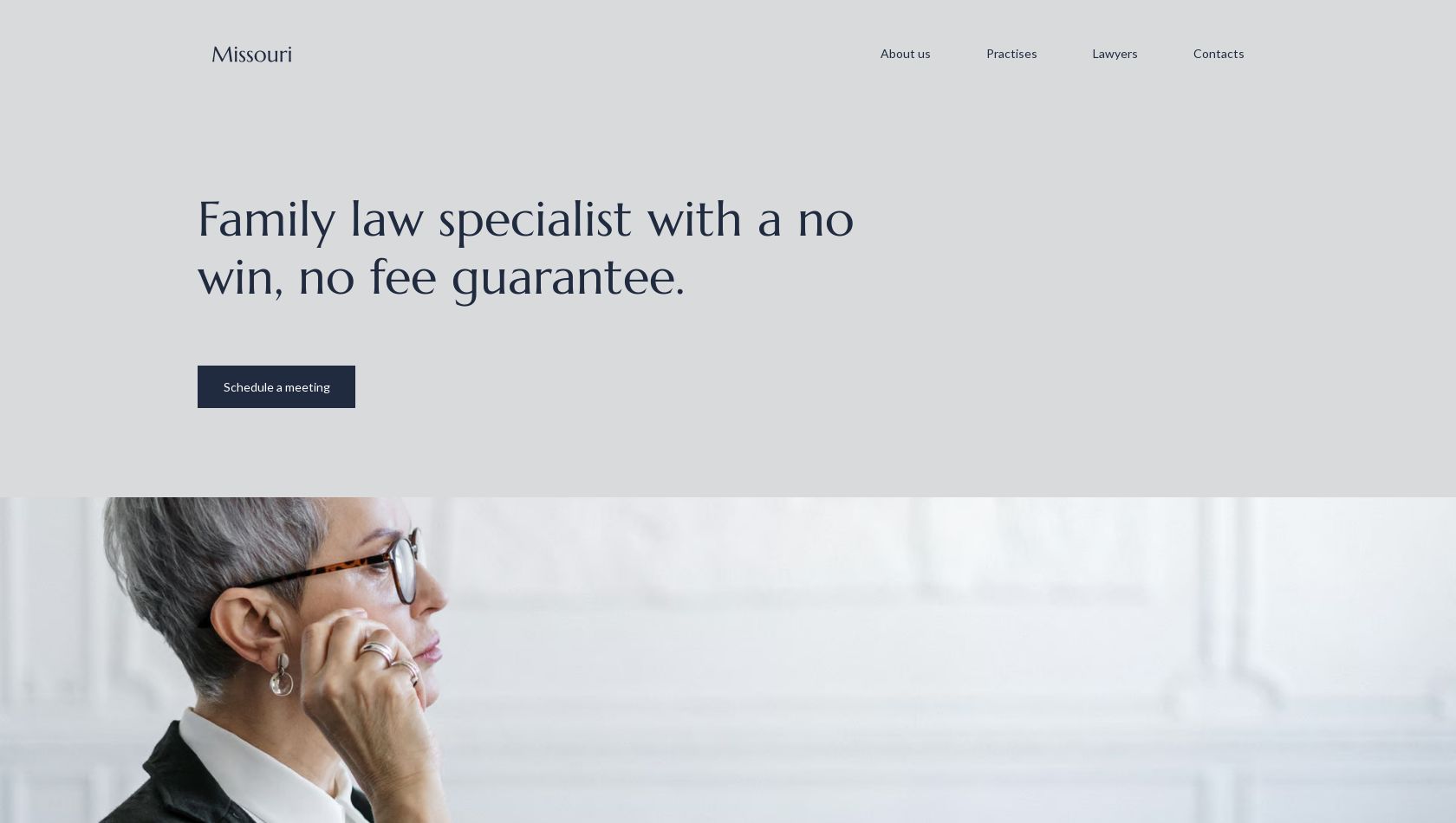
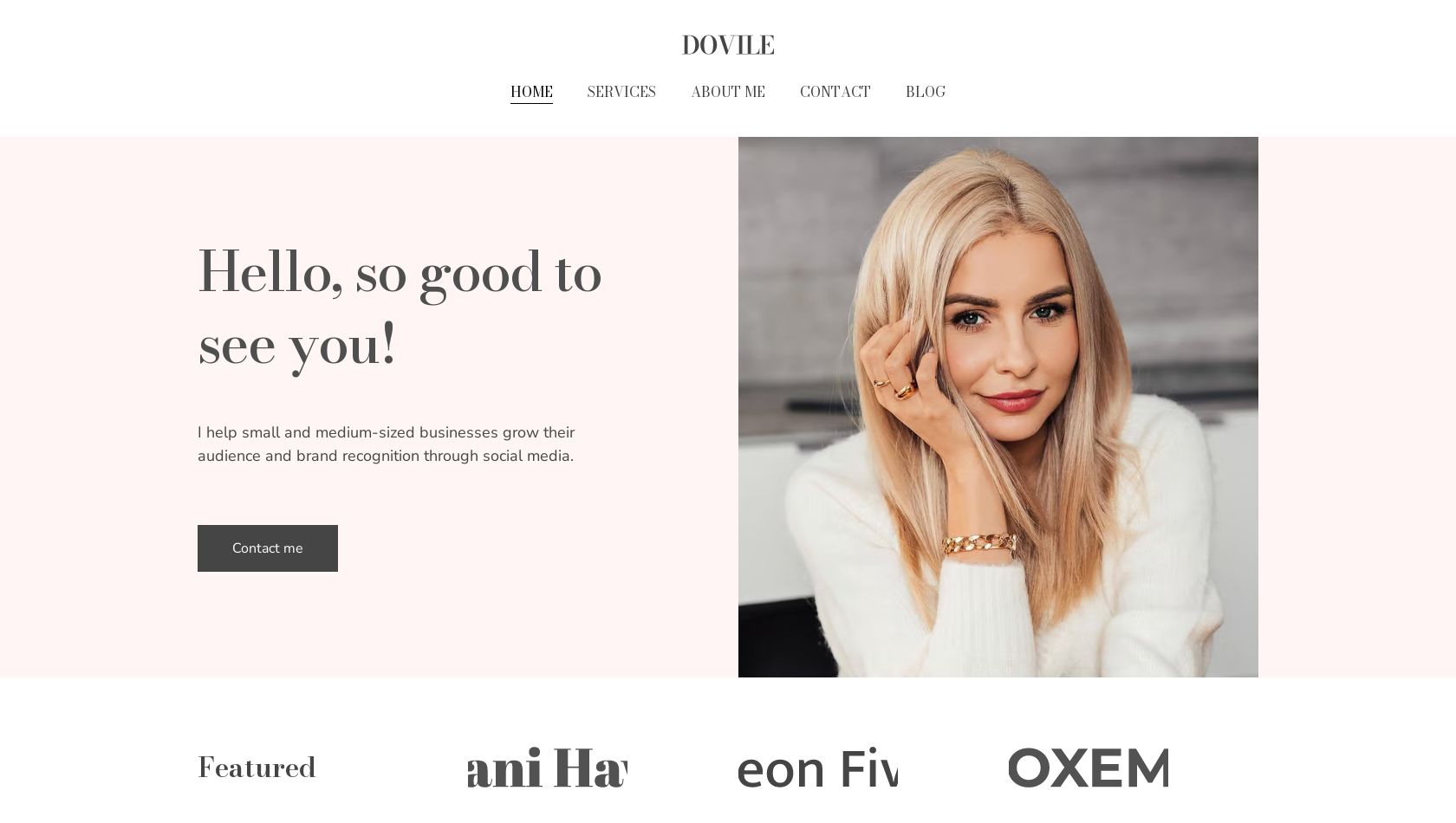
Website templates built for success
Choose a designer-made, fully customisable theme and create a professional-looking site without coding a single line.
All website templates
Try AI Website Builder
Use the power of AI to create a website tailored specifically for you.
Why use templates for building a website?
Speed & efficiency
Templates provide ready-made layouts, eliminating the need to design from scratch.
Professional design
All designs are professionally crafted, ensuring every website is responsive, visually appealing, and user-friendly.
Customization & flexibility
Easily move elements, experiment with different fonts and color schemes – no coding or web design skills required.
How to build a website?
1. Choose your method
2. Customize your website
3. Go live
How can AI help with building a website?
Instant site creation
Just tell the AI what your business is about, then let it generate your website instantly.
Done for you
AI can generate images, write copy, design layouts, and boost SEO – it removes technical barriers.
Smart customization
Hostinger AI tools can instantly create any site layout – ecommerce, portfolio, blog, and more – and can help you tweak your site further.
Website templates FAQs
What are website templates?
A website template, or website theme, is a layout made by web designers to speed up the site-building process. Each template design includes a selection of pages and mockup content to give you an idea of what you should include on your website.
For example, an ecommerce website layout often comes with a sample landing page or two, dedicated pages for contact and legal information, and an online store section with placeholder product images and descriptions that you can replace with your own product info.
What is the best website theme?
While there’s no definitive answer, good web design templates should be fully mobile-responsive, made using HTML5, and follow modern design principles and trends.
On top of that, a good website layout template should serve multiple purposes. For example, a one-page website design should be easy to transform into an online store by adding ecommerce functionality and extra pages.
What are the steps to use templates?
You can preview different website themes to see them in action, then choose the perfect template for your needs. Buy any hosting plan to get access to customize it. You can add new functions, extra pages, social media feeds, and contact forms using the drag-and-drop editor. When you’re happy with the result, connect the website template and hosting to a custom domain and launch your site for the whole world to see.
Is it possible to add more pages to my website template?
Absolutely – think of web design templates as creative examples of how a website could look. Since you can customize everything, adding more pages is just a mouse click away when editing your theme in the website builder.
Can I manage a template without knowing HTML?
No, website builder templates are managed with a visual builder, meaning that you don’t need to know any programming languages to design your website. Simply select an element on the layout and drag it to its new position. The built-in grid ensures that all elements are properly aligned on the page.
Which templates are suitable for my site?
- Consider your goals – Start by thinking about what you want to achieve with your website: are you selling products, sharing a portfolio, or just providing information?
- Identify the type of site you need – For example, ecommerce sites need product pages and a checkout function, while influencers might prefer a blog layout to share stories and photos.
- Pick a layout that suits your content – Choose a template structure that highlights your content naturally, like a minimalist design for portfolios or a more dynamic layout for businesses.
- Look for features and functions – Think about must-have elements: contact forms, galleries, booking tools, or ecommerce functionality.
- Align with your branding – The template’s look and feel should be close to your brand’s style and tone so it can easily be tweaked to match.
- Find the best fit – Choose a template that ticks most of these boxes
- Customize your template – Adjust colours, fonts, and images to create a site that’s uniquely yours!
Can Hostinger templates improve my SEO?
Yes, all of Hostinger’s website builder templates are optimized for search engines. Whether you need a landing page, portfolio, or a full-blown online store with ecommerce functionality, you can rest assured that your website will load fast, have logical sitemaps, and come with all the on-page SEO features you need.
Are website templates mobile-friendly?
All of Hostinger’s templates for websites are fully mobile-responsive. This means that no matter what device your audience is using, your website will look pixel-perfect at all times. You can also customize the mobile version of your website separately to ensure each element looks as it should.
Are templates optimized for fast loading speeds?
All websites created with Hostinger website templates are optimized by default. Our builder also automatically optimizes all the visuals you upload to your website, except for GIFs.
Ensuring optimal website performance has various benefits, from improving user experience to boosting conversions and sales. You can be confident that your template-based website will meet best practices and score well in PageSpeed Insights.
Learn more about website speed in Hostinger Website Builder.
Does a template make my site look generic?
Website templates are intended to speed up your design process, not the other way around. If you use a template without customising it, you might find other websites with a similar look. For that reason, we recommend changing the default colour scheme, using unique fonts and images, and creating custom pages to add that extra bit of personality to your site.
We also offer blank templates if you want to create a truly one-of-a-kind web design. Not sure where to start? Look for inspiration on other websites built by creative professionals and design freelancers.
How to make changes to my website after publishing it?
Building a successful website is a long-term project that requires plenty of changes. You’ll need to publish new posts, update underperforming content, fix website errors, change the design layout, and add other functions as your site grows. Fortunately, editing your published pages is easy with Hostinger Website Builder – simply open the drag-and-drop editor, make the necessary changes, and update your website.
What kinds of website templates can I choose from?
Some of the most popular template categories include ecommerce, portfolio, business, resume, blog, marketing, and fashion. There is also a selection of blank themes if you already have a vision you want to bring to life yourself.
Can I change the HTML code of my website?
While you can’t directly edit the code of your website, you can add custom code to your pages. This way, you can add new functions and interactive features to your pages, like widgets, infographics, interactive maps, quizzes, forms, animations, and more, without needing access to the back end of your website.