All Hostinger Tutorials
Learn more about web hosting, VPS, domain names, SSL, and more with our newest releases.

How to hide page title in WordPress -manually and using a plugin
As a WordPress website owner, you might have experienced the following situation – you’re ready to publish a page or ...

How to install and use nano text editor: A beginner’s tutorial
In this tutorial, you will learn how to use and install Nano, a popular text editor of Unix and Linux operating ...

How to change permissions and ownership in Linux
Properly managing Linux file permissions and ownership is essential for safety, especially when multiple administrators manage one server. Moreover,...
Adding PHP to WordPress: 2 methods to add PHP code snippets
Adding PHP to WordPress lets you add custom functionality, automation, and specific logic directly to your website’s architecture.By adding...
How to upload your website (in 6 easy steps)
Creating your own website will help boost your online presence, expand your customer base, and increase your conversion rate. However, ...

How to use Google SMTP server
If you have a Gmail account or Google business email account (Workspace), you might want to use its free SMTP ...
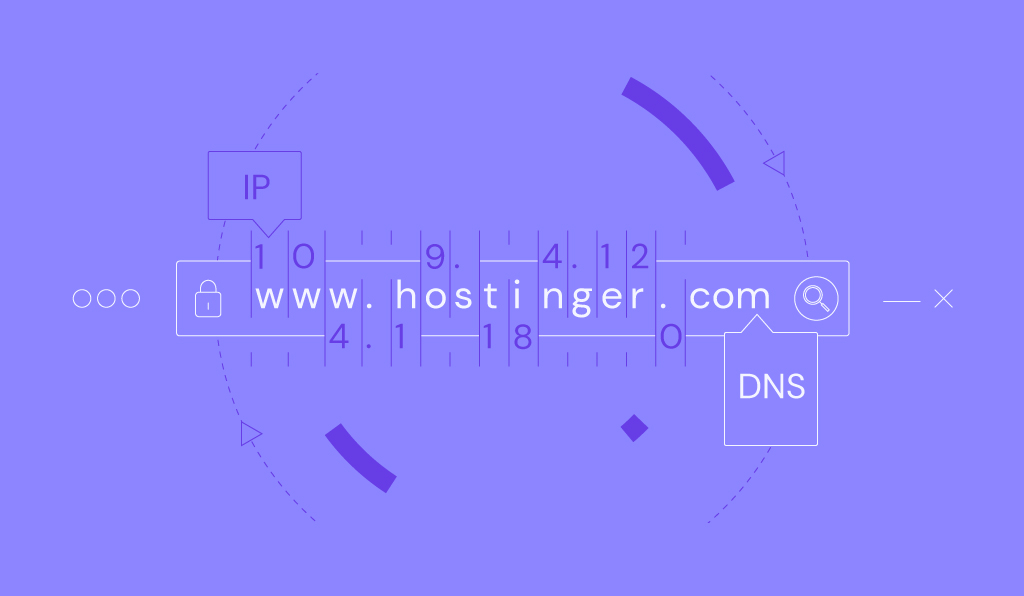
How to flush DNS: A step-by-step guide for Windows, macOS, Linux, and web browsers
The steps for flushing the domain name system (DNS) cache vary depending on your operating system and web browser. To ...

Change domain nameservers: point to a different provider (godaddy, namecheap, and others)
Nameservers define who manages your domain’s DNS zone and are responsible for mapping domain names to IP addresses. If you ...

What is the ERR_TOO_MANY_REDIRECTS error and how to fix it in WordPress
ERR_TOO_MANY_REDIRECTS is a browser error that signals a redirect loop, preventing you from accessing your WordPress site.This process creates an ...

How to check if FTP port 21 is not blocked
Having issues connecting to your FTP account? If that’s the case, it’s worth checking whether port 21 is the culprit ...
How to block IP by country: restrict access to your website from specific countries using .htaccess
This quick and easy tutorial will show you how to control site access based on visitors’ location. With some tweaks ...
How to use WordPress do_shortcode
Extending site functionality is easy with the help of shortcodes. To place them on any part of your website, you ...
How to increase the maximum upload file size in WordPress: 3 ways + reasons to do it
Are you unable to upload large files to WordPress? We’ve got you covered! Here, we will uncover how to increase ...

IMAP vs POP3: Which email protocol is better?
The main difference between IMAP (Internet Message Access Protocol) and POP3 (Post Office Protocol 3) is that IMAP stores emails ...
How to add a favicon to your website
A favicon is a small icon that serves as your website’s visual identity in browser tabs, bookmarks, and history logs. ...
How to force HTTPS using .htaccess
After you buy an SSL certificate and install it on your website, it will be available over HTTP and HTTPS. ...
How to discourage search engines from indexing this site in WordPress
WordPress site owners will do anything to get their websites indexed. However, you might not want search engines to crawl ...

How to fix the “sorry, this file type is not permitted for security reasons” WordPress Error in 2024
When uploading a file to the WordPress media library, users might encounter the “Sorry, this file type is not permitted ...
How to create Apache virtual hosts on CentOS 9 Stream
If you want to host more than one domain on your server, you need to create corresponding hosts on the ...
How to change WordPress URL in database: A MySQL tutorial using phpMyAdmin
WordPress relies on the MySQL database to store its data, including site URLs. If you ever need to change your ...

How to install WordPress plugins
WordPress plugins are add-ons that extend the functionality of a WordPress website without custom coding. As plugins interact directly with ...

How to use FileZilla FTP client to connect to a remote server
File Transfer Protocol (FTP) is a standard for exchanging files over the internet, enabling users to upload or download files ...