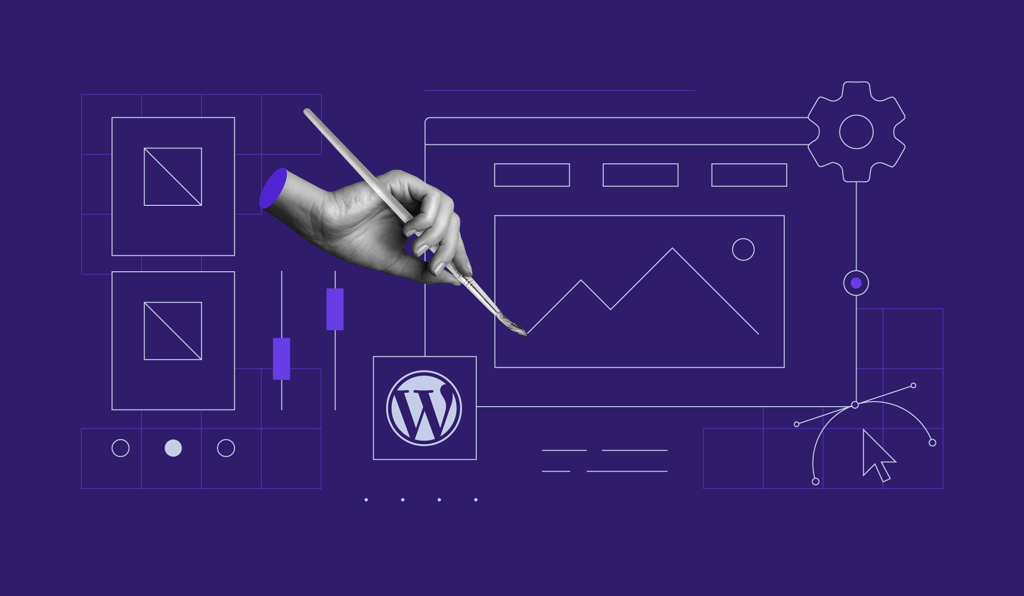

When a website shows an Error 404 Page Not Found message, it means the web browser cannot open the requested web page.
Some of the common issues behind the error 404 include:
- A mistyped URL
- Caching issues
- A problem with your DNS (Domain Name System) settings
- WordPress compatibility issues
In this video tutorial, you’ll learn three methods to fix the error 404 on your website:
- Resetting permalinks
- Disabling plugins and switching themes
- Setting up a redirect
By following our step-by-step guide, you’ll be able to solve the 404 Page Not Found Error in your WordPress website.
All of the tutorial content on this website is subject to Hostinger's rigorous editorial standards and values.

Kęstutis started out as a Customer Success agent working at Hostinger. His passion of helping people reach success assisted him in gathering heaps of knowledge useful in solving various WordPress issues. If instead of useful website improvement tips you're looking for some new music to listed to, Kęstutis has got you as well.