How to make money with Canva: 7 proven ways to earn online
Mar 13, 2026
/
Ksenija
/
7 min Read

You can make money with Canva by creating and selling design assets like templates, marketing graphics, digital products, and offering freelance design services.
While Canva itself isn’t a direct source of income, it’s the tool that enables you to earn through various monetization methods, including:
- Selling editable templates
- Offering freelance design services
- Creating print-on-demand products
- Publishing assets through Canva’s creator program
- Selling educational resources or tutorials
- Promoting Canva through affiliate marketing
1. Sell Canva templates and digital products
You can make money with Canva by designing reusable assets such as social media posts, marketing materials, presentation slides, resumes, planners, and event invitations that other people can quickly customize instead of creating graphics from scratch. Selling digital templates is one of the most accessible ways to make money online because it allows creators to earn passive income from repeat downloads.
This earning method works because many individuals and businesses need polished visuals for everyday tasks but lack the time or design skills to create them. Instead of starting from a blank canvas, they purchase templates that allow them to quickly edit text, images, and colors.
After someone buys your template, they open it through a Canva template link, customize the content inside Canva, and export a finished design in minutes.
Canva supports creating digital products of all sorts with tools like drag-and-drop editing, customizable layouts, and Brand Kits.
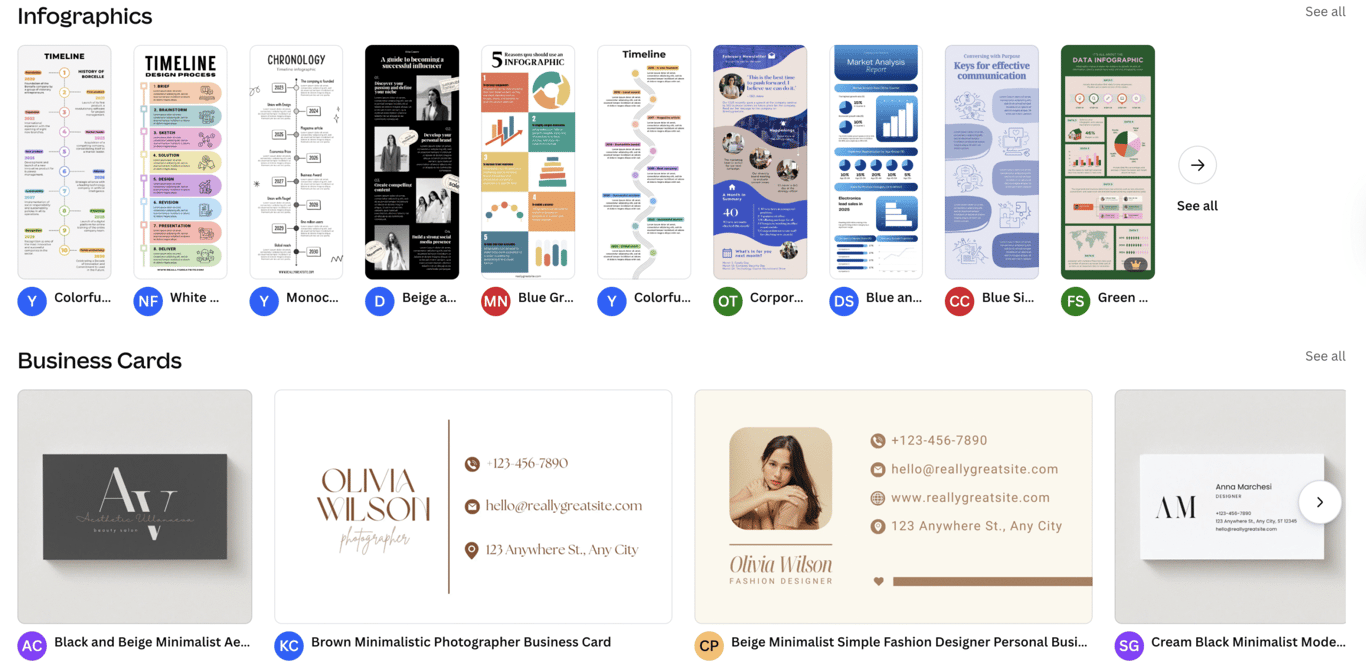
You can sell your designs through several channels:
- Etsy – a large marketplace for digital products where buyers actively search for ready-made templates.
- Creative Market – a design-focused platform where creators and businesses look for professional design assets.
- Fiverr – a freelance marketplace where you can package template collections as downloadable products.
- Your own website – selling directly allows you to control pricing, branding, and how your templates are packaged.
Earning potential – If you are just starting, template bundles often sell for $5 to $30. Larger niche template packs or full content kits can sell for $50 to $200 or more.
How long before you start earning? It takes 3 to 6 months to start seeing consistent sales, especially if you’re targeting niche markets.
2. Offer freelance design services using Canva
You can also earn money with Canva by creating custom graphics such as social media visuals, presentation slides, YouTube thumbnails, marketing banners, and brand kits for businesses that need design support.
Unlike selling templates, freelance work involves creating visuals tailored to a client’s brand, campaigns, or marketing content.
Canva makes this process efficient by providing ready-made design formats, presentation builders, Brand Kits for consistent branding, and tools like Magic Resize, which lets you quickly adapt a single design for multiple platforms.
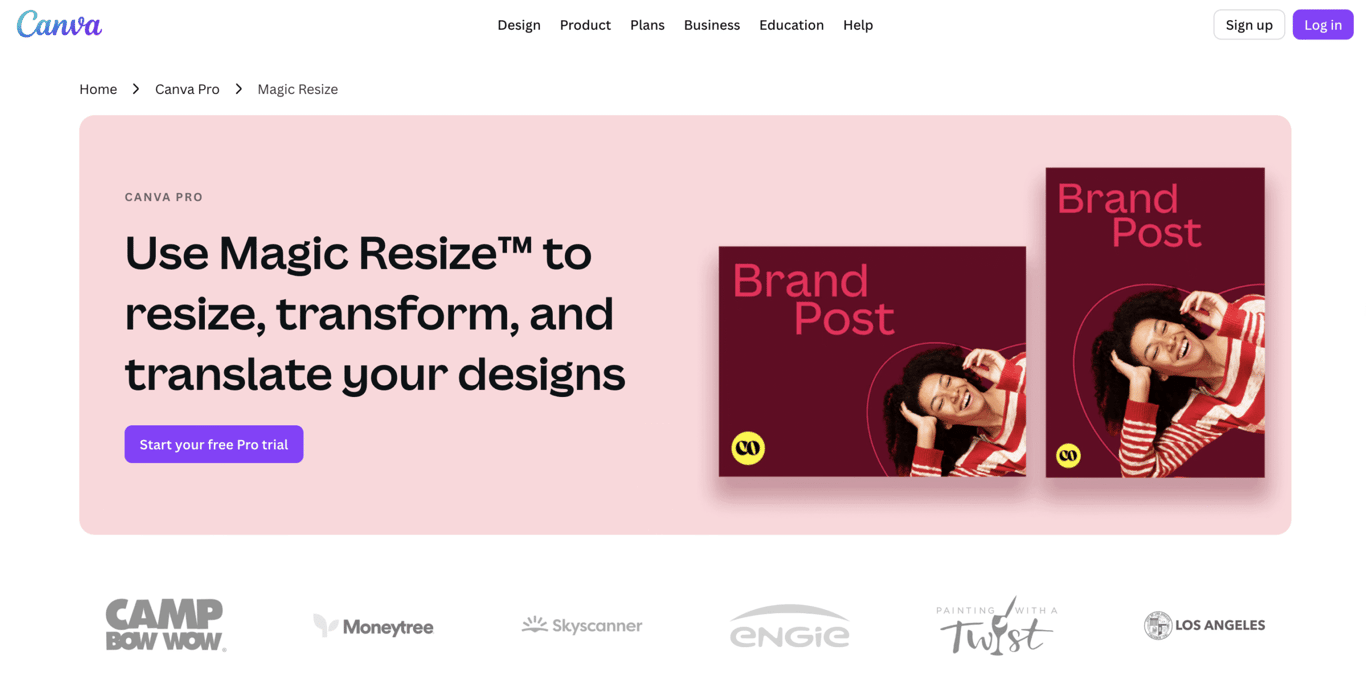
You can promote your services through several channels:
- Freelance marketplaces (Upwork, Fiverr) – businesses post design projects and hire freelancers to create graphics for their marketing.
- Professional networks (LinkedIn) – connecting with founders, marketers, and small business owners can lead to direct design work.
- Personal portfolio websites – showcasing your designs allows potential clients to review your work and contact you directly.
Earning potential – Small design tasks often pay $20 to $100, while larger projects such as presentation decks or full brand kits can range from $150 to $500 or more.
How long before you start earning? You can land your first freelance project within 2 to 4 weeks if you’re actively reaching out and applying for jobs. With consistent effort, you can start securing repeat clients after 2 to 3 months.
3. Launch print-on-demand products
Designing artwork for print-on-demand products is a great way to monetize your Canva skills. This method involves creating graphics in Canva for physical products like t-shirts, mugs, posters, and stickers, and printing them only when customers place an order.
With platforms like Printful and Redbubble, all the production, packaging, and shipping is handled for you. You simply upload your designs and connect your store to start earning.
Canva’s design tools, customizable templates, and product mockup features make it easy to create eye-catching, high-quality designs that resonate with your target market.
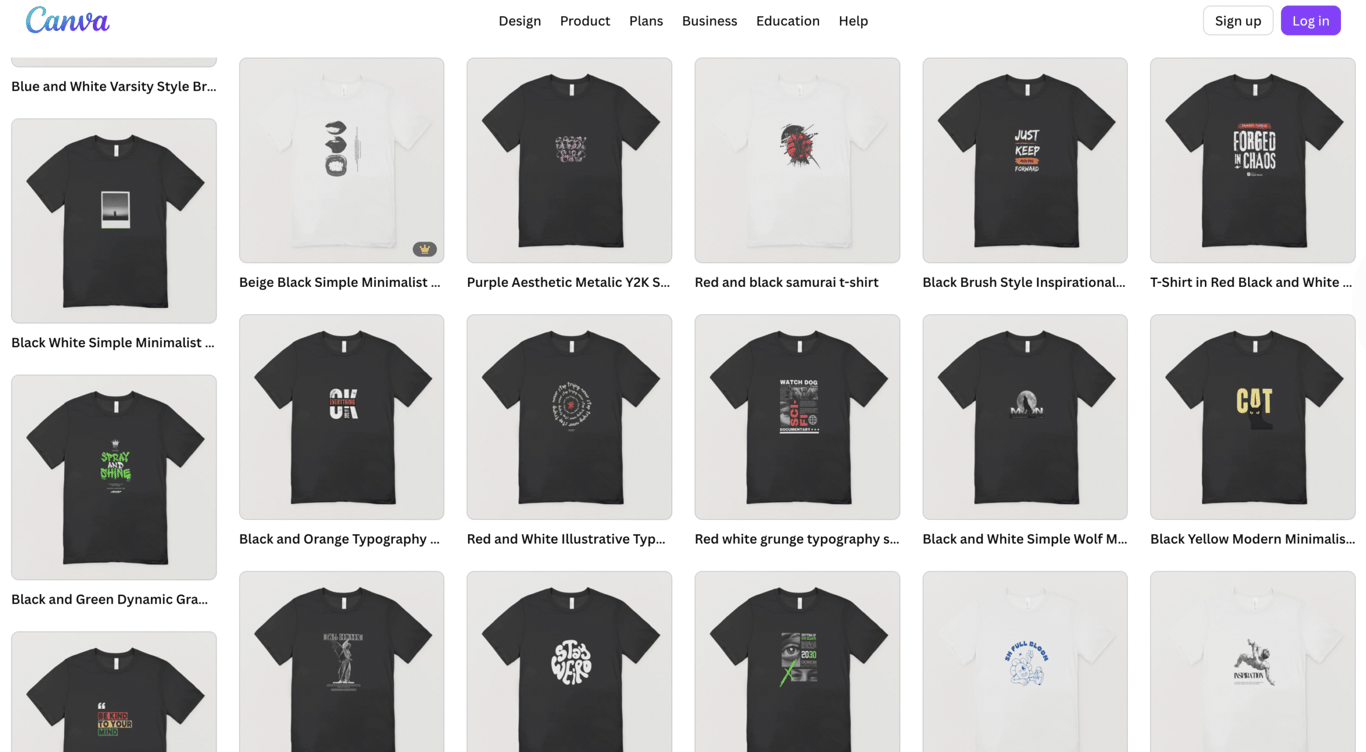
Earning potential – For each product, you make a profit of $5 to $20, depending on the item and your pricing strategy.
How long before you start earning? It usually takes 1 to 3 months to start seeing your first sales, especially if you focus on promoting your products on social media and building an audience.
4. Join the Canva Creators program
The Canva Creators program allows you to earn money by submitting original templates, graphics, photos, and videos in Canva’s design library that other users can access and use in their projects.
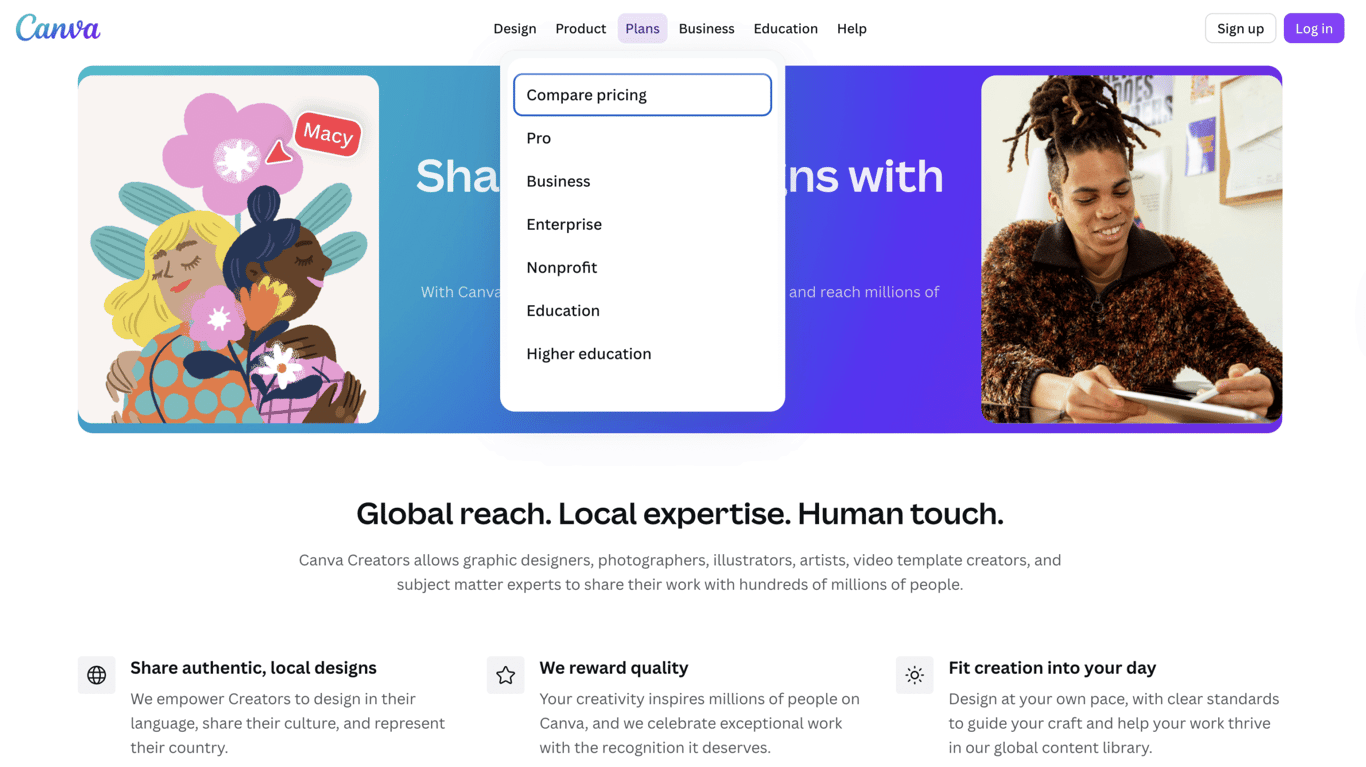
You earn royalties every time someone uses your design within Canva. This means that as long as your design remains popular and is used by others, you’ll keep earning from it.
With Canva’s tools like easy-to-use templates, a vast library of photos and illustrations, and the ability to collaborate with users worldwide, your assets can become a valuable resource for others.
Earning potential – Successful contributors can earn anywhere from $50 to $500+ per month, depending on how popular their assets become.
How long before you start earning? Expect to start seeing your first earnings within 1 to 3 months, as it takes time to build visibility in Canva’s library and for users to discover your work.
5. Sell social media content packages for businesses
Creating and selling ready-made social media content packages for businesses is a great way to monetize your Canva skills. This method involves designing collections of branded graphics that businesses can easily customize for ongoing marketing campaigns.
Instead of creating content from scratch for every post, businesses can quickly update your content kits, saving them time and effort. Canva’s drag-and-drop tools, customizable layouts, and brand kit features make this process seamless for both you and your clients.
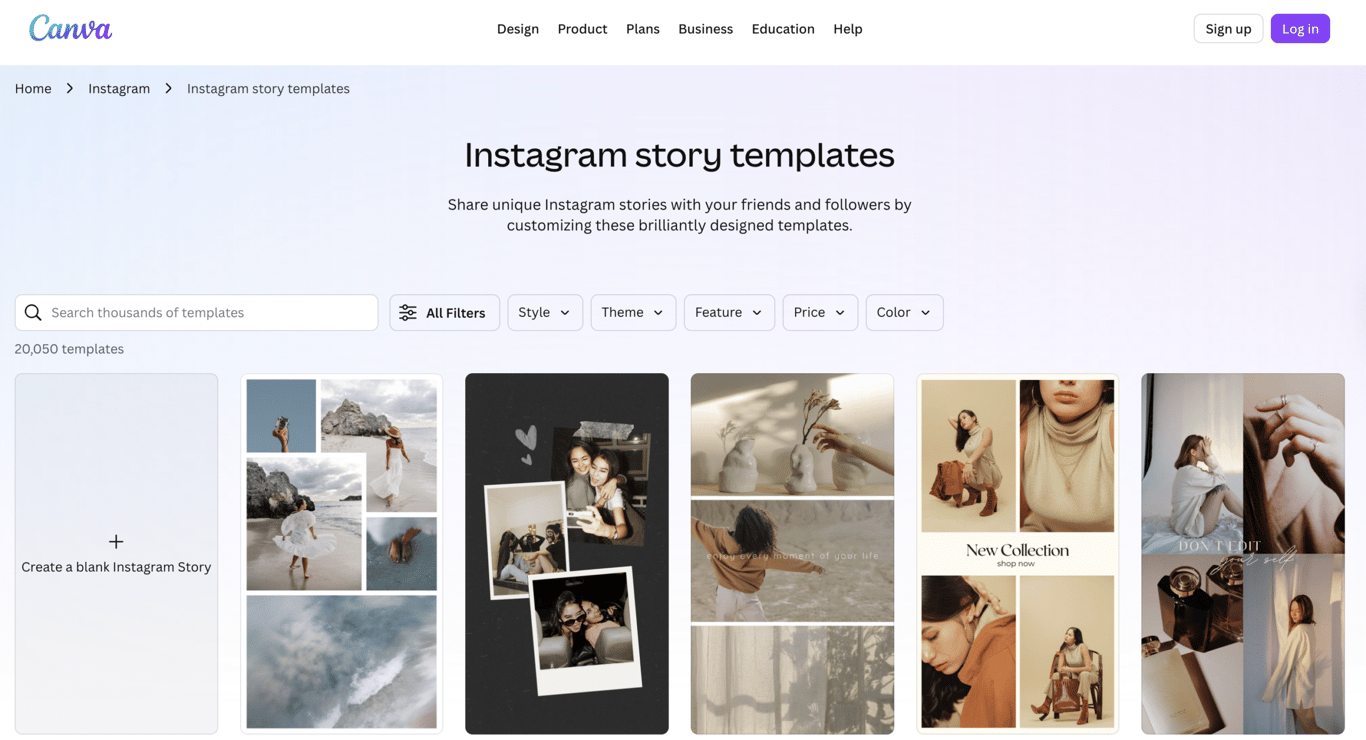
You can sell these packages on platforms like Etsy, Creative Market, and freelance platforms (Fiverr, Upwork), or directly through your own website for more control over pricing and branding.
Earning potential – Social media content bundles sell for $15 to $100, depending on the size and complexity of the package.
How long before you start earning? With active promotion and a strong marketing strategy, you can start earning within 1 to 3 months.
6. Sell educational resources or Canva courses
You can start your online tutoring business by creating educational resources that teach others how to design or use Canva effectively. This method involves turning your Canva expertise into tutorials, courses, or downloadable guides that help others master the platform.
Whether you’re teaching the basics of design or sharing advanced techniques, your knowledge can be a valuable asset to users who want to level up their skills.
Some examples of educational resources you can create include:
- Canva tutorials for beginners or advanced users
- Step-by-step online Canva courses
- Template-building guides that show users how to create their own templates
- Productivity worksheets or checklists for better design efficiency
You can share your resources on online learning platforms like Udemy or Skillshare, or sell them directly through your own website or platforms like Gumroad, giving you more control over pricing and branding.
Earning potential – As a beginner, you can charge $10-$50 per tutorial or guide. Full courses can range from $50 to $200+, depending on the depth and complexity of the content.
How long before you start earning? It takes 1 to 3 months to start seeing income from your educational resources.
7. Promote Canva through affiliate marketing
Promoting Canva Pro through the Canva affiliate program is another way to earn online. This involves recommending Canva to your audience and earning commissions when they sign up using your referral link.
You can share your affiliate link through various types of content:
- Canva tutorials – Show your audience how to create stunning designs using Canva and include your referral link.
- Blog articles – Write posts that highlight the benefits of Canva Pro, why it’s a great tool for designers, and how to use it effectively.
- YouTube walkthroughs – Create video content that demonstrates Canva’s features and encourages viewers to sign up using your link.
- Social media tips: share design tips, Canva hacks, or updates on new features while promoting Canva Pro.
You can also create your own affiliate website focused on Canva tutorials, design resources, or reviews. This allows you to organize all your content in one place and optimize it for search engines, driving more traffic to your referral links.
Once your content starts gaining traction, you can continue earning commissions as long as people sign up through your link.
Earning potential – You can earn $50 to $500+ per month, depending on your traffic and engagement.
How long before you start earning? If you create consistent, high-quality content and actively promote it, you can expect to see your first earnings in 1 to 3 months.
Common legal questions about selling Canva designs
Making money with Canva is legal, but it’s important to follow Canva’s content licensing rules and commercial use policies to avoid any issues.
Canva allows users to sell designs they create on the platform, provided they are original and comply with Canva’s licensing terms.
Can you legally sell designs made with Canva?
Yes, you can sell designs created on Canva, but they must be original work. You can’t simply edit an existing Canva template and resell it as is.
Create designs from scratch or make significant customizations to ensure your work is unique and in line with Canva’s guidelines.
Can you use Canva graphics and elements in products you sell?
Yes, you can use Canva’s graphics and elements in your designs as long as they’re part of a larger finished product.
However, you cannot sell the Canva graphics or elements by themselves. For example, you can’t sell a Canva stock photo as a standalone image or use it in a bundle without significant modification.
Do Canva Pro elements require special permissions?
Canva Pro elements can typically be used for commercial purposes, but they must remain part of a broader design and cannot be resold individually.
Always review Canva’s licensing documentation to stay up to date on any changes to these rules.
How to scale your Canva income
Scaling is all about working smarter, not harder, and exploring new ways to increase your revenue. In fact, side hustlers earn an average of $891 in monthly income, and with the right approach, you can build on that potential using Canva.
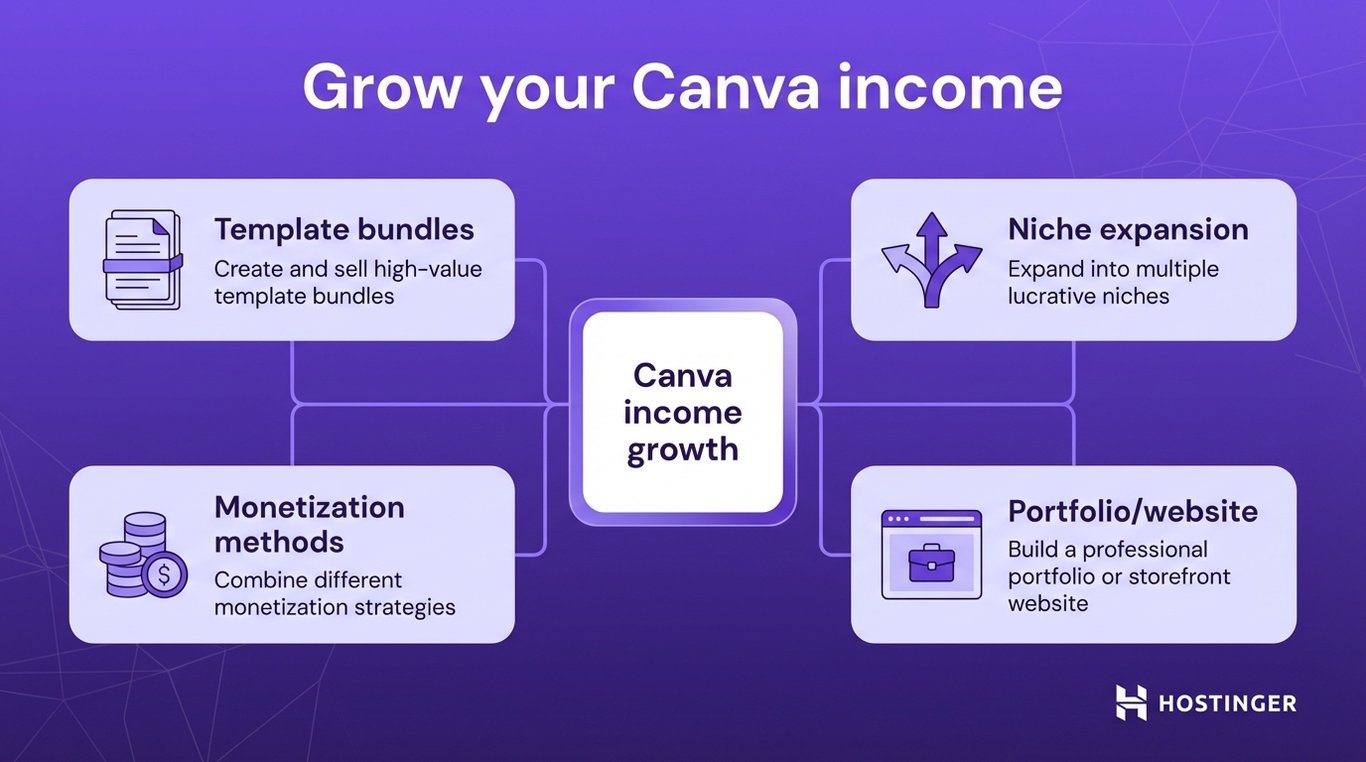
Here are some strategies to help you grow your Canva income:
- Create template bundles – Instead of selling single templates, create bundles that offer more value to your customers. Bundle social media post templates, email marketing kits, or presentation slide decks to increase the perceived value and price.
- Expand into multiple niches – Once you find a profitable niche, consider branching out into others. For example, if you’re successful in creating social media templates for fitness brands, you can expand into niches like fashion, beauty, or real estate to reach new markets.
- Combine monetization methods – Don’t rely on just one income stream. Combine selling templates, offering freelance services, and creating print-on-demand products to increase your earnings and create a more sustainable business.
- Build a portfolio or storefront website – Having a professional website is essential for growing your business. A website lets potential clients and customers explore your services and products. It also gives you more control over branding and marketing.
To make a small business website, consider using no-coding tools like Hostinger Website Builder. With its drag-and-drop editor, you can easily build a portfolio, digital product shop, or service page without needing coding skills. It’s an efficient way to get your online business up and running quickly.
Over time, many creators turn their Canva projects into a broader online business that includes not only digital products but also freelance services and educational resources.
By diversifying your offerings and establishing a solid online presence, you can take your Canva income to the next level.

All of the tutorial content on this website is subject to Hostinger's rigorous editorial standards and values.

Ksenija is a digital marketing enthusiast with extensive expertise in content creation and website optimization. Specializing in WordPress, she enjoys writing about the platform’s nuances, from design to functionality, and sharing her insights with others. When she’s not perfecting her trade, you’ll find her on the local basketball court or at home enjoying a crime story. Follow her on LinkedIn.