The OpenClaw CLI is a command-line tool that lets you manage and control your OpenClaw setup directly from a terminal. Instead of using a visual interface, you type commands.
Note: The CLI provides access to internal OpenClaw commands only – it does not grant full root access to the server. If you need root-level access, consider our OpenClaw on VPS plans.
To access managed 1-click OpenClaw CLI instance you will need to go to hPanel firstly:
1. Access your OpenClaw instance.
2. Click on Dashboard.
3. Click on Command line (CLI) button.
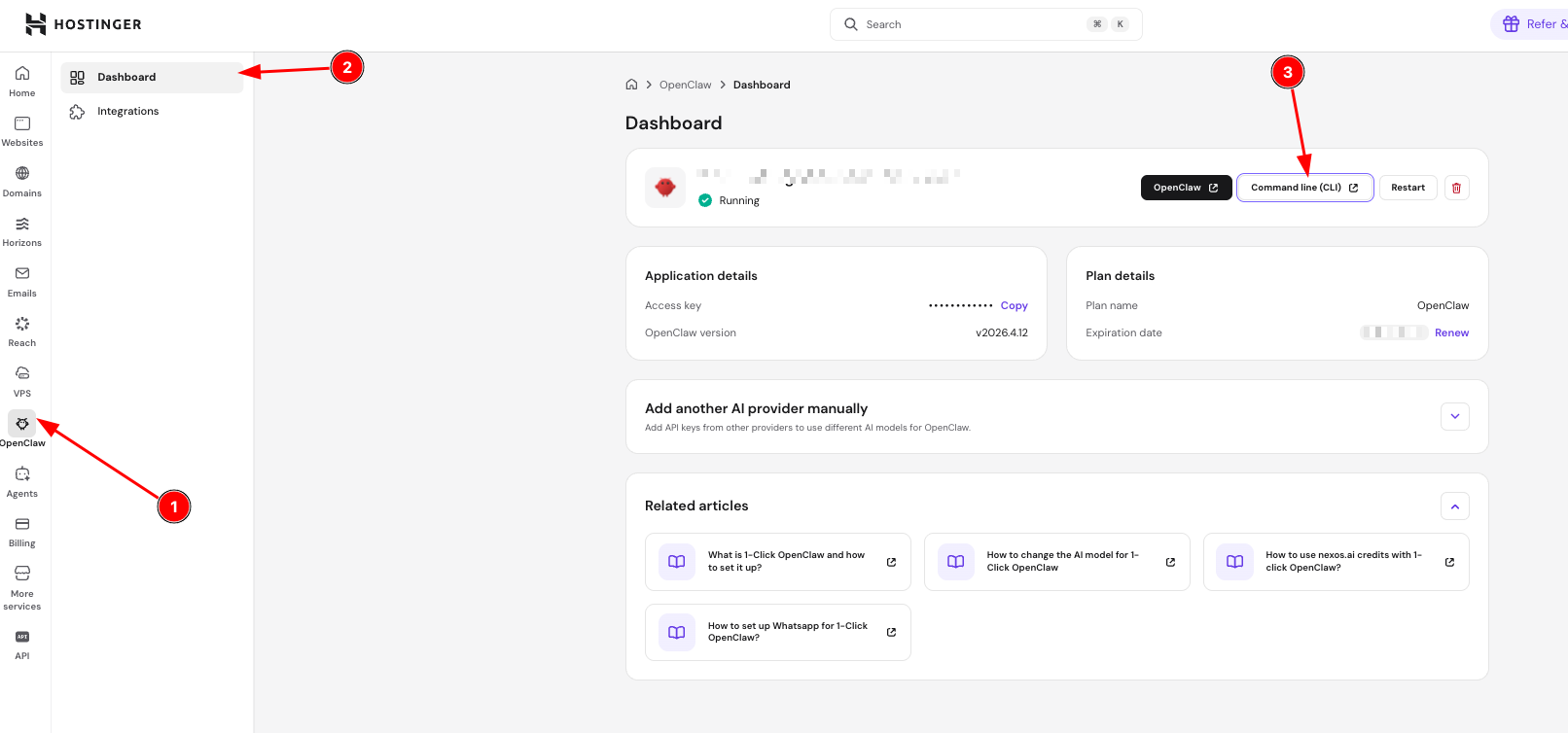
Your CLI window will open in the browser. If the button appears unavailable, make sure your OpenClaw instance is active and running.
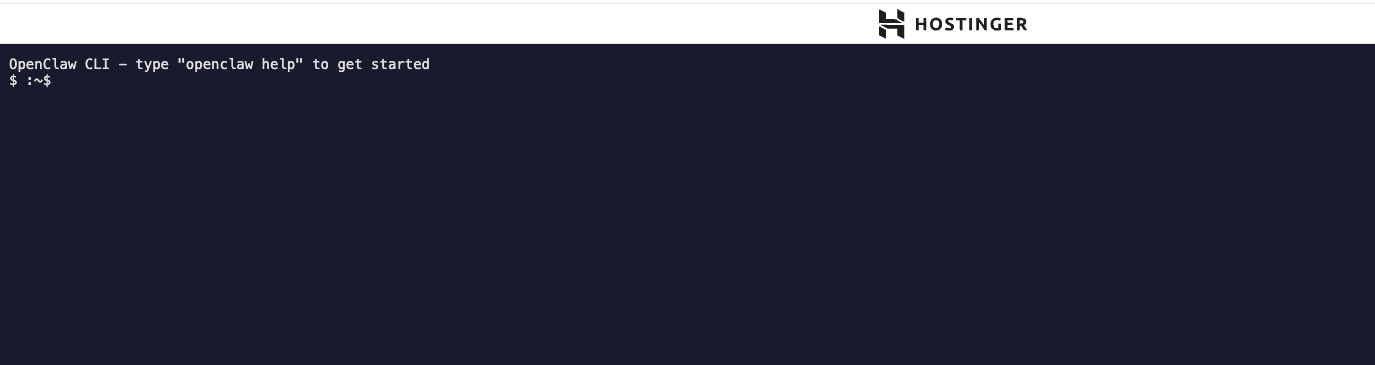
To explore all available commands, refer to the official CLI Reference in the OpenClaw documentation.