10 Best WordPress firewall plugins to protect your website
Mar 10, 2026
/
By Brian
/
11 min Read

Cyber threats are ever-evolving, and without proper protection, your website is vulnerable to attacks. To avoid this, securing your WordPress website with a firewall is a must.
With so many options in the market, selecting the right WordPress firewall can be challenging. That’s why we compiled a list of the best WordPress firewall plugins that cater to various budgets and security requirements.
When conducting the research for this WordPress tutorial, we’ve taken several factors into consideration:
- User-Friendliness. Each WordPress firewall plugin should be easy to install and manage.
- Features. Beyond firewall protection, all listed plugins must offer other security capabilities.
- Reviews. While not always accurate, positive ratings and user reviews can be helpful when selecting the best WordPress firewall plugin.
- Pricing. We’ve included firewall solutions with a clear pricing structure, so you can choose one that fits your budget.
Download WordPress security checklist
What Is WordPress Firewall?
A WordPress firewall is a security system designed to protect your WordPress website from cyber attacks, unauthorized access, and harmful traffic. It identifies and blocks potential threats in real time, only allowing legitimate traffic to pass through.
Why You Should Use a Firewall for WordPress Sites?
A WordPress firewall is essential to your website security strategy, acting as a first line of defense against online threats.
Here are some benefits of implementing firewall protection:
- Protection against malicious actors. Hackers and cyber criminals are constantly probing websites for vulnerabilities. A firewall acts as a shield, detecting and blocking suspicious activities before they can harm your site.
- Filtering out bad traffic. Not all website traffic is beneficial. Spam bots, web scrapers, and other malicious entities can slow down your site and compromise its security. Firewalls filter out this bad traffic, ensuring your resources are used efficiently.
- Mitigating DDoS attacks. Distributed Denial of Service (DDoS) attacks can overwhelm your website with traffic, causing it to become unresponsive. A firewall can recognize the signs of a DDoS attack and take measures to mitigate its impact, keeping your site accessible to legitimate visitors.
10 Best WordPress Firewall Plugins
Let’s dive into the top WordPress firewalls available in the market today.
You can download each WordPress plugin directly from the WordPress dashboard or purchase the premium plans on their respective website.
1. Shield Security
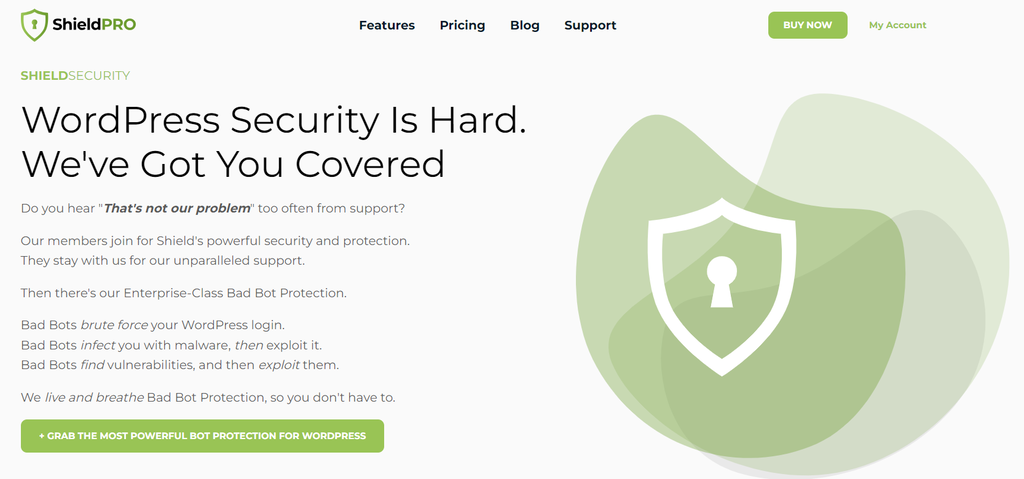
Shield Security Stats:
- Rating: 4.9/5
- Best for: identifying and blocking bad bots early
- Price: freemium (pro plans start at $99/year for one site)
Shield Security is the only firewall plugin that partners with CrowdSec, an open-source security tool designed to protect websites and applications from a wide range of threats.
CrowdSec’s behavioral analysis and community-driven approach enable Shield Security to detect bad bots early before they can harm your site.
When one user in the network encounters a new threat or malicious behavior, this information is shared with the entire community. This helps others to promptly detect and defend against similar threats.
However, only ShiedlPRO users can benefit from this powerful integration.
Available from $99/year for one site, the Starter plan offers features like IP blocklists, bot detection for custom user forms, and DDoS protection with traffic rate limiting.
Key Features
- CrowdSec integration. Shield Security continuously updates its IP blocklists based on user reports.
- Bad bot detection. This plugin identifies and blocks malicious bots early, preventing them from causing disruption or exploiting vulnerabilities.
- Traffic rate limiting. By restricting the volume of incoming requests from a single source, Shield Security can mitigate the risk of DDoS attacks and server overload.
- Login security. Minimize unauthorized access with features like two-factor authentication and login attempt monitoring.
Drawbacks
Sometimes, Shield Security blocks legitimate users and administrators from accessing your website. This can negatively impact the browsing experience and user satisfaction.
2. All-In-One Security (AIOS)
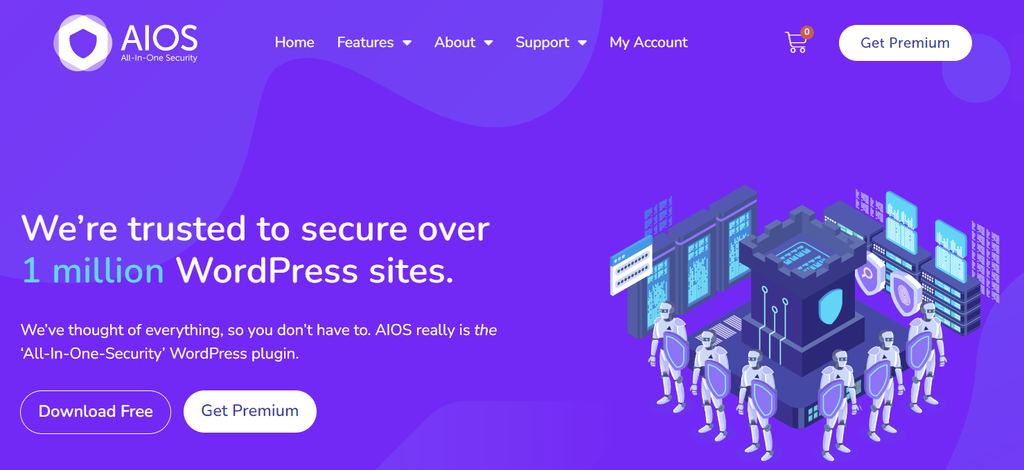
AIOS Stats:
- Rating: 4.8/5
- Best for: protecting your website against spam and content theft
- Price: freemium (pro plans start at $70/year for two sites)
All-In-One Security (AIOS) is a versatile and feature-rich WordPress security plugin.
Thanks to its user-friendly interface and robust security mechanisms, AIOS offers a comprehensive solution for both novices and experienced users.
This includes a web application firewall (WAF), brute force protection, IP blocking, user activity tracking, and login security.
Plus, the content protection features enable you to remove spam comments and prevent others from stealing your content.
Starting at $70/year for two sites, AIOS Premium Plugin offers automatic malware scanning, country blocking, and forced logouts after a set period.
Key Features
- iFrame protection. Prevent other websites from copying your content without permission.
- Database security. AIOS secures your website’s database, safeguarding sensitive information and preventing SQL injection attacks.
- Real-time firewall rules. This plugin protects your site from known hackers, spam referrers, and malicious bots.
- Login activity logging. Keep track of user interactions and spot unusual login activities to minimize security risks.
Drawbacks
The recent data privacy violation made by AIOS leaves a lot of questions about the plugin’s security.
3. Security Ninja
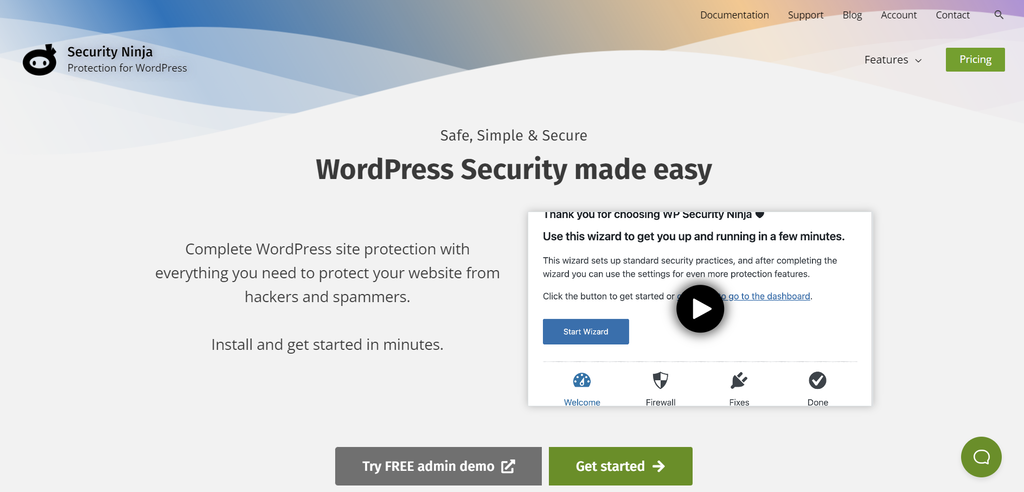
Security Ninja Stats:
- Rating: 4.8/5
- Best for: conducting multiple security tests in a single click
- Price: freemium (pro plans start at $6.99/month for one site)
Security Ninja allows users to perform over 50 security tests in a single click, including vulnerability scanning for themes and plugins.
You can also install the free Security Ninja for MainWP extension to monitor the security score of multiple WordPress websites.
The premium version costs $6.99/month for a single site, offering features like a cloud-based firewall, WordPress login form protection, events logger, and spam IP blocking.
Pro Tip
If you have 100 websites, Security Ninja Pro will cost $139.99/month. With Hostinger’s WordPress Business plan, you can create up to 100 sites and enjoy advanced DDoS protection, a web application firewall, and a vulnerability scanner for just $3.99/month.
Key Features
- Security tests. Perform over 50 tests to identify security holes and weaknesses in your site.
- Auto fixer. Security Ninja offers automated software that repairs vulnerabilities quickly for certain security tests.
- Events logger. It logs all events related to user activity, helping you keep track of what’s happening on your site.
- Login attempt monitor. This plugin alerts you when multiple failed login attempts occur, preventing brute-force attacks.
Drawbacks
Some users reported that Security Ninja can slow down their WordPress site, especially if they have a lot of traffic.
4. BulletProof Security
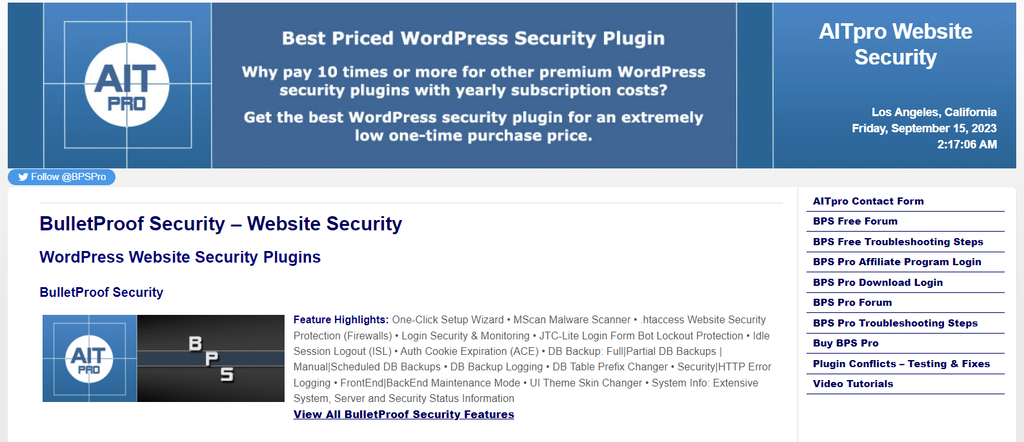
BulletProof Security Stats:
- Rating: 4.8/5
- Best for: securing an unlimited amount of websites
- Price: freemium (the pro license costs $69.95 for a lifetime)
If you prefer firewall protection for unlimited websites, consider BulletProof Security.
By purchasing its lifetime license for $69.95, this plugin will safeguard your sites against modified files, malware, and brute force attacks – all without paying recurring subscription fees.
Other notable features include login monitoring, scheduled database backups, and automated whitelisting for IP addresses.
Key Features
- One-click setup wizard. BulletProof Security offers an easy setup wizard to configure essential security settings quickly.
- .htaccess security. It protects your website using .htaccess files, adding security layers to your site’s root and wp-admin directory.
- Idle session logout. Easily set a maximum idle session time for users to minimize unauthorized access.
- Maintenance mode. You can activate maintenance mode during site updates, displaying a user-friendly message to visitors.
Drawbacks
Apart from its outdated website interface, BulletProof Security doesn’t have the best customer support.
5. Wordfence
Wordfence Stats:
- Rating: 4.7/5
- Best for: managing login security of multiple sites
- Price: freemium (pro plans start at $119/year for one WordPress installation)
Wordfence is one of the most installed WordPress firewall plugins. Thanks to its large and active user community, it’s easy to find troubleshooting best practices for your WordPress site.
The Wordfence plugin provides comprehensive security features, including firewall protection, malware scanning, and login security.
In addition, Wordfence Central lets you view the security status of several WordPress sites in one place. When a suspicious activity takes place, it will send automated alerts via email, SMS, or Slack.
Wordfence Premium costs $119/year for one WordPress installation. It comes with additional benefits, including real-time IP blocking, premium support, and country blocking.
Key Features
- Wordfence Central. A user-friendly dashboard for tracking the security status of multiple WordPress websites.
- Security scanner. Regular scans eliminate any files that contain malicious code, ensuring a malware-free WordPress website.
- IP blocklist. Wordfence firewall is continuously updated to guard against emerging security threats and malicious IP addresses.
- Traffic monitoring. Track bot activity and monitor user visits in real time to prevent hack attempts.
Drawbacks
In some cases, Wordfence clashes with other plugins or themes due to its thorough scanning and monitoring. This may slow down your WordPress site or cause errors.
6. iThemes Security
iThemes Security Stats:
- Rating: 4.6/5
- Best for: configuring firewall settings quickly
- Price: freemium (pro plans start at $99/year for one site)
If you’re a complete beginner, consider installing the iThemes Security plugin.
With its site security templates, you can quickly configure the needed firewall features based on a certain site type – whether it’s an eCommerce store, blog, or online portfolio.
iThemes Security also has a centralized dashboard to monitor brute force attacks, ban certain users, and view malware scan results.
The premium version is priced annually based on the number of websites – $99 for one site, $199 for five sites, and $299 for 10 sites.
These paid plans give you access to password-less logins, WP-CLI integration, user activity logging, and other advanced capabilities.
Key Features
- Two-factor authentication. Add an extra layer of protection using various authentication methods, including mobile apps, email, and backup codes.
- File change detection. Get instant alerts when suspicious file changes occur. This enables you to take immediate action.
- Password-less logins. Deliver a seamless login experience – trusted users can access their account without a password.
- Security site templates. Install pre-configured security settings based on your website’s type and needs.
Drawbacks
iThemes Security’s continuous monitoring can consume server resources, which are especially limited on a shared web server. To avoid site crashes, purchase a managed WordPress hosting plan from reliable providers like Hostinger.

7. Sucuri
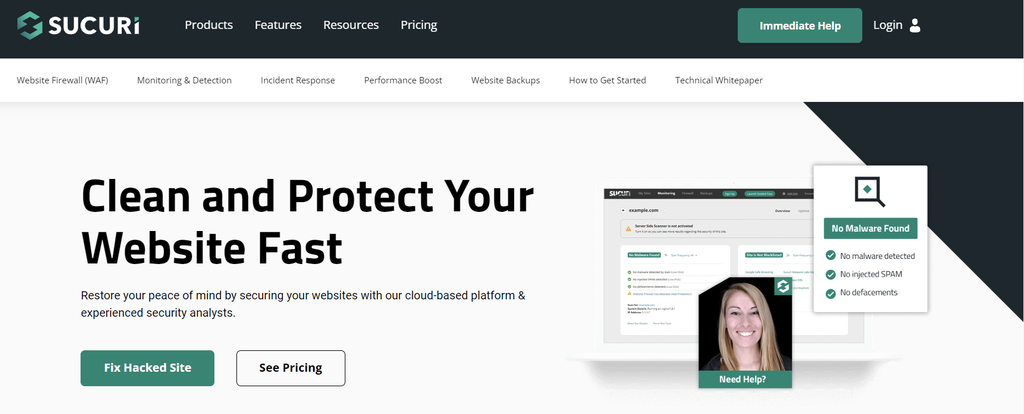
Sucuri Stats:
- Rating: 4.2/5
- Best for: firewall protection across different site-building platforms
- Price: starts at $9.99/month for one site
Sucuri is a website security tool compatible with various platforms, including WordPress, Magento, Drupal, and Joomla.
Although it’s possible to download the WordPress plugin for free, you must purchase its pro plans to enjoy firewall protection.
The Basic Firewall plan costs $9.99/month for one site. It includes a cloud-based web application firewall, a security auditing tool, virtual hardening, and advanced DDoS mitigation.
If you need more features like SSL certificate transfers, opt for the Pro Firewall package for $19.98/month.
Key Features
- Cloud-based WAF. The web application firewall scans malicious traffic through its cloud proxy servers, safeguarding your website from online threats.
- Advanced DDoS mitigation. Deliver uninterrupted browsing experience for your visitors even during large DDoS attacks.
- SSL encryption. Build trust with visitors and search engines by implementing secure data transmission.
- Site hardening. Sucuri bolsters your website’s defenses by patching vulnerabilities and minimizing risks.
Drawbacks
You must purchase Sucuri’s paid plans for security features that other brands offer for free.
8. MalCare
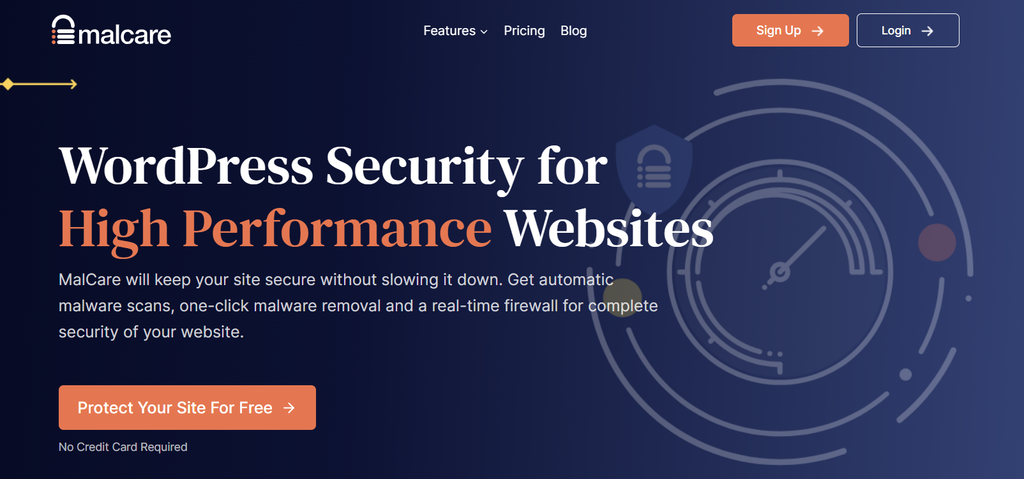
MalCare Stats:
- Rating: 4.1/5
- Best for: deep malware scanning and removal
- Price: freemium (pro plans start at $99/year for one site)
Offering a premium white-label solution, MalCare is an excellent choice for web developers and agencies.
Its deep scanning technology detects and removes even the most complex malware with precision, keeping your clients’ data secure.
MalCare also offers real-time firewal rules and threat detection, which responds to site issues as they happen to prevent potential damage.
However, users must purchase MalCare’s Plus plan for $149/year to enjoy full protection and website backups.
Key Features
- Instant malware removal. Remove malware from your website with just one click, saving you time and effort.
- AI-powered firewall. Beyond blocking threats, its firewall also employs machine learning to predict and prevent future attacks.
- Cloud-based malware scanner. With cloud protection, MalCare can monitor malicious files without slowing down your WordPress website.
- Login protection. Prevent unwanted access with features like two-factor authentication and CAPTCHA-based logins.
Drawbacks
Some website owners feel that MalCare’s free version doesn’t offer the best firewall protection. They have to pay extra for comprehensive security reports.
9. Jetpack
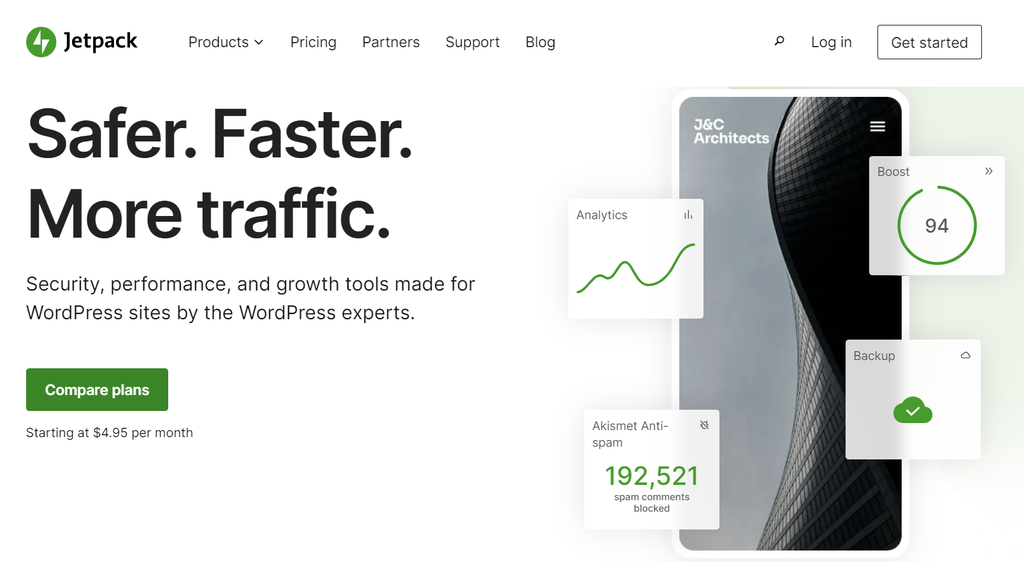
Jetpack Stats:
- Rating: 3.9/5
- Best for: maintaining a stable site performance
- Price: $9.95/month for one site (billed yearly)
If you’re looking for performance, security, and marketing capabilities in one WordPress plugin, Jetpack is the perfect solution.
The free version has powerful features like a content delivery network (CDN), site downtime monitoring, and social media tools.
However, users need to purchase its security products as add-ons – Akismet Anti-spam, Jetpack Scan, and VaultPress Backup are all available for $4.95/month each.
Alternatively, you can buy Jetpack’s Security bundle to save money, priced at $9.95/month.
It gives you access to real-time backups, automated malware scanning, brute force attack prevention, and spam protection.
Key Features
- Brute force protection. It shields your website against login attempts from users with malicious intent.
- VaultPress Backup. Save your progress in real time to avoid data loss. In case an error occurs, you can restore the backup instantly.
- Jetpack Scan. Automated scanning and one-click fixes make removing malicious software quick and easy.
- Akismet Anti-spam. Filter out spam comments and ensure a cleaner, more streamlined comment section on your website.
Drawbacks
There is no free version for the security features – consider other options if you’re on a tight budget.
10. Cloudflare

Cloudflare Stats:
- Rating: 3.5/5
- Best for: boosting website performance
- Price: freemium (pro plans start at $25/month for one domain)
Despite its low rating in the WordPress plugin directory, Cloudflare is one of the leading names in the website security and performance industry.
The free version offers essential security features like SSL encryption, DNS and web application firewalls, and unmetered DDoS protection – powerful enough for small websites or bloggers.
Besides security, Cloudflare has a global CDN with data centers in over 100 countries. This ensures low latency and faster content delivery for your website.
Suggested Reading
Find out what Cloudflare CDN is and how to set up Cloudflare on your WordPress website in this tutorial.
To unlock more features, upgrade to Cloudflare’s paid plans, starting at $25/month for one domain name.
Pro users will experience faster image loading times and gain access to more advanced bots, which help filter incoming traffic. They will also benefit from prioritized support and in-depth analytics.
Key Features
- Web application firewall (WAF). Build powerful firewall rules and protect your web applications against common attacks, such as cross-site scripting (XSS) and SQL injections.
- DDoS protection. Keep malicious traffic at bay and ensure an uninterrupted website uptime.
- Content network delivery. Accelerate page loading times with Cloudflare’s globally distributed server network.
- DNS firewall. This feature hides your IP address from the public and re-routes incoming threats to Cloudflare’s servers.
Drawbacks
Cloudflare doesn’t have the best rating in the WordPress plugin directory. According to online reviews, its firewall doesn’t block all kinds of threats – only major ones.
Suggested Reading
Apart from securing your site, learn how WordPress plugins can improve its functionality in this 40+ Best WordPress Plugins in 2025 tutorial.
What Are the Different Types of Firewalls?
Understanding different types of firewalls can help you choose the most appropriate security measures for your WordPress website.
Here are some of the most commonly used firewalls for WordPress:
- Cloud-based firewall. It operates on remote servers provided by security providers, such as Cloudflare. This firewall type blocks malicious requests before reaching your website, reducing server load and maintaining top-notch performance.
- DNS-level firewall. As the name suggests, a Domain Name System firewall blocks access to known malicious domains. It prevents your WordPress site from connecting to harmful servers or websites.
- Plugin-based firewall. This type of firewall can be installed directly from the WordPress directory. Most plugins have a user-friendly interface, helping beginners to configure the WordPress firewall settings quickly.
- Web application firewall. WAFs are specialized firewalls tailored to protect web applications. They analyze HTTP requests and responses to detect suspicious activities. Many of the best WordPress firewall plugins include WAF capabilities.
- Application-level firewall. Unlike a dedicated WAF, an application-level firewall can filter traffic for a wide range of applications, not just web-related ones. For example, it can control access to email clients, FTP servers, or database management tools.
- Network-level firewall. These firewalls operate at the network level, typically on hosting servers. They block traffic based on IP addresses, ports, or protocols. While not specific to WordPress, they provide a foundational layer of protection for your hosting environment.
- Hardware firewall. Usually implemented at the server or hosting infrastructure level, hardware firewalls are physical devices that filter traffic before it reaches your server. Although highly effective, they’re often used by larger organizations or hosting providers.
Want to Learn More About WordPress Security Best Practices?
10 Common WordPress Security Issues and How to Solve Them
The 7 Best WordPress Security Plugins to Keep Your Site Safe
Conclusion
Choosing the right WordPress firewall can determine the long-term success of your website. It helps you deliver a safe environment and flawless browsing experience for visitors.
Here are some of the best WordPress firewall plugins for different security needs:
- Shield Security is an excellent choice for identifying malicious IP addresses early.
- All-In-One Security (AIOS) works best for those seeking an all-inclusive security solution.
- Security Ninja enables you to perform various security tests in one click.
- Wordfence is suitable for managing multiple WordPress websites.
- Cloudflare offers the perfect combination of website security and performance.
Before making the final choice, carefully assess your website’s unique requirements and budget constraints.
If you have more questions about a WordPress firewall or other security best practices, leave a comment below.
Firewall for WordPress FAQ
Find answers to commonly asked questions about a WordPress firewall.
What Is a Firewall for WordPress?
A WordPress firewall is a security system designed to protect your WordPress website from malware and malicious traffic. It acts as a barrier, filtering out potential threats to ensure the security and integrity of your website.
Do I Need a WordPress Firewall?
Installing a WordPress firewall is a must, whether you’re running an online store or a personal blog. It provides a defense mechanism to safeguard your site from hacking attempts, data breaches, and other forms of cyber attacks.
Can I Get a WordPress Firewall for Free?
Yes, it’s possible. Some web hosting providers offer a website application firewall as part of their hosting packages. For example, you can get a free firewall, a malware scanner, unlimited SSL encryption certificates, and DDoS protection by purchasing one of Hostinger’s WordPress plans, starting at $2.99/month.
What Is the Best Firewall for WordPress?
The best WordPress firewall depends on your specific needs and preferences. Some popular options include Wordfence, Sucuri, and Cloudflare. It’s important to assess your website’s requirements, budget, and desired features when choosing the most suitable firewall solution.

Brian is a Content Writer who loves telling complex stories in a simple way. He has written all types of content, including tutorials, blog posts, landing pages, social media posts, white papers, infographics, and YouTube scripts. Follow him on LinkedIn.

Comments
4 responsesJanuary 31 2024
Hi! Doesn't Hostinger already include a firewall at the hosting level (WAF)?
February 07 2024
Hi there! Yes, Hostinger includes a Web Application Firewall (WAF) at the hosting level for its shared hosting plans. This WAF is designed to help protect your website from common web threats. However, the Hostinger VPS Firewall is a separate feature specifically for VPS hosting ?
February 12 2024
Hi again! Thank you for your answer. So if Hostinger includes a WAF for shared hosting as well as VPS hosting, would there be a need to bother with firewall at plugin level? I have found that plugins that include a firewall service tend to cause bloat and sometimes false positives (Wordfence, for example) that generate more headaches than help, making us run after ghosts, blocking customers or breaking the site.
February 20 2024
Hi Daniel! While Hostinger's firewall can significantly enhance security, using a plugin like Wordfence can complement this by providing more granular control over application-level threats, but it's important to balance security needs with potential performance impacts ?