What is headless commerce?
Oct 05, 2026
/
By Ksenija
/
9 min Read
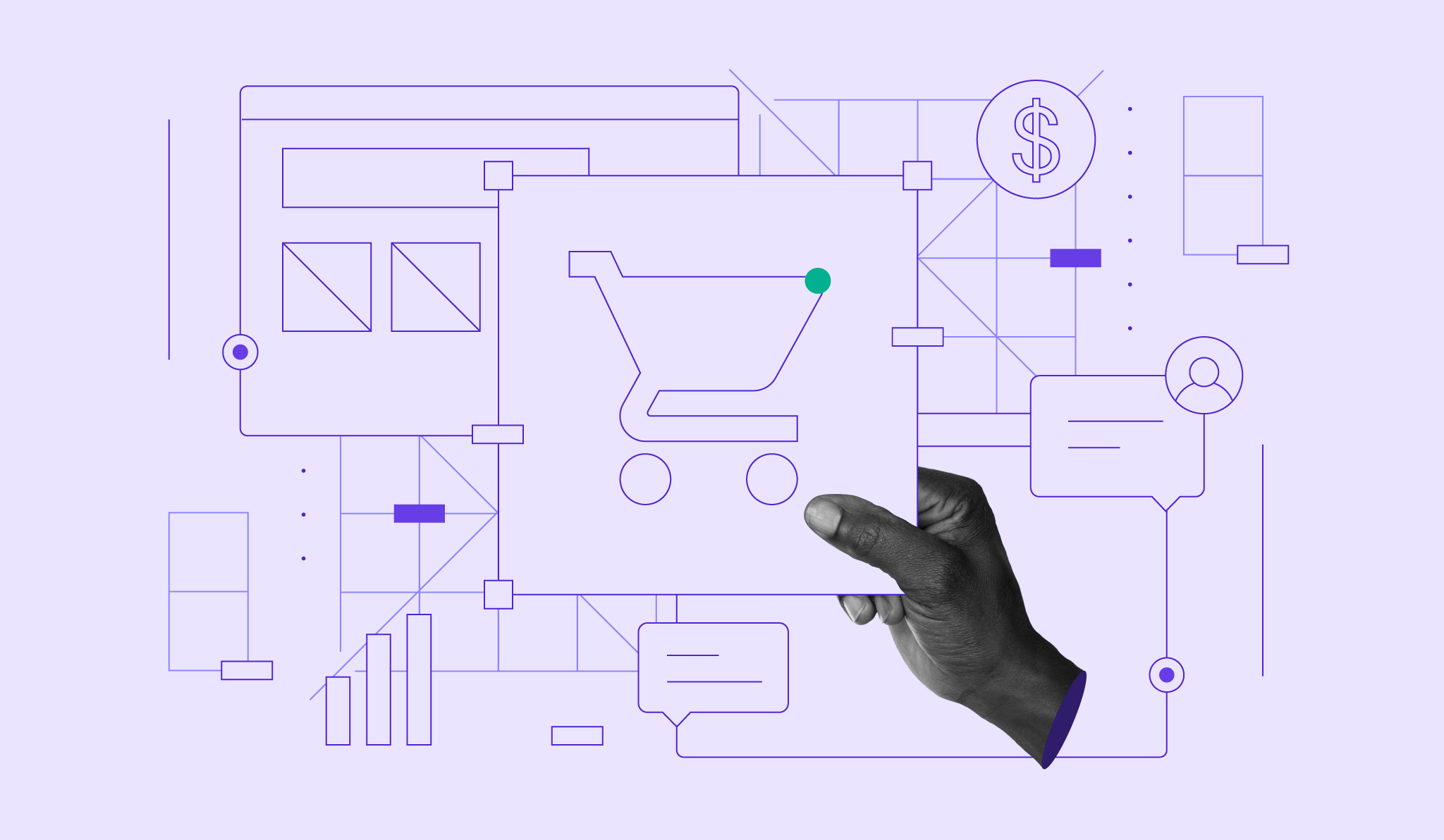
Headless commerce is an ecommerce architecture that separates the customer-facing frontend from the backend that handles products, inventory, carts, payments, and orders.
In headless commerce, the frontend and backend communicate through an API (application programming interface), which serves as the connection that enables the two systems to request and exchange information.
Through this connection, a retailer can have a website and a mobile app that use the same ecommerce backend.
When a product sells through the app, the backend processes the order and updates the available stock. The website can then show the new stock level too.
This allows the retailer to manage its ecommerce operations centrally while offering different customer-facing shopping experiences.
How does headless commerce work?
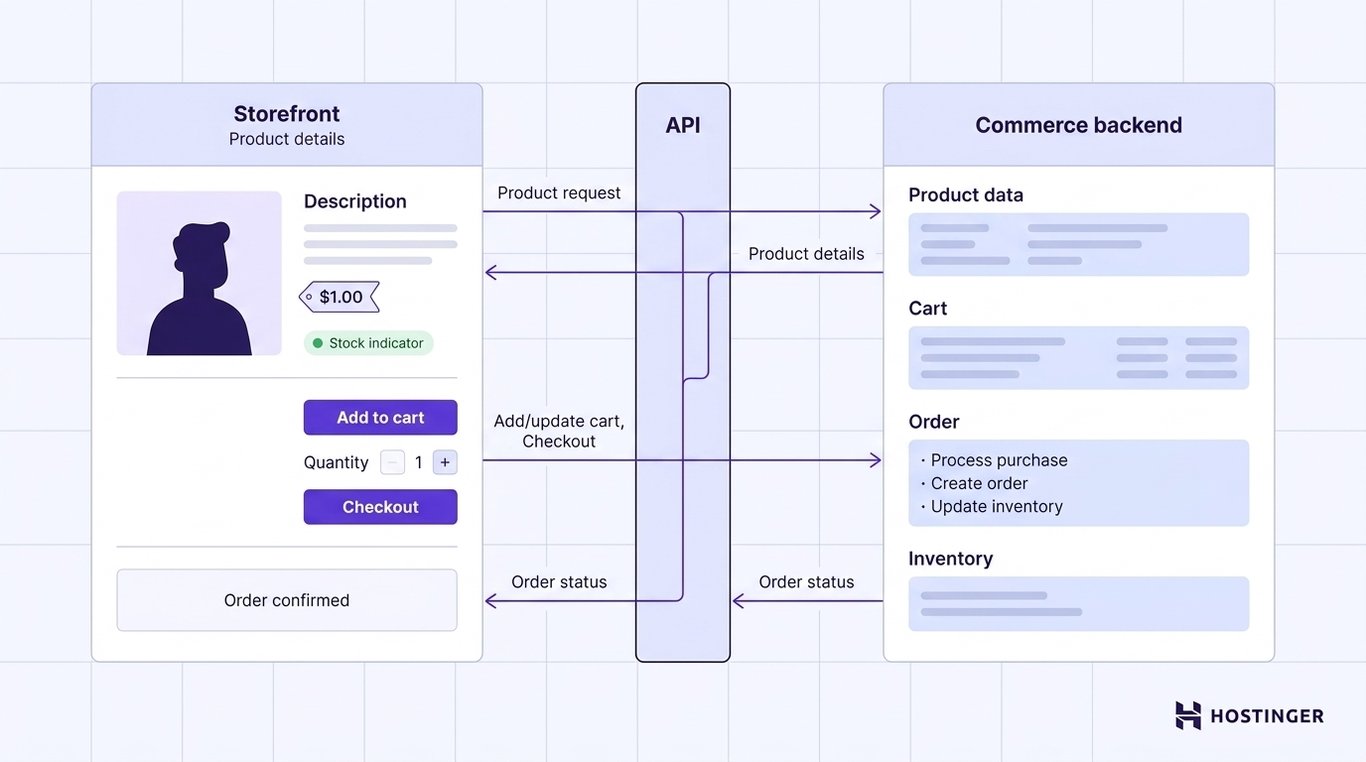
Headless commerce works by having the frontend communicate with a separate commerce backend through an API.
The frontend sends requests when it needs information or when a customer takes an action, and the backend processes them and returns the relevant data.
Here’s what happens when someone shops through a headless ecommerce store:
- The customer opens a product page. They see a normal storefront with product images, a description, price, available options, and stock information.
- The frontend gets the product details from the commerce backend. When the page loads, the frontend requests the information it needs from the backend to display that product.
- The API carries the information between them. It sends the frontend’s request to the backend, then returns the product details. The frontend uses this information to display the page.
- The customer adds the product to their cart. The frontend sends this action to the backend via the API, which records what was added. The same exchange continues when the customer changes the quantity, removes an item, or proceeds to checkout.
- The backend processes the purchase. It coordinates payment processing with the configured provider, creates or updates the order, and adjusts inventory according to the platform’s workflow
- The customer sees the result on the frontend. The backend sends the order status back through the API, and the frontend can then show an order confirmation or alert the customer if something went wrong.
In a traditional ecommerce platform, the storefront and these commerce functions are provided as parts of the same system.
With headless commerce, the storefront is built separately and communicates with the commerce backend through APIs.
Headless commerce vs. traditional ecommerce
With traditional ecommerce, the pages customers browse and the backend that manages products, payments, and orders are provided as one connected platform. With headless commerce, the storefront is a separate system that accesses these ecommerce functions through APIs.
This allows one commerce backend to serve a custom website, mobile app, or several other customer-facing experiences.
Here’s a quick overview of how traditional ecommerce and headless ecommerce compare:
Factor | Traditional ecommerce | Headless commerce |
Architecture | Storefront and commerce backend are part of one connected platform | Storefront and commerce backend are separate systems connected through APIs |
Storefront | Built with the themes, templates, and editing tools provided by the ecommerce platform | Built separately using the frontend technology chosen for the project |
Customization | Storefront changes are made within the platform’s available design and development options | Developers have greater control over the storefront’s design, features, and technology |
Sales channels | The online store is usually the main shopping experience, with other channels supported by the platform | One commerce backend can provide product and shopping functionality to multiple websites, apps, or other interfaces |
Setup | Storefront and commerce features are already connected, which simplifies initial setup | The frontend must be built and connected to the commerce backend |
Technical requirements | Many platforms provide visual tools that allow businesses to create and manage a store with little or no coding | Building and connecting the frontend usually requires developers who can work with APIs |
Maintenance | Storefront and backend updates are largely managed within the same platform | The frontend, backend, APIs, and other integrations may need to be maintained separately |
Best suited for | Businesses that need a straightforward way to launch and manage an online store | Businesses that need a custom storefront, several customer-facing experiences, or commerce features within an existing digital product |
When should you use headless commerce?
Headless commerce is a good fit when one ecommerce backend needs to support multiple or highly customized customer-facing experiences.
This can include running a website and mobile app from the same product catalog, adding ecommerce features to an existing application, or managing separate storefronts for different brands or markets.
Consider using headless commerce if your business needs to:
- Manage multiple storefronts from a single commerce backend. Say you operate separate websites for the US, UK, and Germany, each with its own design, language, and product presentation. A headless setup lets each site have its own frontend while sharing the same system for products, inventory, and orders. You don’t need a separate ecommerce backend for every storefront.
- Offer shopping through a website and mobile app. Both experiences can use the same product catalog, inventory, cart, and order system. When a product sells through the app, for example, the backend updates its stock so the website can also show the current availability.
- Add ecommerce to a website or app you’ve already built. Existing custom websites, SaaS products, and mobile apps can integrate commerce features such as product listings, carts, and checkout. This lets you introduce purchasing without moving the existing frontend to a new ecommerce platform.
- Build shopping features that your ecommerce platform’s storefront can’t support. You may need a custom product configurator, an unusual checkout journey, interactive product discovery, or another experience that goes beyond the platform’s themes and storefront tools. Headless commerce gives developers control over how those features are built, within the backend’s API and checkout limits, while the commerce backend continues to handle products, inventory, payments, and orders.
- Redesign or replace the storefront without moving the commerce backend. A business can rebuild its customer-facing website using a different frontend technology while keeping its existing product catalog, inventory, customer records, and order history in place. This is particularly useful when the backend still meets the business’s needs, but the storefront no longer does.
Benefits of headless commerce
Headless commerce gives businesses more control over how their storefronts are built, where customers can shop, and how those experiences evolve over time.
The main benefits of headless commerce include:
- More freedom when building your storefront. You can choose the frontend technology that best fits your project and create layouts, navigation, product pages, and shopping features to meet your requirements. This gives you more room to customize the experience beyond the themes, templates, and editing tools your ecommerce platform provides.
- Centralized management for multiple shopping experiences. Your website, mobile app, and other customer-facing channels can share the same product catalog, inventory, pricing, and order data. Connected channels can retrieve product updates from the backend, reducing duplicate data entry and helping keep product information consistent.
- Easier storefront redesigns and technology changes. A website redesign or change in frontend technology doesn’t require moving your products, inventory, customer records, and order history to a new system. The existing backend can continue handling those operations while the frontend changes.
- Tailored storefronts for different customers. You can give different countries, brands, or customer groups their own design, content, navigation, and purchasing flow while connecting them to the same commerce backend. This lets you adapt the shopping experience to each audience while keeping shared products, inventory, and orders centralized.
- Ecommerce functionality for an existing website or app. It allows you to connect your existing website or application to a commerce backend to add product listings, carts, checkout, and other shopping features. You can sell products online through the digital experience you’ve already built without moving the whole site or app to an ecommerce platform.
A headless storefront doesn’t automatically improve SEO or page speed. Ensure search engines can access product content, and provide accurate metadata and structured data for each page.
Drawbacks of headless commerce
The main drawbacks of headless commerce are a more complex setup, greater reliance on developers, more systems to maintain, higher potential costs, and more complicated troubleshooting.
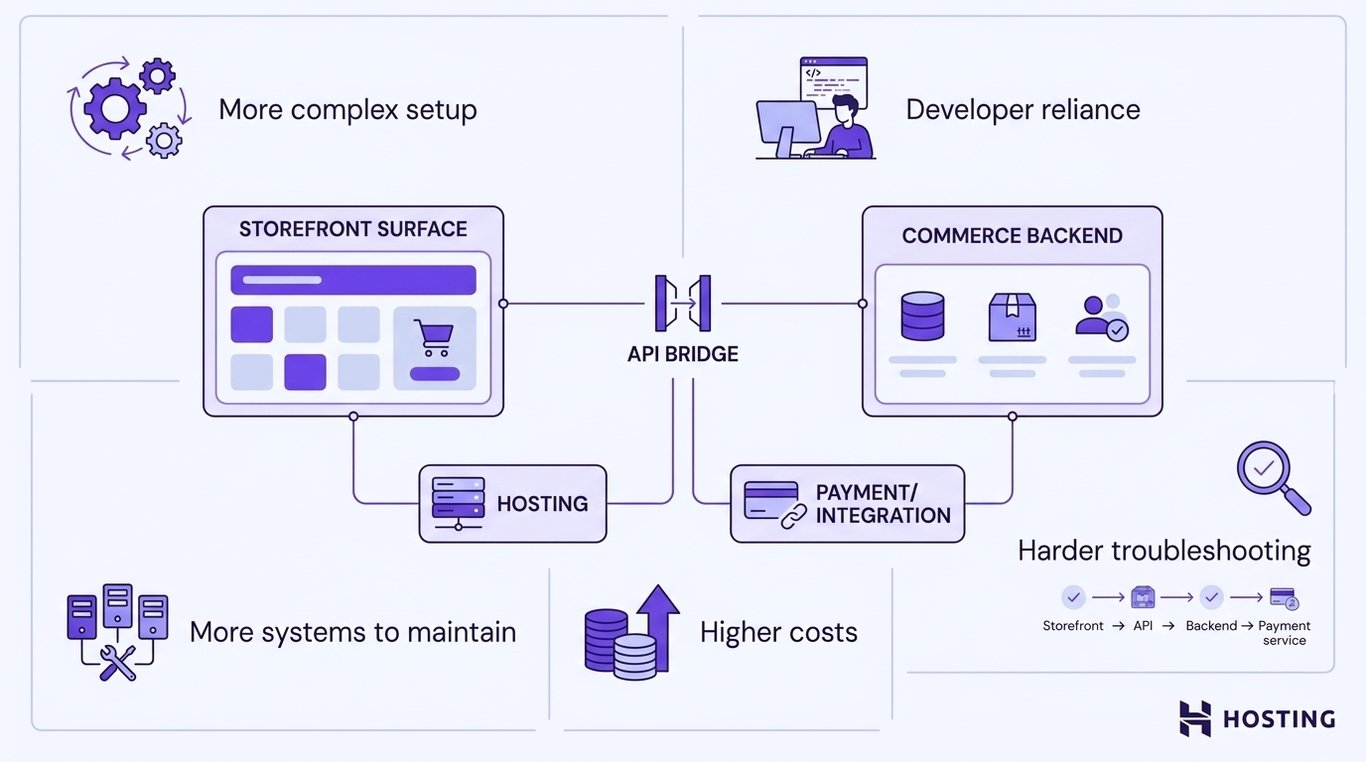
These tradeoffs come from managing the storefront, commerce backend, APIs, and integrations as separate parts of the ecommerce setup.
Before choosing a headless setup, account for:
- A more involved setup. A traditional ecommerce platform comes with the storefront and core commerce features already connected. With a headless setup, your team needs to build the frontend, connect it to the commerce backend, and configure any additional services required for the shopping experience.
- Greater reliance on development expertise. Building and maintaining a custom frontend requires developers who understand the technologies used for the storefront and how to work with APIs. Even routine changes may require technical support if they involve the connections between systems.
- More components to maintain. Your ecommerce setup may include a separate frontend, commerce backend, APIs, authentication, hosting, and third-party integrations. Each component can require its own updates and maintenance, adding more work for the teams responsible for keeping the store running.
- Higher development and maintenance costs. Custom frontend development, infrastructure, integrations, testing, and ongoing technical support can increase the cost of launching and operating a headless store. The total depends heavily on the complexity of the setup and the services you use.
- More complex troubleshooting. When something goes wrong, identifying the source can take longer because several components could be involved. A failed checkout, for example, could originate in the frontend, the API connection, the commerce backend, or a payment service, so your team may need to check multiple systems to find and fix it.
Best headless ecommerce tools
The best headless ecommerce tools include Hostinger Ecommerce, Shopify, BigCommerce, commercetools, and Saleor.
Each lets you separate the customer-facing storefront from the commerce backend, but they differ in how you build the storefront, the sales channels you can connect to, and the technical work required to run it.
Here’s a quick comparison between the best headless ecommerce tools:
Tool | Best for | Approach |
Hostinger Ecommerce | Headless commerce with multiple selling options | Connect a custom frontend through its API or use other sales channels with the same commerce backend |
Shopify | Established ecommerce businesses moving to headless | Commerce backend with APIs and dedicated tools for building custom storefronts |
BigCommerce | Multichannel headless commerce | API-driven commerce backend that can support custom and multiple storefronts |
commercetools | Enterprise headless commerce | API-first, composable platform for building custom commerce experiences |
Saleor | Developer-led custom commerce projects | API-first commerce platform built around GraphQL |
Hostinger Ecommerce
Best for: Combining a custom headless storefront with simpler sales channels.
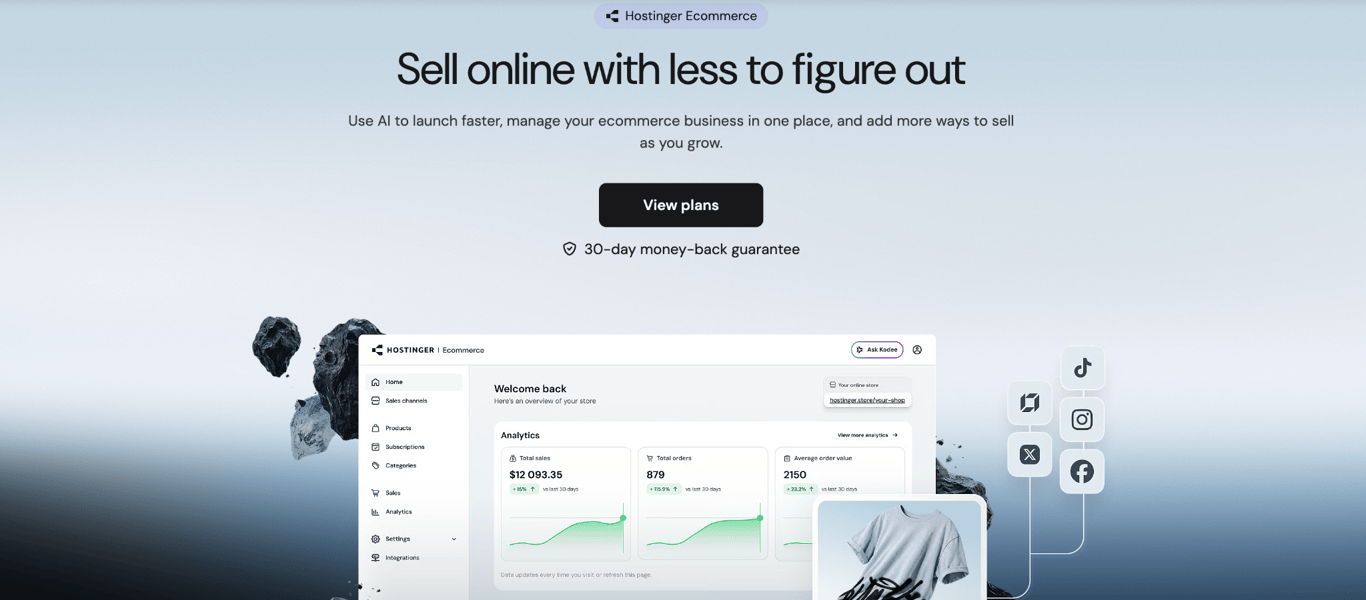
Hostinger Ecommerce supports headless commerce through its Public Sales Channel API, which lets you build your own storefront while Hostinger handles products, carts, orders, and payments.
Products and other store operations are managed from one dashboard, while the customer-facing experience is built separately and connected to the same commerce backend.
You can also generate quick links for individual products and share them through social posts, DMs, emails, and chat apps. The hosted product page, checkout, and automatic file delivery provide an easy way to sell digital products without creating a full website.
Customers can pay through 100+ payment methods, including Stripe, PayPal, Apple Pay, and Google Pay, and Hostinger charges 0% transaction fees; payment-provider fees still apply
Products, orders, customers, discounts, taxes, and analytics are managed from the same dashboard, so sales from different channels remain connected in one place.
Shopify
Best for: Established ecommerce businesses moving to headless.
Shopify lets you build a custom storefront and connect it to Shopify through the Storefront API. This gives you control over the customer-facing experience while Shopify continues managing products, inventory, carts, checkout, and orders.
For web storefronts, Shopify provides Hydrogen, its headless development toolkit, and Oxygen, its global hosting solution. You can also use another frontend framework and hosting provider if your development team has its own preferred technology stack.
This approach works well for an established Shopify business that has outgrown the design or functionality of its existing storefront but wants to keep its commerce operations running on Shopify.
Shopify provides tools that support the headless setup, but your team remains responsible for the custom storefront and the integrations it relies on.
BigCommerce
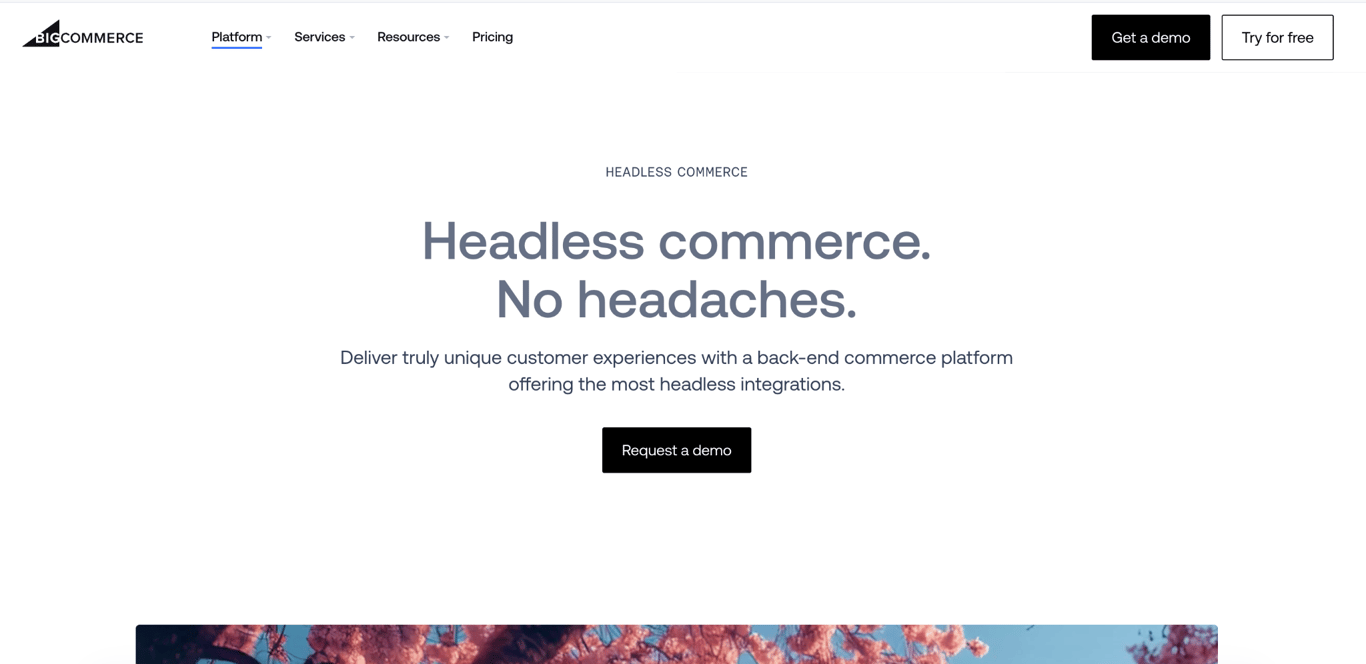
Best for: Multichannel headless commerce.
With BigCommerce, you can connect multiple custom storefronts to the same ecommerce backend through its REST and GraphQL APIs.
These storefronts can include separate websites, apps, or other customer-facing experiences, with BigCommerce providing the commerce functionality behind them.
This setup is particularly useful when you need separate storefronts for multiple brands, markets, or customer segments but want to manage them from a single place.
Each storefront can have its own design and frontend technology, while shared store data and operations remain centralized in BigCommerce.
Custom storefronts still need to be developed, connected to BigCommerce, tested, and maintained, and managing several frontends adds more components for your team to look after.
commercetools
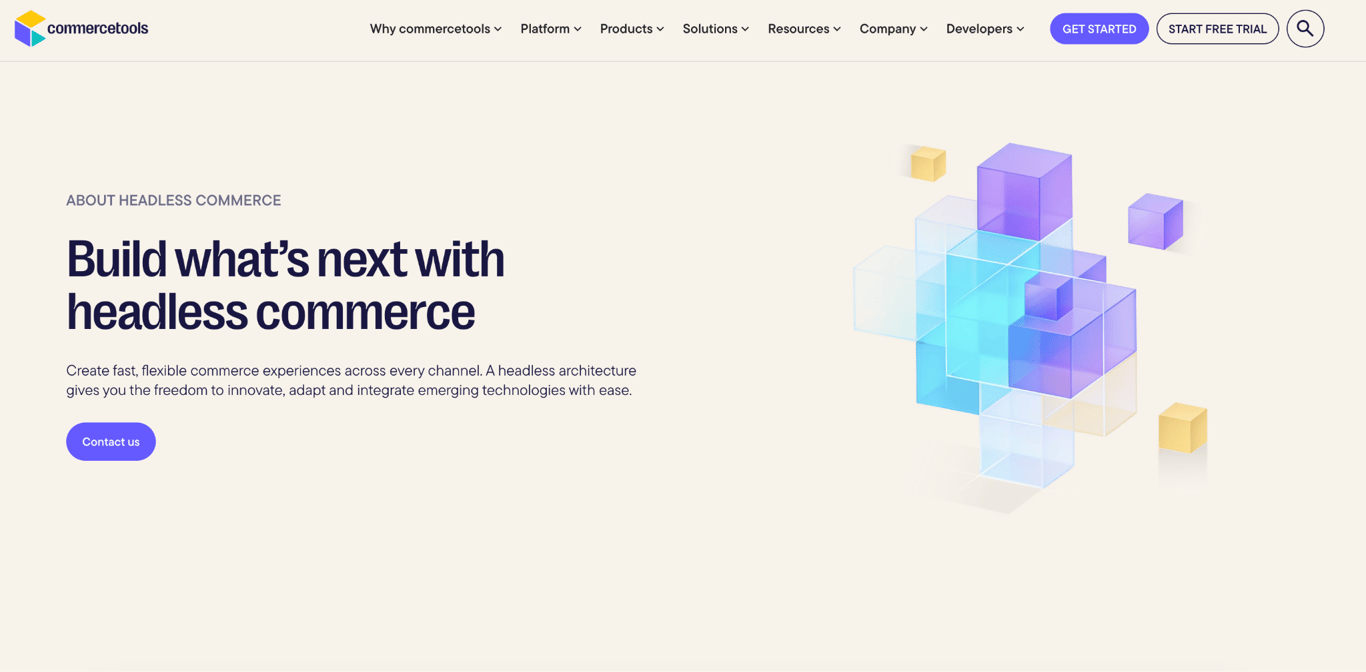
Best for: Enterprise headless commerce.
commercetools is built around an API-first, composable approach, letting businesses choose and connect separate commerce services, their own frontend, and other systems. Its APIs support product catalogs, pricing, inventory, carts, and orders.
This provides greater control over the overall technology stack, as teams can choose how the storefront, content management, product data, and other services integrate.
The same commerce foundation can support websites, mobile apps, in-store kiosks, and other customer touchpoints.
commercetools also provides separate B2C and B2B commerce products, with its B2B offering supporting more complex requirements such as account hierarchies, contract pricing, approval processes, and self-service purchasing.
This level of flexibility comes with substantial technical work. Development teams need to design the architecture, build the customer-facing experiences, connect the required services through APIs, and maintain those connections as the system evolves.
This makes commercetools better suited to larger businesses with experienced development teams and complex requirements across multiple brands, markets, channels, or B2B purchasing flows.
Saleor
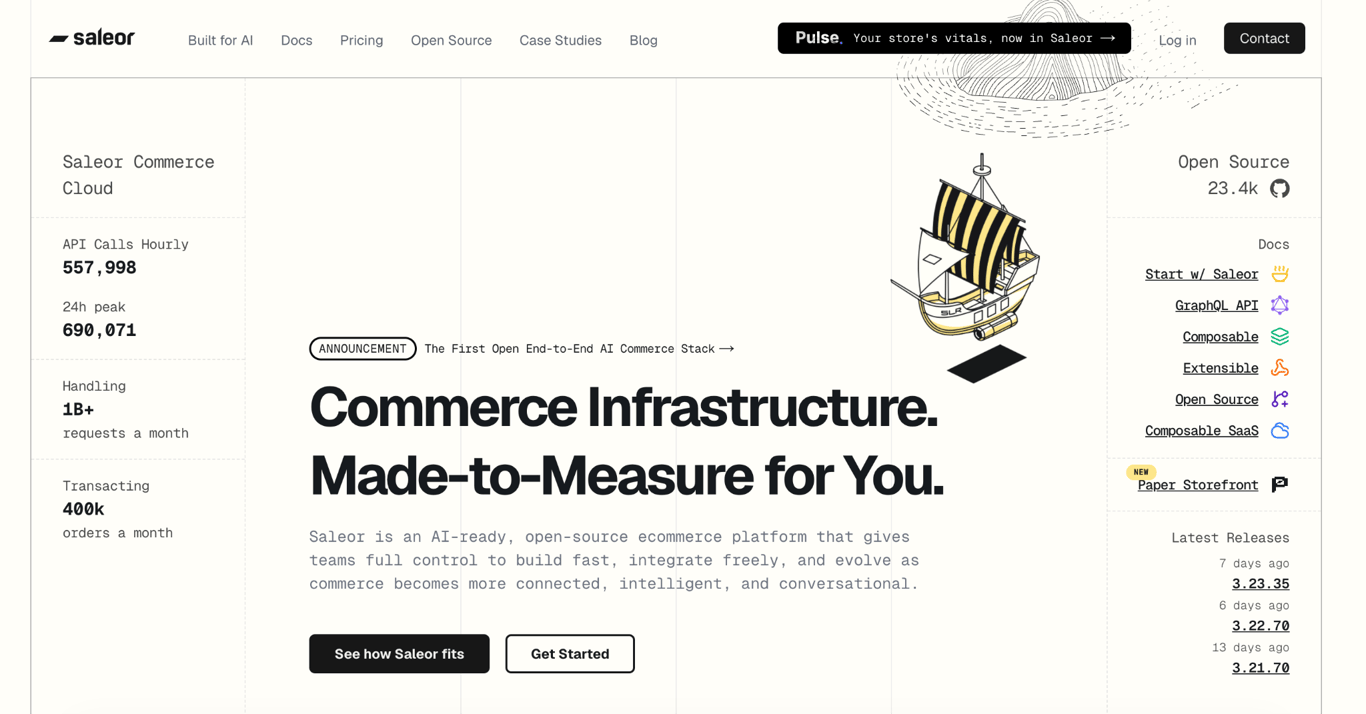
Best for: Developer-led custom commerce projects.
Saleor is an API-first, open-source ecommerce platform built around GraphQL. Developers can create the storefront with their preferred frontend technology and use Saleor’s GraphQL API to connect it to the commerce functionality behind the store.
Its open-source and composable approach gives development teams extensive control over the wider ecommerce setup.
Saleor can connect to external services via its API and 160+ webhooks, and its admin dashboard can be extended with custom tools and views.
This makes it suitable for projects that need custom purchasing flows, integrations, data structures, or experiences across multiple channels.
Running Saleor requires an experienced development team. Developers need to build the frontend, connect the services that make up the commerce stack, and maintain the resulting architecture.
For deployment, businesses can use Saleor Cloud, where Saleor manages the underlying infrastructure, or use the open-source version for greater control over how the platform is hosted and operated.
Is Hostinger Ecommerce a good option for selling online without an online store?
Yes. Hostinger Ecommerce is a good option if you want to sell online without having to build and maintain a traditional ecommerce storefront.
You can create quick links for individual products and share them through social media, DMs, emails, or chat apps.
Customers open the link and proceed to checkout, while Hostinger Ecommerce handles product details, the payment process, and the resulting orders from a single dashboard.
This approach works well if your customers already find your products through channels such as social media or email, and you simply need a direct way for them to buy.
It can also be a practical way to sell digital products without a website, since you can send customers directly to checkout from a shared product link.

Ksenija is a digital marketing enthusiast with extensive expertise in content creation and website optimization. Specializing in WordPress, she enjoys writing about the platform’s nuances, from design to functionality, and sharing her insights with others. When she’s not perfecting her trade, you’ll find her on the local basketball court or at home enjoying a crime story. Follow her on LinkedIn.