The best WordPress hosting providers include Hostinger for affordable managed hosting with built-in AI tools, SiteGround for performance and support, DreamHost and Bluehost for beginner-friendly setups, Cloudways for flexible cloud hosting, and Kinsta for premium WordPress sites. The right choice depends on your budget, technical experience, expected traffic, and how much server management you want to handle yourself.
Shared managed hosting suits beginners and small businesses well, offering easy WordPress setup, automatic updates, and bundled security. Cloud-based and premium managed options can give developers and agencies more control over infrastructure, isolated containers, and resources that scale with traffic.
The 9 providers below cover both ends of that range:
- Hostinger. A WordPress.org-recommended managed host with LiteSpeed servers, AI tools on mid- and top-tier plans, and a custom-built control panel for beginners and developers alike.
- SiteGround. A Google Cloud-powered WordPress host with an AI agent, in-house performance and security plugins, and award-winning 24/7 support.
- DreamHost. A beginner-friendly WordPress host with pre-installed WordPress, a free handcrafted starter site, and a managed DreamPress tier for growing sites.
- Bluehost. A WordPress hosting provider officially recommended since 2005, with staging, WP-CLI, Yoast SEO, and an AI site builder included on all plans.
- Cloudways. A managed cloud hosting platform running on DigitalOcean, Vultr, Linode, AWS, or Google Cloud, with unlimited sites and visits within your server’s resource and bandwidth allowance.
- HostGator. A WordPress host with unmetered bandwidth, AI-powered malware removal, and scalable vCPU allocation across all plans.
- Kinsta. A premium managed WordPress host with 30 data center locations, enterprise security, and a flexible billing model.
- IONOS. A budget-friendly WordPress host with a free domain, email, an AI website builder, and a personal consultant included on all plans.
- GoDaddy. A managed WordPress host with daily backups, full malware removal, Patchstack vulnerability scanning, and AI site tools on all plans.
1. Hostinger
Hostinger Stats:
- Best for: All types of users and businesses.
- Price: Starting at $3.99/month for a 12-month Premium plan.
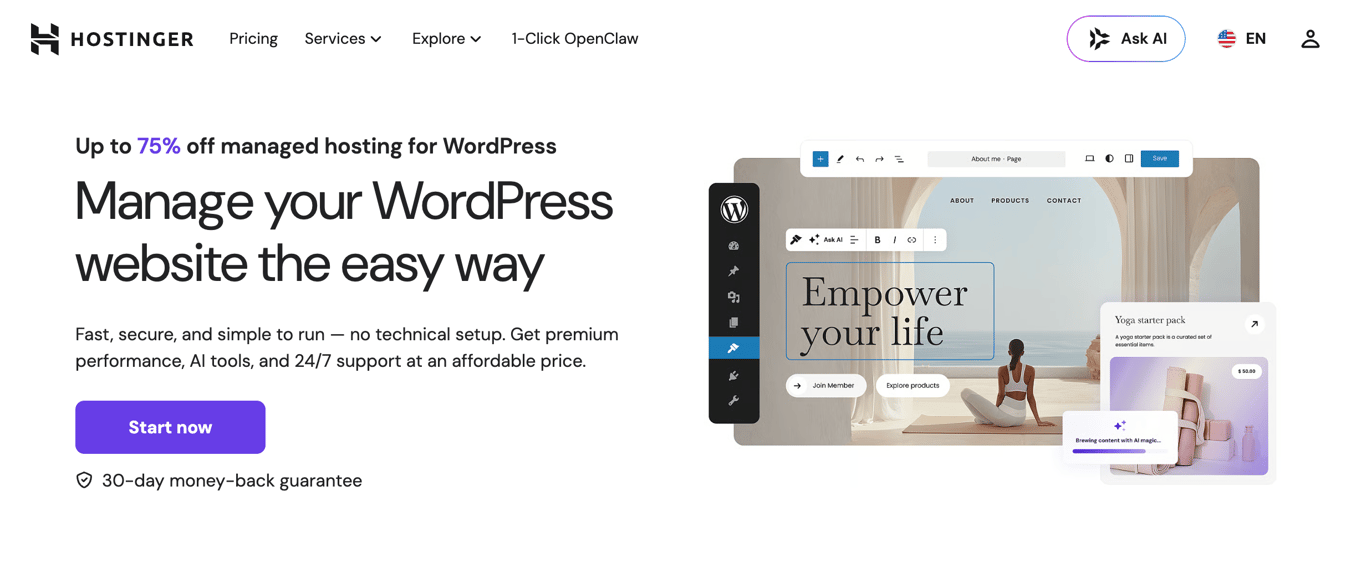
Hostinger is a managed WordPress hosting provider officially recommended by WordPress.org and built for speed, simplicity, and value.
All managed hosting for WordPress plans include one-click installation, free site migration, automatic updates, and WooCommerce optimization; everything is managed through the Hostinger dashboard, Hostinger’s custom-built control panel.
Performance runs on LiteSpeed Web Server with smart caching and code minification, delivering up to a 40% speed boost. A built-in content delivery network (CDN), available on Business + AI and above, reduces latency globally. All plans are backed by a 99.9% uptime guarantee and 24/7 multilingual support via live chat and email.
Developers get WP-CLI, SSH access, Git integration, and PHP version control on all plans. The Unlimited and Cloud Startup plans add Hostinger Agent, Hostinger’s AI agent for WordPress, which handles site tasks (such as publishing content, managing WooCommerce products, and configuring settings) through a simple chat interface.
The WordPress staging tool, available on the higher-tier plans, lets you test changes safely before pushing them live.
Hostinger’s key features:
- AI Agent for WordPress (Hostinger Agent). Available on Unlimited and Cloud Startup plans. Manages site tasks through chat without requiring code.
- AI website builder. Hostinger’s WordPress AI builder can generate a starting site from a prompt and supports WordPress workflows such as Elementor-based editing.
- AI WordPress troubleshooter. Detects and fixes errors automatically, resolving 70% of common issues within minutes.
- Hostinger dashboard control panel. Hostinger’s custom interface for managing domains, databases, FTP accounts, and site settings in one place.
- Developer toolkit. WP-CLI, SSH access, Git integration, and PHP version control included on all plans.
- Automated backups. Weekly backups on Premium; daily backups on Unlimited and on-demand backups on Cloud Startup.
- Security suite. DDoS protection, WAF, automatic malware removal, free SSL across all plans, plus WHOIS privacy protection for eligible domains.
- Hostinger Reach integration. Sync WordPress subscribers to Hostinger’s AI-powered email marketing tool directly from Gutenberg, Contact Form 7, or WPForms. The free allowance supports up to 100 subscribers and 200 emails per month; large campaigns require an upgrade.
Hostinger pros:
- Starting price of $3.99/month on a 12-month Premium plan, with a free domain, SSL, and unlimited migrations included.
- AI tools are included across the managed WordPress lineup, though the exact tools, usage, and resource limits vary by plan.
- Suitable for beginners and developers, with no technical setup required to launch.
- WordPress.org-recommended host.
Hostinger cons:
- The entry-level Premium plan has weekly backups and does not include the CDN available on higher tiers.
- Renewal prices are significantly higher: Premium renews at $10.99/month, Unlimited at $16.99/month, Cloud Startup at $25.99/month.
- Unlimited website counts on Unlimited and Cloud Startup remain subject to storage, server resource, and fair usage limits.

2. SiteGround
SiteGround Stats:
- Best for: Businesses, ecommerce stores, and agencies.
- Price: Starting at $2.99/month for a 12-month StartUp plan.
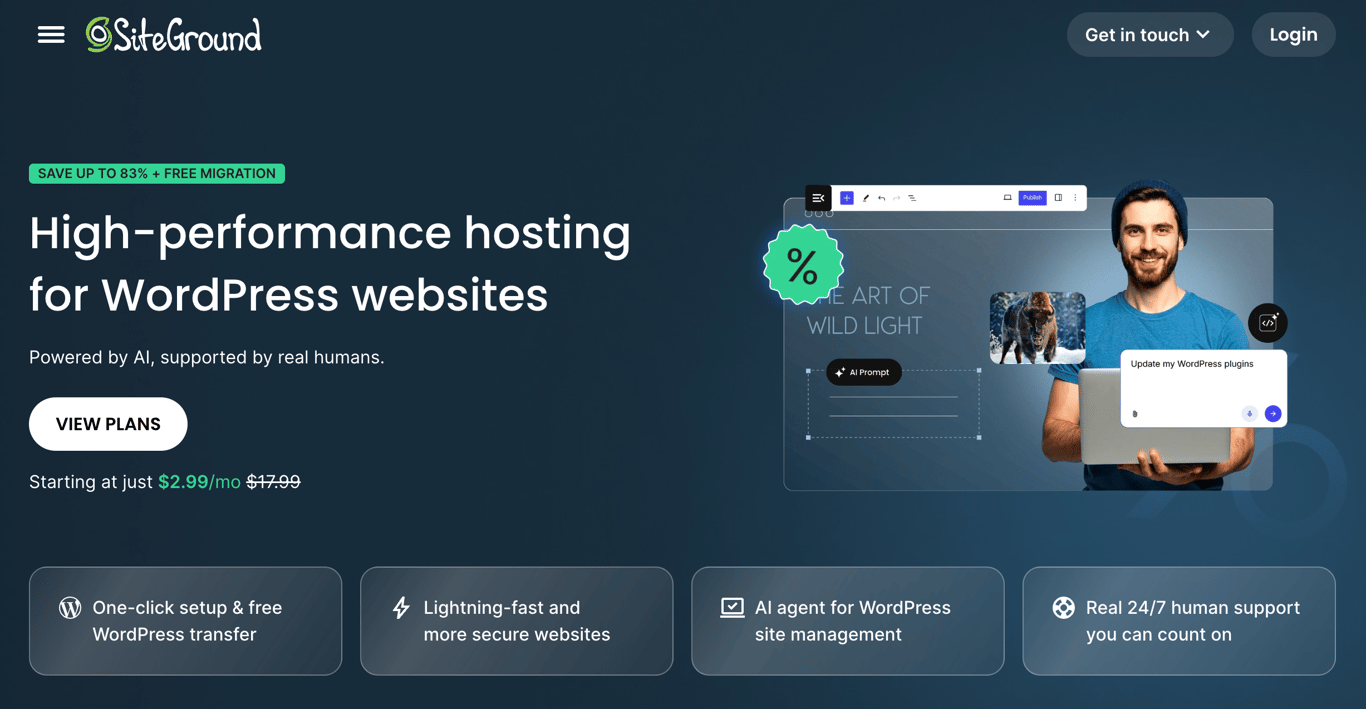
SiteGround is a WordPress hosting provider built on Google Cloud infrastructure, with a strong reputation for the quality of its support and WordPress-specific tooling.
All plans include a free domain, free SSL, CDN, daily backups, free email, WP-CLI, SSH access, and an AI agent for WordPress, making even the entry-level StartUp plan a capable option for small sites.
The platform runs its own custom Site Tools control panel rather than cPanel, with a clean interface and dedicated WordPress management tools. All plans also include the Speed Optimizer and Security Optimizer WordPress plugins, both developed in-house by SiteGround.
For agencies and developers, the GrowBig plan adds staging and on-demand backups, while GoGeek goes further with Git integration, private DNS, white-label access, and priority support, making it the strongest option for client work.
SiteGround’s key features
- AI agent for WordPress. Included on all plans. Manages your WordPress site through a chat interface, with access to multiple LLMs, including ChatGPT, Claude, and Gemini, via SiteGround’s AI Studio.
- Speed Optimizer plugin. In-house WordPress plugin included on all plans to boost site performance with multilevel caching, image optimization, and lazy loading.
- Security Optimizer plugin. In-house WordPress plugin with login protection, HTTPS enforcement, and advanced security headers, included on all plans.
- Collaboration tools. Add team members or clients to manage specific sites, transfer sites between accounts, or grant dashboard access, available on all plans.
- Staging environment. One-click staging available on GrowBig and above. GoGeek adds Git integration for version-controlled deployments.
- White-label access. GoGeek plan lets you give clients access to Site Tools without exposing SiteGround branding, useful for agencies.
- Google Cloud infrastructure. All plans run on Google Cloud with a globally distributed CDN, backed by a 99.9% uptime guarantee.
- Daily geo-distributed backups. Automatic daily backups stored at a separate location from your site, included on all plans. On-demand backups available on GrowBig and above.
SiteGround pros
- AI agent and access to multiple LLMs included on all plans, including the entry-level StartUp.
- Strong WordPress tooling out of the box with Speed Optimizer, Security Optimizer, and WP-CLI on all plans; staging is available on GrowBig and GoGeek.
- White-label client access on GoGeek makes it a solid choice for agencies.
- 99.9% uptime guarantee backed by Google Cloud infrastructure.
- 24/7 support is included across the hosting lineup, while higher tiers add priority support and agency-oriented collaboration features.
SiteGround’s cons
- No free domain privacy on any plan; it’s listed as a separate add-on.
- StartUp plan limits you to one website, which rules it out for multi-site projects.
- Renewal prices are steep: StartUp jumps from $2.99/month to $17.99/month, GrowBig from $4.99 to $29.99, and GoGeek from $7.99 to $44.99.
3. DreamHost
DreamHost Stats:
- Best for: Beginners and budget-conscious users.
- Price: Starting at $2.89/month for a 12-month WordPress Hosting Launch plan.
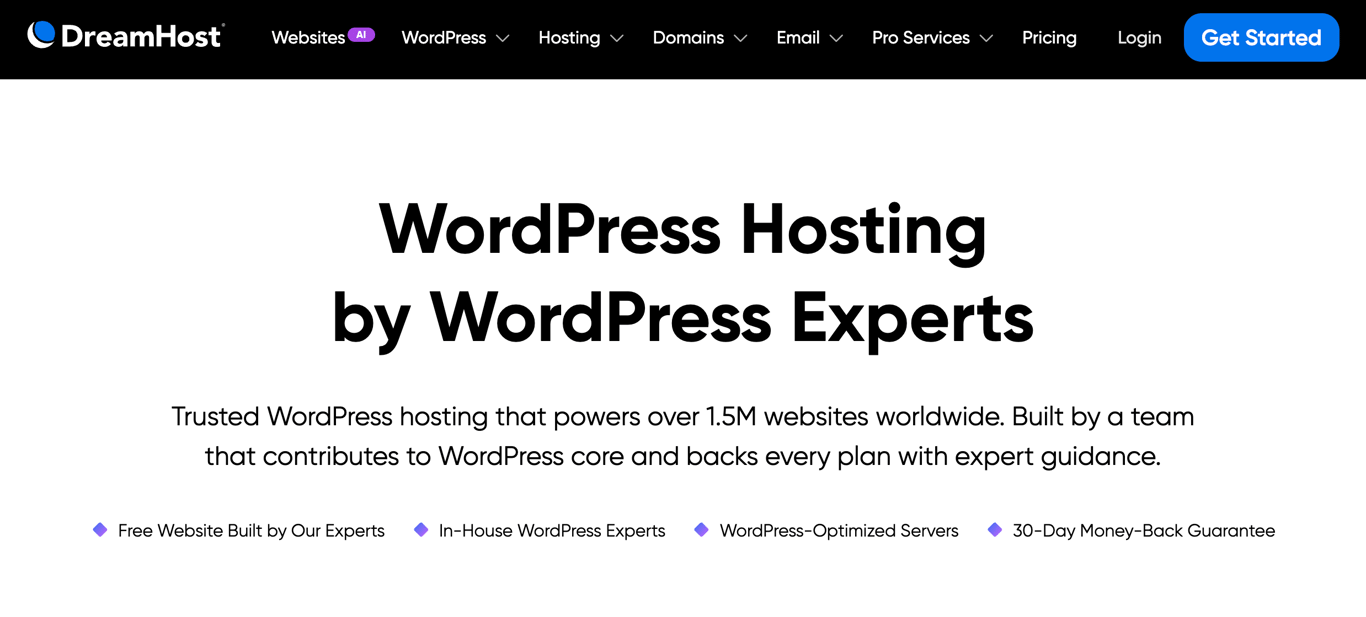
DreamHost is a WordPress hosting provider known for affordable pricing, beginner-friendly setup, and solid performance. Plans start at $2.89/month and include a free domain, daily automated backups, unmetered bandwidth, unlimited free SSL certificates, and a free handcrafted starter website built by DreamHost’s team.
All plans come with WordPress pre-installed. On standard WordPress Hosting, select installation during signup or install it later from the panel. DreamHost runs a custom control panel instead of cPanel, with a clean layout covering domains, email, security, and add-ons in one place.
For users who need more power, DreamPress is DreamHost’s managed WordPress tier, starting at $14.99/month. It runs on a redundant high-availability architecture with a multi-layer caching stack (Nginx and Redis), one-click staging, on-demand backups, and 24/7 support from WordPress core contributors.
DreamHost’s key features
- Free handcrafted starter website. DreamHost’s team builds a basic starter site for you on all plans, giving beginners a head start without needing design skills.
- WordPress installation. Pre-installed on DreamPress; standard WordPress Hosting lets you choose installation during signup or install it from the panel later.
- Daily automated backups. Included on all WordPress hosting plans, with 14-day backup retention on DreamPress plans.
- DreamPress managed tier. Starting at $14.99/month, DreamPress adds high-availability architecture, Nginx and Redis caching, one-click staging, and professional site migrations.
- Custom control panel. DreamHost’s in-house panel covers all site management needs without the complexity of cPanel.
- Unmetered bandwidth. All plans support unmetered traffic, with monthly visit caps depending on plan tier: 40k on Launch, 200k on Growth, and 400k on Scale.
- 24/7 WordPress support. DreamHost provides around-the-clock support from its in-house WordPress team, with additional scheduled callback allowances on higher DreamPress tiers
DreamHost pros
- Affordable entry price at $2.89/month on a year plan, with a free domain and daily backups included.
- WordPress is pre-installed on DreamPress, with an installation option during signup on standard hosting.
- A free handcrafted starter website is a genuine differentiator for beginners.
- DreamPress offers a capable managed tier for growing sites, starting at $14.99/month.
- 30-day money-back guarantee on all plans.
DreamHost cons
- Malware scanning (DreamShield) is a paid add-on at $3/month. Growth and Scale plans include one free monthly DreamShield scan per site, but that is not the same as the full daily paid service.
- Email is only free for 3 months on WordPress Hosting plans; ongoing email costs extra after the trial.
- Monthly visit caps on WordPress Hosting plans (40k on Launch, 200k on Growth) may require upgrades for higher-traffic sites.
4. Bluehost
Bluehost Stats:
- Best for: Beginners and ecommerce websites.
- Price: Starting at $4.99/month for a 12-month Starter plan.
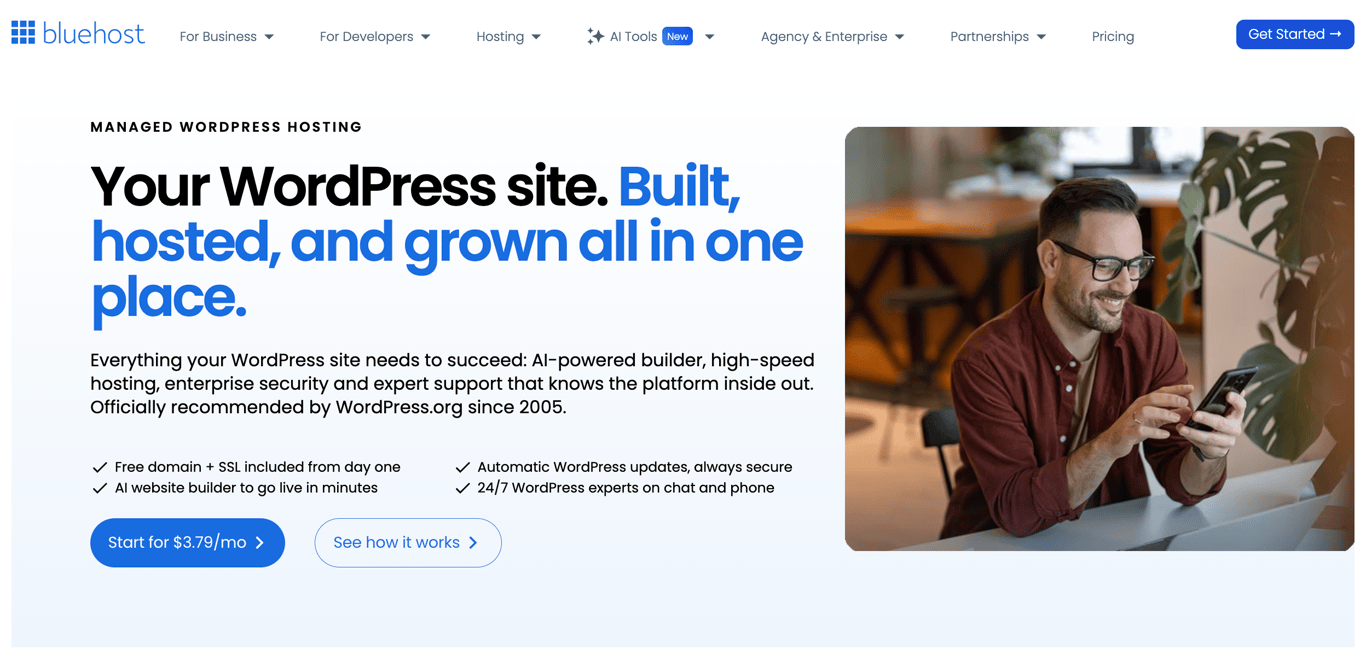
Bluehost is a WordPress hosting provider officially recommended by WordPress.org since 2005, built for users who want a complete setup out of the box.
All plans include a free domain for the first year, free SSL, free CDN, AI site creation tools, Yoast SEO pre-installed, managed WordPress updates, staging, SSH, WP-CLI, and 24/7 chat support, backed by a 99.99% uptime SLA.
The platform runs on NVMe SSD storage with static content caching, object caching, and a global network of data centers. Bluehost reports an average load time of 0.35 seconds, backed by independent testing from WPShout.
For online stores, the eCommerce Essentials plan at $15.99/month for a 12-month term adds WooCommerce auto-install, secure payment processing, product subscriptions, visitor memberships, paid courses, an affiliate program, and custom email templates.
Bluehost’s key features
- AI site creation tools. Helps generate a WordPress site from a short description, then lets you choose a design and edit it before publishing. Included on all plans.
- Yoast SEO free plugin. Provides on-page and readability analysis. Yoast’s AI features require a paid product or subscription.
- Managed WordPress updates. Automatic WordPress updates are included. You can manage automatic theme and plugin updates from the Bluehost dashboard.
- Staging environment. One-click staging is included on all plans for safely testing changes before pushing live.
- AI-powered malware detection and removal. Available on Business and eCommerce Essentials plans. Starter includes free malware scanning only.
- eCommerce Essentials plan. Starting at $15.99/month for a 12-month term, includes WooCommerce auto-install, secure payments, product subscriptions, memberships, paid courses, and an affiliate program.
- 24/7 WordPress support. Available via live chat on all plans. Phone support is included on Business and eCommerce Essentials plans only.
Bluehost pros
- Comprehensive feature set on all plans: staging, SSH, WP-CLI, caching, CDN, and Yoast SEO included from the entry level.
- AI site builder helps create and customize a WordPress site from a short description.
- eCommerce Essentials plan bundles WooCommerce with memberships, subscriptions, and paid courses in one plan.
- WordPress.org recommended since 2005.
- 99.99% uptime SLA with redundant server clusters and automatic failover.
Bluehost cons
- The starting price of $4.99/month is higher than some budget options in this list.
- AI-powered malware detection and removal are only available on Business and above; Starter gets scanning only.
- Domain privacy is free for the first year on Business and above; it is not included on Starter.
- Phone support is excluded from the Starter plan.
- Renewal prices are significantly higher: Starter renews at $11.99/month, Business at $15.99/month, and eCommerce Essentials at $23.99/month.
5. Cloudways
Cloudways Stats:
- Best for: Developers, agencies, and growing businesses.
- Price: Flexible hosting starting at $11/month, billed for usage.
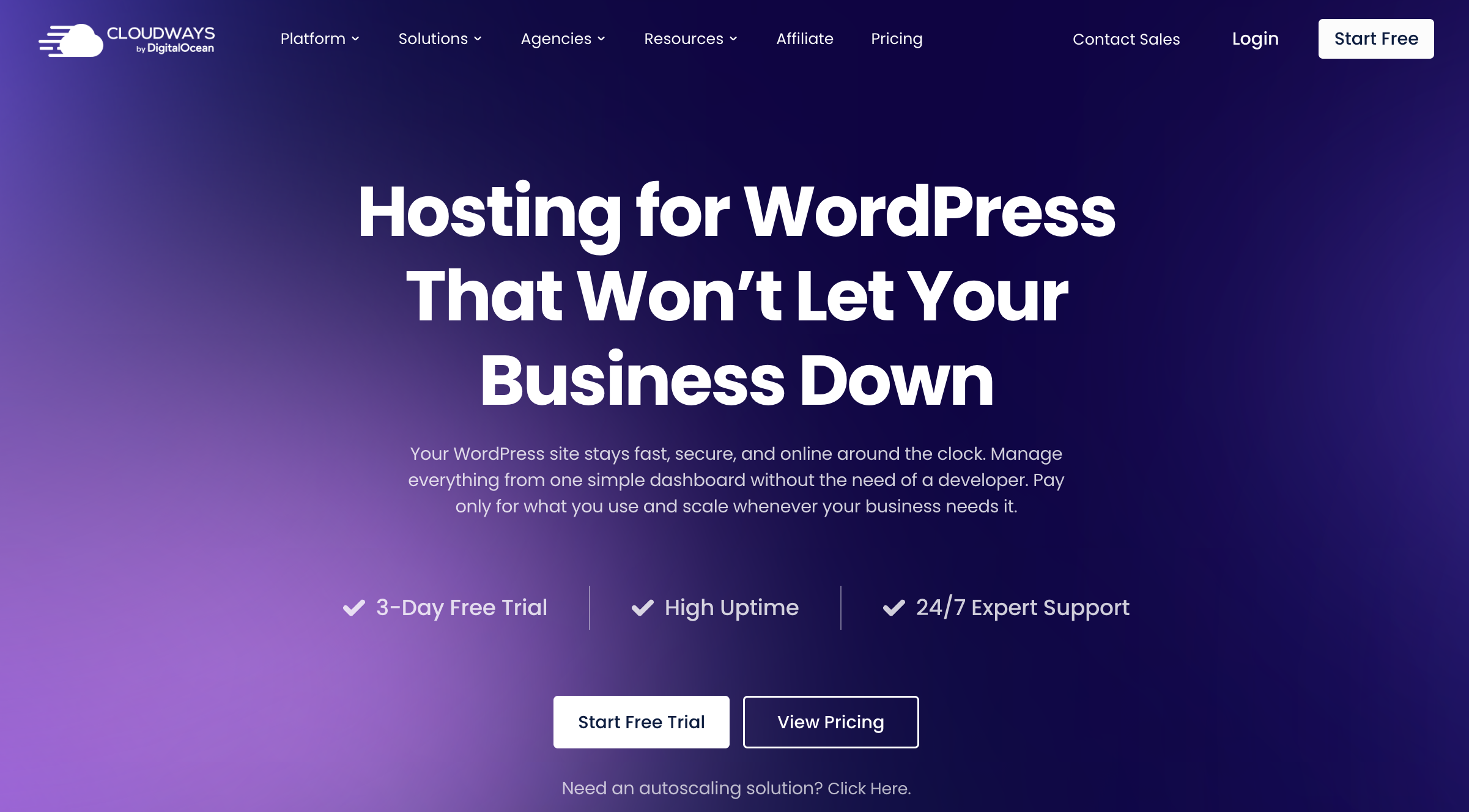
Cloudways is a managed cloud hosting platform that sits between you and your choice of cloud infrastructure provider. Instead of fixed shared hosting plans, you pick a cloud provider (DigitalOcean, Vultr, Linode, AWS, or Google Cloud), a server type, and the resources you need.
Cloudways handles the managed layer: WordPress setup, security, caching, backups, staging, and support. You pay only for what you use, with no long-term contracts.
Entry-level servers start at $11/month on DigitalOcean. You can host unlimited websites and visits within the selected server’s capacity, but storage and data transfer allowances still apply. Pricing scales with server size and provider: AWS and Google Cloud servers have higher base costs due to their underlying infrastructure pricing.
Cloudways also offers a separate product called Cloudways Autonomous, a fully managed autoscaling tier built specifically for high-traffic ecommerce and LMS sites that need to handle thousands of concurrent users without manual intervention.
Cloudways’ key features
- Choice of cloud provider. Run your WordPress site on DigitalOcean, Vultr, Linode, AWS, or Google Cloud. Scale eligible servers vertically, or use server cloning to move to another provider or region.
- Lightning Stack. An NGINX-only web stack designed to improve performance. Cloudways also offers a Hybrid Stack combining NGINX and Apache for sites that need Apache compatibility
- Object caching. Redis is available for object caching. Free Object Cache Pro is advertised on Flexible servers with 4GB RAM or more; check your server’s eligibility and WordPress configuration
- Free advanced staging and cloning. One-click staging environments and server cloning are included on all plans.
- Cloudways Copilot. An AI assistant for server monitoring and troubleshooting, with free credits on eligible plans and paid options for heavier use.
- WordPress vulnerability scanner. Built-in scanner included on all plans to detect plugin and theme security issues before they cause problems.
- Cloudways Autonomous. A fully managed autoscaling tier for high-traffic sites that scales up automatically during traffic spikes and scales back down when traffic drops.
- 3-day free trial. Available on eligible Flexible plans with no credit card required.
Cloudways pros
- Unlimited website and visit counts on Flexible, with actual capacity determined by your server resources and bandwidth allowance.
- Redis caching is available, with free Object Cache Pro on eligible Flexible servers.
- Flexibility to choose your cloud provider, scale eligible servers, and use cloning to move between providers.
- No long-term contracts; billing is monthly or hourly.
- 3-day free trial with no credit card required.
Cloudways cons
- Pricing is more complex than traditional hosting; costs vary by cloud provider, server type, and resource allocation.
- No free domain or email hosting included on any plan.
- Offsite backup storage costs extra at $0.033/GB per server per month.
- Cloudflare CDN is an add-on, not included by default.
- Requires more technical comfort than beginner-friendly shared hosting providers.
6. HostGator
HostGator Stats:
- Best for: Larger websites.
- Price: Starting at $4.50/month.
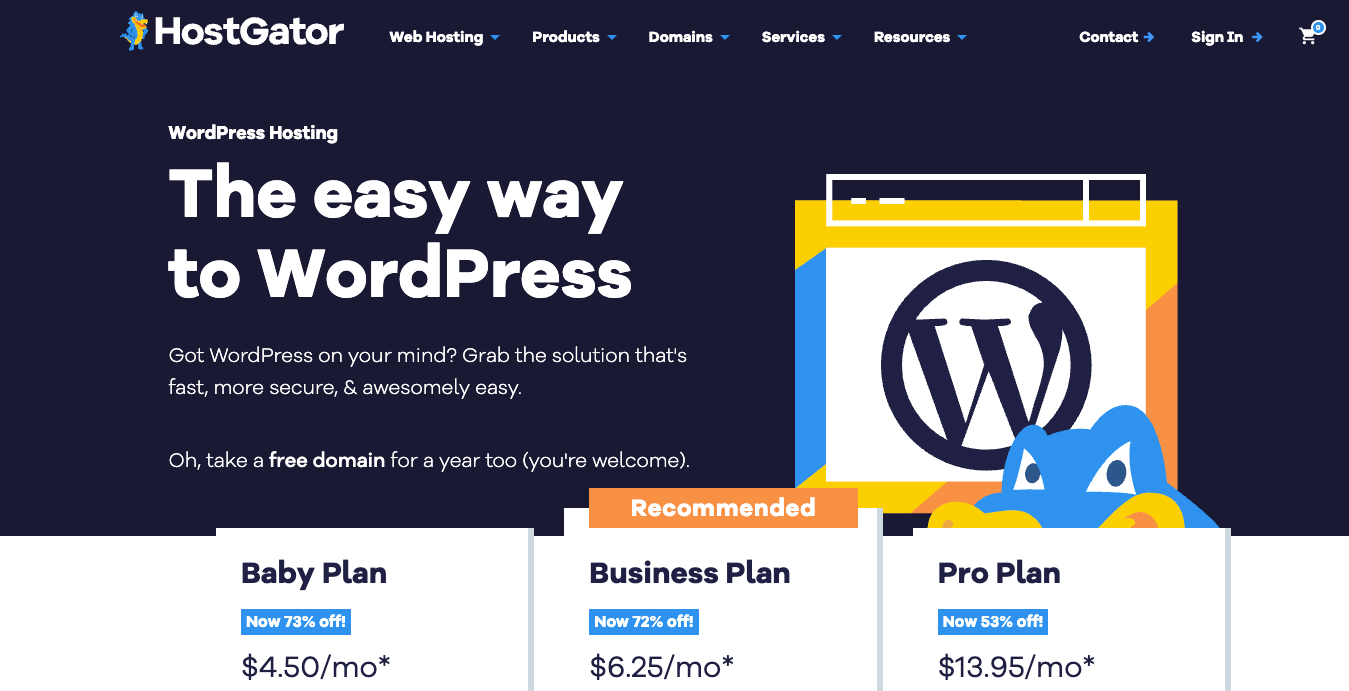
HostGator is a WordPress hosting provider with a straightforward setup and WordPress pre-installed on all plans. Plans start at $4.50/month and include unmetered bandwidth, a free domain for the first year, free SSL, Cloudflare CDN, malware scanning, and AI-powered malware detection and removal.
All plans include phone and chat support around the clock. Performance scales with the plan tier: the Baby Plan includes 2 vCPUs, Business includes 3, and the Pro Plan tops out at 5 vCPUs, making it the strongest option for high-traffic or resource-intensive sites.
Weekly website backups are included on Business and Pro plans. Domain privacy is free for the first year on Business and Pro plans only.
HostGator’s key features
- WordPress pre-installed. All plans come with WordPress ready to go on a simplified control panel.
- Unmetered bandwidth. All plans support unmetered traffic, suitable for content-heavy or high-traffic sites.
- AI-powered malware detection and removal. Included on all plans alongside daily malware scanning.
- Cloudflare CDN. Included on all plans to improve load times globally.
- Scalable vCPU allocation. Baby Plan includes 2 vCPUs, Business includes 3, and Pro includes 5, giving a clear performance path as your site grows.
- 24/7 phone and chat support. Available on all plans at no extra cost.
HostGator pros
- AI-powered malware detection and removal are included on all plans, not just higher tiers.
- Unmetered bandwidth avoids usage-based traffic charges for normal website use, subject to HostGator’s resource limits.
- vCPU scaling gives a clear upgrade path for growing sites.
- 24/7 phone and chat support are included from the entry level.
HostGator cons
- A free WordPress migration tool is available, while more complex migrations may still require additional assistance or paid service.
- Storage uses standard SSD rather than NVMe, which puts it behind most competitors on this list.
- Weekly backups are only available on Business and Pro plans; the Baby Plan does not include backups.
- Renewal prices are steep: Baby renews at $16.49/month, Business at $21.99/month, and Pro at $29.69/month.
7. Kinsta
Kinsta Stats:
- Best for: High-traffic websites, enterprises, and agencies.
- Price: Starting at $30/month billed annually.
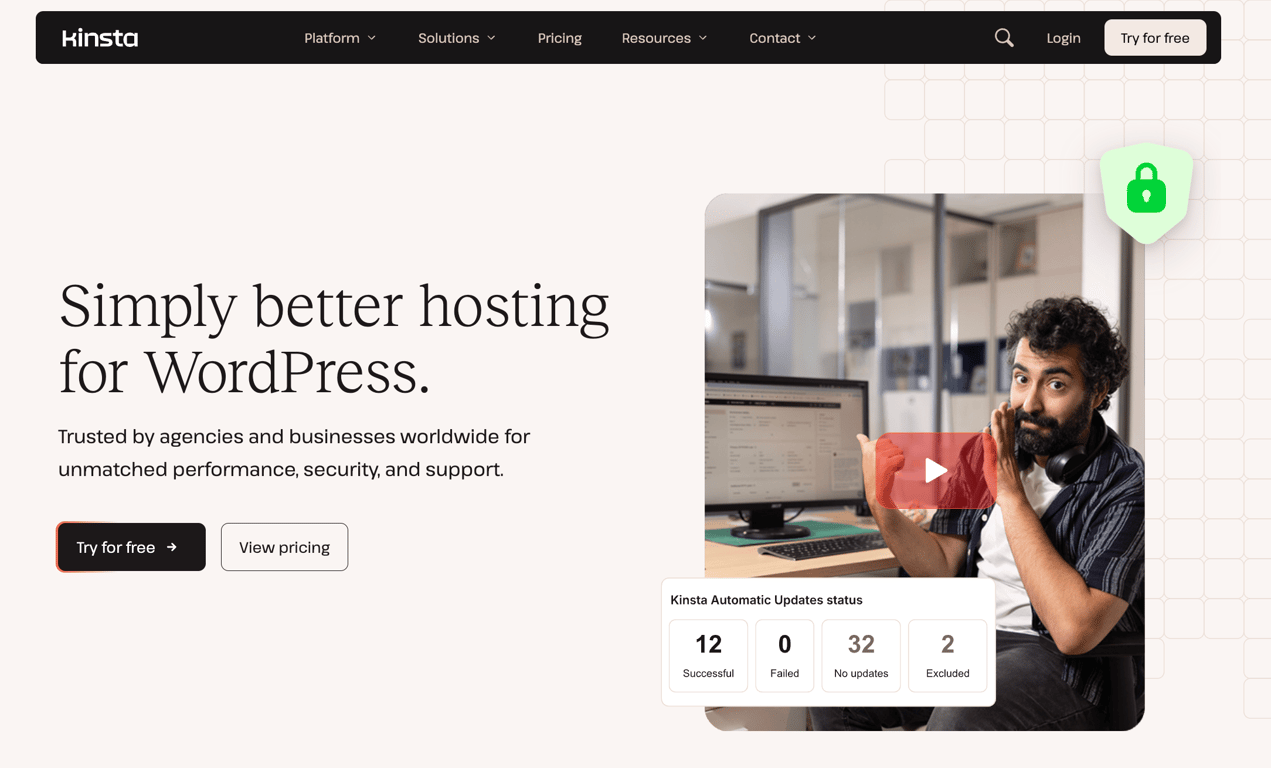
Kinsta is a premium managed WordPress hosting provider with 30 data center locations worldwide. Its new infrastructure runs on Oracle Cloud Infrastructure, replacing the previous Google Cloud setup
Plans start at $30/month billed annually with the first month free, and every plan includes unlimited free migrations, free malware removal, a built-in CDN, WAF with DDoS protection, daily automatic backups with 14-day retention, and 24/7 expert support.
Kinsta bills based on either bandwidth or visits, depending on your preference, giving more flexibility than fixed resource plans. The entry-level Launch plan includes one WordPress installation, 15GB of storage, 15GB of server bandwidth, and 125GB of CDN bandwidth, with an estimated capacity of 75,000 monthly visits.
Multi-site plans include Build, support two sites, and start at $58/month billed annually. Agency plans start at $284/month on an annual billing plan.
For agencies, Kinsta includes an unbranded WordPress admin experience, listing in the Agency Directory, access to account management, and up to $10,000 in hosting credits for eligible agencies.
Kinsta’s key features
- MyKinsta dashboard. A unified control panel for managing all sites, staging environments, analytics, user permissions, and bulk actions in one place.
- Built-in APM tool. Identifies and visualizes performance bottlenecks across all plans, helping you troubleshoot slow queries and plugin conflicts without third-party tools.
- Flexible billing model. Plans can be billed based on bandwidth or visits, letting you choose the model that fits your traffic patterns.
- Kinsta Automatic Updates. An optional add-on at $3/environment/month that runs plugin and theme updates with visual regression testing and automatically restores a backup if anything breaks.
- Enterprise security and compliance. All plans include a fully managed WAF, Cloudflare DDoS protection, free malware removal, SAML SSO, and SOC 2 Type II and ISO 27001 certifications.
- Flexible add-ons. Expand storage at $20/month per 20 GB, add premium staging environments for $20/environment/month, or increase backup frequency to every six hours ($20/site/month) or every hour ($100/site/month).
- Up to 99.99% uptime SLA. Uses isolated hosting environments on Kinsta’s upgraded cloud infrastructure; the applicable SLA depends on your plan and agreement.
Kinsta pros
- An introductory free month is available on eligible entry plans; monthly billing is also available.
- Unlimited free migrations handled by Kinsta’s team on all plans.
- Enterprise-grade security with SOC 2 Type II, ISO 27001, WAF, and free malware removal included at no extra cost.
- Flexible billing by bandwidth or visits suits a range of traffic patterns.
- The agency plan includes an unbranded WordPress admin and up to $10,000 in hosting credits.
Kinsta cons
- The starting price of $30/month billed annually is significantly higher than most providers on this list.
- Storage is limited on entry plans: Launch includes 15GB. Additional storage costs $20/month per 20GB.
- Usage allowance varies by plan. Exceeding included server bandwidth, CDN bandwidth, or visits on a visit-based plan can incur overage fees.
- No email hosting included on any plan.
- Kinsta Automatic Updates, premium staging, and higher backup frequency all cost extra.
8. IONOS
IONOS Stats:
- Best for: Beginners and small businesses.
- Price: Starting at $1/month for the first year, then $12/month.
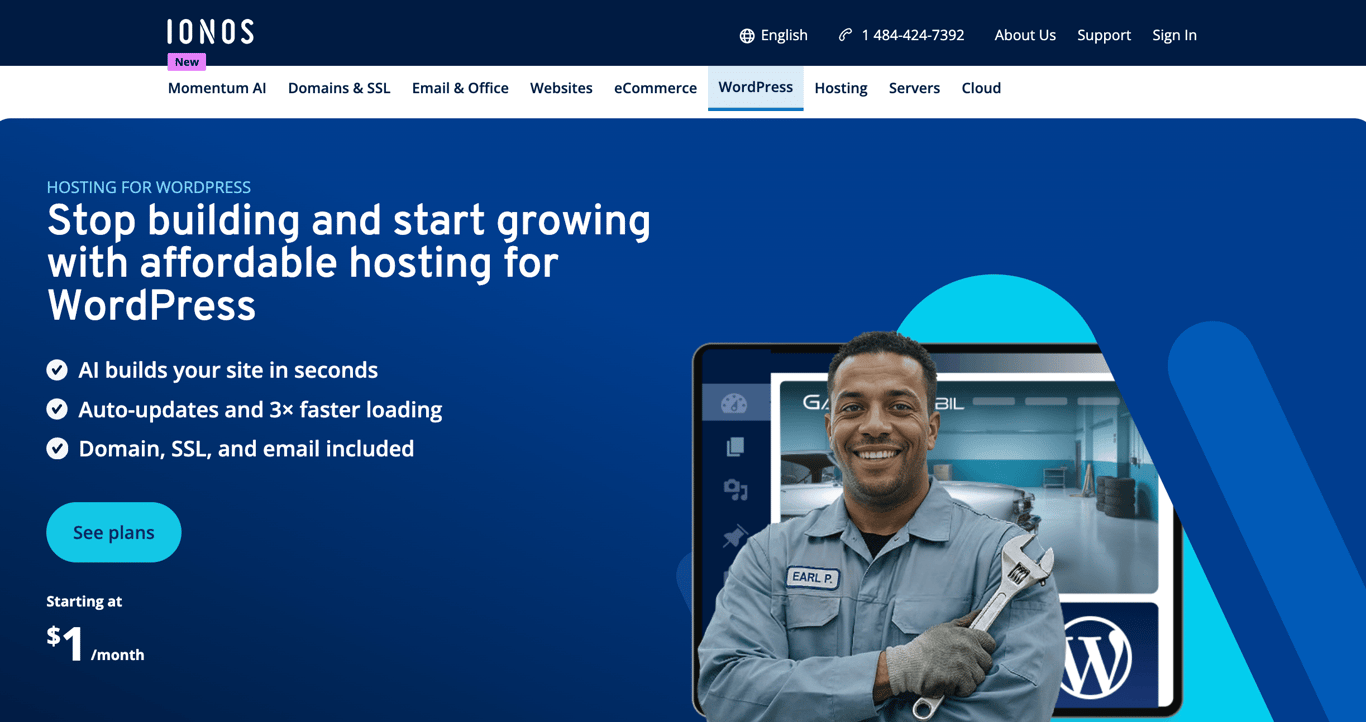
IONOS is a WordPress hosting provider built for users who want an affordable, low-maintenance setup with core hosting features from day one.
All plans include a free domain, email, SSL, automatic updates, vulnerability scans, automatic backups, an AI website builder, and a personal consultant, backed by a 99.99% uptime guarantee and a 30-day money-back guarantee.
WordPress comes pre-installed with the Website Cockpit for WordPress on all plans, giving you a dedicated management interface without requiring any manual configuration. SSH, SFTP, and WP-CLI access are available on all plans for users who need more control.
The Grow plan at $1/month (renewing at $12/month) is the bestselling option, adding an AI assistant, AI-generated text and images, AI-generated pages and blog posts, and 12 months of Jetpack Vault. The Boost plan at $12/month for the first year adds automatic malware removal and a performance boost for resource-intensive sites.
IONOS’s key features
- AI website builder. Generates a complete WordPress site from a few questions, including text and images, included on all plans.
- AI assistant. Available on Grow and Boost plans. Writes blog posts, generates images, and creates page layouts directly inside WordPress.
- Personal consultant. Every IONOS customer gets a dedicated consultant for guidance, in addition to 24/7 phone, chat, and email support.
- Website Cockpit for WordPress. A dedicated WordPress management interface included on all plans.
- Jetpack Vault. 12 months included on Grow and Boost plans, adding Jetpack’s daily cloud backups beyond the standard automatic backups.
- MCP integration. Connects your WordPress site to external AI applications to speed up content and workflow automation.
- Developer access. SSH, SFTP, and WP-CLI included on all plans with PHP 8.2 to 8.4 support.
IONOS pros
- The promotional starting price of $1/month for the first year on the Grow plan makes it one of the most affordable options on this list.
- A domain free for the first year, email, and SSL are included on all plans from day one.
- A personal consultant is included alongside 24/7 support, giving customers an additional named support contact.
- AI tools for content creation and site building are included on the Grow and Boost plans.
- 99.99% uptime guarantee with geo-redundant infrastructure.
IONOS cons
- Automatic malware removal is only available on the Boost plan at $12/month; lower plans get only detection.
- Storage uses standard SSD rather than NVMe, putting it behind most competitors on this list.
- Renewal prices are higher than the promotional rates: Start renews at $8/month, Grow at $12/month, and Boost at $17/month.
- IONOS does not provide a dedicated one-click WordPress Migration tool in the plan itself. It points users to third-party migration plugins or a manual migration, while a separate assisted migration service is available by quote
- AI assistant and Jetpack Vault are not included on the entry-level Start plan.
9. GoDaddy
GoDaddy Stats:
- Best for: Bloggers, small businesses, and beginners.
- Price: Starting at $6.99/month for the first one-year Basic term.
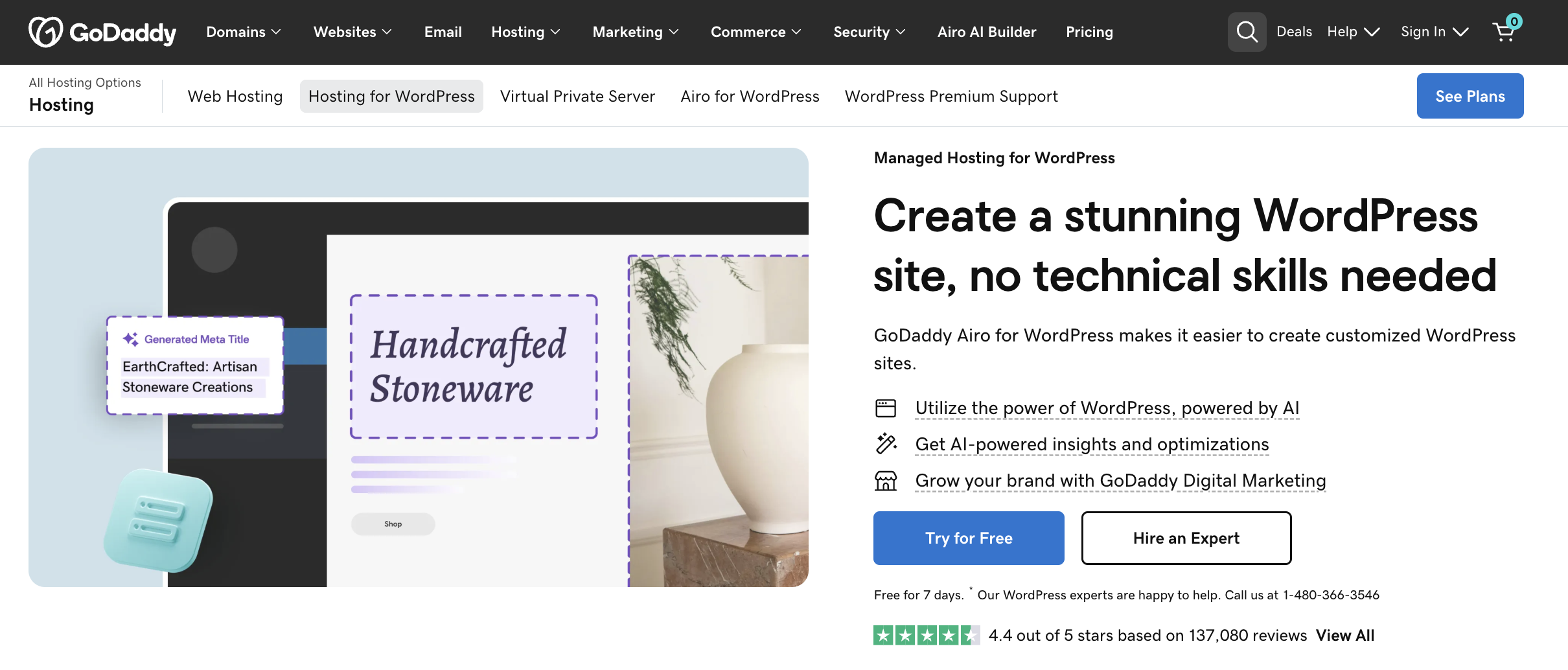
GoDaddy is a managed WordPress hosting provider backed by one of the world’s largest domain registrars, trusted by over 20 million customers worldwide.
Plans start at $6.99/month for the first one-year Basic term and include a domain free for the first year on eligible subscriptions, an introductory email offer, free SSL, WordPress pre-installed, automatic updates, daily backups with 30-day retention, automated malware scans and removal, WAF, DDoS protection, and Patchstack vulnerability scanning on all tiers.
All plans include Airo for WordPress, GoDaddy’s AI-powered toolkit for site creation, SEO automation, and performance optimization. A 7-day free trial is available on all plans with no credit card required.
The Ultimate plan at $14.99/month for the first one-year term adds WooCommerce, Object Cache Pro, PHP version control, Git integration, APM, version controls for WP Core, a smart plugin manager, and priority support, making it the strongest option in GoDaddy’s lineup for developers and store owners.
GoDaddy’s key features
- Airo for WordPress. An AI-powered toolkit is included on all plans, covering site creation, SEO optimization, content generation, and performance insights.
- Backups. Basic includes weekly backups, while Deluxe and Ultimate include daily backups; restore options and retention depend on the plan.
- Automated malware scans and removal. Runs every 24 hours on all plans, with WAF and DDoS protection included.
- Patchstack vulnerability scanning. Helps identify known WordPress plugin and theme vulnerabilities so you can address them. Included on all plans.
- CDN with up to 2x faster performance. Included on Deluxe and Ultimate plans via Cloudflare CDN.
- Ultimate developer toolkit. The Ultimate plan includes Git integration, PHP version control, Object Cache Pro, APM, version controls for WP Core, and a smart plugin manager.
- GoDaddy Agency Partner Program. A free program for freelancers and agencies offering The Hub dashboard for managing multiple client sites, partner pricing, and priority support.
GoDaddy pros
- Comprehensive security on all plans: daily malware scans and removal, WAF, DDoS protection, and Patchstack vulnerability scanning.
- Airo for WordPress AI tools are included on all plans at no extra cost.
- Backups are included from the entry tier, but Basic uses weekly backups; users who want daily restore points need Deluxe or Ultimate.
- 7-day free trial with no credit card required.
- Strong developer toolkit on the Ultimate plan, including Git, APM, and Object Cache Pro.
GoDaddy cons
- CDN and staging are only available on Deluxe and above; the Basic plan lacks both.
- Storage is limited: 10 GB on Basic, 20 GB on Deluxe, and 30 GB on Ultimate.
- WooCommerce is restricted to the Ultimate plan at $14.99/month.
- Renewal prices are significantly higher: Basic renews at $14.99/month, Deluxe at $19.99/month, and Ultimate at $26.99/month.
- Each plan starts with 1 website; additional sites cost extra.
How to choose the right WordPress hosting
Choose WordPress hosting based on your site’s needs, how easily the plan can scale, and which management features you want included. These are the key factors to evaluate:
- Storage and bandwidth. Match your plan to your site’s actual needs. An image-heavy portfolio or WooCommerce store needs more storage and transfer capacity than a simple blog, so leave practical headroom instead of buying exactly for today’s usage.
- Uptime and reliability. Compare the host’s published uptime commitment, SLA terms, and incident history. A stronger uptime target can matter for revenue-critical sites, but an SLA percentage alone does not guarantee real-world performance or search visibility.
- Ease of setup. Beginners benefit from providers that pre-install WordPress, include a custom control panel, and offer one-click domain and email setup. Hostinger’s dashboard, SiteGround’s Site Tools, and GoDaddy’s Airo are built with non-technical users in mind.
- Support quality. Check whether 24/7 support is available through the channels you need, such as live chat, phone, or tickets. For business-critical sites, prioritize providers with WordPress-trained support teams, like Kinsta and SiteGround.
- Scalability. Your hosting needs will grow. Confirm you can upgrade resources or switch to a higher-tier plan without migrating your site. Cloudways lets you scale server resources on demand; Kinsta lets you add WordPress installs and storage as separate add-ons.
- Security features. Look for free SSL, automated backups, malware scanning, a WAF, and DDoS protection. Check whether malware removal is included or costs extra. Hostinger, HostGator, and Kinsa list included removal, while DreamHost’s DreamShield scanning availability varies by plan.
- Pricing transparency. Introductory rates can be much lower than renewal pricing, and the cheapest displayed monthly rate may require a long prepaid term. Compare the full initial-term cost, renewal rate, add-ons, and cancellation terms before committing.
- AI tools. Several providers now include AI site builders, AI agents, and content generation tools at no extra cost. Hostinger Agent, SiteGround’s AI agent, and GoDaddy’s Airo are built into their plans and can meaningfully reduce setup time for new sites.
Next steps after getting a WordPress hosting plan
After choosing a WordPress host, focus on getting one working site live before adding extra tools. Connect your domain, migrate or install WordPress, confirm SSL and backups are working, and use a staging environment for any risky changes if your plan includes one
If your provider has already installed WordPress, verify the admin login and update settings. Otherwise, use the host’s installer or setup assistant rather than manually uploading WordPress unless you specifically need a custom deployment.
From there, choose a WordPress theme that fits your brand. Start with a lightweight option to keep load times fast. You can customize it later using the built-in block editor or a page builder like Elementor.
Then install essential plugins you actually need. Your host may already handle backups, security, caching, or SEO-related setup, so avoid duplicating those functions with plugins unless there is a clear gap.
Finally, build out your core pages: homepage, about page, and either blog posts or product pages depending on your site’s purpose. Publish when you’re ready, and iterate from there.
This article is a localized version of 9 best WordPress hosting providers to launch your website, originally published in English.

Leo is a Content SEO Specialist and WordPress contributor. Armed with his experience as a WordPress Release Co-Lead and Documentation Team Representative, he loves sharing his knowledge to help people build successful websites. Follow him on LinkedIn.

Marco Chiesi is the Head of WordPress at Hostinger, with over 20 years of experience as a software engineer in the web industry. He specializes in open-source technologies and the WordPress ecosystem, where he has contributed in different areas: Plugin Developer (with over 10 million downloads), WordCamp speaker and organizer, Meetup organizer, Translator, and Core Contributor. He is passionate about leading his team to create innovative solutions for Hostinger's web hosting product, which hosts over 5 million WordPress installations. Follow him on LinkedIn.