Multiple FTP accounts are great if more than one user will be accessing your website’s files. You can also restrict the new account’s access by allowing it to access only specific folders.
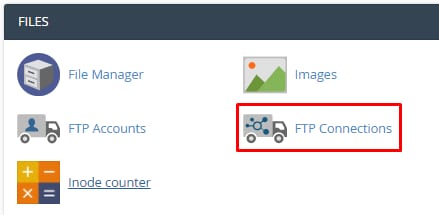
To create a new FTP account, open your cPanel account and click on FTP Accounts section:
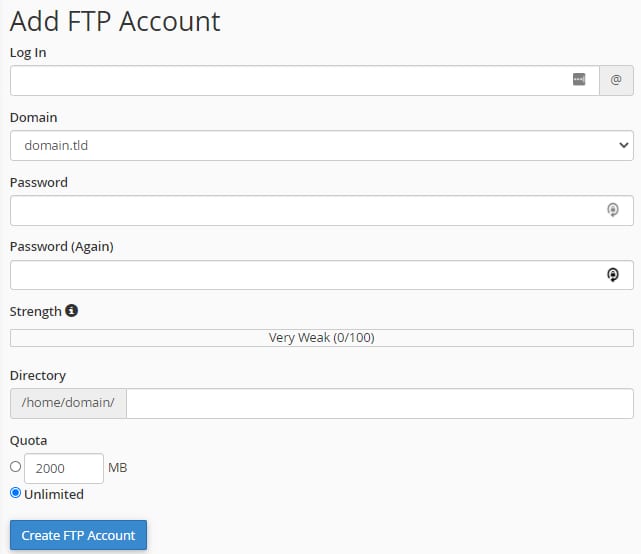
On the top of the page, you will be presented with Add FTP Account section, there you will be able to choose a domain and specify the username, password, custom directory, and quota for your new FTP account:
Once created, FTP accounts can be easily removed in FTP Accounts section:

NOTE: