The best Bluehost alternatives fix two problems: renewal prices that rise sharply after the first year, and slower load times on Apache-based servers. Most providers on this list run LiteSpeed, which delivers a faster time to first byte (TTFB) than Apache on the same NVMe storage.
The options range from shared hosting at similar prices to managed cloud platforms for sites that have outgrown shared hosting resource limits.
Renewal terms vary the most. Some providers keep your sign-up rate for good, while others charge two to three times the introductory price starting in year two. That’s why the three-year total gives a more accurate comparison than first-year pricing.
Each alternative is compared on six criteria: renewal price, server stack, control panel, WordPress compatibility, migration support, and money-back guarantee period.
1. Hostinger
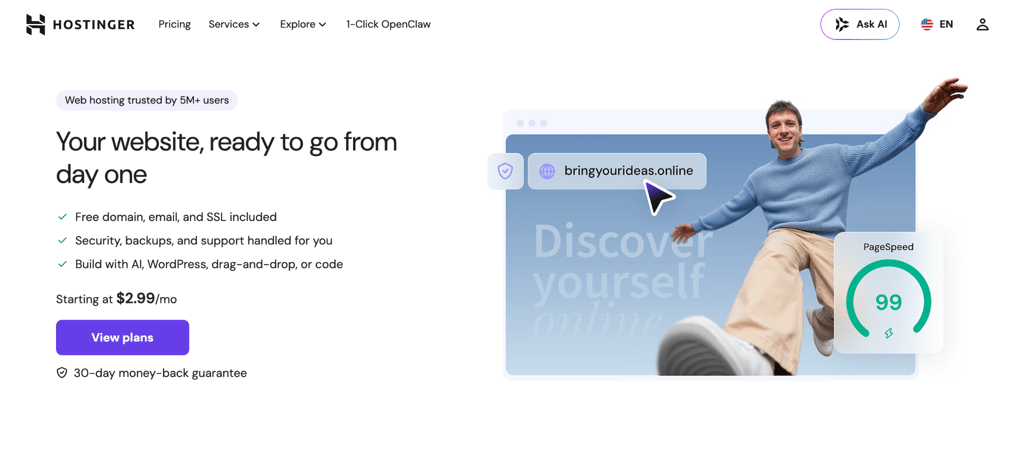
- Best for: bloggers, freelancers, and small businesses on entry-level plans, and high-traffic WordPress sites on Unlimited and Cloud.
- Price: starts at ₱99.00/month on a 48-month term (Premium plan).
Hostinger is a global web hosting provider that uses its own infrastructure, LiteSpeed servers, and a custom control panel instead of cPanel. It has some of the lowest long-term prices.
Hostinger runs LiteSpeed by default (Bluehost uses Apache), so it delivers faster TTFB (Time to First Byte) at the same price point. This means the time between your browser requesting a page and getting the first byte of data is shorter.
Hostinger uses SSD storage for Premium and NVMe on Unlimited and Cloud, which is better for data-heavy WordPress sites. It also includes its own CDN (Content Delivery Network) on every web hosting plan (Bluehost typically doesn’t on entry tiers). This means static files like images and scripts are served from a server closer to you, so pages load faster.
Hostinger’s AI chatbot (Hostinger Agent) means you don’t need experience with SSH or cPanel to get started. It handles site configuration and plugin setup. You can also troubleshoot issues via chat.
When it comes to choosing between Hostinger or Bluehost, Hostinger stands out for its LiteSpeed servers, faster TTFB, and lower long-term renewal prices. Hostinger also offers free site migration, so Bluehost users can cancel their Bluehost account and migrate at no extra cost.
Hostinger key features
- LiteSpeed web server. Included on every plan. It serves cached pages faster than Bluehost’s Apache stack without a separate caching plugin.
- NVMe storage. Unlimited (formerly Business) and higher plans ship with NVMe. Premium uses standard SSD. NVMe cuts query latency most on database-heavy WordPress sites.
- Hostinger CDN. Available on every web hosting plan. Static files are served from locations closer to visitors. Pages load faster outside the origin data center.
- Hostinger dashboard. Replaces cPanel with a beginner-friendly dashboard and guided setup flows for managing sites, domains, email, and files.
- Hostinger Agent. Handles WordPress setup, plugin and theme management, domain and DNS changes, and troubleshooting through chat.
- Domain and DNS. Managed directly in the dashboard. Eligible plans include a free domain for the first year.
- Email account management. Create and manage mailboxes from the dashboard. Free email is included for a limited period, depending on the plan.
- Security tools. Unlimited free SSL, malware scanning, and basic protection features are available in the dashboard.
- Free domain, SSL, and site migration. You get a free domain on every plan.
Hostinger limitations
- No phone support. Support is available through live chat and tickets only on every plan.
- Shared resource limits. PHP workers and entry processes can bottleneck sites once traffic moves past moderate levels.
Hostinger pricing
Shared hosting starts at ₱139.00/month on Premium and ₱209.00/month on Unlimited on a 12-month term, renewing at $10.99/month and $16.99/month, respectively. Cloud Startup starts at ₱549.00/month for higher-traffic sites. All plans include a 30-day money-back guarantee.

2. SiteGround

- Best for: agencies and WordPress professionals who need staging and strong support.
- Price: starts at $2.99/month on the StartUp plan for the first term.
SiteGround runs on Google Cloud and powers more than 3 million domains. It’s the strongest Bluehost alternative if you need reliable staging environments, daily backups, and strong support. Its Google Cloud setup and multilevel caching generally deliver lower latency than Bluehost’s shared infrastructure for WordPress sites.
Bluehost’s renewals are usually lower. SiteGround includes free SSL, CDN, daily backups, and email on every plan, plus staging from GrowBig upward. Choose it if staging and support matter more than the lowest three-year cost.
SiteGround key features
- Google Cloud infrastructure. Multilevel caching runs on every plan. This helps keep response times low and consistent.
- Staging and developer tools. Staging environments, on-demand backups, and 30% faster PHP are available on GrowBig and above. Git and Private DNS are included on GoGeek, which is useful for agency work.
- Core inclusions. Free SSL, CDN, backups, and email come with every plan, so you don’t need to add them separately.
- Managed WordPress tools. Free migrations, automated updates, WP-CLI, SSH access, and an AI Agent for WordPress are available across all plans.
SiteGround limitations
- StartUp limits. The entry plan includes only 1 website and 10 GB of storage.
- Staging on higher plans only. Staging is available on GrowBig and above.
SiteGround pricing
Shared hosting starts at $2.99/month on StartUp and $4.99/month on GrowBig with a 12-month term. Renewal rates jump significantly: StartUp renews at $17.99/month and GrowBig at $29.99/month.
GoGeek starts at $7.99/month and renews at $44.99/month, adding Git, Private DNS, and priority support. Cloud hosting starts at $100/month for sites that need dedicated resources.
3. DreamHost
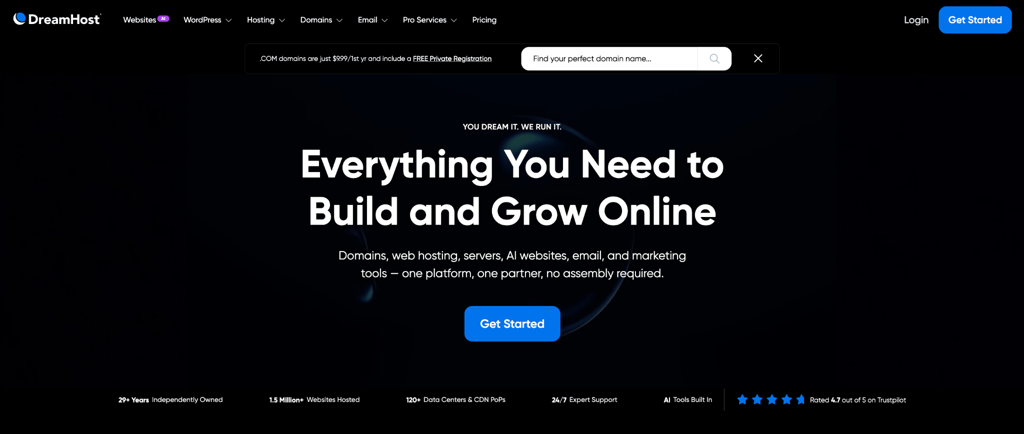
- Best for: WordPress users who want NVMe storage on every plan and lower renewal costs than SiteGround.
- Price: starts at $2.89/month on the Web Hosting Launch plan for the first year.
DreamHost hosts more than 1.5 million websites. It’s a solid Bluehost alternative for WordPress users who want NVMe storage on every plan and a 100% uptime guarantee.
While Bluehost gives you a more guided WordPress setup and more data center choices, DreamHost uses its own control panel and usually has lower renewal rates.
DreamHost key features
- Independent hosting with strong uptime. Nearly 30 years of independent WordPress hosting, powering around 1.5 million sites, with a 4.6/5 Trustpilot rating and a 100% uptime guarantee that goes beyond the 99.9% SLA most shared hosts offer.
- NVMe storage and core inclusions. NVMe SSD storage on every plan, plus daily automated backups, unlimited free SSL, and a free domain for the first year across all tiers.
- DreamPress managed WordPress. Adds staging, on-demand backups, a free CDN, failover protection, and 24/7 WordPress expert support.
DreamHost limitations
- No LiteSpeed on shared plans. Shared hosting doesn’t include LiteSpeed.
- Limited free email. Email is free for 3 months on web hosting plans, then becomes a paid add-on.
- CDN only on DreamPress. A built-in CDN is included with DreamPress. Standard web hosting plans do not include one.
DreamHost pricing
Web hosting starts at $2.89/month for the first year and renews at $10.99/month. WordPress Hosting Growth runs $3.99/month intro ($12.99/month renewal) for more capacity.
DreamPress managed WordPress starts at $14.99/month ($19.99/month renewal) with staging and 24/7 WordPress expert support. Every plan includes a 30-day money-back guarantee.
4. InterServer
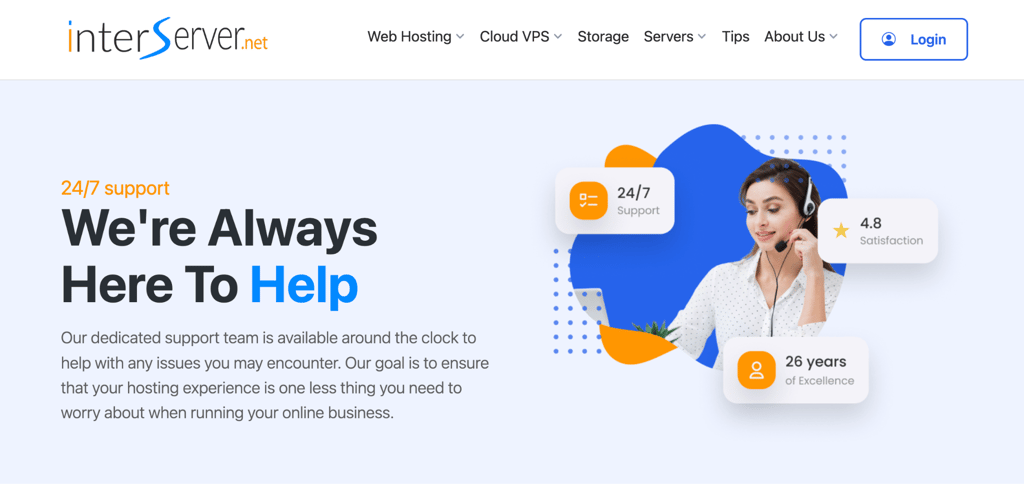
- Best for: Bluehost switchers who want to avoid renewal price jumps.
- Price: starts at $2.50/month on annual billing with a price-lock guarantee.
InterServer stays at the same rate for as long as you keep your account. You get unlimited websites, storage, and email (within fair-use limits), along with LiteSpeed caching, NVMe storage, free SSL, free site migration, and a free Cloudflare CDN. Phone support is available, and you can choose DirectAdmin or cPanel.
It’s a strong Bluehost alternative if you want to avoid big renewal price increases. Bluehost offers a more guided WordPress setup and more data center locations. InterServer trades those for a rate that never goes up and servers only in the US.
InterServer key features
- The price-lock guarantee. Permanently locks in your renewal rate. No price increases after the initial period, regardless of how long you stay subscribed.
- LSCache and Cloudflare CDN. Included on the standard plan alongside SSD caching and QUIC support for faster page delivery.
- Unlimited resources. Unlimited storage, data transfer, and email accounts on a single plan, with no tiered upsells for basic capacity.
- Free migration and support. Free migration, InterShield security, and 24/7 phone, chat, and ticket support are included from day one.
InterServer limitations
- DirectAdmin control panel. Standard web hosting uses DirectAdmin, not cPanel. If you’re used to cPanel from Bluehost, you’ll need a short adjustment period.
- Weekly backups only. Daily backups aren’t available on the standard plan.
- No guided WordPress setup. No WordPress-specific onboarding or tooling. Setup is more manual than Bluehost’s guided flow.
InterServer pricing
The standard plan costs $2.50/month on 12-month or 24-month terms, with that rate locked at renewal. Monthly billing starts at $2.50 for the first month and renews at $7/month. Three years at the locked annual rate costs $90 total, the lowest cumulative cost among shared hosts on this list. A 30-day money-back guarantee applies to all plans.
5. Hosting.com
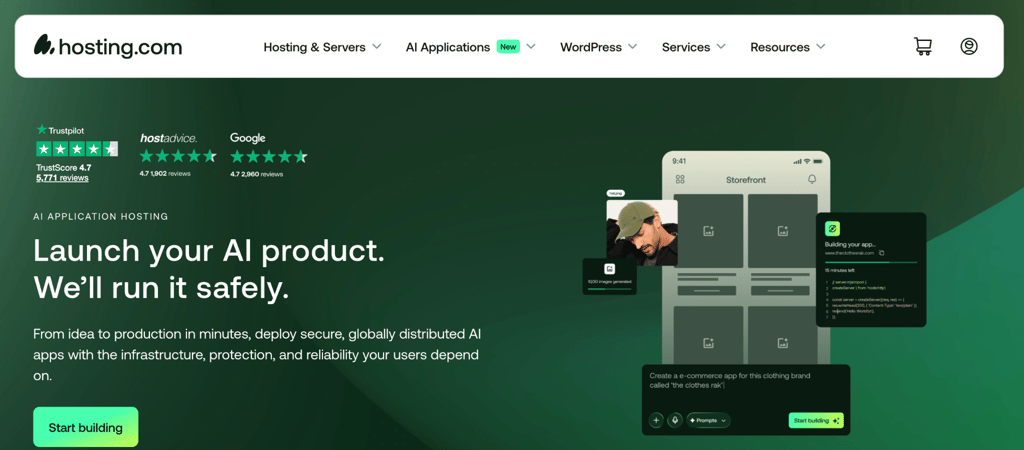
- Best for: performance-focused sites and WordPress developers.
- Price: starts at $2.99/month.
Hosting.com runs LiteSpeed servers as standard on every shared hosting tier. Entry-level plans run on the same server infrastructure as premium ones.
It features Samsung NVMe storage and AMD EPYC processors, which means faster data reads and more efficient CPU performance than standard SSD storage and older processors. Pages and database queries load quicker, especially on WordPress sites with more traffic or heavier plugins.
Hosting.com key features
- LiteSpeed servers on every plan. Combined with AMD EPYC processors and Samsung NVMe storage across all shared hosting tiers.
- Daily backups, Monarx security, and free SSL. Included from the entry plan, with free migrations and a free domain for 1 year across all tiers.
- 24/7/365 in-house support. Across 10 global locations, available by phone, chat, and ticket.
- Turbo plan for WordPress. Adds enterprise CDN, WP Rocket, Object Cache Pro, and staging for agencies and high-traffic sites.
Hosting.com limitations
- Starter is limited to 1 website and 15 GB of storage, narrower than Hostinger Premium, which allows 3 websites at a similar price.
- 30-day money-back guarantee only. The previous A2 Hosting “anytime” refund policy no longer applies.
Hosting.com pricing
Shared hosting starts at $2.99/month on Starter and $3.99/month on Plus on a 1-year term, renewing at $11.99/month and $14.99/month, respectively. WordPress hosting with confirmed NVMe storage starts at $5.83/month ($10.41/month renewal) on the Small plan. Every plan includes a 30-day money-back guarantee.
6. IONOS
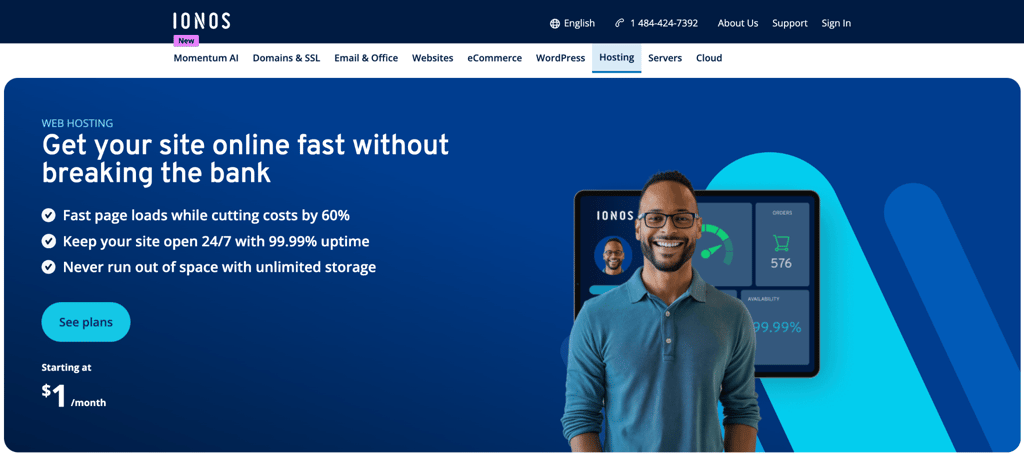
- Best for: first-time site owners who need the lowest cost in year one.
- Price: starts at $1/month on a one-year term.
IONOS stands out for how aggressively it prices the first year. You get NVMe storage, a free domain for the first year, free SSL, daily backups, and one-click WordPress installs through its custom My IONOS panel. Phone support is included, which is useful if you prefer talking to someone while you set things up.
Compared with Bluehost, IONOS is the clearer choice when year-one cost is the top priority. Bluehost gives you a more guided WordPress onboarding and typically a smaller renewal jump. IONOS trades that smoother start for the lowest possible first-year price and larger storage.
IONOS key features
- Personal consultant. Assigned to every account alongside 24/7 phone, chat, and email support. No other host on this list includes a dedicated advisor as standard.
- AI website builder. Included on WordPress plans from the Grow tier.
- Geo-redundant storage, daily backups, and professional email. Comes with all web hosting plans, with SSH, SFTP, and WP-CLI access across every tier.
- Vulnerability scans and malware detection. Included on all WordPress hosting plans, with automatic malware removal on Boost and above.
IONOS limitations
- Standard SSD storage. No NVMe storage. Sites with heavy database loads see better performance on NVMe-based hosts like Hostinger Unlimited.
IONOS pricing
Web hosting starts at $1/month on Plus (unlimited websites, unlimited storage) for a 1-year term, then renews at $14/month. The Essential plan runs $4/month ($8/month renewal) for one website.
WordPress hosting starts at $1/month on the Grow plan ($12/month renewal) with AI tools included. VPS hosting starts at $2/month.
7. HostGator

- Best for: Bluehost users who want cPanel continuity
- Price: starts at $4.95/month
HostGator runs cPanel and is operated by Newfold Digital, the same parent company that owns Bluehost. With HostGator, you get a free domain for the first year, free SSL, a free Cloudflare CDN, and one-click WordPress installs. It’s a good Bluehost alternative if you want cPanel continuity.
In a Cybernews speed test, HostGator averaged a 154ms response time (TTFB), compared with Bluehost’s roughly 1 second. HostGator also loaded the test site faster, with a Largest Contentful Paint of 1.1 seconds and a fully loaded time of 1.2 seconds, versus Bluehost’s 1.8 seconds for both.
Since HostGator and Bluehost share the same corporate parent, users leaving Bluehost over infrastructure or pricing concerns will find the same dynamics. It still runs on Apache with SSD storage, so site speed usually lags behind LiteSpeed hosts. However, full cPanel access makes it familiar for anyone already comfortable with that panel.
HostGator key features
- cPanel on all plans. You get full cPanel access that matches the interface many Bluehost users already know, so you do not have to relearn a control panel after switching.
- Free Cloudflare CDN. A free Cloudflare CDN is included on every plan, along with a free domain for the first year.
- Managed WordPress tools. Managed WordPress updates and one-click installs are available across all plans.
- 24/7 support. Chat support is included on all plans, with phone support added on Baby and above.
- Weekly backups. Weekly backups with restoration in a single click are included so you can roll back if something goes wrong.
HostGator limitations
- 99% uptime guarantee. Slightly below the 99.9% standard most hosts on this list offer.
HostGator pricing
Shared hosting starts at $4.95/month on Hatchling (10 websites) for a 12-month term, then renews at $10.99/month. Baby runs $6/month intro ($16.49/month renewal) and Business $8.25/month intro ($21.99/month renewal).
A 36-month term lowers the intro price to $3.75/month on Hatchling with the same $10.99/month renewal. Every plan includes a 30-day money-back guarantee.
8. Cloudways
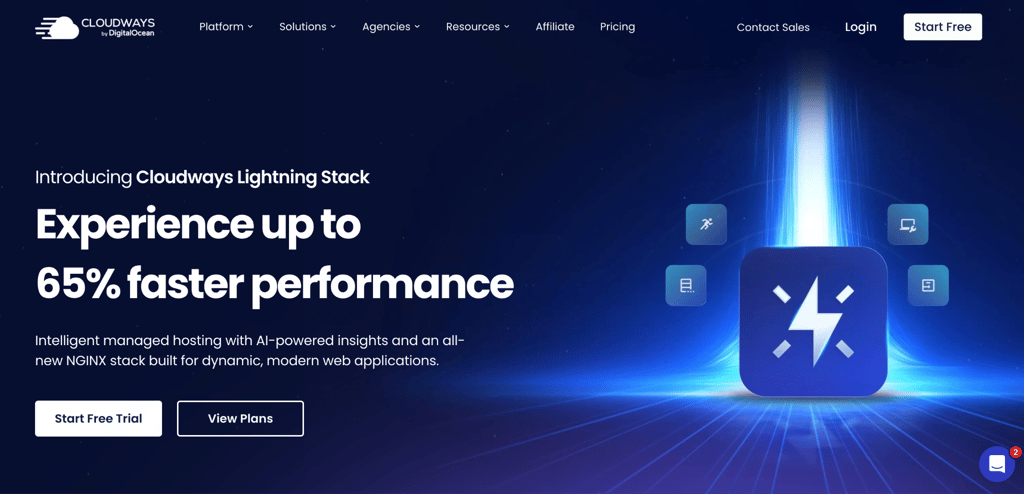
- Best for: sites that have outgrown shared hosting limits.
- Price: starts at $14/month.
Cloudways is a managed cloud platform that gives you dedicated server resources instead of traditional shared hosting. You choose your infrastructure from providers like DigitalOcean, Vultr, Linode, AWS, or Google Cloud, then manage everything through Cloudways’ own control panel.
It includes free SSL, one-click staging, automated backups, and a strong caching stack with NGINX, Varnish, and Redis. Free migration is available (one managed transfer plus a WordPress migrator plugin), and you can host as many sites as your server resources allow.
It can be a strong step up from Bluehost when your site has outgrown shared hosting limits, and you want better performance and scalability without managing a raw server yourself.
Cloudways key features
- NGINX Lightning Stack. Included on all plans across every provider, with Cloudways claiming up to 65% faster load times versus standard stacks.
- Choice of cloud provider. You can run your sites on DigitalOcean, Vultr, Linode, AWS, or Google Cloud. NVMe storage is available on DigitalOcean General Purpose plans and higher, and on Vultr High Frequency plans and higher.
- 99.99% uptime SLA. Imunify360 server-level firewall, malware scanning, and free SSL are included on every plan.
- Unlimited websites and tools. You can host unlimited websites on a single server (limited only by your server resources). Staging environments and automated daily backups are included at the platform level.
Cloudways limitations
- No domain registration. Domains are managed separately, so you will need to buy and point your domain elsewhere.
- No free email. Email is not included on any plan. Rackspace email is available as a paid add-on.
- More technical dashboard. The Cloudways panel assumes basic cloud familiarity. Setup is more complex than Bluehost’s guided flow.
- Higher entry price. Plans start at $14/month, which is higher than the shared hosting options on this list.
Cloudways pricing
Pricing is per server size, billed monthly with no renewal markup. Entry starts at $14/month on Linode and Vultr standard plans (1 GB RAM, 1 vCPU, 25 GB SSD). DigitalOcean standard plans start at $37/month. AWS and Google Cloud run higher. Cloudways bills backup storage separately at $0.033/GB per server.
9. Pressable
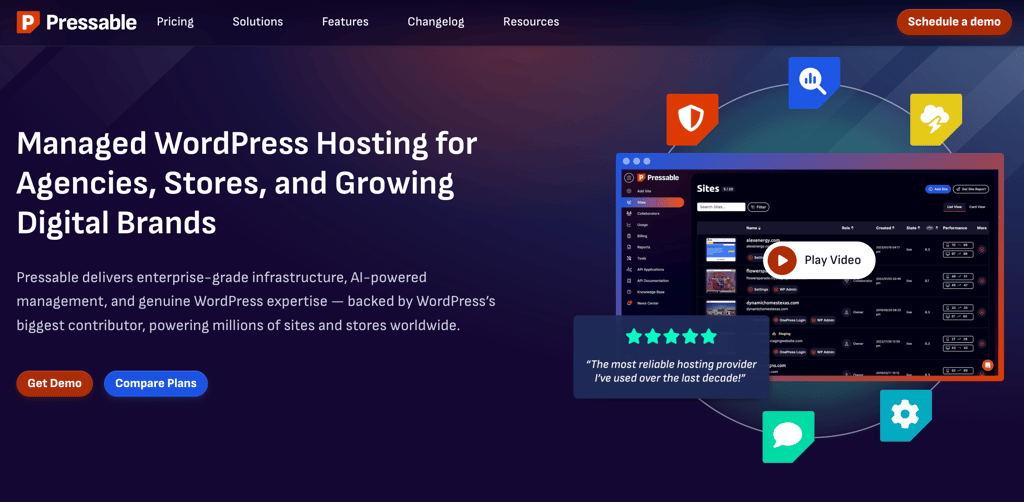
- Best for: agencies and WordPress developers who need dedicated resources and a managed platform
- Price: starts at $20.83/month
Pressable is managed WordPress hosting owned by Automattic, the company behind WordPress.com. It offers free unlimited WordPress migrations and an automated migration plugin. It also includes staging and sandbox environments with every plan.
It’s a solid alternative for agencies and developers who need dedicated server resources, three deployment environments, and a 100% uptime SLA on a WordPress-native platform.
While Bluehost runs shared resources across accounts, Pressable assigns five dedicated vCPUs per site with no shared memory pools, so one site’s traffic spikes don’t affect another.
Pressable key features
- Dedicated resources. You get 5 dedicated PHP workers per site with 512MB of memory each. They run on fast AMD EPYC CPUs and can burst higher when traffic spikes, so your site is not fighting other sites for resources.
- Staging and templates. Every plan includes production, staging, and sandbox environments. DupliKits let you clone a finished site setup and reuse it for new installs.
- Caching and backups. Hourly database backups and daily full backups are included. Edge cache, OPcache, page and query caching, plus a global CDN are also turned on across Signature plans.
- Security and support. Jetpack Security comes with malware monitoring. The platform uses geo-redundant servers with automatic failover, and 24/7 WordPress support usually replies in about 4 minutes.
Pressable limitations
- WordPress-only platform. Non-WordPress sites aren’t supported.
- No email included. Professional email isn’t included on base plans.
Pressable pricing
Signature plans are billed annually (2 months free). Signature 1 starts at $20.83/month for 1 WordPress install, 30K monthly visits, and 20GB storage. Signature 3 runs at $50/month for 5 installs and 75K visits.
Signature 5 covers 20 installs and 400K visits at $129.17/month. Overages bill at $1.20 per 1,000 visits and $1.00 per GB above your plan limit. All plans include a 30-day money-back guarantee.
10. Namecheap
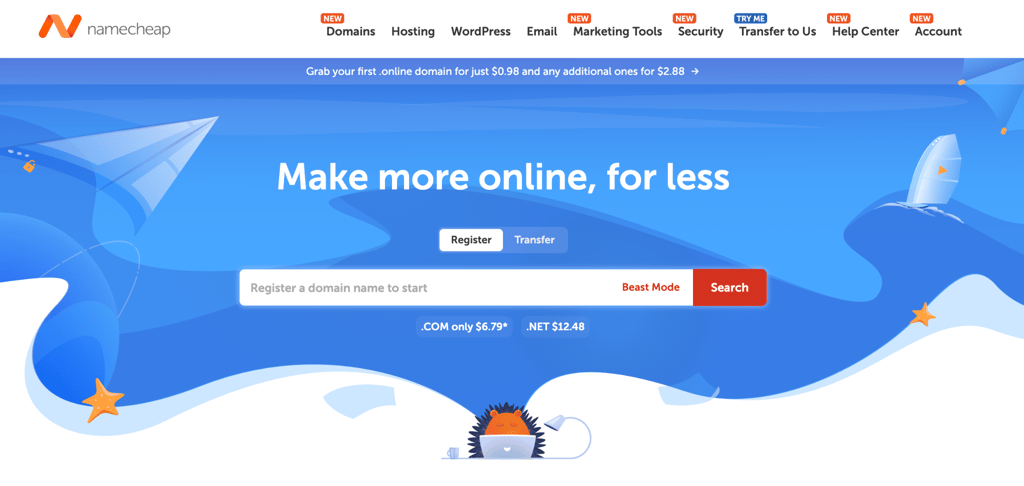
- Best for: domain-focused users who want predictable renewal pricing
- Price: starts at $2.28/month
Namecheap offers shared hosting, managed WordPress hosting, and a professional email under one account. Namecheap works well if you want domain registration and hosting in one place, covering the same need as many GoDaddy alternatives.
Namecheap offers two separate hosting products: Stellar shared hosting with standard SSD storage, and EasyWP managed WordPress hosting with NVMe storage and a custom panel. Stellar renews at $5.88/month after the first year and EasyWP Starter at $5.74/month, a moderate renewal gap compared with most hosts on this list.
Namecheap key features
- Domains, hosting, and email in one place. Domain registration, shared hosting, and email all sit under a single account, which simplifies billing when you manage multiple domains.
- AI builders included. AI for WordPress, the AI Website Builder, and Sitejet AI Builder come with all shared hosting plans.
- EasyWP managed WordPress. EasyWP includes NVMe storage, a free CDN, free SSL, and HackGuardian security across all tiers.
- Email and backups. You get 30 mailboxes on Stellar. Stellar Plus and above add unlimited mailboxes and AutoBackup.
Namecheap limitations
- Storage differs by product. EasyWP managed WordPress plans include NVMe storage. Stellar shared hosting uses standard SSDs.
- No official WordPress recommendation. WordPress.org doesn’t officially recommend Namecheap, unlike Bluehost, Hostinger, and Pressable.
Namecheap pricing
Stellar starts at $2.28/month (billed annually), then renews at $5.88/month. Stellar Plus runs $2.98/month for the intro ($7.88/month renewal) with unlimited websites and unmetered SSD storage.
EasyWP Starter costs $3.24/month ($38.88/year) and renews at $5.74/month, with NVMe storage and HackGuardian security. EasyWP Turbo starts at $5.16/month ($61.88/year) and adds business email and MalwareGuardian malware protection.
How does Hostinger compare to Bluehost?
Hostinger is the closest like-for-like Bluehost alternative at the entry tier: same intro price, same WordPress.org recommendation, faster server stack. The table below compares Hostinger Premium against Bluehost Starter, the two entry-level plans at the same price point.
Hostinger Premium | Bluehost Starter | |
| Intro price (12-month term) | ₱139.00/month | $4.24/month |
Renewal price | $10.99/month | $11.99/month |
Web server | LiteSpeed | Apache |
Storage | SSD | NVMe SSD (10 GB) |
Control panel | Hostinger dashboard | cPanel |
WordPress.org recommended | ✅ | ✅ |
AI assistant | Hostinger Agent | AI Site Creation Tools |
Free site migration | ✅ | ✅ |
Free domain | 1st year | 1st year |
Backups | Weekly | Weekly |
Phone support | ❌ | ❌ |
Money-back guarantee | 30 days | 30 days |
How to choose the right Bluehost alternative for your site
The right choice depends on which Bluehost complaint pushed you to switch. Readers evaluating hosting from scratch rather than switching will find the how to choose a web hosting provider guide more applicable.
Start with year-two pricing. InterServer’s price-lock removes renewal shock entirely on annual billing. Namecheap’s moderate renewal gap keeps total cost predictable without a long-term contract.
If load time was the issue, Hostinger outperforms SiteGround on raw TTFB in independent 2025 benchmarks, and hosting.com runs LiteSpeed on every plan for consistent speed at entry pricing.
For most Bluehost switchers, including bloggers, freelancers, and small business sites under 25,000 monthly visits, Hostinger’s Premium or Business plan covers the same ground Bluehost did, with LiteSpeed servers and a cleaner panel at a lower long-term cost.
Sites above that threshold are better served by SiteGround GrowBig, Cloudways, or Pressable, all featured in the best web hosting providers guide alongside options beyond this list.
Use the table below to match your reason for switching to the right host on this list.
Your situation | Best options |
Renewal price pushed you to switch | InterServer, Hostinger |
Speed was the issue | Hostinger, hosting.com |
Support quality matters most | SiteGround, Hostinger |
You want cPanel continuity | HostGator, Namecheap Stellar |
Year-two budget under $5/month | InterServer, Namecheap |
Year-two budget $5–15/month | Hostinger, DreamHost |
Year-two budget $15–30/month | SiteGround GrowBig, Hosting.com |
Year-two budget $30+/month | Cloudways, Pressable |
Simple WordPress setup | Hostinger, Namecheap EasyWP |
Traffic-heavy WordPress site | SiteGround, Pressable |
Custom WordPress development | Hosting.com, Cloudways |
Under 25,000 monthly visits | Any shared host on this list |
25,000–100,000 monthly visits | SiteGround GrowBig, Hostinger Cloud Startup, hosting.com |
Over 100,000 monthly visits | Cloudways, Pressable, SiteGround Cloud |
Need cPanel | HostGator, Namecheap Stellar |
No cPanel preference | Hostinger, SiteGround, DreamHost, Namecheap EasyWP, hosting.com |
Run the three-year math on any plan before committing. The intro price is what hosts use to win the click. The renewal price is what they use to keep you
This article is a localized version of 10 best Bluehost alternatives to host your website in 2026, originally published in English.
All of the tutorial content on this website is subject to Hostinger's rigorous editorial standards and values.

Bruno is a Content Writer at Hostinger, focused on creating and optimizing helpful, engaging articles about web development and marketing. With a background in journalism, he combines storytelling with practical insights to make complex topics easier to understand. He has also contributed to publications like MacMagazine and Jornal A Tarde. Outside of work, Bruno enjoys exploring art, cooking, and technology.