Best domain name generators to find unique and brandable domains in 2026
May 31, 2026
/
By Simon L. & Leonardus N.
/
9 min Read

A domain name generator is a tool that takes your keywords or a short business description and suggests available domain names.
The best ones use AI to produce creative, brandable names that go beyond what manual brainstorming typically surfaces. Others focus on keyword combinations, advanced filtering by TLD or character count, or branding extras like logo creation and social media username checks.
These tools analyze naming patterns from successful brands, understand phonetics and memorability, and generate names that actually sound like real companies.
The list below covers all of these types, from AI-powered creative tools to simple availability checkers, so you can jump straight to the kind of generator that fits your needs.
1. Hostinger Domain Name Generator
Best for: AI-powered name suggestions with instant registration.
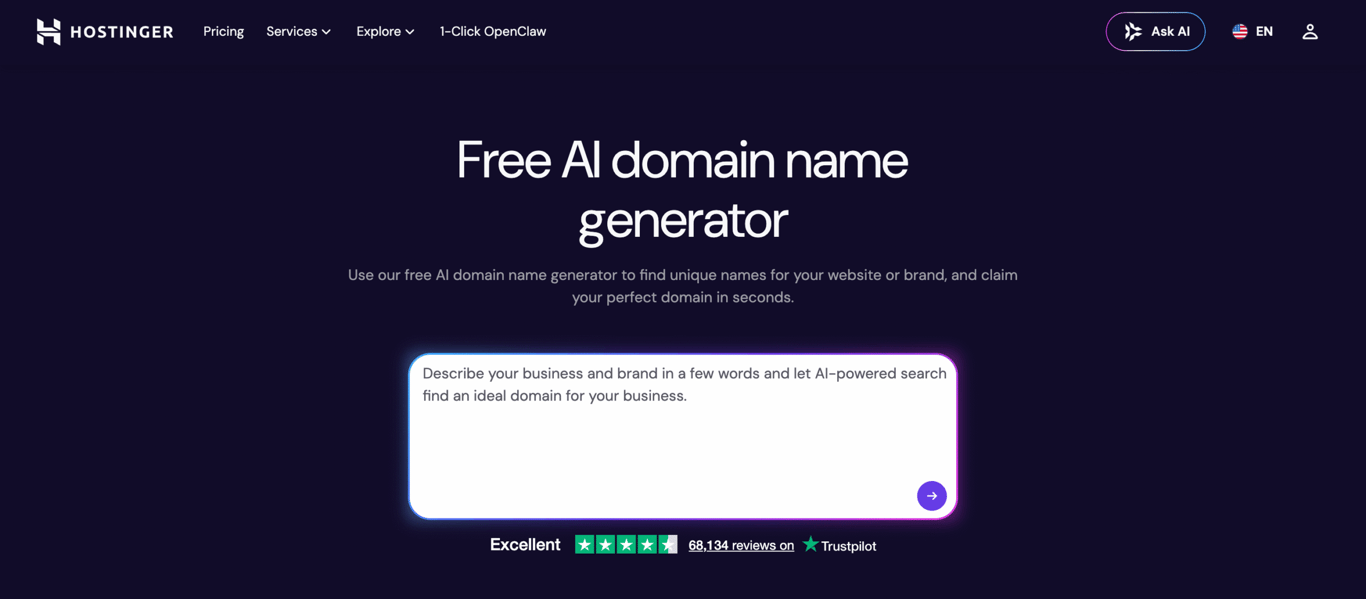
Hostinger domain name generator combines AI-driven suggestions with instant availability checking and one-click registration.
Enter a few keywords or a short description of your business, and the AI domain generator tool produces brandable name ideas with pricing displayed right next to each suggestion.
What sets this tool apart is how seamlessly it connects the discovery and registration steps. You’re not bounced to a separate registrar. Find a name you like, click the button, and you’re on the registration page.
The tool searches across full TLD list of 400+ domain extensions, from popular ones like .com, .net, and .online to niche options like .tech, .store, and .eu.
If you already have hosting with Hostinger, you can bundle multiple domain variations together to protect your brand across different TLDs.
Every domain registration includes WHOIS privacy protection, instant activation, and full domain management. And since Hostinger is ICANN-accredited, your domain name is backed by an officially recognized registrar with 24/7 customer support.
Drawback: The AI suggestions work best when you give them something descriptive to work with. Single-word or very vague searches tend to return more generic results, so the more detail you provide, the better the output.
Domain Name Checker
Instantly check domain name availability.
2. Looka
Best for: complete branding research (name, logo, and trademark check).
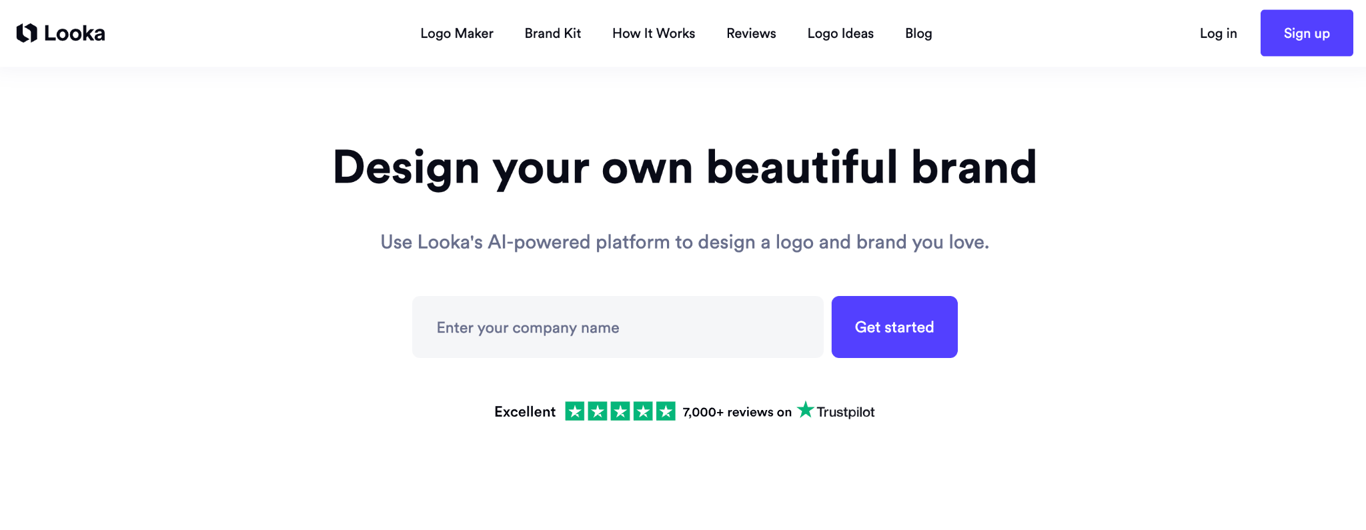
Looka is for the person who wants more than a list of available domains. It’s built to help you walk away from one session with a name, a logo, confirmed social handles, and a trademark check done.
Type in your keywords, set a character limit, and it generates results across multiple categories: traditional names, compound names, multi-word names, invented names, and real-world names.
Click on any result and a detailed sidebar appears with the name’s pronunciation, domain availability across various extensions, social media username availability, and the name’s search volume.
There’s also a direct link to the US Trademark Electronic Search System (TESS) so you can verify whether a name is already registered as a trademark.
Looka even generates unique logo concepts for each suggestion, so you can visualize the brand before you commit.
That depth is what makes Looka different – it treats domain naming as a branding decision, not just a technical one.
Drawback: All that information can feel like a lot if you just want a quick domain check. This is a tool for thorough research, not rapid-fire browsing.
3. Namelix
Best for: short, brandable AI-generated names.
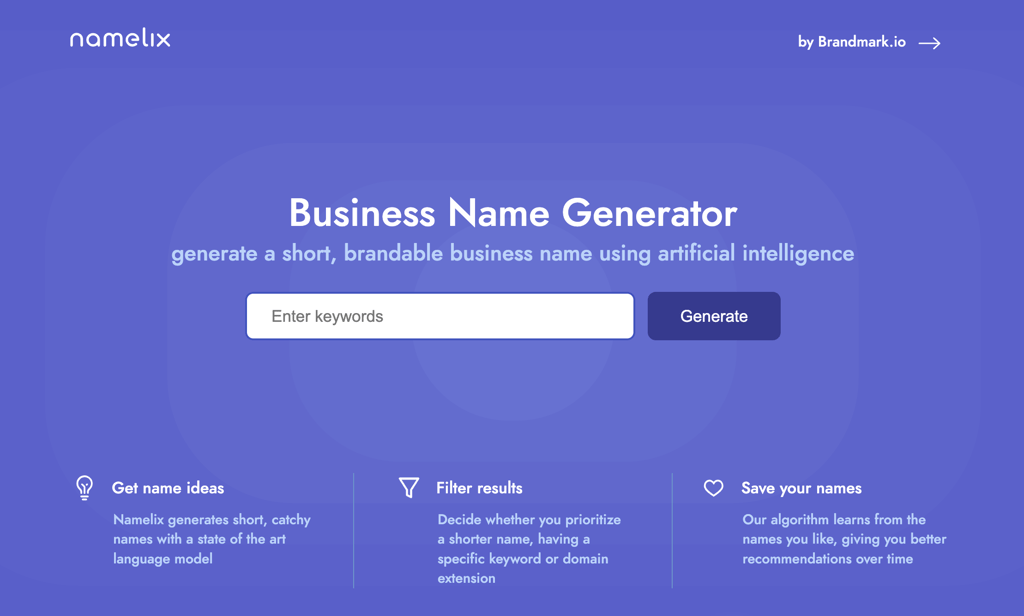
Most domain name generators combine dictionary words into longer, descriptive names. Namelix does the opposite. It uses machine learning to produce short, invented names that sound like they belong to real companies.
Type in something like “organic skincare,” for example, and you might get unique results like “Deraly” or “Puriskin” rather than “OrganicSkinCareShop.com.”
You can set preferences for name length and style (brandable names, alternate spellings, real words, compound words), and the algorithm gets smarter the more you use it.
Save names you like, skip ones you don’t, and Namelix adjusts future recommendations based on your taste. It’s one of the few tools that genuinely improves with use.
Each suggestion shows domain availability, and clicking through takes you to domain registration. Namelix also connects to Brandmark.io for instant logo creation, so you can move from name to visual identity without switching tools.
Drawback: Registration happens on Namecheap rather than within Namelix itself, and there’s no social media handle checker built in. You’ll need to verify username availability separately.
4. LOGO.com
Best for: new businesses that want a complete brand kit alongside their domain.
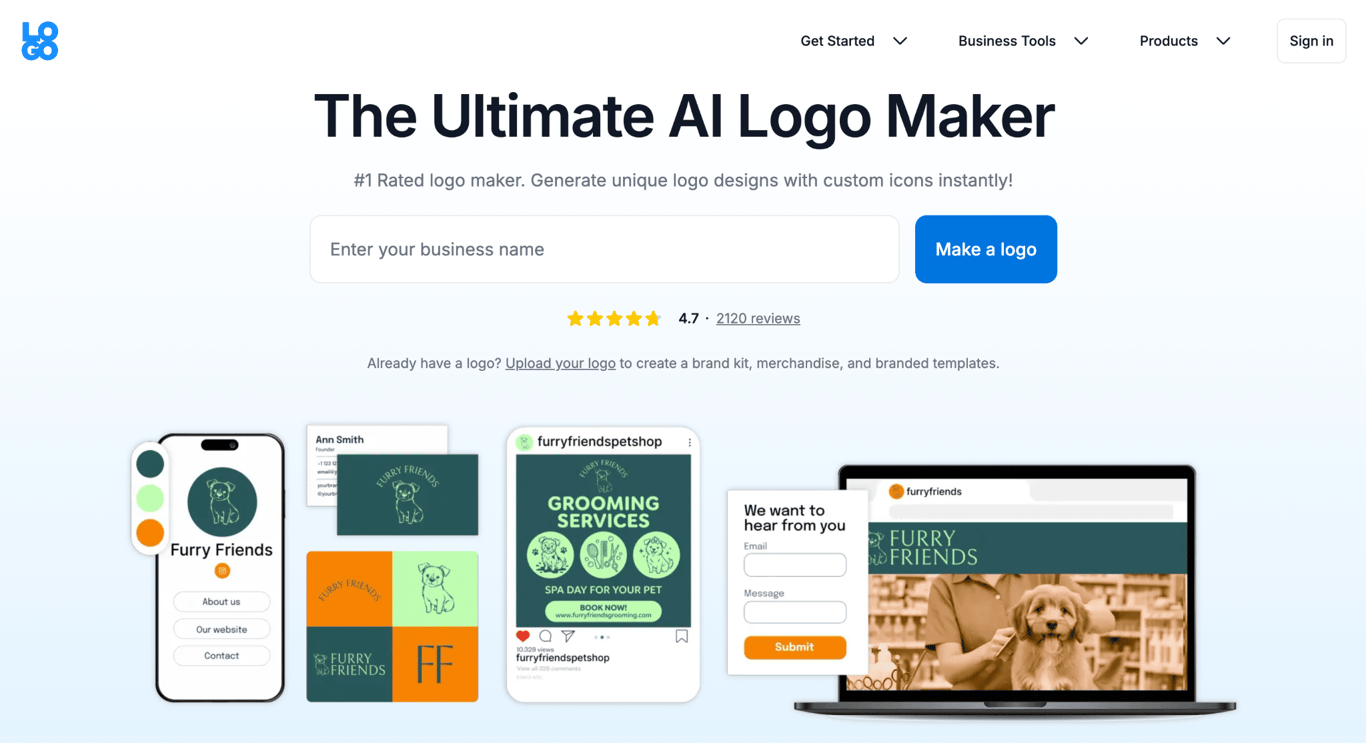
Most domain generators stop at the name. LOGO.com keeps going. It combines domain name generation with a full branding toolkit, so you can walk away with a name, a logo, brand colors, and a domain registration all from the same platform.
The generator itself is solid. You can set character and word limits, choose preferred TLDs, use synonyms to expand your results, and include or exclude specific words using double quotes and minus signs.
But the real value is what happens after you pick a name – LOGO.com lets you purchase a complete brand kit with a free domain for the first year.
The platform also organizes name and logo inspiration by industry, which is useful when you’re still early in the brainstorming process and want to see what’s working in your space.
Drawback: The brand kit is a paid product, and the platform steers you toward it pretty consistently. If all you need is a domain name, the upsell flow can feel like it’s getting in the way.
5. Instant Domain Search
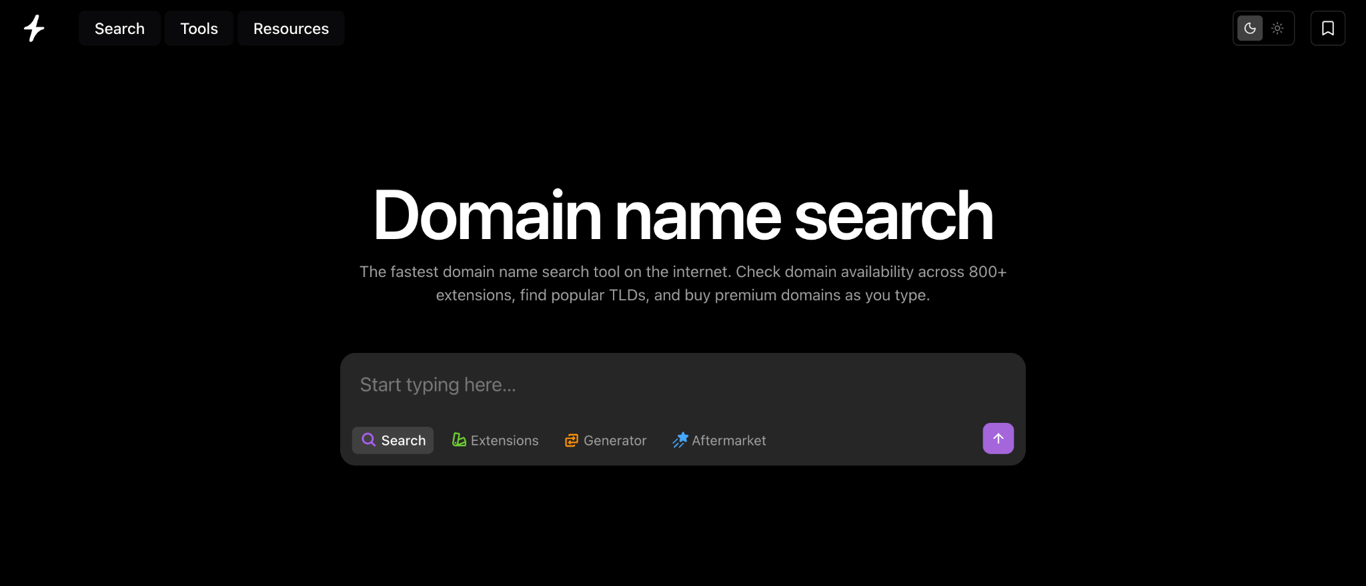
Best for: real-time results as you type, with AI-powered suggestions.
Instant Domain Search lives up to its name. Results start appearing the moment you begin typing your keywords, with the primary .com suggestion shown at the top. If that name is taken, you’ll see buttons leading directly to a domain broker and to the WHOIS lookup.
Its AI-powered generator comes up with creative combinations, synonyms, and industry-specific suggestions based on your input. You can filter by extension, set character limits, and browse premium domains that are up for purchase.
A helpful touch is the color-coded buttons: green for available domains, blue for premium names, and red for unavailable ones. It’s a small detail, but it saves time when you’re scrolling through hundreds of suggestions.
You’ll also find brand name ideas and translations of your keywords into other languages.
Drawback: Purchasing redirects you to partner registrars, so the prices you see may differ from what you ultimately pay.
6. Nameboy
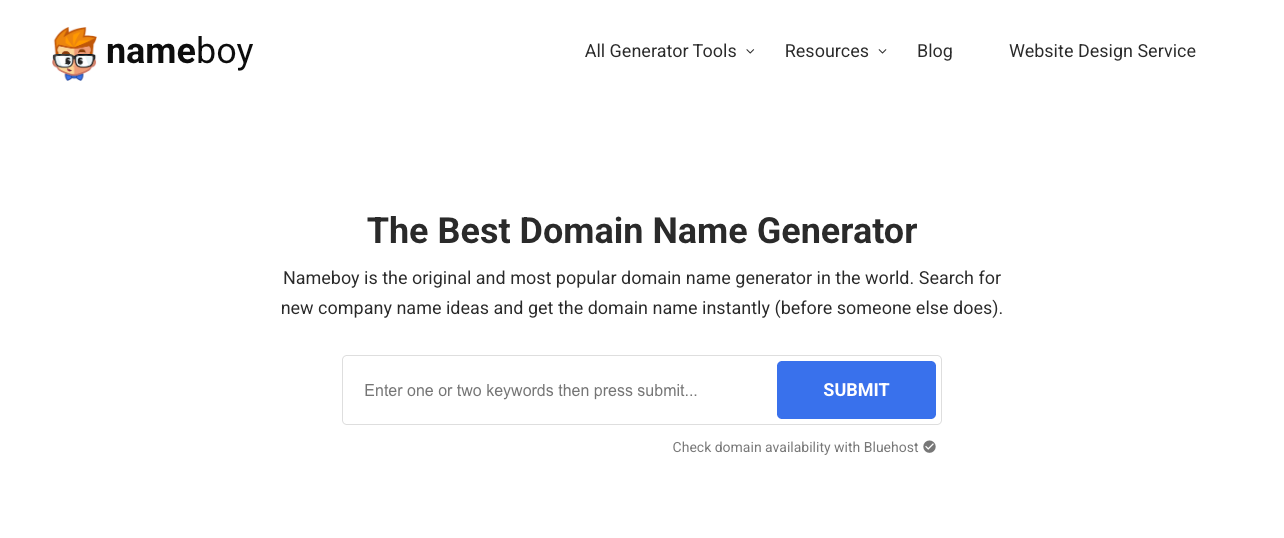
Best for: quick, no-frills keyword-based domain search.
Nameboy has been around since 1999, which makes it one of the oldest domain name generators still running. That longevity says something about the tool’s reliability, even if the interface hasn’t changed much over the years.
The setup is dead simple: enter your keywords, click Submit, and browse. Results are split into two sections.
Extensions shows your exact keywords paired with various TLDs like .org,.app, and.blog. Generator creates alternatives using related keywords with the .com extension. If the first batch doesn’t grab you, Show more results keeps the domain name ideas coming.
Beyond basic domain search, Nameboy also offers specialized generators for business names, podcast names, and startup names. It won’t win any awards for creativity, but it’s fast and dependable when you need a solid starting point.
Drawback: The suggestions are mostly literal keyword combinations. If you’re looking for something inventive or brandable, you’ll get better results from an AI-powered tool on this list.
7. Namemesh
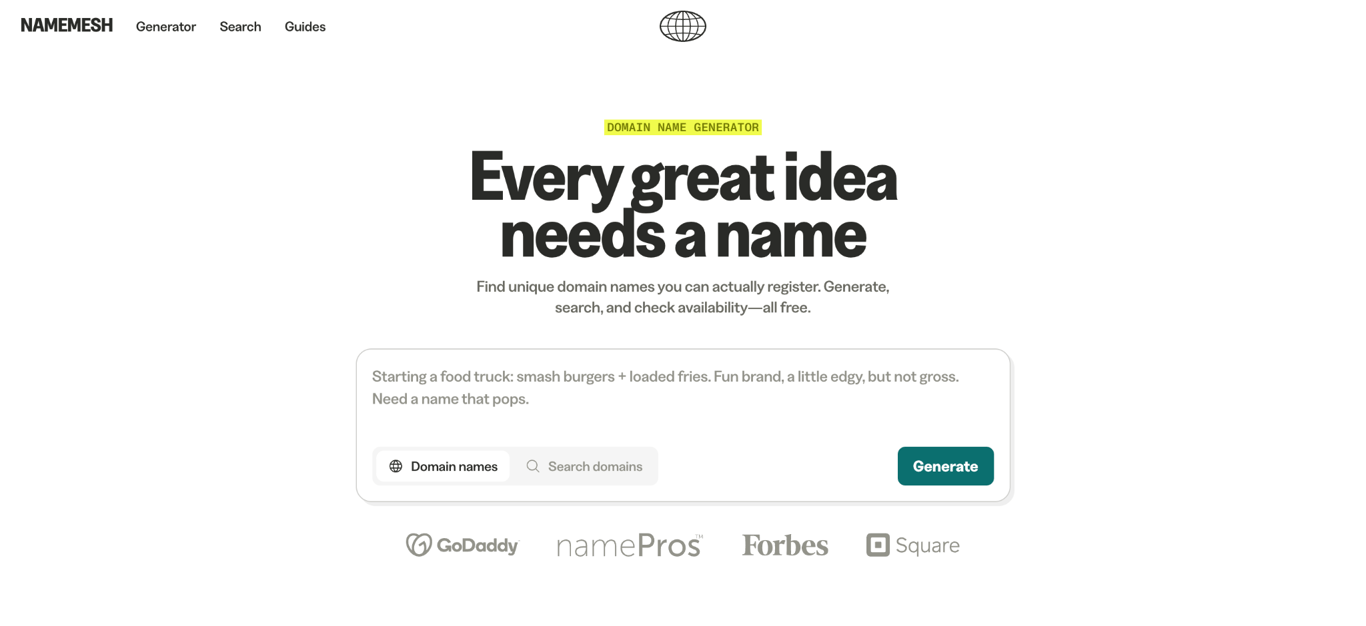
Best for: SEO-focused domain suggestions with multiple keyword inputs.
Where most generators optimize for creativity or availability, Namemesh leans into search visibility.
Enter two or more keywords, select your preferred extension, and the AI generates results organized into categories: common extensions, premium domains, SEO-optimized names, country-specific suggestions, and shortened variations.
The SEO category is the standout here. It specifically surfaces names that are structured to perform well in search results, which is worth paying attention to if organic traffic matters to your business.
Country-specific suggestions are also useful if you’re targeting a particular geographic region.
Drawback: The interface feels a bit dated compared to newer tools, and there’s no trademark check or social media integration built in.
8. Business Name Generator
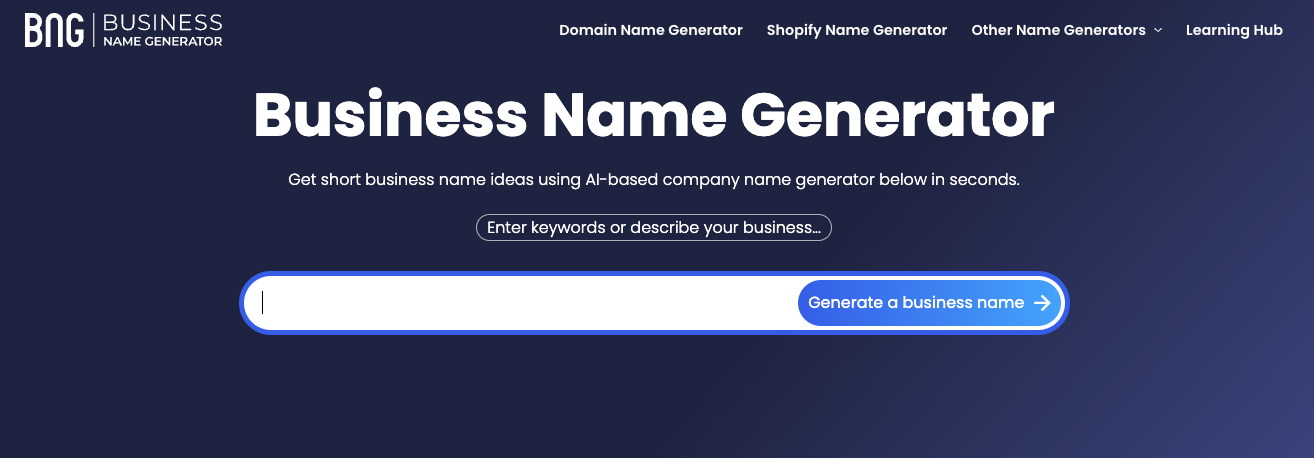
Best for: guided filtering when you’re overwhelmed by choices.
If scrolling through hundreds of unfiltered results sounds exhausting, Business Name Generator takes a more structured approach.
After entering your keywords, the tool produces suggestions with icons showing whether each name is available in .com or in your country-level domain, which it detects automatically based on your IP address.
The real draw is the Wizard tool. It walks you through a series of filters: name length, word count, industry, style, and whether you want something catchy versus brandable.
That guided process helps you cut through the noise faster than tools that just dump a long list on your screen.
Drawback: The Wizard is great for narrowing down results, but the underlying name generation is fairly conventional. Don’t expect wildly creative output from the suggestions themselves.
9. DomainTyper
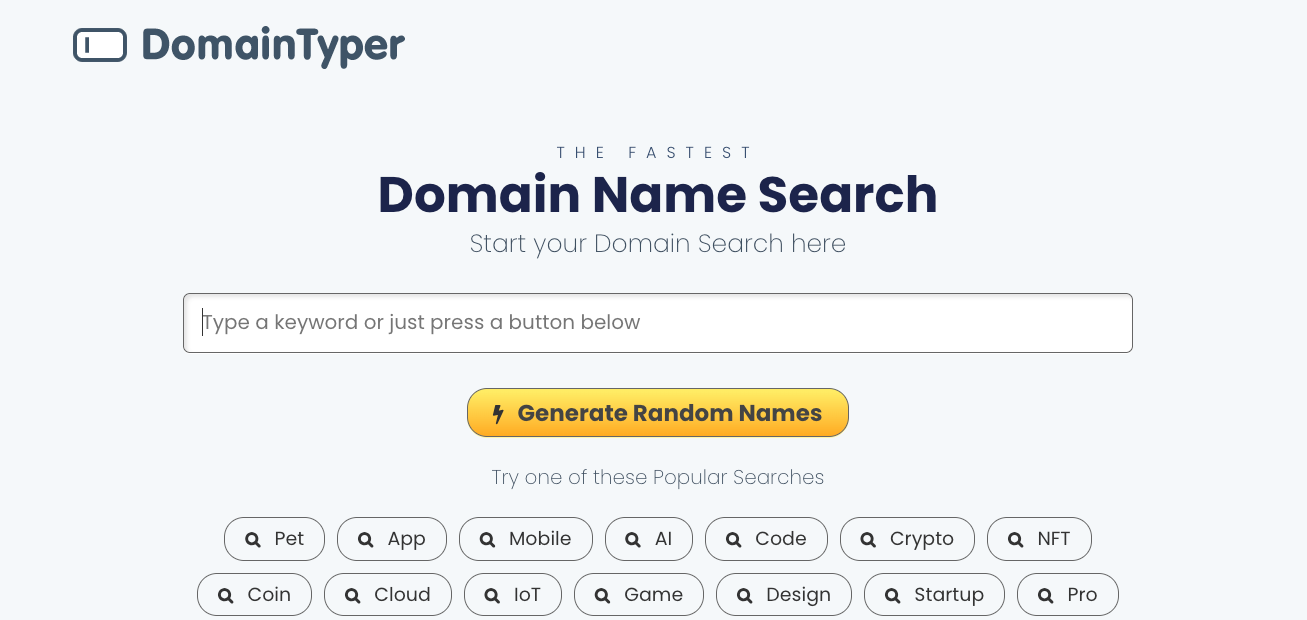
Best for: comparing prices across registrars and checking social media handles.
DomainTyper is the tool to reach for when you already have a name (or a shortlist) and want to figure out where to buy it for the best price.
It shows domain availability alongside pricing from multiple registrars, so you can comparison-shop without opening a dozen browser tabs.
Two features make it stand out. The domain hacks feature suggests creative combinations where your keyword overlaps with a TLD. For example, the keyword mysite paired with the .site extension becomes my.site.
And the social media username checker scans availability across 30+ platforms, including Instagram, TikTok, and Pinterest, which makes it valuable for building a consistent business brand across channels.
Drawback: It works best as a research and comparison tool rather than a creative brainstorming one. If you don’t already have a name direction in mind, start with a different generator and then come back to DomainTyper for the final check.
10. NameStation
Best for: power users who want deep customization and community input.
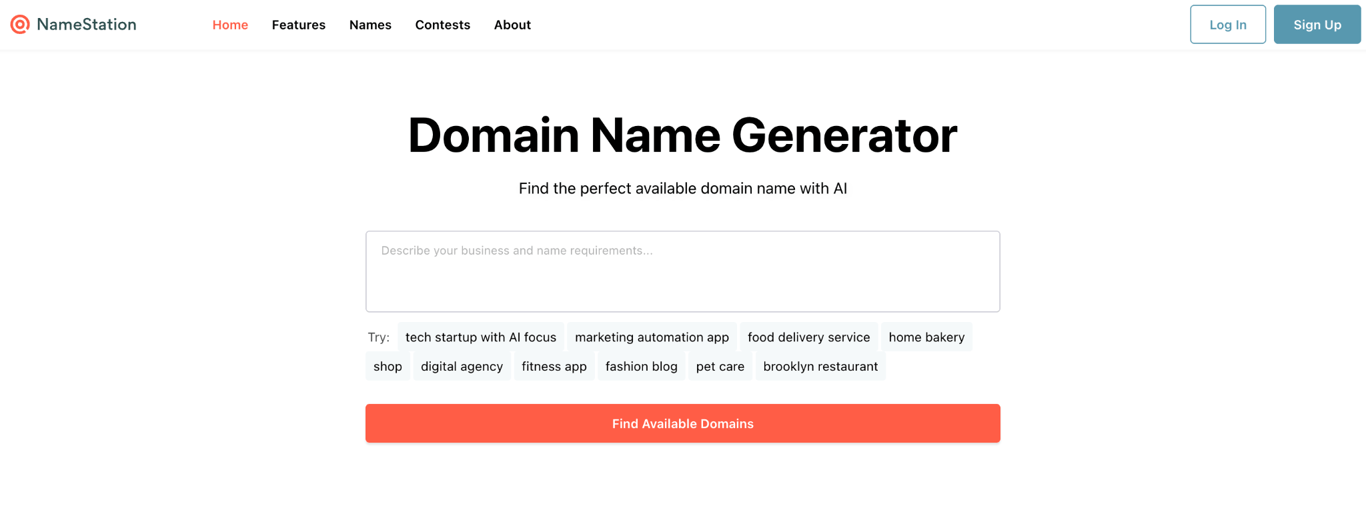
NameStation asks you to create a free account before you can use it (Google sign-in takes a few clicks), but what’s behind the login wall justifies the extra step.
The platform packs 17 specialized domain name generators and supports 471 domain extensions, which dwarfs most competitors on this list.
The keyword search alone has more precision than most full tools as well. You can specify whether your domain should contain, start with, end with, or relate to your keywords.
Beyond that, explore generator categories like compound words, tweaked names (rearranged letters), alliterations, and premium domains currently up for sale.
The most distinctive feature is the crowdsourced naming contest. Post your project brief, and real people from the NameStation community submit name suggestions. No other tool on this list offers anything like it.
Drawback: The free tier caps you at 1,000 generated names, and naming contests cost $35 or $45 each. It’s a more involved tool than the simpler options on this list.
11. Lean Domain Search
Best for: generating a large volume of domain ideas in one shot.
Lean Domain Search is built for speed and volume. Enter your keywords and it produces a long list of available names across a range of TLDs, built around those exact phrases. No account required, no configuration needed.
You can sort results by popularity, length, or alphabetically, and filter to show names that start or end with your keywords. Clicking any result opens a registration pop-up. It’s the kind of tool you open when you want 200 options on your screen in 10 seconds.
Drawback: The tool is great at generating quantity, but it doesn’t offer much in the way of AI-powered creativity or social media checks. If you want inventive, brandable names rather than keyword combinations, use it alongside a more creative generator.
12. Domain Wheel
Best for: available-only results with built-in keyword inspiration.
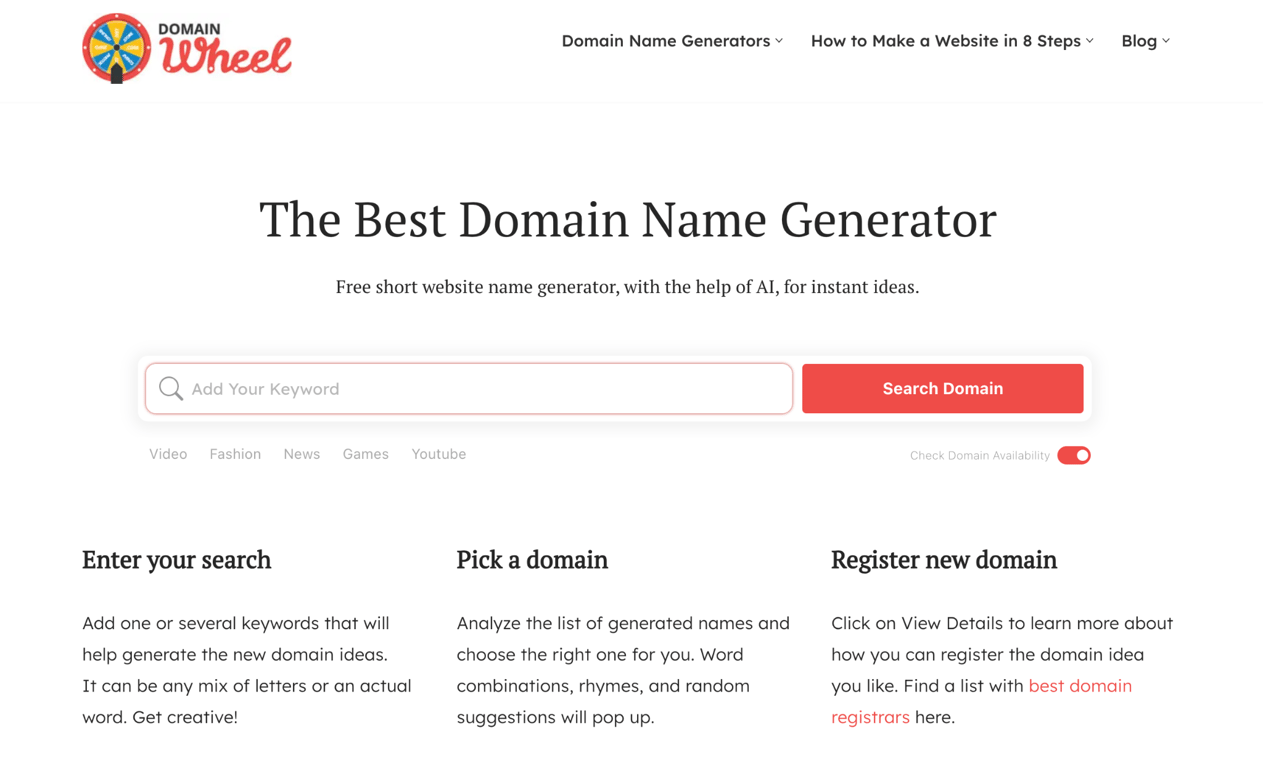
Domain Wheel does one thing most generators don’t: it only shows domains that are actually available. That sounds obvious, but plenty of tools clutter their results with taken names and premium upsells.
Here, what you see is what you can register.
Enter your keywords, pick from 15 supported extensions (including .blog, .us, and .online), and filter by character count or number of keywords.
If nothing in the first batch feels right, the keyword suggestion section at the bottom offers related terms that generate a fresh round of ideas with one click.
Drawback: Fifteen extensions is a relatively narrow selection, and the tool doesn’t offer AI-generated creativity or social media checks. It’s a clean, focused tool that does one job well.
13. Domainr
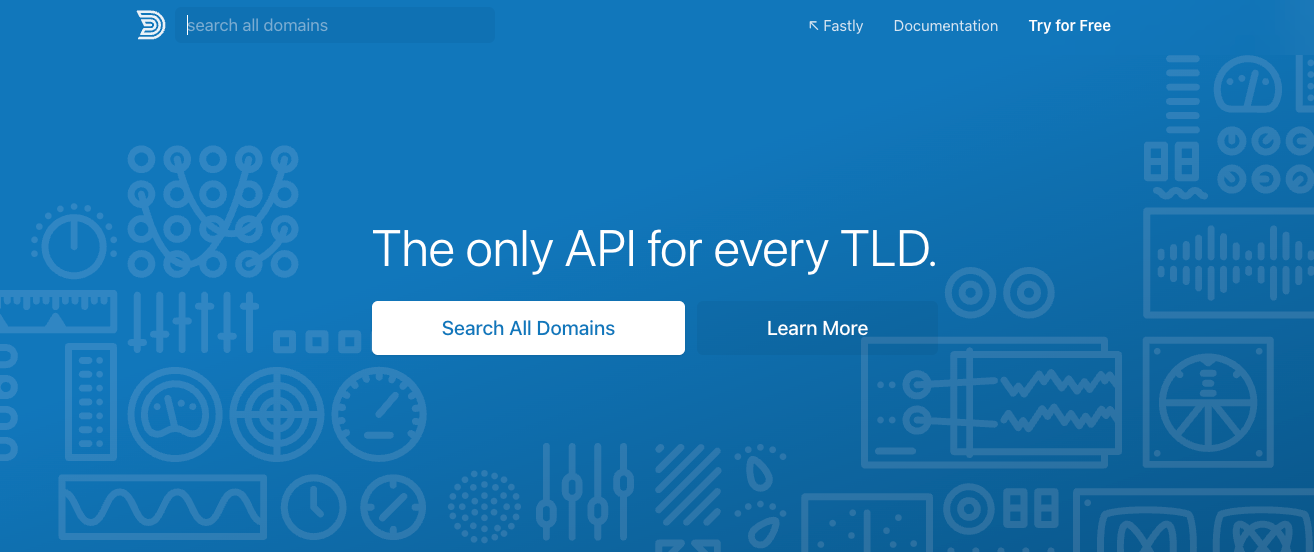
Best for: fast availability checks with zero setup.
Domainr strips domain search down to the essentials. Start typing and suggestions appear instantly across multiple TLDs, including premium and unavailable domains that are up for bidding.
No account, no filters, no onboarding flow. Just a search bar and results.
That minimalism is the point. Domainr isn’t for brainstorming sessions or deep research. It’s the tool you open when a name pops into your head at 11pm and you want to know if it’s available before you forget it.
Drawback: What you see is essentially all you get. There’s no creative generation, no price comparison, and no way to filter results. For anything beyond a quick check, pair it with a more full-featured tool from this list.
What are some best practices for choosing the best domain name?
Domain name generators can surface hundreds of options in seconds, but the final call is yours. Here are a few things worth keeping in mind to pick the right domain name.
Aim for something short and clear. A domain under 15 characters or three words at most is much easier to remember and far less prone to typos. The shorter and simpler your domain, the more likely people are to type it in correctly the first time.
Think about branding early. Your domain name is going to appear on business cards, social profiles, email signatures, and ads. Make sure it reflects your brand and isn’t too similar to an existing trademark. Always cross-check the results against trademark databases before committing.
Choose your domain extension with intention. While .com is the default for most businesses, niche TLDs like .shop, .tech, or .blog can work well if they match what your business does. A .shop domain immediately tells visitors you’re selling something, which can be a subtle but effective signal.
Work in a relevant keyword if it fits naturally. A domain like musiclesson.com tells visitors exactly what to expect, which helps both with first impressions and with search engines. That said, don’t force keywords in at the expense of readability or brandability.
Avoid hyphens and numbers wherever you can. They’re hard to communicate verbally (people won’t know whether to type “3” or “three”), and they make your domain harder to remember overall. Keep it clean and easy to pronounce so it sticks in people’s minds.
Read your top choices as a lowercase URL before you commit. Domain names don’t have spaces or capitalization in the address bar, which means words can blend together in unexpected ways. A name like “speedofart” (speed of art) or “choosespain” (choose Spain) reads very differently when there’s no capitalization to separate the words. Always check how your domain looks as one unbroken string of text.
How to choose and register your perfect domain name
Once you’ve landed on a name you like, don’t wait. Good domain names get snapped up quickly, and acquiring one that’s already registered often means paying a premium price on the aftermarket.
The tools above will help you brainstorm, compare, and filter until you find the right fit. From there, the process is straightforward: pick your preferred registrar, buy a domain name, and start building.
If you’re not sure which tool to start with, try matching it to where you are in the process.
Still brainstorming and open to anything? Start with an AI generator like Hostinger’s. Already have a shortlist and want to compare prices? Go to DomainTyper. Just need to quickly check if one specific name is available? Domainr will take you five seconds.
The best approach is often using two or three of these tools together, one for creative ideas and another for availability and pricing.
Once you’ve secured your name, the fastest way to get online is with a platform that bundles everything together. With Hostinger’s AI website builder, your domain, hosting, and a drag-and-drop site builder all come in one plan, so you’re not piecing things together from three different services.

This article is a localized version of Best domain name generators to find unique and brandable domains in 2026, originally published in English.
All of the tutorial content on this website is subject to Hostinger's rigorous editorial standards and values.

Simon is a dynamic Content Writer who loves helping people transform their creative ideas into thriving businesses. With extensive marketing experience, he constantly strives to connect the right message with the right audience. In his spare time, Simon enjoys long runs, nurturing his chilli plants, and hiking through forests. Follow him on LinkedIn.

Leo is a Content SEO Specialist and WordPress contributor. Armed with his experience as a WordPress Release Co-Lead and Documentation Team Representative, he loves sharing his knowledge to help people build successful websites. Follow him on LinkedIn.