All Hostinger Tutorials
Learn more about web hosting, VPS, domain names, SSL, and more with our newest releases.
12 best WordPress plugins – video review
In this Hostinger Academy video, we review 12 of the best WordPress plugins to improve your website functionality and performance.WordPress is a...
What is the WordPress theme editor and how does it work?
The WordPress theme editor (officially called the Theme File Editor) lets you modify theme files directly in the WordPress dashboard.It plays an...
WordPress file manager: top plugins and how to create one on your site
A WordPress file manager is a plugin that enables users to perform file management tasks from the WordPress dashboard. Instead of logging in to your...
Cache miss: What it is, types, and how to reduce it
A cache miss occurs when requested data isn’t found in a cache, forcing the system to retrieve it from another source. Cache misses occur in CPU...
How to optimize images for WordPress
A WordPress site with well-optimized images can reap benefits such as fast loading times, enhanced user experience, and better SEO.This article will...
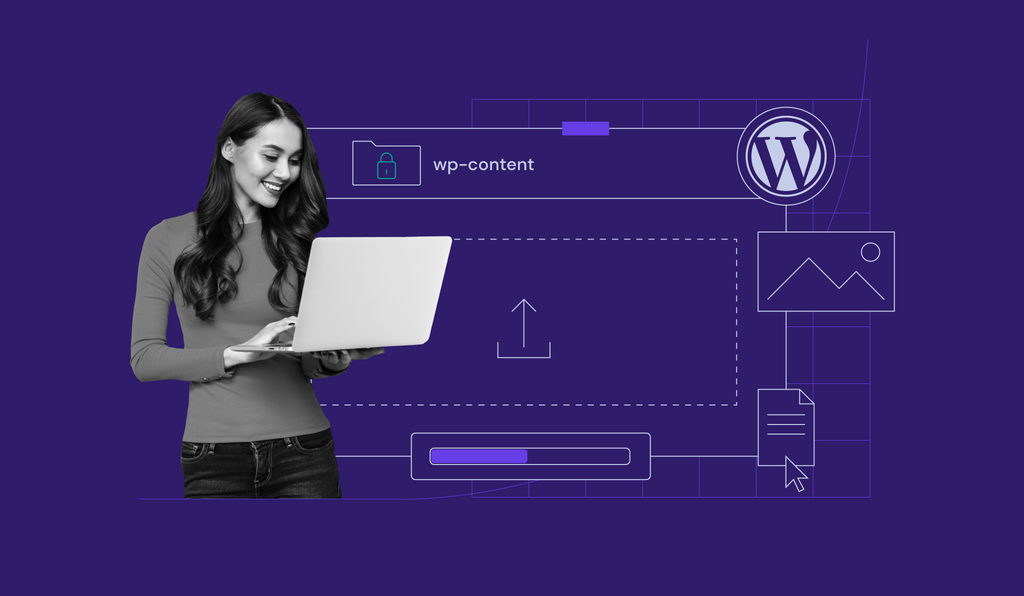
Wp-content uploads: what it is and how to upload files in WordPress
The WP-Content directory plays a significant role in all WordPress sites. It houses your website’s content, including file and media uploads as...
How to fix 404 page not found Error –video tutorial
When a website shows an Error 404 Page Not Found message, it means the web browser cannot open the requested web page.Some of the common issues behind...
How to delete a theme in WordPress and why you should remove unused themes
Installing multiple WordPress themes is part of the journey of finding the right one for your website. However, removing unused themes is just as...
How to install WordPress locally on Windows, macOS, and Linux
You can install WordPress locally on Windows, macOS, or Linux using a free development environment such as WampServer, MAMP, or XAMPP. These tools let...

How to add your WordPress website to Google search console – video tutorial
No time to read? Find out how to add your WordPress website step-by-step in our video tutorial. Learn how to add your WordPress website to Google...
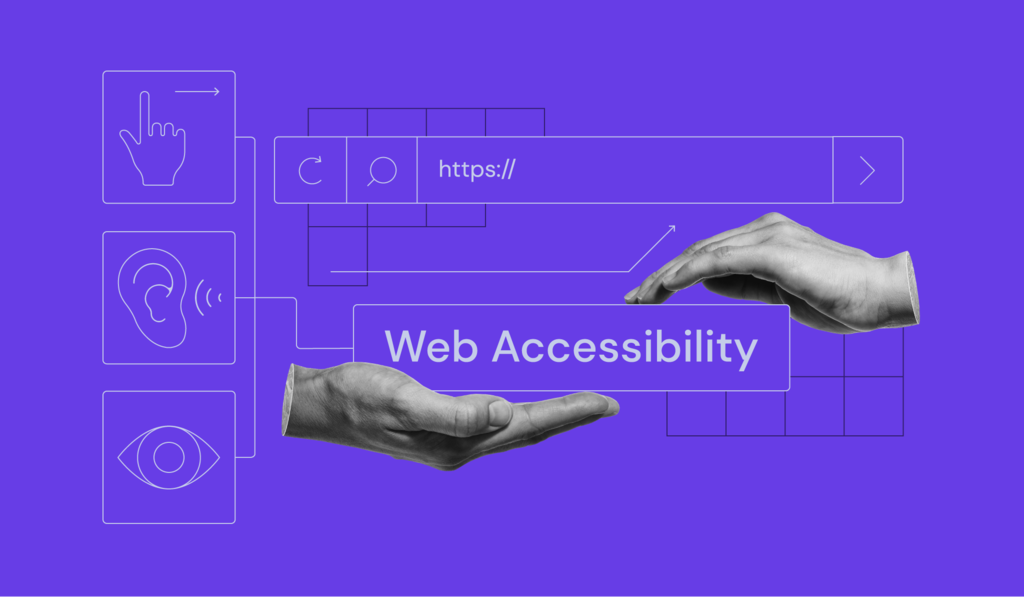
The ultimate guide to web accessibility
Web accessibility refers to making your website accessible to everyone, including people with disabilities.Following the web accessibility standards...

How to get more clients: foster customer loyalty with 15 proven ways with expert tips
Bringing in new clients is a crucial skill for agencies and professionals to get a steady stream of revenue and grow the business.However, acquiring...
How to fix the ERR_CONNECTION_RESET error
The ERR_CONNECTION_RESET error indicates an unexpectedly closed connection between the browser and the website. This common issue typically occurs...
What is WordPress Gutenberg? understanding the block editor
If you’re new to WordPress, start by familiarizing yourself with Gutenberg, its block editor, to manage the platform more effectively....
10 best WordPress development agency options and useful tips to choose one
Choosing the right WordPress development agency is crucial for building a successful website. A reliable agency can transform your ideas into a...

How to back up a WordPress site: 4 WordPress backup methods
You can back up a WordPress site using Hostinger dashboard, a WordPress backup plugin, WP-CLI, or a manual backup method. A complete WordPress backup...
How to create a custom WordPress page template
Designing a website can be time-consuming. Even if you’re using a powerful WordPress theme or page builder, you may still spend hours building...
How to use React with WordPress
To use React with WordPress, keep WordPress as your content management system (CMS), then use its REST API to fetch and display your content in a...
WordPress CDNs: 6 best choices to speed up your website
Using a content delivery network (CDN) can enhance your WordPress site’s performance. A CDN service distributes the site’s static content...
How to hire a WordPress developer (10 tips and tricks)
If you want to build a website but don’t have the skills to handle it yourself, you’ll likely want to hire a WordPress developer....
How to build a website with WordPress –video tutorial
Tired of reading? watch our video tutorial on how to build a website with WordPress instead.Learning how to build a website with WordPress is great...
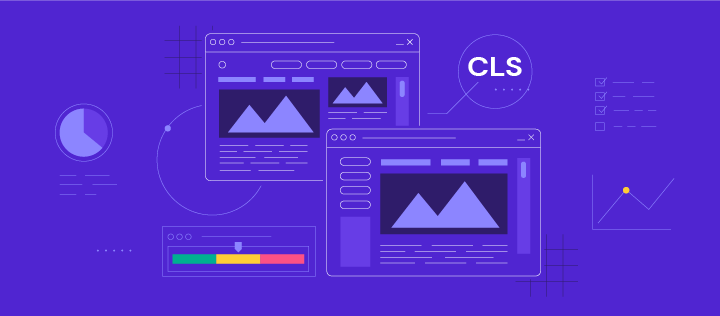
Cumulative Layout Shift (cls): what it is and how to improve it
Cumulative Layout Shift (CLS) is a metric that evaluates site experience by measuring how much your site’s pages shift unexpectedly.Even though...