The best Squarespace alternatives are Hostinger AI Builder for small businesses and creators, Shopify for dedicated online stores, and Webflow for designers who need detailed control over every page element.
There are 10 Squarespace alternatives worth considering, each suited to a different type of website:
- Hostinger AI Builder. Best for hosting, a domain, and email in one plan.
- Wix. Best for design flexibility and business apps.
- Shopify. Best for dedicated online stores.
- WordPress. Best for full control and ownership.
- Webflow. Best for advanced custom design.
- Framer. Best for design-led landing pages, which are single pages built for one goal, such as sign-ups.
- Duda. Best for agencies managing client sites.
- Jimdo. Best free AI builder for small sites.
- SITE123. Best for the simplest setup.
- Strikingly. Best for simple sites and landing pages.
Wix has the most complete free plan, while Hostinger AI Builder has the lowest first-year price among paid plans.
Squarespace still suits design-led sites, but switching makes sense when its pricing, store fees, design limits, or the need for separate email and domain setup no longer fit your site.
To choose a replacement, match the builder to your site type, compare renewal costs, and plan how you’ll move your domain, content, and email.
How do the best Squarespace alternatives compare?
The best Squarespace alternatives range from free plans to $29/month at entry level, and they differ most in store fees, AI tools, and design control.
The builders handle creating a website in different ways. Some generate an AI draft for you to edit, while others give designers detailed controls.
Store fees, the percentage of each sale a builder keeps on top of payment processing, range from 0% on Hostinger Ecommerce, Duda, Shopify with Shopify Payments, and Squarespace Core to 5% on Strikingly Limited.
The table compares all 10 builders with Squarespace on starting price, AI features, ecommerce, hosting, design flexibility, and limitations.
Builder | Best for | Starting price | AI features | Ecommerce | Domain and hosting | Design flexibility | Main limitation |
Squarespace (for reference) | Design-led sites and small stores | $19/month | Blueprint AI Builder; 10 one-time AI credits on Basic | Built in; 2% store fee on Basic, 0% from Core; digital content fees apply separately | Hosting included; free domain for the first year | Structured templates | Professional email costs extra on Basic |
Hostinger AI Builder | AI-built sites with hosting, a domain, and email in one plan | £3.49/month (renews at $10.99/month) | AI site generation, AI writing tools, and building by chatting with AI | Hostinger Ecommerce add-on from $5.99/month, 0% platform fee | Hosting included; free domain and mailboxes for the first year | Drag-and-drop, or AI chat with optional code editing | Renewal prices are about three times the first-year rate |
Wix | Design flexibility and business apps | $17/month | AI builds a site from one description | From Core ($29/month) | Hosting included; free domain for the first year | Freeform drag-and-drop | Light plan can’t accept payments |
Shopify | Dedicated online stores | $29/month | Sidekick AI assistant | Main focus; unlimited products | Hosting included; connect or buy a domain | Theme-based | Extra fee if you don’t use Shopify Payments |
WordPress | Full control and ownership | Free software plus hosting | Depends on your host and plugins | Through the free WooCommerce plugin | You choose the hosting and domain | Unlimited themes, plugins, and code | You handle updates, security, and backups |
Webflow | Advanced custom design | $15/month | Webflow AI for sites and sections | Separate plans from $29/month,2% fee on Standard | Hosting included; connect a custom domain | Detailed visual design controls | Code downloads need a separate Workspace plan |
Framer | Design-led landing pages | $10/month | AI assistants with 1,000 credits a month on Basic | No built-in checkout; sells through third-party plugins | Hosting included; free domain on yearly plans | Freeform design canvas | Redirects require Pro ($30/month) |
Duda | Agencies managing client sites | $19/month | AI site, content, and custom element generation | Store add-on from $7/month, 0% fee | Hosting included; free domain for the first year | Drag-and-drop, with code editing from Team | Priced per site |
Jimdo | Small sites that need to go live fast | Free; paid from $11/month | AI site creation | Separate store plans from $18/month, 0% fee | Hosting included; domain on paid plans | Template-based | 10-page cap on Start |
SITE123 | Simplest setup | Free; paid from $12.80/month | AI website builder, plus AI text and image tools | Store included in Premium | Hosting included; free domain for the first year | Pre-designed blocks | 3 GB of storage and bandwidth on Premium |
Strikingly | Simple sites and landing pages | Free; paid from $8/month | AI site builder | Built in; 5% fee on Limited, 2% on Pro, 0% on VIP | Hosting included; free domain for the first year on Pro | Section-based | Store fees until VIP ($49/month) |
Prices are US dollar prices on yearly billing, checked on each builder’s pricing page on October 9, 2026. Hostinger’s are introductory 12-month prices, and Jimdo’s include value-added tax.
1. Hostinger AI Builder – best overall Squarespace alternative
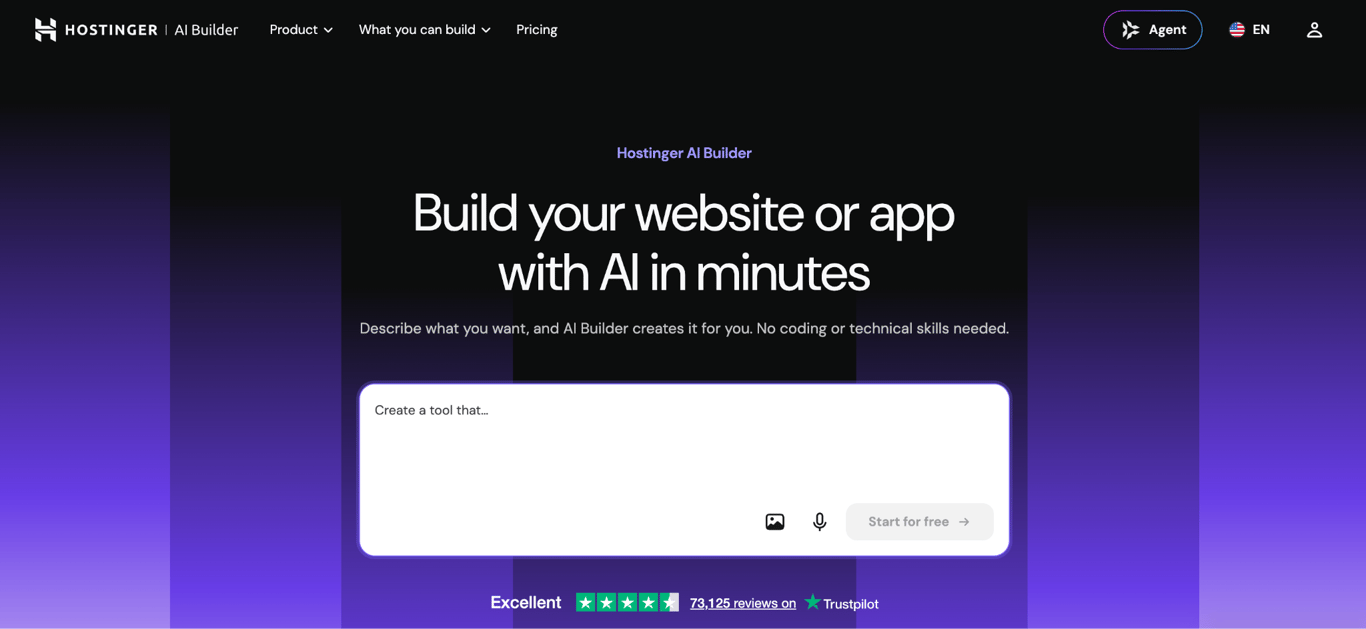
Hostinger AI Builder is the best overall Squarespace alternative because one account covers AI site building, hosting, email, and selling online, starting at £3.49/month for the first year.
How does Hostinger AI Builder compare to Squarespace?
Hostinger AI Builder offers drag-and-drop editing like Squarespace in Manual mode, and adds Agentic mode for building by describing what you want in a chat with AI.
Manual mode starts from a draft made by Hostinger’s AI website builder or one of 400+ templates. It then lets you edit layouts, text, and images with drag-and-drop, without using AI credits, the units each AI request uses up.
Manual mode’s built-in AI tools write page text, blog posts, product descriptions, and generate images and logos.
Agentic mode is the main difference in Hostinger vs. Squarespace comparison. It can start from a link to an existing site and build sites and web apps, such as booking tools or customer portals, complete with member logins and storage for customer data and files.
Agentic mode also lets you download your project’s code and host it with another provider. Stored data, such as user records, isn’t included in the download.
Hostinger includes more email: two free mailboxes per website on Premium and unlimited mailboxes on Unlimited, both for the first year. Squarespace includes one free Google Workspace account for the first year, and only on Core ($29/month) and higher.
Hostinger Ecommerce adds a store dashboard for products, orders, customers, discounts, taxes, and analytics, and charges no platform fee on sales, while Squarespace Basic charges 2%.
It sells physical and digital products, as well as gift cards, with up to 1,000 products in Manual mode. Agentic mode adds larger catalogs and Stripe-based subscriptions. Squarespace allows unlimited products on every plan.
Like Squarespace, Hostinger sets up free SSL (Secure Sockets Layer) certificates, which encrypt data sent between your site and its visitors. It also turns on a Content Delivery Network (CDN), which loads pages from servers closer to each visitor.
How much does Hostinger AI Builder cost?
Hostinger AI Builder costs £3.49/month on Premium and £4.49/month on Unlimited for the first 12 months, renewing at $10.99/month and $16.99/month.
Plan (12-month term) | First year | Renews at | Websites | Free mailboxes (first year) | AI credits (one-time) |
Premium | £3.49/month | $10.99/month | 3 | 2 per website | 5 |
Unlimited | £4.49/month | $16.99/month | Unlimited | Unlimited | 15 |
Cloud Startup | £9.99/month | $25.99/month | Unlimited | Unlimited | 15 |
Hostinger Unlimited is worth the extra $1/month in the first year if you need more than three websites, priority 24/7 support, or Reach, Hostinger’s email marketing tool.
To sell online, users must add Hostinger Ecommerce for $5.99/month on a 12-month plan.
Every Hostinger plan includes 24/7 support and a 30-day money-back guarantee, valid if you’ve used fewer than 30 AI credits.
What are Hostinger AI Builder’s limitations?
Hostinger AI Builder’s biggest limitation is its renewal pricing: plans cost about three times as much after the first 12 months.
Five more Hostinger AI Builder limitations to check before you buy:
- Ecommerce is a separate subscription, with one store per subscription.
- The AI credits included with hosting are a one-time allowance, and Agentic mode uses credits on every request, even small manual edits. Monthly AI credit plans and top-ups cost extra.
- Code downloads work only in Agentic mode and exclude stored data.
- Manual mode connects to fewer external tools, such as payment or analytics services, than Agentic mode does.
- Premium allows up to three websites.
A Hostinger AI Builder project goes offline as soon as its plan expires, and its data is deleted if you don't renew within the retention period.

2. Wix – best for design flexibility and business apps
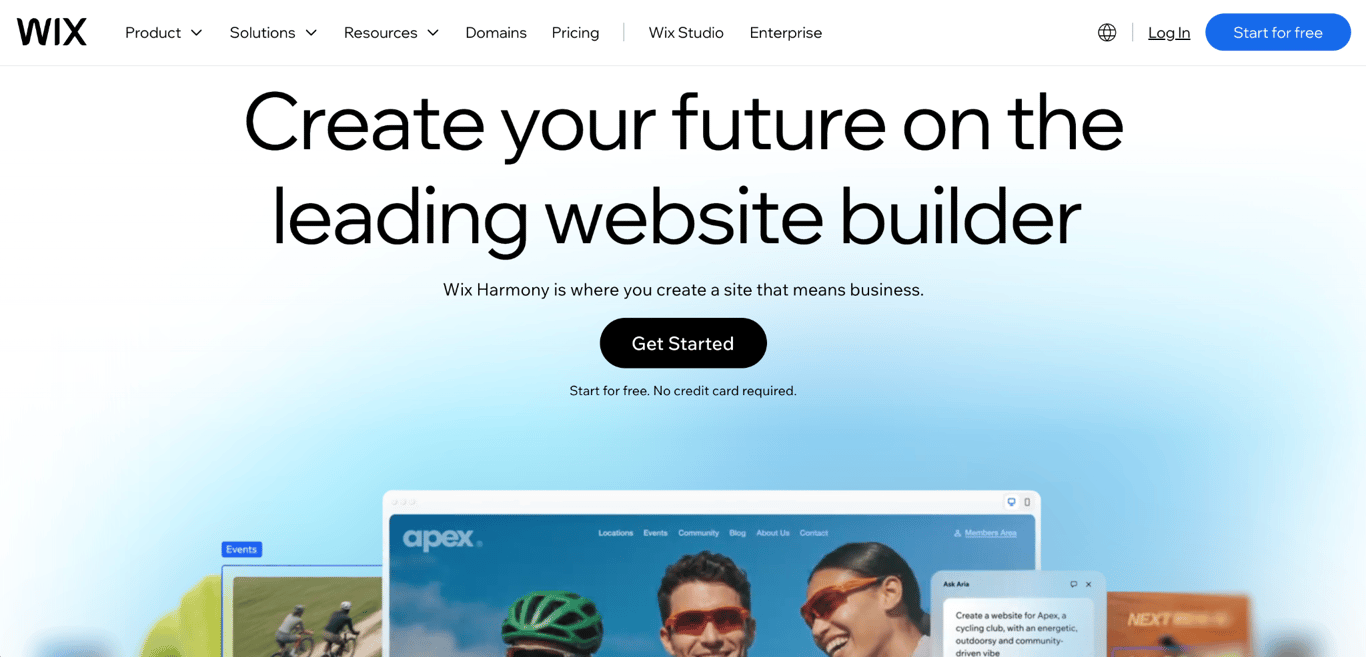
Wix is the best Squarespace alternative for users who want freeform design control and built-in business tools, with 2,000+ templates and a free plan.
How does Wix compare to Squarespace?
Wix’s drag-and-drop editor places elements more freely than Squarespace’s section-based layouts allow, so your pages depend less on a template’s original structure.
Both builders start you with an AI-generated site. Wix’s AI website builder works from a single description, while Squarespace’s Blueprint AI Builder walks you through a series of setup choices. On Wix, you then refine the site by switching between AI generation and drag-and-drop.
Wix has built-in tools for bookings, restaurants, hotels, events, and online courses, though taking payments through them requires Core or higher. Squarespace sells its scheduling tool, Acuity Scheduling, separately.
How much does Wix cost?
Wix costs $17/month for Light, $29/month for Core, $39/month for Business, $159/month for Business Elite on yearly billing, and offers a free plan.
Wix storage, the space for your files, grows from 2 GB on Light to 50 GB on Core, 100 GB on Business, and unlimited storage on Business Elite.
What are Wix’s limitations?
Wix’s biggest limitation for Squarespace switchers is that Light, its cheapest paid plan, can’t accept payments, so selling starts at Core.
Wix’s higher plans add two more limits:
- Pricing Plans, Wix’s membership feature, charge 4% on Core and 2% on Business.
- Automated sales tax starts on Business and is capped at 100 transactions a month.
3. Shopify – best for dedicated online stores
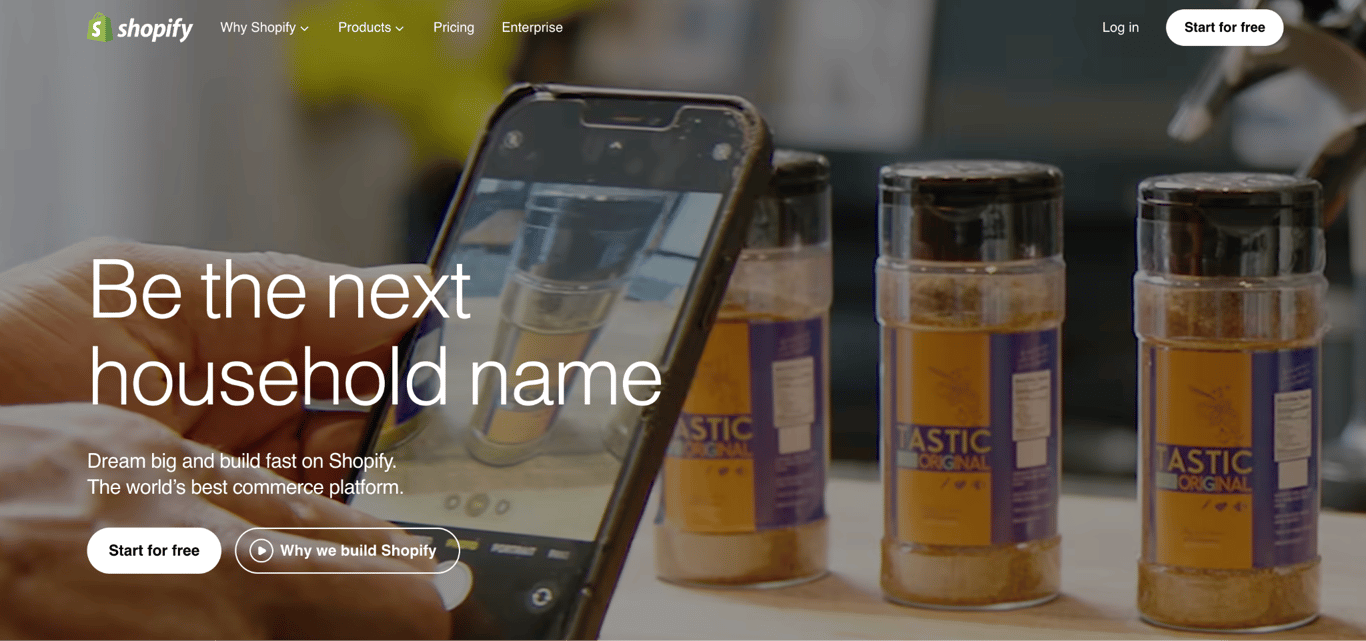
Shopify is the best Squarespace alternative for businesses where the store is the website, with unlimited products and tools for online, in-person, and international sales on every plan.
How does Shopify compare to Squarespace?
Shopify offers more selling tools than Squarespace, including wholesale price lists for business buyers, selling on online marketplaces, and country-specific store versions with local currencies through Shopify Markets.
Squarespace still covers small-store basics: every plan offers unlimited products and includes a Point of Sale (POS) system for in-person sales and abandoned cart recovery, which emails shoppers who left items behind.
Like Squarespace, Shopify includes an AI website builder on every plan. It adds Sidekick, an AI assistant for running the store.
How much does Shopify cost?
Shopify costs $29/month for Basic, $89/month for Grow, and $359/month for Advanced on an annual plan. Plus, its plan for large businesses starts at $2,300/month.
Plan | Yearly billing | Monthly billing | Online card rate (Shopify Payments) |
Basic | $29/month | $39/month | 2.9% + 30¢ |
Grow | $89/month | $105/month | 2.7% + 30¢ |
Advanced | $359/month | $399/month | 2.5% + 30¢ |
New Shopify stores get a 3-day free trial, then pay $1/month for the first three months.
What are Shopify’s limitations?
Shopify’s biggest limitation is the extra fee for using a payment company other than Shopify Payments: 2% on Basic, 1% on Grow, and 0.6% on Advanced. Using Shopify Payments avoids it.
Growing Shopify stores encounter three additional limits:
- Basic includes no additional staff accounts.
- Basic doesn’t support connecting your own carrier account for live shipping rates at checkout. Grow offers it only with yearly billing or a paid add-on.
- Marketplace Connect, Shopify’s app for selling on marketplaces, charges 1% per automatically synced order after the first 50 each month, up to $99/month.
4. WordPress – best for full control and ownership
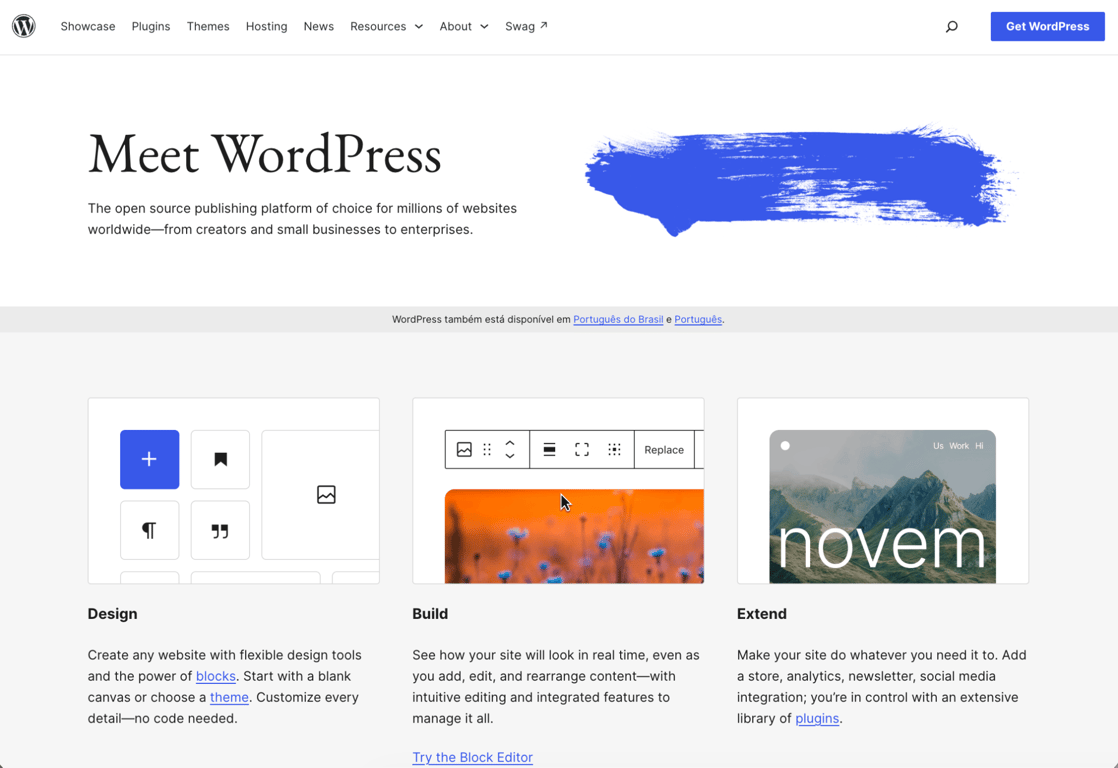
WordPress is the best Squarespace alternative for users who want to own their site’s code and data, choose their own hosting, and add features with add-ons called plugins.
This comparison covers WordPress.org, the free software you install on your own hosting, not WordPress.com, a separate service that hosts your site for you.
How does WordPress compare to Squarespace?
WordPress gives you more control than Squarespace, with full access to your site’s files and code, so you can switch design templates (themes), add any plugin, and move the site to another host whenever you want.
In the Squarespace vs. WordPress choice, ease of use is the main trade-off. Squarespace handles hosting and updates for you, while WordPress leaves both to you or your hosting provider.
On WordPress, features that Squarespace builds in come from plugins, such as WooCommerce for online stores and search engine optimization (SEO) tools that help your pages rank in search results.
How much does WordPress cost?
WordPress itself is free, so your costs come from hosting, a domain, and any premium themes or plugins you add.
The same Hostinger Premium plan that runs Hostinger AI Builder also supports WordPress, for $3.99/month in the first year.
What are WordPress’ limitations?
WordPress’ biggest limitation is that security and backups are your responsibility unless your host manages them.
WordPress adds two more trade-offs:
- Setup involves more decisions than Squarespace, such as choosing hosting, a theme, and plugins.
- Costs are hard to predict, since they depend on the plugins and themes you choose.
5. Webflow – best for advanced custom design
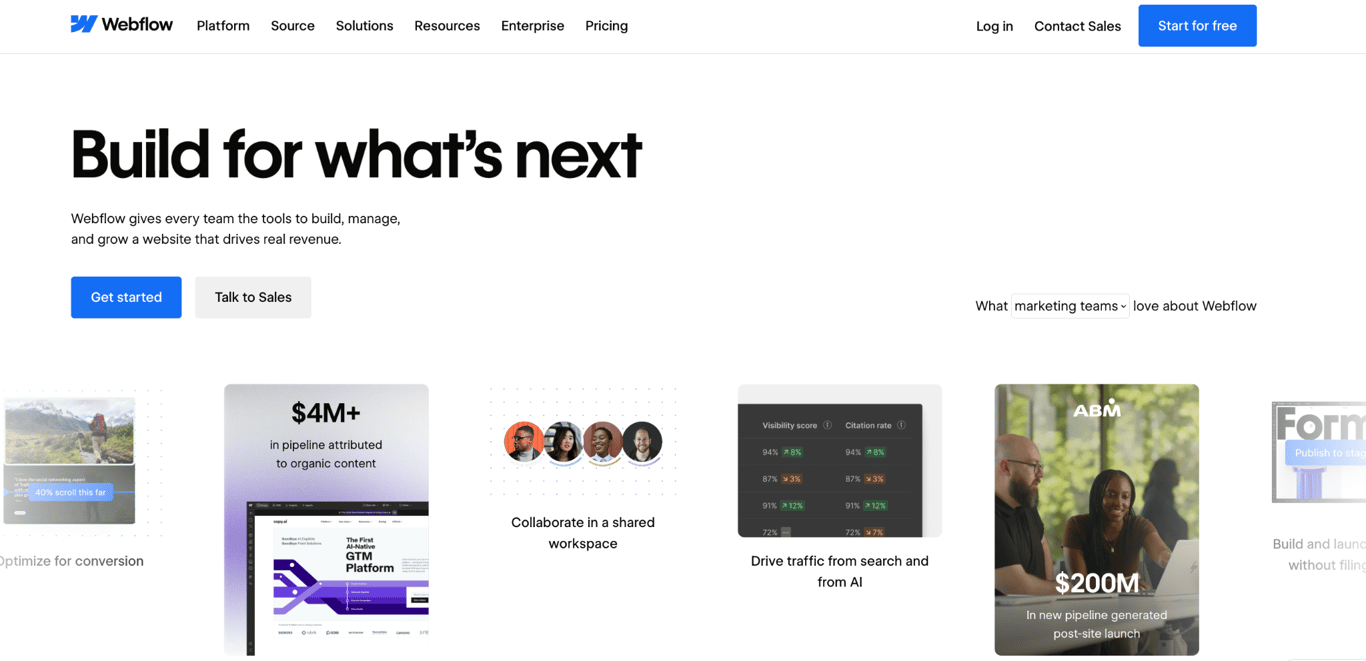
Webflow is the best Squarespace alternative for designers and teams who want detailed design control without writing code, plus a Content Management System (CMS) for organizing large numbers of posts or pages.
How does Webflow compare to Squarespace?
Webflow offers more design control than Squarespace because you style every element with visual controls based on Cascading Style Sheets (CSS), the code that defines how web pages look.
Every Webflow plan includes tools for animations and scroll effects, and the Premium plan adds reusable custom-coded page elements.
Webflow Premium holds up to 20,000 content entries, such as blog posts or listings, sorted into up to 40 collections, like a blog or a directory.
Webflow AI builds sites, designs sections, and generates custom page elements on every site plan.
How much does Webflow cost?
Webflow’s site plans cost $15/month for Basic and $25/month for Premium on an annual plan, plus a free Starter plan.
On Webflow, selling online, downloading your code, and extra AI credits all cost more than the base site plans.
- Ecommerce plans replace the site plan and cost $29/month for Standard, $74/month for Plus, and $212/month for Advanced.
- Downloading your site’s code requires a paid Workspace plan ($19/month), and the export doesn’t keep Webflow’s CMS or ecommerce features working.
- Extra AI credits cost $20/month for 2,000 credits.
What are Webflow’s limitations?
Webflow’s biggest limitation is its learning curve. The interface takes longer to master than Squarespace’s editor, because it exposes web design settings, such as spacing, layout boxes, and style classes, that Squarespace handles for you.
Several Webflow alternatives, including Framer and Wix, trade some of that control for simpler editing.
Webflow’s plans add three more trade-offs:
- Basic doesn’t include the CMS, so it can’t run a blog.
- The Standard ecommerce plan charges a 2% platform fee and caps you at 500 items.
- Team collaboration requires a paid Workspace plan, billed on top of the site or store plan.
6. Framer – best for design-led landing pages
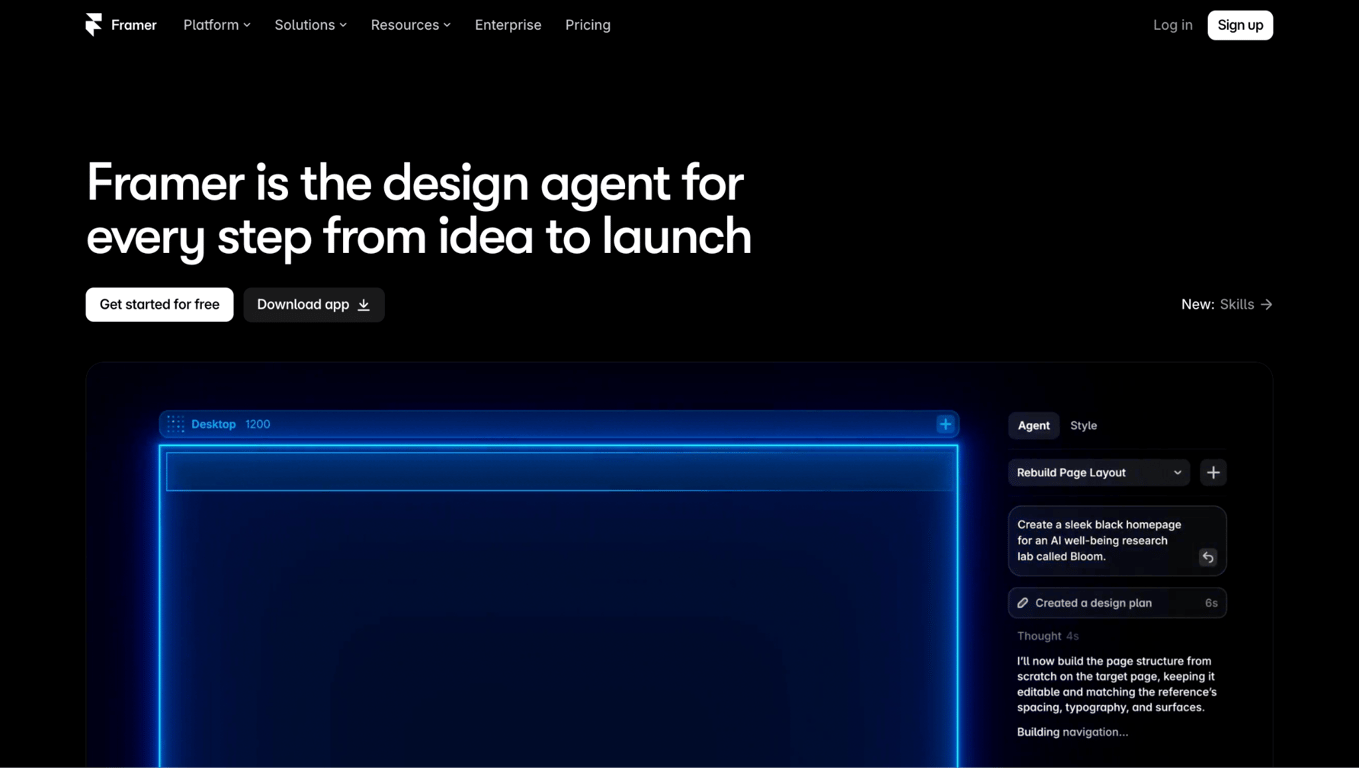
Framer is the best Squarespace alternative for designers building landing pages and marketing sites on a visual canvas that works like Figma, a popular design tool.
How does Framer compare to Squarespace?
Framer gives designers more visual freedom than Squarespace because you design directly on a canvas rather than filling in template sections.
Framer’s built-in AI assistants help build and edit pages, with 1,000 credits a month on Basic and 3,000 on Pro.
Framer Pro sites are served from 300+ server locations worldwide, compared with 20 on Basic. More locations put copies of your pages closer to more visitors.
How much does Framer cost?
Framer costs $10/month for Basic and $30/month for Pro on yearly billing, or $15/month and $45/month month to month.
Framer costs grow with your project because each site needs its own plan, and extra full editors cost $20/month and content editors cost $10/month.
Framer’s yearly plans include a free custom domain.
What are Framer’s limitations?
Framer’s biggest limitation is selling: it has no built-in checkout, so a store needs a third-party integration, such as a Shopify connection or a payment plugin.
Framer’s Basic plan and refund policy add three more limits:
- Basic doesn’t support redirects, which forward old page addresses to new ones, so visitors and search engines find moved pages.
- Basic caps you at 30 pages and 1,000 content entries.
- Refunds are available only within seven days of the initial purchase, or 14 days in the European Union and Turkey.
7. Duda – best for agencies managing client sites
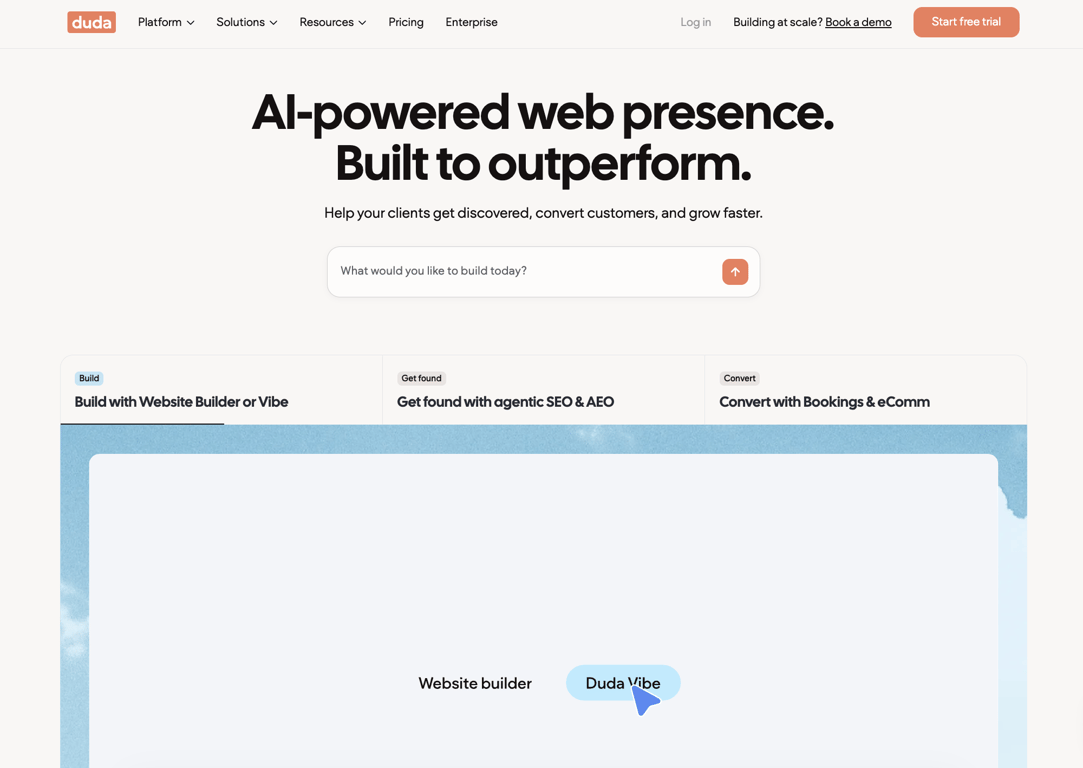
Duda is the best Squarespace alternative for agencies and freelancers who build and manage websites for clients.
How does Duda compare to Squarespace?
Duda is built around client work, while Squarespace is built mainly for owners running their own site.
Its agency tools include client accounts, permissions, and forms that collect content from clients. Team seats start on the Team plan, and white-labeling, which replaces Duda’s branding with your agency’s, requires the White Label plan.
The built-in AI tools generate sites, sections, content, and custom page elements, with 150 AI credits a month on every plan.
Duda sites run on Amazon Web Services, Amazon’s cloud hosting platform, with unlimited storage and bandwidth (the amount of data your visitors can load each month). Duda aims to keep them online 99.5% of the time.
How much does Duda cost?
Duda costs $19/month for Basic, $29/month for Team, $52/month for Agency, and $149/month for White Label on an annual billing plan.
Each Duda plan includes a set number of published sites, and selling online costs extra.
- Basic and Team include one site, while Agency and White Label include four.
- Extra sites cost $19/month on Basic and $17/month on the other plans.
- The store add-on starts at $7/month for 100 products, with no platform fee.
Duda’s 14-day free trial needs no credit card, and paid plans include a 30-day money-back guarantee.
What are Duda’s limitations?
Duda’s biggest limitation is per-site pricing, which works for agencies that bill clients but adds up for a single business running several sites.
Its cheaper plans and add-ons have three additional limits:
- Digital products, automatic taxes, and subscriptions require the $20/month store add-on.
- Basic includes email support only and no team seats.
- Downloading your site’s code requires the Agency plan.
8. Jimdo – best free AI builder for small sites
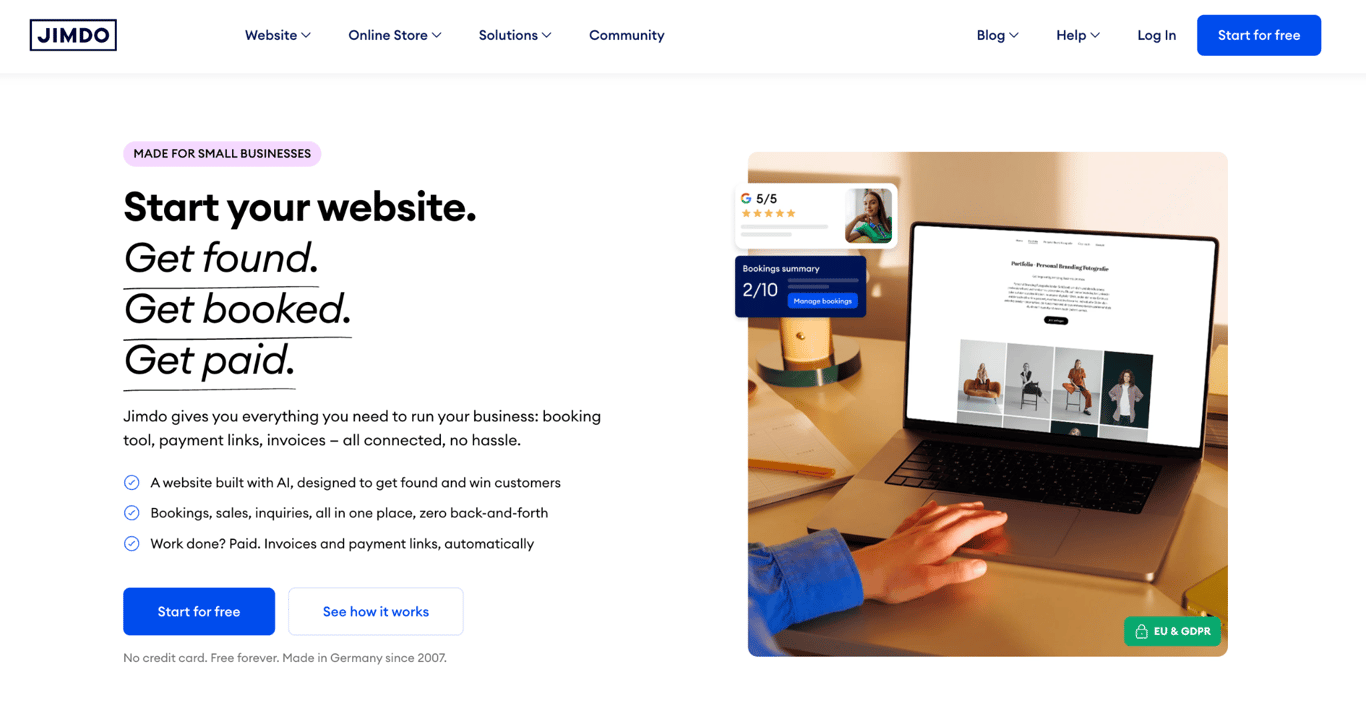
Jimdo is the best Squarespace alternative for small sites that need to go live quickly, because its AI builds a complete site even on the free plan.
How does Jimdo compare to Squarespace?
Unlike Squarespace, Jimdo lets you build and publish an AI-generated site for free.
It asks a few questions about your business type and goals, lets you pick a style, and then generates a complete site with text and images. When we tested the free plan in October 2026, generation took about 30 seconds after we picked a style.
In Jimdo’s editor, you edit text, images, and sections in place, but you can’t drag elements freely around the page as you can in Squarespace’s drag-and-drop editor.
After setup, Jimdo’s AI assistant, Companion, stays available inside the editor.
The free plan also includes contact forms, an image library, and mobile-friendly pages on a jimdosite.com address.
How much does Jimdo cost?
Jimdo’s website plans cost $11/month for Start, $17/month for Grow, and $49.50/month for Unlimited on a 12-month term, including value-added tax.
Plan | Price | Pages | Storage |
Free | $0 | 5 | 5 GB |
Start | $11/month | 10 | 30 GB |
Grow | $17/month | 50 | 50 GB |
Unlimited | $49.50/month | Unlimited | 500 GB |
Online stores need a separate plan: Basic costs $18/month, Business $21/month, and VIP $28/month, and Jimdo takes no commission on sales.
What are Jimdo’s limitations?
Jimdo’s biggest limitation is the page cap: any site that needs more than 50 pages must upgrade to Unlimited, Jimdo’s most expensive plan.
Jimdo’s Basic store plan adds two more limits:
- Discount codes aren’t available.
- Product options, such as sizes or colors, aren’t available.
9. SITE123 – best for the simplest setup
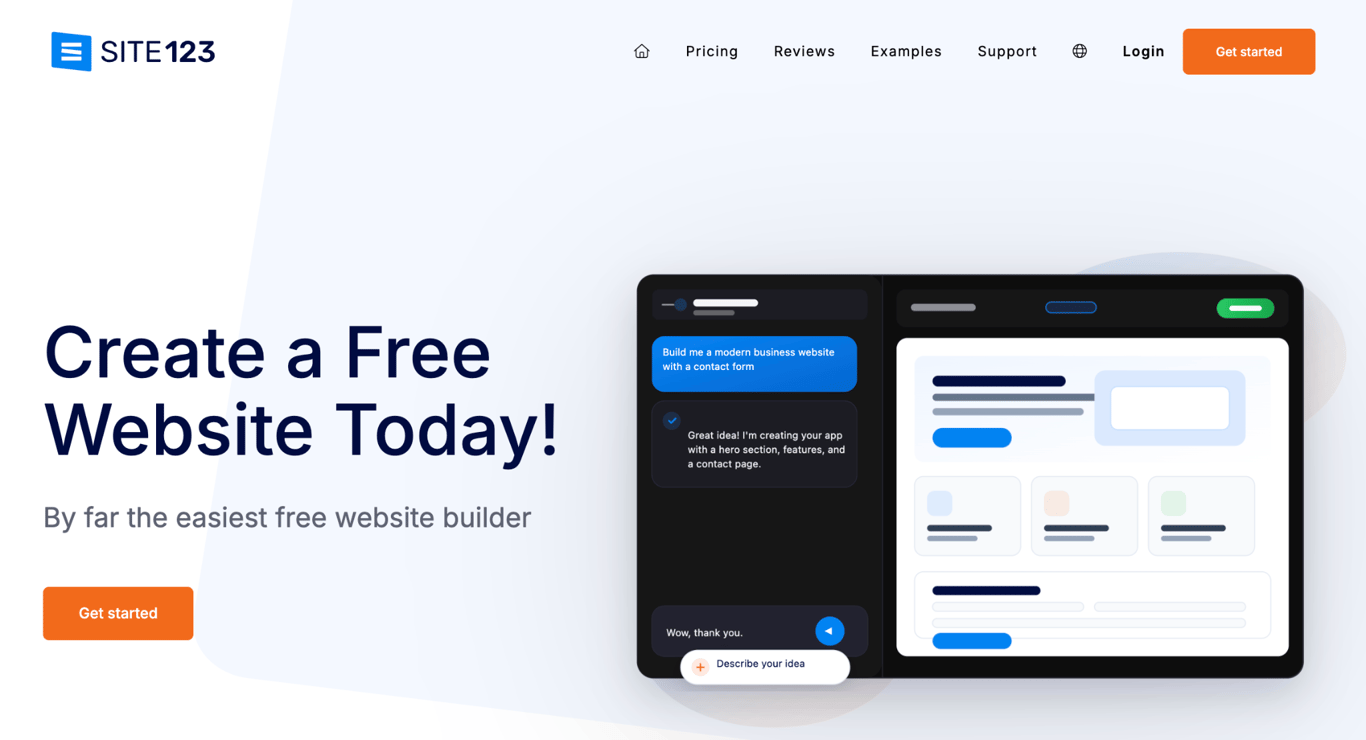
SITE123 is the best Squarespace alternative for beginners who want a working site quickly and don’t need design freedom.
How does SITE123 compare to Squarespace?
SITE123 is easier to start with than Squarespace because you edit pre-designed blocks rather than arrange layouts yourself.
Like Squarespace, SITE123 offers 24/7 support, which it provides through free live chat.
How much does SITE123 cost?
SITE123 costs $12.80/month for Premium, the only paid plan priced on its pricing page, plus a free plan.
Feature | Free | Premium |
Price | $0 | $12.80/month |
Storage and bandwidth | 250 MB each | 3 GB each |
Domain | SITE123 address | Free custom domain for the first year |
SITE123 badge on your site | Shown | Removed |
Online store | Not included | Included |
SITE123 Premium includes a 14-day money-back guarantee, and longer upfront terms get bigger discounts.
What are SITE123’s limitations?
SITE123’s biggest limitation is its 3 GB of storage and 3 GB of bandwidth on the Premium plan.
It has two more limits:
- The pricing page shows a price only for the Premium plan, so you can’t compare higher plans before signing up.
- Pre-designed blocks keep editing simple but limit how distinctive your site can look.
10. Strikingly – best for simple sites and landing pages
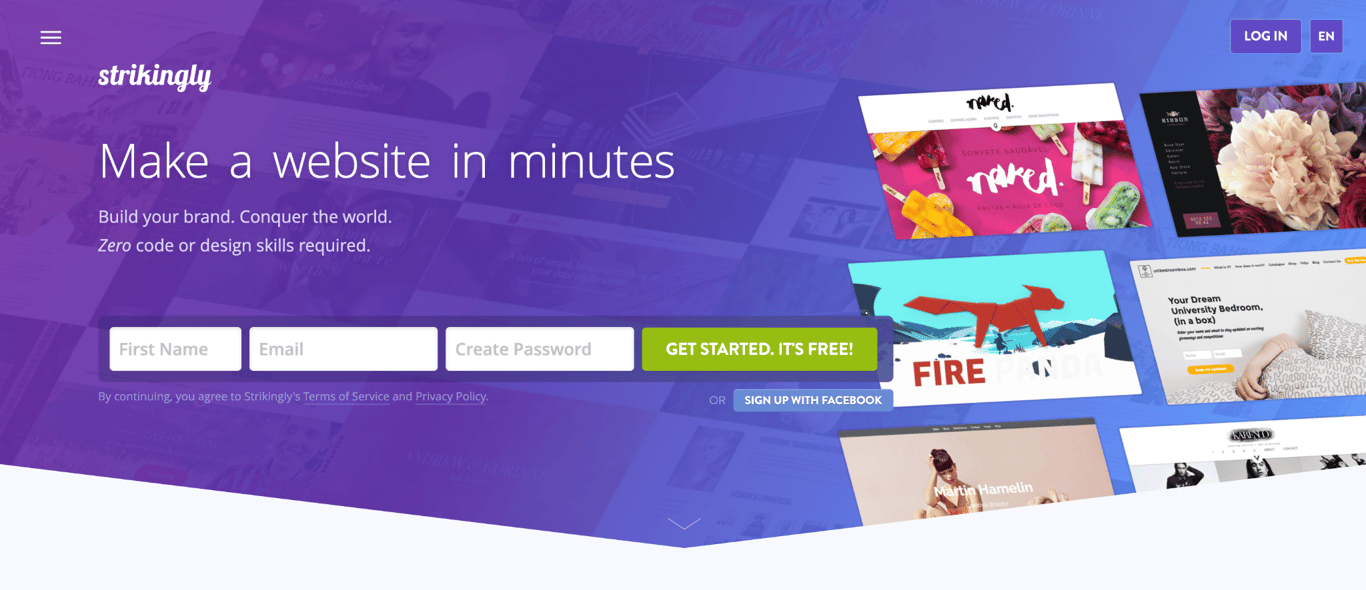
Strikingly is the best Squarespace alternative for simple websites and landing pages, with a free plan and a Pro plan that covers three sites.
How does Strikingly compare to Squarespace?
Strikingly’s section-based editor is simpler than Squarespace’s, with fewer layout options to learn.
Its Pro plan covers three sites, while Squarespace bills each site separately.
Each Pro site supports up to 100 pages, an online store, memberships, and password protection.
How much does Strikingly cost?
Strikingly costs $8/month for Limited, $16/month for Pro, and $49/month for VIP on yearly billing, with bigger discounts on two-, three-, and five-year terms.
It charges $25/year for a custom email address, and its domains renew at $24.95/year after the free first year.
What are Strikingly’s limitations?
Strikingly’s biggest limitation is store fees: sales carry a 5% fee on Free and Limited and 2% on Pro, and only VIP has no fee.
Strikingly’s cheaper plans add two more limits:
- Limited allows two sites with up to five pages each.
- Free and Limited allow one product, and Pro allows up to 300.
What is the best free Squarespace alternative?
The best free Squarespace alternative is Wix for most sites, because its free plan includes hosting, the drag-and-drop editor, and Wix’s template librarys. Jimdo, SITE123, Strikingly, Webflow, and Framer also offer free plans.
Squarespace has no free plan. Its 14-day trial requires no credit card, but trial sites don’t appear in search results and go offline at the end of the trial unless you upgrade.
Free plans from Wix, Jimdo, SITE123, Strikingly, Webflow, and Framer publish your site under the builder’s own address, such as yoursite.jimdosite.com, so using your own domain name requires a paid plan.
The table lists what each free plan includes and its limits.
Builder | What the free plan includes | Limits |
Wix | Hosting, the drag-and-drop editor, and Wix’s template library | Wix branding on your site |
Jimdo | AI site generation | Five pages, 5 GB of storage, and a Built with Jimdo banner |
SITE123 | An AI website builder | 250 MB of storage and bandwidth |
Strikingly | An online store | One product with a 5% fee, 500 MB of storage per site, and 5 GB of monthly bandwidth |
Webflow | The visual design editor | Two pages and 1 GB of bandwidth |
Framer | 500 AI credits to try | 1 GB of bandwidth |
Pro tip
Hostinger AI Builder has no free plan, but both of its building modes are free to try without a credit card. You also get five AI credits for building through AI chat.
What is the cheapest Squarespace alternative?
Hostinger AI Builder has the lowest first-year price among paid Squarespace alternatives, at £3.49/month on the Premium plan compared with $19/month for Squarespace Basic.
After 12 months, Hostinger Premium renews at $10.99/month, still less than Squarespace Basic. Strikingly Limited ($8/month) and Framer Basic ($10/month) cost less after renewal, but Limited caps you at five pages and one product, and Framer has no built-in checkout.
For an online store, the comparison must include fees for each sale. Adding Hostinger Ecommerce to Premium costs $5.99/month on a 12-month plan, renewing at $8.99/month, with no platform fee on sales.
In a Hostinger vs. Squarespace store comparison, card fees cancel out: Squarespace Payments and Stripe, which works with Hostinger Ecommerce, both charge 2.9% + $0.30 per US card payment.
The real difference is the monthly price plus Squarespace’s 2% platform fee, which applies on Basic but not on Core.
Monthly cost | Hostinger Premium + Hostinger Ecommerce | Squarespace Basic | Squarespace Core |
First year | $9.98/month ($3.99 + $5.99) and 0% per sale | $19/month and 2% per sale | $29/month and 0% per sale |
After renewal | $19.98/month ($10.99 + $8.99) and 0% per sale | $19/month and 2% per sale | $29/month and 0% per sale |
Hostinger costs less than both Squarespace plans in the first year, regardless of sales volume. After renewal, Hostinger costs $0.98 more per month than Squarespace Basic, which equals Basic’s 2% fee on $49 in sales. Above $49 in monthly sales, Hostinger costs less.
Squarespace Core costs the same as Basic at $500 in monthly sales and less above that, because it charges no platform fee.
At $1,000 in monthly sales, for example, Core costs $29/month compared with Basic’s $39/month, leaving Hostinger $9.02 cheaper per month after renewal.
These totals exclude taxes, extra AI credits, and email and domain renewals after the first year. Hostinger mailboxes renew at $0.59/month each, and Squarespace domains renew at Squarespace’s standard rate.
Why look for a Squarespace alternative?
People look for a Squarespace alternative when they need a lower price, lower store fees, a professional email included in the plan, stronger AI tools, or more design freedom than Squarespace’s plans offer.
Squarespace’s limits fall into six areas:
- Price. Squarespace starts at $19/month on a yearly plan, and selling without a per-sale fee requires the Core plan at $29/month.
- Store fees. Basic charges 2% on online store sales, and digital content and memberships carry fees of 7% on Basic, 5% on Core, and 1% on Plus, in addition to card processing.
- Email. Basic includes no professional email, and Core includes one Google Workspace account, which is free for the first year only.
- AI credits. Basic includes 10 one-time AI credits, and Core adds 20 a month.
- Design freedom. Structured templates suit most sites, but designers who want control down to the code get more from Webflow or Framer.
- Moving later. Squarespace’s export tool covers only part of a site, leaving out store pages and design settings.
Is Squarespace still a good website builder?
Yes, Squarespace is still a good website builder for portfolios, visually focused brand sites, and small stores that want design, hosting, and payments under one bill.
Every Squarespace plan includes Blueprint AI Builder for site setup, in-person selling tools, and 24/7 support.
Switching makes sense when another builder fits a specific need better, such as a free plan or a store without per-sale fees.
How to choose the right Squarespace alternative?
Choose a Squarespace alternative by matching the builder to your website type first, then comparing renewal prices, store fees, design control, and how easily you can move later.
Work through these nine criteria to narrow your shortlist:
- Website type. Start with what the site needs to do, such as sell products, show a portfolio, or serve clients, because each builder on this list leads in a different area.
- Budget. Compare renewal prices and per-sale fees, not only first-year prices, since introductory rates and store fees change what you pay over time.
- Design control. Decide whether you want block-based editing, freeform drag-and-drop, or detailed visual control, since builders range from fixed layouts to styling based on CSS.
- AI support. Check whether AI credits are one-time or monthly and which tools use them, since some builders charge credits for every AI request.
- Ecommerce needs. Check the per-sale fee, the product cap, and in-person selling support. Webflow Standard caps you at 500 items and Strikingly Pro at 300.
- SEO tools. Compare website builders for SEO on three basics: editable page titles, sitemaps (files that list your pages for search engines), and redirect support.
- Hosting and domain setup. Free domains included with plans usually last only the first year, so check the renewal price and whether email is included.
- Moving from Squarespace. Confirm that the new plan supports permanent redirects (301 redirects) and can import your content before you move.
- Room to grow. Per-site pricing, page caps, and storage caps raise costs as your site grows.
Which Squarespace alternative fits each website type?
Hostinger AI Builder and Wix are best for most small-business sites; Shopify is best for growing stores; and Framer is best for portfolios and landing pages.
Website type | Best fit | Why |
Small business website | Hostinger AI Builder, Wix | AI setup with hosting and a domain in one plan |
Online store (growing or large) | Shopify | Wholesale catalogs, POS, and multi-country selling |
Small online store on a budget | Hostinger AI Builder with Hostinger Ecommerce | Flat monthly price and no platform fee per sale |
Portfolio or creative site | Framer, Wix | Visual design freedom |
Blog or content site | WordPress, Webflow | Tools for managing many posts and pages |
Landing page | Framer, Strikingly | Fast, visually polished pages |
Client sites | Duda | Client accounts and white-labeling |
Free or simple site | Jimdo, SITE123 | Free plans and simple editors |
How to migrate from Squarespace to another website builder?
To migrate from Squarespace, first export your content, then rebuild the site on your new builder, set up redirects, and test it before switching your domain and email settings. Finally, cancel Squarespace once the live site works.
Each part of a site needs its own route when you migrate from Squarespace, because the main export works only on published, public sites and covers only part of a site. Products, orders, and contacts are downloaded separately as spreadsheet files from their respective panels.
Exports | Doesn’t export |
Standard pages | Store pages (products download separately) |
One blog, with its posts and up to 1,000 comments per post | Any additional blogs |
Text and images | Videos and audio |
Gallery pages (Squarespace 7.0 sites) | Portfolio, album, calendar, and other special page types |
Drafts, design settings, and custom code |
Move your site in this order:
- Audit your site. List every page, blog post, product, and form, along with each page’s web address, since you’ll need those addresses to redirect any that change.
- Export your content. Open Squarespace’s Import & export content panel, click Export, and select the WordPress icon. Squarespace only exports in this .xml format, even if you’re not moving to WordPress, so keep the file as a backup if your new builder can’t import it.
- Import or recreate your content. Import the .xml file if your new builder supports it, then add by hand everything the export leaves out, such as store pages, extra blogs, and videos.
- Rebuild the design. Recreate layouts, navigation, and styling, since Squarespace exports no design settings or custom code. In Hostinger AI Builder’s Agentic mode, AI Website Cloner recreates your public Squarespace pages from the site’s address as a starting draft. It doesn’t copy orders, customer records, or other private data.
- Set up redirects. On the new builder, map each old page address to its new address so visitors and search engines land on the right page.
- Test on a preview address. Check everything the preview supports, such as pages, forms, and mobile layouts, on the new builder’s temporary address before your domain points to it.
- Keep or move your email. To keep Google Workspace, which renews at Google’s standard rate after the free year, copy its mail exchange (MX) records, the settings that tell email where to go, into your new domain name system (DNS) settings before switching. To use your new host’s mailboxes, create them and copy old messages first.
- Connect or transfer your domain. Point your domain to the new site and keep it registered at Squarespace, or transfer it. A transfer starts with turning off Domain Lock and requesting the transfer code (also called an authorization code), which you need to transfer a domain from Squarespace to Hostinger or another provider.
- Check the live site, then cancel. Once your domain points to the new site, recheck everything that depends on it, including SSL, redirects, checkout, and email, and keep Squarespace active until every image loads from the new site.
Importing Squarespace's .xml file into a WordPress site on your own hosting doesn't always copy your images. Download them manually before canceling, because image links stop working once the Squarespace site closes.
Which Squarespace alternative should you choose?
Choose Hostinger AI Builder for one account that covers your site, email, and store, Shopify for a dedicated store, and Webflow or Framer for design control.
Duda suits agencies managing client sites; WordPress suits anyone who wants full ownership; and Jimdo, SITE123, or Strikingly suits simple sites on small budgets.
A practical way to decide is to build the same homepage on two shortlisted builders during their free trials or free plans, then compare the results, editing time, and checkout process before you pay.
Once your new site is built, a website launch checklist covers the final checks before it goes live, including broken links, forms, and page speed.
Before committing to a yearly term, confirm the plan you’d buy includes every paid feature your site needs, such as a store, redirects, or extra mailboxes.
This article is a localized version of 10 best Squarespace alternatives to build your website, originally published in English.
All of the tutorial content on this website is subject to Hostinger's rigorous editorial standards and values.

Bruno is a Content Writer at Hostinger, focused on creating and optimizing helpful, engaging articles about web development and marketing. With a background in journalism, he combines storytelling with practical insights to make complex topics easier to understand. He has also contributed to publications like MacMagazine and Jornal A Tarde. Outside of work, Bruno enjoys exploring art, cooking, and technology.

Miglė Cicėnaitė-Jocė is a Product Manager for Hostinger's Website Builder. She is on a mission to redefine website creation, focusing on the AI flow and its features, and is always eager for product feedback and market insights to improve the user experience. Follow her on LinkedIn.