The best AI tool for a freelancer depends on the work you need to offload: ChatGPT is a strong general-purpose choice, Claude works well for writing and long documents, Perplexity is useful for source-backed research, HoneyBook combines AI with client management, and Hostinger Agent supports several parts of running a freelance business.
Start with the non-billable work that takes the most time, then compare task coverage, output quality, price, integrations, client data handling, and the amount of human review required for the output. The table below gives a quick way to match each tool to a freelance workflow before the detailed reviews.
| Tool | Best for | Main AI capability | Free plan | Ideal freelancer type | Standout feature |
| Hostinger Agent | Running and growing a freelance business | Seven specialized agents, 150+ skills | No free plan | Generalist freelancers, solopreneurs | One platform covering strategy, marketing, legal, and sales |
| ChatGPT | General-purpose tasks and brainstorming | Conversational AI, code, image gen | Yes | Any freelancer | Flexible across nearly any task type |
| Claude | Writing, editing, proposals, long docs | Long-context reasoning, document analysis | Yes | Writers, consultants, researchers | Handles very long documents and nuanced writing |
| Perplexity | Research- and source-backed answers | AI search with inline citations | Yes | Researchers, content creators | Inline citations for research answers |
| Grammarly | Polishing client communication | Grammar, tone, and clarity suggestions | Yes | Any freelancer who writes | Works inside browsers, email clients, and editors |
| HoneyBook | Proposals, contracts, invoicing | AI email draft, notes, lead insights, workflow automations | No free plan | Service-based freelancers | End-to-end client management with AI |
| Fireflies.ai | Meeting recording and summaries | Transcription, action-item extraction | Yes | Consultants, agencies, coaches | Searchable transcript archive across all calls |
| Canva Magic Studio | Graphics and visual assets | AI image gen, background removal, resize | Yes | Designers, marketers, content creators | One-click multi-platform resize |
| Descript | Audio and video editing | Text-based editing, filler-word removal | Yes | Podcasters, video creators | Edit audio/video by editing the transcript |
| GitHub Copilot | Code generation and review | AI pair programming, code completion | Yes | Freelance developers | Context-aware code suggestions in your editor |
| Zapier | Automating repetitive admin | No-code workflow automation | Yes | Any freelancer with repetitive tasks | 9,000+ app connections |
1. Hostinger Agent
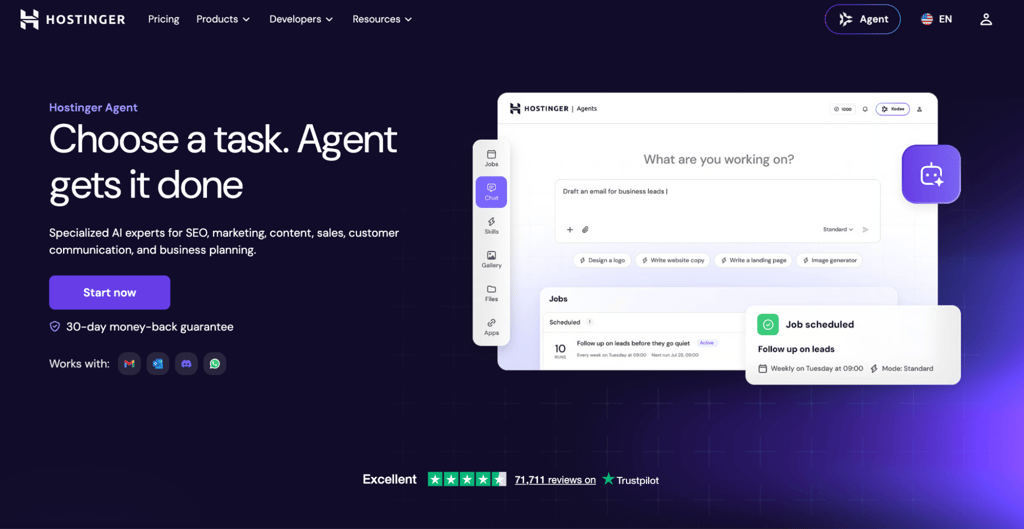
Best for: freelancers who run a one-person business and need AI support across strategy, content, SEO, marketing, legal, client communication, and sales.
Hostinger Agent is Hostinger’s AI business platform, featuring seven specialized agents covering business strategy, content, SEO, marketing, legal drafting, customer communication, and sales/outreach. It includes 150+ guided skills, recurring tasks, and connections to 1,000+ apps, giving freelancers a structured way to handle several business functions from one place.
Hostinger Agent pros
- Cover strategy, content, marketing, legal, and sales without switching tools. This can help reduce tool switching for freelancers who would otherwise use separate apps for several business functions
- Get a structured deliverable instead of starting from a blank chat. Each guided skill walks you through a defined task such as a business plan, content calendar, keyword research, outreach sequence, or SEO audit.
- Automate the tasks you repeat every week. Set up recurring workflows, like weekly content drafts or monthly SEO checks, and free up that time for billable work.
- Plug into your existing stack. With over 1,000 app connections, you can link Hostinger Agent to your email, project manager, social media scheduler, and client communication tools.
Hostinger Agent cons
- Specialist tools go deeper in their niche. Descript is a better fit for daily video editing, and GitHub Copilot is more useful for full-time coding. Hostinger Agent handles many different tasks rather than going deep into any single area.
- Usage is credit-based. Paid plans include a monthly credit allowance, and heavier business tasks can consume more credits, so very frequent use may require additional credits.
- Newer platform. Compared to tools like ChatGPT or Grammarly, Hostinger Agent has a shorter track record, and the feature set is still expanding.
Hostinger Agent pricing
Hostinger Agent starts at $6.99/month on the 12-month plan, $7.99/month on the 3-month plan, or $9.99/month billed monthly. Subscriptions include 1,000 credits per month, 150+ guided skills, recurring tasks, and 1,000+ app connections.
The 12-month plan renews at $8.99/month, so the $6.99/month rate applies to the first billing cycle.
2. ChatGPT
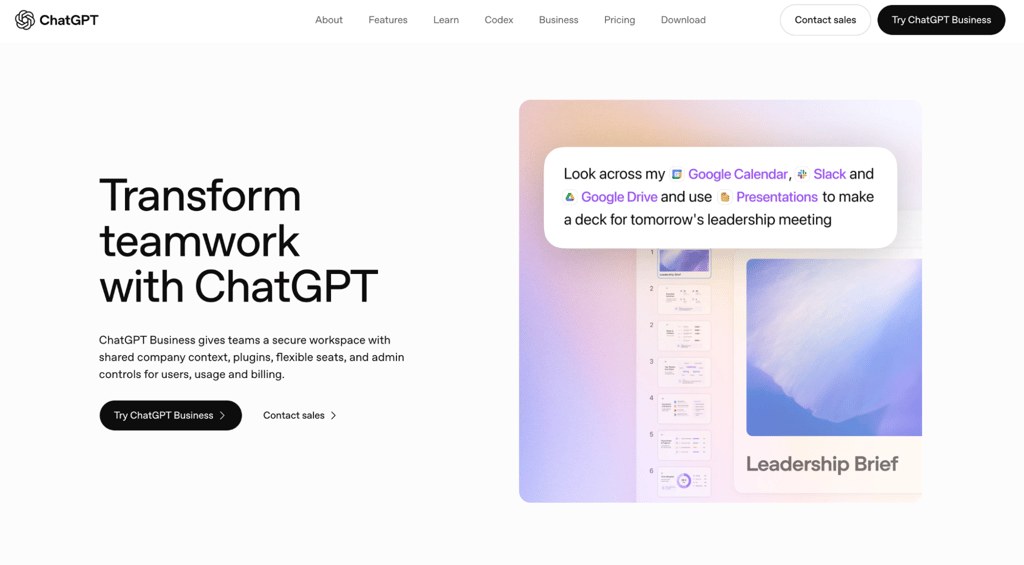
Best for: general-purpose freelance tasks like brainstorming, drafting, summarizing, and quick problem-solving across any discipline.
ChatGPT is OpenAI’s general-purpose AI assistant. It handles text generation, image creation, code, and file analysis in a single chat interface, making it useful across virtually any freelance discipline.
ChatGPT pros
- Adapts to whatever you’re working on. Writers, designers, developers, and consultants all use ChatGPT throughout their workflows without having to learn a new tool for each task.
- Turns a vague idea into a workable starting point. Use it to brainstorm names, outline a proposal, summarize a client brief, draft an email, or create a first version you can refine.
- Generates images alongside text. Create marketing visuals, social media graphics, or concept mockups with ChatGPT’s built-in image generator without opening a separate design tool.
- Large plugin and integration ecosystem. Custom GPTs and third-party integrations extend its capabilities into niche workflows you won’t find in other general-purpose assistants.
ChatGPT cons
- Verify claims before sending anything to a client. ChatGPT sometimes produces plausible-sounding but incorrect information, so fact-checking is part of the workflow.
- Generic output without detailed prompts. Vague prompts produce vague results. The quality depends heavily on how specific your instructions are.
- No built-in client management. You can’t track projects, send invoices, or manage contracts inside ChatGPT.
ChatGPT pricing
ChatGPT Free includes GPT-5.6 Luna with limited uploads, image generation, deep research, memory, and other tools. ChatGPT Go costs $8/month in supported markets and raises limits for tool use, uploads, image creation, voice, and memory.
ChatGPT Plus costs $20/month and adds advanced reasoning with GPT-6 Astra and GPT-5.6, expanded uploads and image creation, deeper research, scheduled tasks, custom GPTs, and broader access to productivity features.
ChatGPT Pro is available in $100/month and $200/month tiers. Both include the same core Pro capabilities; the $100 tier provides 5x the Plus usage allowance, while the $200 tier provides 20x.
3. Claude

Best for: freelance writers, editors, and consultants who work with long documents like proposals, contracts, RFPs, case studies, and research-heavy deliverables.
Claude is Anthropic’s AI assistant, with a 200K context window across its individual plans. That makes it useful for text-heavy freelance work, such as reviewing long client briefs, comparing proposal drafts, editing reports, and working across large source documents in a single conversation.
Among AI content generators, Claude is particularly strong at editing for style and voice.
Claude pros
- Maintain a consistent tone across very different clients. Claude adjusts well to different writing styles, so you can go from a formal proposal to a casual blog post without the output sounding templated.
- Review contracts and RFPs more efficiently. Claude can summarize clauses, extract obligations and deadlines, and flag areas you may want to examine more closely, but important legal terms still need your own review or qualified legal advice where appropriate.
- Work with supporting tools in one subscription. Pro and above include Claude Code (a terminal-based coding assistant), Claude Cowork (a task delegation tool), Claude Design, and Claude Science, so you get a full suite beyond the chat interface.
Claude cons
- No native image generation. You’ll need a separate tool for visual assets.
- Not a client-management system. Claude can help draft and analyze documents, but it does not replace a CRM, an invoicing platform, a meeting recorder, or other dedicated freelance operations tools.
- Free usage limits are tighter. Web search is available on the Free plan, but frequent long-document searches, coding, or research work can hit usage limits sooner than on the Pro or Max plans.
Claude pricing
The free tier provides limited access to Claude’s models. Claude Pro costs $17/month, billed annually, and includes higher usage limits, as well as Claude Code, Cowork, Design, and Science.
Claude Max comes in two tiers: $100/month (5x Pro usage) or $200/month (20x Pro usage) for users who consistently hit Pro limits.
4. Perplexity

Best for: freelancers who need research with cited sources, including fact-checking for articles, competitive analysis, and client industry research.
Perplexity is an AI answer engine that searches the web and returns answers with inline citations. It is especially useful when a freelancer needs a traceable research starting point for fact-checking, market research, or a client brief.
Perplexity pros
- Build trust with clients by linking to your sources. When you include a statistic in a report, you trace it directly to the original study or article, rather than asking the client to take your word for it.
- Research a client’s industry with traceable sources. Compare competitors, find market data, or identify relevant reports, then verify important findings before turning them into recommendations.
- Upload documents and ask questions about them. Supports file uploads on its consumer plans, and paid tiers add higher limits and more advanced research capabilities for freelancers working with large client files.
Perplexity cons
- Research-first rather than a full client-delivery suite. Perplexity can now create files and apps and generate images or videos on paid plans, but specialized writing, design, or project management may still be better suited to deeper production workflows.
- Citations still need checking. A cited answer can misread a source, use a secondary source, or miss context, so it is still necessary to verify important claims before they appear in paid client work
Perplexity pricing
The free tier includes unlimited basic searches with limited file uploads. Perplexity Pro costs $20/month and unlocks deep research, access to top AI models, preferred model selection, 4,000 bonus credits, and expanded file uploads.
A Max plan at $200/month exists for power users who need the highest usage limits.
5. Grammarly
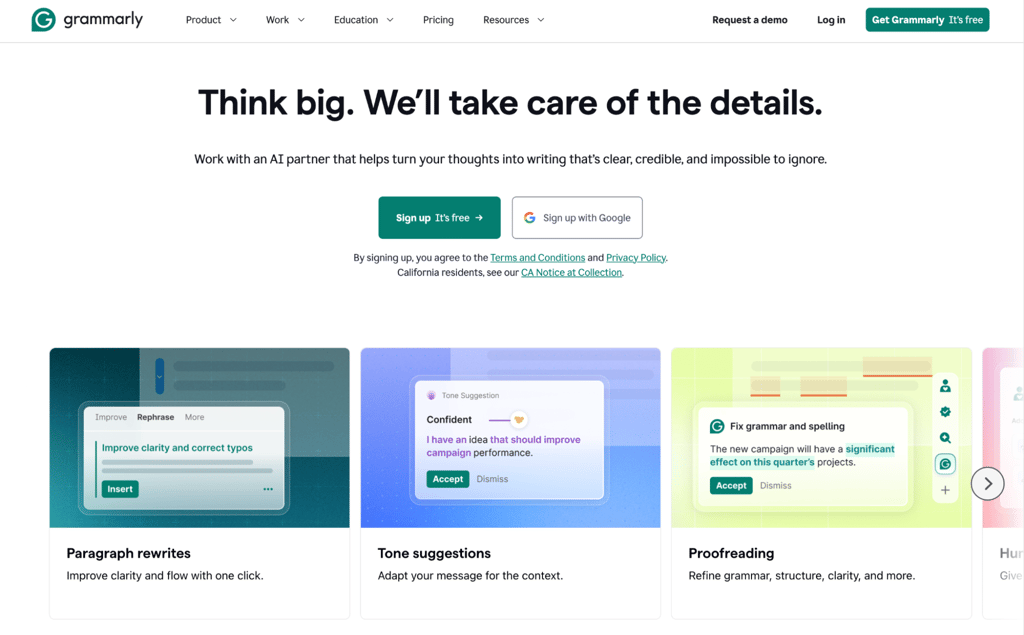
Best for: any freelancer who writes client-facing text, from emails and proposals to reports and deliverables that need to sound polished.
Grammarly is an AI writing assistant that integrates directly into your browser, email client, Google Docs, and Microsoft Word. It catches errors and suggests improvements as you type, so every client-facing message gets a quality check before you send it.
Grammarly pros
- Switch your tone to match each client. Writing a formal proposal in the morning and a casual social caption in the afternoon? Adjust the tone with a click, and Grammarly rewrites your sentences to match.
- Check originality before you submit. The plagiarism detector on Pro scans your writing against online sources, which is useful for producing content where clients need verified originality.
- Get AI-powered rewrites without leaving your editor. Rephrase awkward passages, adjust formality, or tighten sentences on the spot without copying text into a separate tool.
Grammarly cons
- Better as a writing layer rather than an end-to-end freelance workspace. Grammarly now includes generative AI and agents, but its main value is still improving, rewriting, and checking communication rather than managing projects, invoices, research, or client pipelines.
- Premium features require a paid plan. Tone adjustment, full-sentence rewrites, and plagiarism detection are Pro-only.
- Feature depth varies by language. Grammarly provides real-time writing support in more than 20 languages, but advanced clarity, tone, and rewrite features are available in fewer languages than basic grammar and spelling support.
Grammarly pricing
The free tier covers grammar, spelling, and basic tone checks with 100 AI prompts per month. Grammarly Pro costs $12/month when billed annually and includes full-sentence rewrites, tone adjustment, plagiarism detection, and 2,000 AI prompts per month.
6. HoneyBook AI
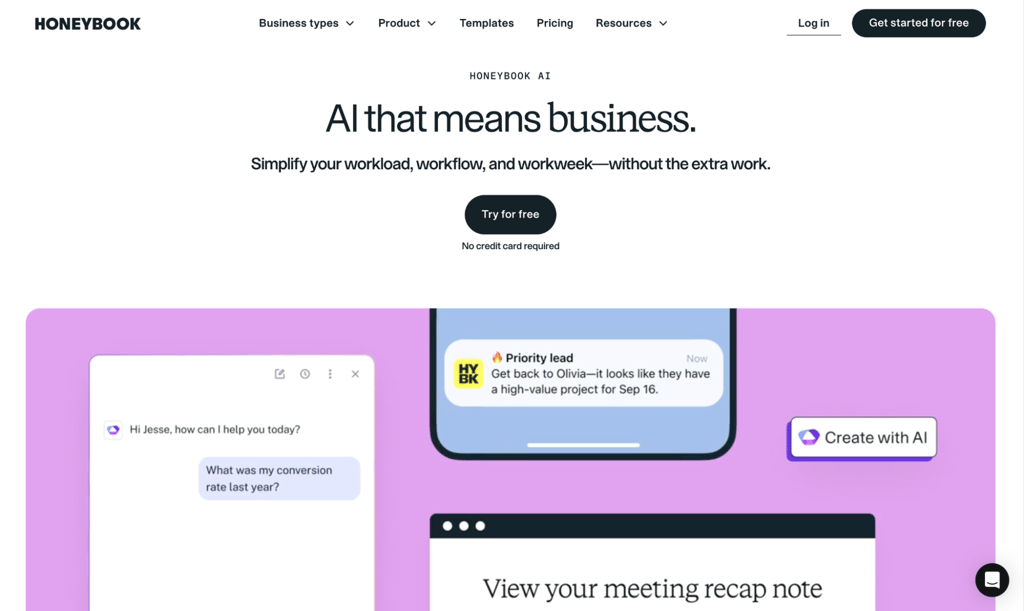
Best for: service-based freelancers who handle proposals, contracts, invoices, and client communication as part of their regular workflow.
HoneyBook is an all-in-one client management platform that covers the full project lifecycle, from first inquiry to final payment. AI features are built into the workflow, targeting the admin tasks that pile up between your billable projects.
HoneyBook AI pros
- Use AI around the client workflow instead of starting every message or process from scratch. HoneyBook AI can draft client emails, summarize projects and meetings, surface priority leads, and help build automations, while the core platform handles proposals, contracts, invoices, and payments.
- Handle contracts and payments in the same place you manage projects. Everything from e-signature to payment tracking lives in one dashboard, so there’s no need to switch between a contract tool, an invoicing app, and a CRM.
- Stop losing leads to slow follow-ups. Automate responses to new inquiries so potential clients get a reply immediately, even when you’re on a call or working on a deliverable.
HoneyBook AI cons
- No permanent free plan. HoneyBook offers a 30-day free trial with no credit card requirement, but you need a paid subscription
- Best suited for service-based work. Product creators, developers, and content creators who don’t send proposals and contracts won’t use most of HoneyBook’s features.
- Payment processing fees on top of the subscription. Standard Visa and Mastercard payments start at 2.9% + $0.25, while ACH bank transfers incur a 1.5% fee.
- Setup takes time upfront. Getting the most out of HoneyBook means building templates, workflows, and automations before you start saving time.
HoneyBook AI pricing
HoneyBook starts at $29/month with the Starter plan, billed annually. Essentials at $49/month adds automations, scheduling, QuickBooks integration, SMS reminders, and up to two team members.
The Premium plan at $109/month unlocks unlimited team members and priority support. HoneyBook AI is included on all plans, while Essentials and Premium add the automations needed for more advanced AI-built workflows.
7. Fireflies.ai
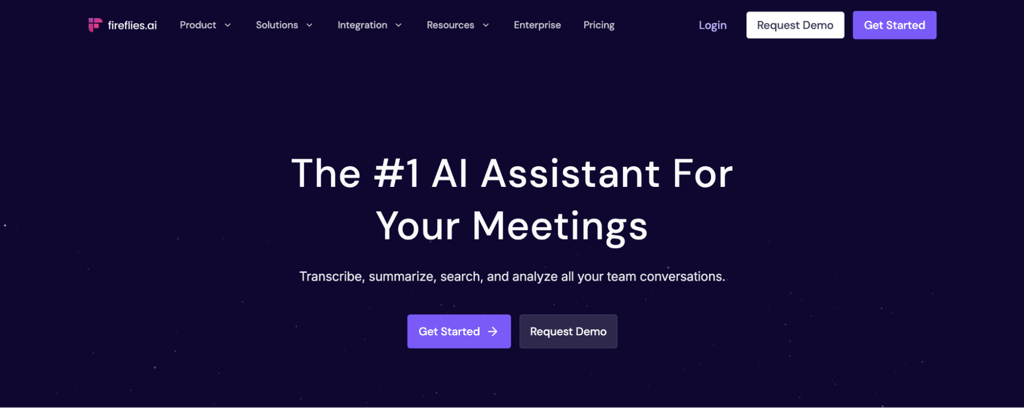
Best for: freelancers who run multiple client calls per week and need transcripts, summaries, and action items without manual notes.
Fireflies.ai is a meeting assistant that joins your video calls on Zoom, Google Meet, and Microsoft Teams. It automatically records each conversation, generates a transcript, and produces a summary with key takeaways.
Fireflies.ai pros
- Search all your recorded client conversations. Find any quote, decision, or agreement by keyword across your meetings, instead of scrolling through notes or asking a client to repeat themselves.
- Push notes directly into your CRM. Meeting summaries land in Salesforce, HubSpot, or your project manager without manual copy-paste, so action items don’t get lost between the call and the follow-up. CRM integrations require the Pro plan or above.
- Spot patterns across multiple calls. Fireflies tracks topic trends and conversation analytics, which is useful when you run recurring client check-ins and want to see what keeps coming up. Full conversation intelligence and team analytics require the Business plan.
Fireflies.ai cons
- Transcription accuracy depends on audio quality. Accents, overlapping speakers, and background noise reduce accuracy. Review important transcripts before acting on them.
- Advanced AI features run on credits. Standard summaries are unlimited on all plans, but features like AskFred queries and AI apps are subject to a monthly credit allowance. Heavy users will need to buy additional credits.
- Recording requires transparency. Inform clients before a meeting is recorded or transcribed, and confirm any applicable consent, contractual, or organizational requirements before enabling the bot.
Fireflies.ai pricing
The free plan includes unlimited transcription, 400 minutes of storage, and 20 AI credits. Pro costs $10/month per seat, billed annually, and includes 8,000 minutes of storage, 20 AI credits, a personal assistant, and video recording.
Business at $19/month per seat includes unlimited storage and 30 AI credits, plus conversation intelligence, team analytics, and multi-language mode. Enterprise at $39/month includes 50 AI credits, a super admin role, and a dedicated account manager.
8. Canva Magic Studio
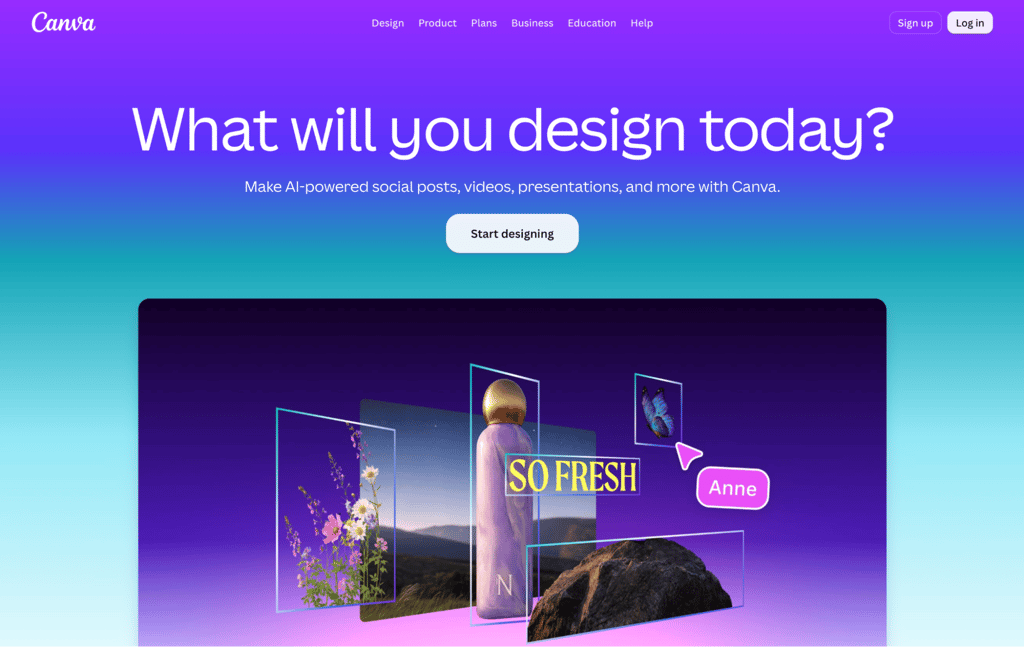
Best for: freelancers who create their own marketing visuals or deliver design work to clients without using professional design tools.
Canva Magic Studio is the AI feature set built into Canva’s design platform. It adds generative and automated capabilities to the template-based editor freelancers already use.
Canva Magic Studio pros
- Resize one design for multiple platforms. Create a single graphic and adapt it for Instagram, Facebook, LinkedIn, and other formats, rather than manually rebuilding each size.
- Go from a text description to a visual starting point. The AI image generator creates social media posts, blog headers, and marketing materials from a prompt, so you skip the blank-canvas problem entirely.
- Keep common brand assets easy to reuse. Brand Kits store logos, fonts, and colors so you can apply them consistently across client or self-promotional designs instead of rebuilding the brand setup each time.
Canva Magic Studio cons
- Professional designers will hit the ceiling. Canva produces strong marketing materials, but complex branding, vector work, and print-ready design still need tools like Figma or Adobe Illustrator.
- Generative AI credits are shared across features. Image and video generation draw from a shared monthly AI allowance, so heavy use of one limits the other. Background removal, resizing, and translation are included separately as AI Design tools and don’t consume your monthly allowance.
- Some Magic features are Pro-only. Background removal, Brand Kits, and premium templates require a paid plan.
Canva Magic Studio pricing
Canva Magic Studio is included across Canva’s standard subscription tiers. The free tier includes over a million templates, basic Magic Studio, and 5 GB of storage.
Canva Pro costs $18/month, billed monthly, or $180/year for one person, and includes background removal, Brand Kits, premium templates, and 100 GB of storage.
The Business plan at $25/month, or $250/year per person, includes 500GB of cloud storage, a 10% discount on print orders, and the ability to collaborate with team members.
9. Descript
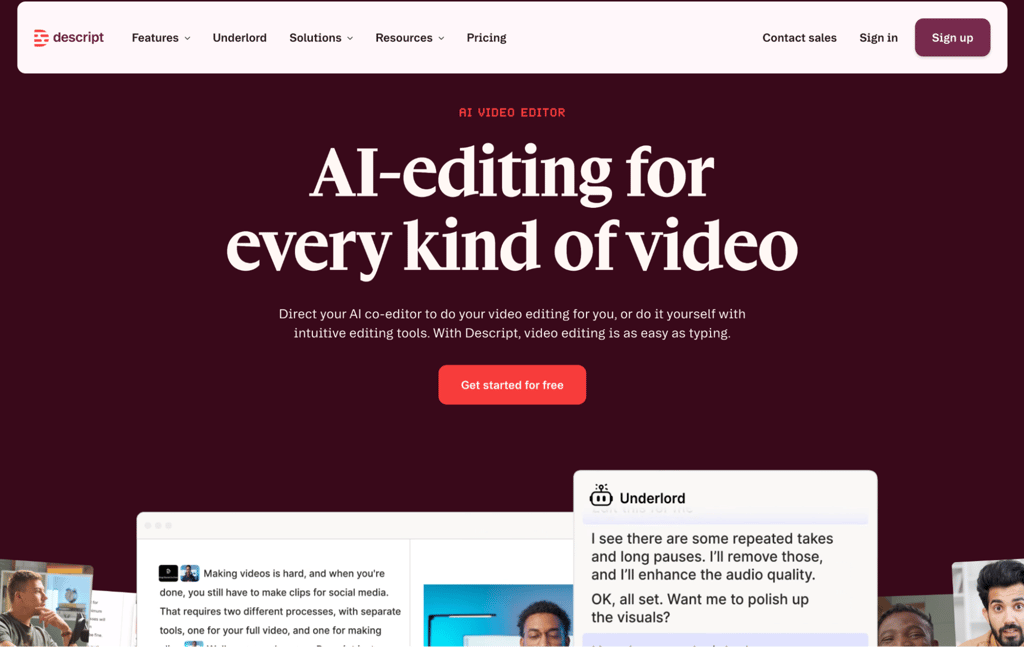
Best for: freelance podcasters, video editors, and course creators who want to edit audio and video by editing text.
Descript is an audio and video editor built around text-based editing. It transcribes your recording and displays it as an editable document. Cut a sentence from the text, and the matching audio and video disappear with it.
Descript pros
- Clean up filler words across an entire episode in one step. Instead of scrubbing through a timeline to find every “um” and “uh,” Descript highlights them all and removes them at once.
- Turn long recordings into short social clips. Generate audiograms and video clips from your episodes to promote them across platforms.
- Record, edit, and publish in one tool. Screen recording, camera capture, and AI-powered audio cleanup are all built in, so you don’t need a separate recording app.
Descript cons
- Complex edits still need traditional tools. Color grading, motion graphics, and advanced compositing require dedicated video editors like Premiere Pro or DaVinci Resolve.
- Media hours cap on every plan. Each tier measures how much media you import or record per month, not just transcribed content. Heavy producers will need the Creator or Business plan.
Descript pricing
The free plan includes one hour of media time per month and 720p, watermark-free exports. Hobbyist costs $16/month, billed annually, and includes 10 hours of media time with 1080p export. Creator at $24/month includes 30 media hours with 4K export.
Business at $50/month on annual billing includes 40 hours of media time, Brand Studio, video translation with proofreading, and priority support.
10. GitHub Copilot
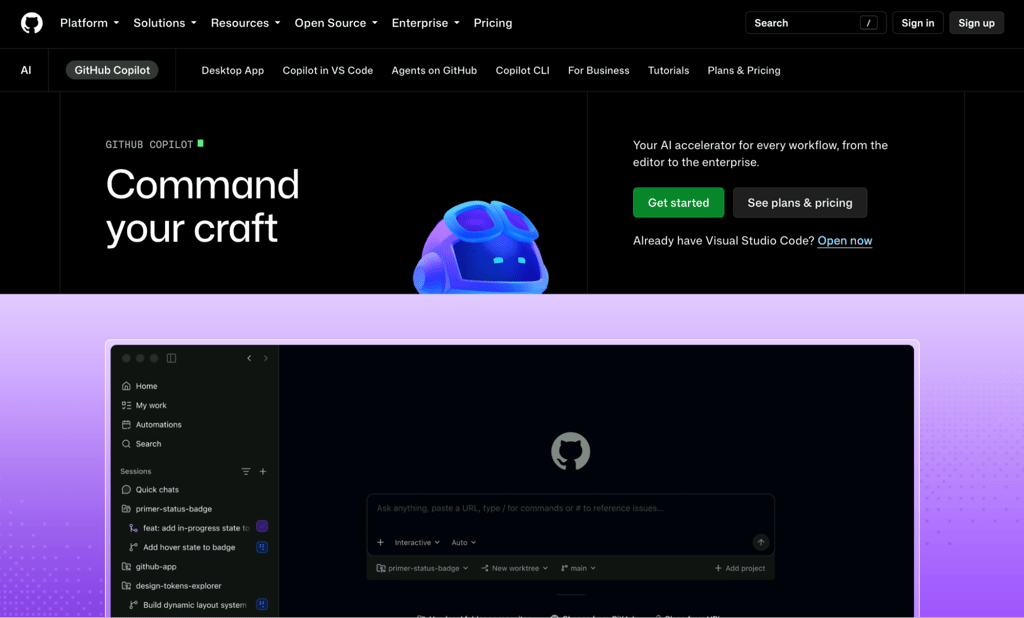
Best for: freelance developers who want AI-assisted code completion and generation inside their editor.
GitHub Copilot is GitHub’s AI pair programming tool. It integrates into VS Code, JetBrains IDEs, and other code editors, providing real-time code suggestions as you type.
GitHub Copilot pros
- Reduce repetitive coding work. Copilot can suggest boilerplate, common patterns, and code changes inside the editor, which is useful when a client project includes repeated setup or familiar implementation patterns.
- Get up to speed on inherited codebases. When you take over a client’s project, ask Copilot to explain what a function does and why, instead of reading through unfamiliar code line by line.
- Write tests without the tedium. Describe a test case, and Copilot generates it. This is especially useful on client projects where you need test coverage but don’t have time to write every assertion manually.
GitHub Copilot cons
- Always review suggestions before committing. Copilot sometimes produces code with security vulnerabilities or logic errors, so treat its output as a first draft.
- Suggestion quality varies by language and code context. GitHub says Copilot is trained on languages found in public repositories, but the quality of suggestions can depend on the volume and diversity of training data for that language.
- Most features now consume AI credits. Chat, agent mode, code review, and Copilot CLI all draw from a monthly allowance, with only code completions and next edit suggestions excluded. Heavy users may run out before the month ends.
GitHub Copilot pricing
The free tier includes 2,000 code completions per month and limited chat interactions. Pro costs $10/month and includes unlimited completions plus $15 in monthly AI credits.
Pro+ at $39/month includes $70 in credits. Max at $100/month includes $200 in credits for developers who rely heavily on agent mode, chat, and code review.
11. Zapier
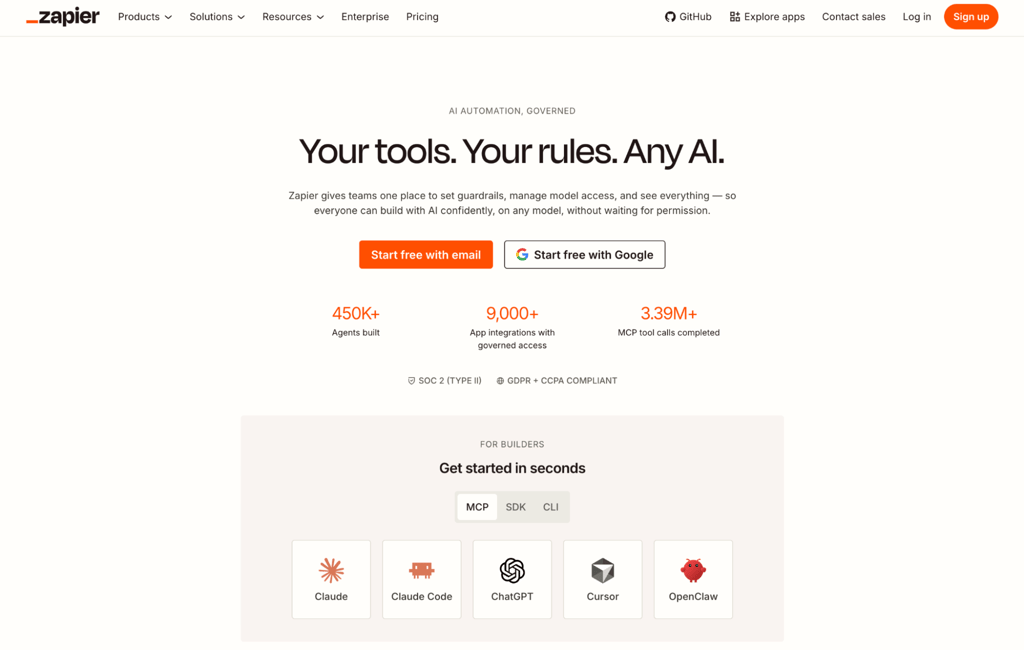
Best for: any freelancer spending hours on repetitive admin, from syncing tools and sending follow-ups to moving data between apps.
Zapier is an automation platform that connects your apps and handles repetitive tasks without manual intervention. You set up workflows that fire automatically when a specific event occurs in one app, triggering a sequence of actions across your other tools.
Zapier pros
- Connect the tools you already use without code. Gmail, Slack, Trello, Asana, Google Sheets, Stripe, QuickBooks, HubSpot, and thousands more all plug in through a visual editor.
- Automatic recurring admin across the tools you already use. Set up workflows for the tasks you repeat every week, like syncing invoices, routing form submissions, or scheduling posts with social media automation tools, and let them run on their own.
- Describe the workflow in plain language. Zapier can use that description to draft an automation, giving you a starting configuration that you can review for triggers, actions, data mapping, and conditions before turning it on.
Zapier cons
- Complex workflows can quickly consume task allowances. Zapier now uses task-based pricing across automation, AI steps, code, MCP, and SDK activity; task rates can vary by action, model tier, code runtime, or connector type. If you also build email marketing automation or other recurring multi-step flows, monitor actual task usage before scaling them.
- Debugging takes patience. When a workflow breaks, usually because an app changed its API, finding and fixing the issue isn’t always intuitive.
- Complex logic still needs manual review and testing. A natural-language setup can draft a workflow, but conditions, branch logic, data mapping, and error handling should be carefully reviewed before a client process runs unattended.
Zapier pricing
The free plan includes 100 tasks per month and two-step workflows. Professional starts at $19.99/month billed annually for unlimited premium apps and multi-step Zap workflows. The Team plan, starting at $69/month, includes 25 users, priority support, and shared app connections.
Paths (conditional logic) is included on all paid plans. Higher task tiers simply increase your monthly task allowance.
What to look for in AI tools for freelancers
Task coverage determines whether the tool handles one thing well or several. The best AI tools specialize in a clear niche, like Grammarly for editing, while others cover a broader range. Match the tool to the work you need to offload.
Output quality matters because every AI tool produces output that needs some human review. The question is how much. A tool that generates a draft needing 10 minutes of editing saves you time. One that produces output needing an hour of corrections doesn’t.
Integrations with your existing tools make a real difference. A meeting transcriber that pushes summaries to your project manager automatically is worth more than one that produces better transcripts you have to copy manually.
Client data privacy matters when you handle sensitive information. Check whether the tool uses your data for training, who has access, and what the retention policies are.
Use-case fit covers everything else. Freelancers doing SEO work benefit from AI tools for SEO. Content-focused freelancers get more value from using AI for content marketing.
Is Hostinger Agent good for freelancers?
Yes, Hostinger Agent is strongest when you juggle multiple business functions and don’t want a separate subscription for each one.
It’s a strong fit for:
- Drafting business plans or proposals for new clients.
- Generating SEO-friendly content as part of your service offering.
- Creating marketing campaigns and ad copy with AI agents for marketing.
- Creating first drafts of routine contracts, NDAs, or privacy-policy text for review, while using qualified legal advice when local requirements or the stakes call for it.
- Writing client outreach and follow-up sequences.
- Automating recurring weekly tasks.
A dedicated tool from this list will go deeper into a single specialized task, such as video editing or code completion. Hostinger Agent is the stronger fit when a freelancer regularly switches between content, SEO, marketing, communication, and sales workflows.
Next steps for your AI-powered freelance workflow
Start with one tool and one real project. Pick the biggest time drain in your week, whether that’s writing proposals, editing video, or chasing admin, then test the closest match on a free plan or trial when one is available. Measure the time spent, the amount of rework, and whether the output meets the client’s requirements before adding another paid tool.n.
Review your tool stack after you have real usage data. Track which subscriptions save measurable time or improve client delivery, then cancel tools that duplicate another product or are not earning their cost. A smaller complementary stack is usually easier to manage than several overlapping AI subscriptions.
Save the context that repeatedly improves your results. Where a tool supports it, store successful prompts, client preferences, brand voice guidance, templates, or reusable automations so you do not rebuild the same setup for every project. Review those presets when a client or workflow changes.
This article is a localized version of 11 best AI tools for freelancers to work smarter in 2026, originally published in English.
All of the tutorial content on this website is subject to Hostinger's rigorous editorial standards and values.

Justina is a Content Writer passionate about marketing, with a background in social media and customer success management. She also loves reading books, traveling and exploring new places as well as cooking, and trying out new recipes. Follow her on LinkedIn.