What is CyberPanel: Main features and use cases
Apr 23, 2025
/
Aris S.
/
5 min Read
A hosting control panel provides a graphical user interface and various features for managing your Linux virtual private server (VPS). It eliminates the need for commands, making the administration process simpler and more beginner-friendly.
One of the most popular VPS control panels is CyberPanel, which is known for its performance, user-friendliness, and extensive built-in tools.
In this tutorial, we will explain what CyberPanel is, including its main features and use cases. You will also learn if this control panel is the right solution for your needs.
What is CyberPanel?
CyberPanel is a free, open-source VPS control panel compatible with various Linux distributions, including Ubuntu, AlmaLinux, and CloudLinux. It is popular for hosting various applications, like WordPress and PrestaShop.
CyberPanel is relatively lightweight, requiring at least 1 GB of RAM and 10 GB of storage. This makes the control panel suitable for new VPS users with an entry-level plan like Hostinger’s CyberPanel hosting KVM 1, which starts at $6.49/month.
Installing CyberPanel on your VPS gives you benefits from both the control panel’s and hosting provider’s features. For example, you can safeguard your system using Hostinger VPS’ automatic malware scanner and easily create a system restore point with our free snapshot.
Moreover, Kodee AI assistant helps you write commands or manage your server based on simple prompts. Combining these features with CyberPanel helps make VPS administration tasks more efficient and beginner-friendly.

Key features of CyberPanel
This section will explore notable CyberPanel features and how they help you manage your server more efficiently.
User-friendly interface
Among the popular VPS control panels we reviewed, the CyberPanel dashboard is not the most modern. However, it might be excellent if you are looking for a simple user interface that is easy to learn and use.
CyberPanel presents all the menus and tools on the sidebar for quick access. It categorizes each setting into groups, like Server or Main, for easier navigation. From the main page, you can adjust the selected configuration in more detail.
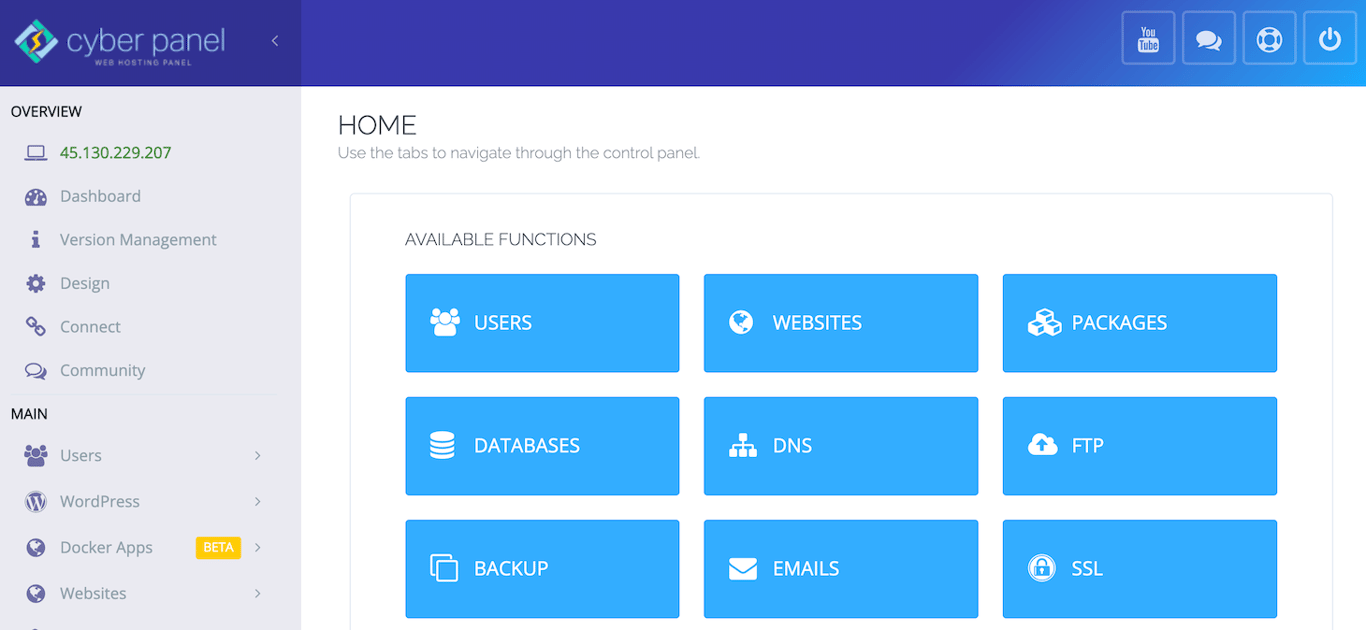
If you need help, you can quickly access CyberPanel’s forum, support page, or YouTube channel using the shortcuts from the top bar.
Built-in OpenLiteSpeed
One of CyberPanel’s many features is its built-in OpenLiteSpeed. This integration streamlines the hosting environment preparation process since you don’t need to install the web server separately.
By default, this control panel uses the free OpenLiteSpeed web server, but you can upgrade to LiteSpeed Enterprise for more performance and features.
While the LiteSpeed Enterprise web server offers a free license, it only supports one domain. If you host multiple websites, use the Site Owner plan or above, which starts at $10/month or $110/year.
The free OpenLiteSpeed should be enough for most users. In our test, we run various WordPress websites on Hostinger KVM VPS using this web server. NGINX, and Apache. The result shows that OpenLiteSpeed performs substantially better than its competitors.
One-click installations
Traditionally, installing applications on a Linux VPS is tricky because it requires the command-line interface. CyberPanel, however, lets you configure software more easily in a few clicks.
In addition to making the setup process more efficient, the one-click installer feature helps minimize errors since you won’t run the wrong commands.
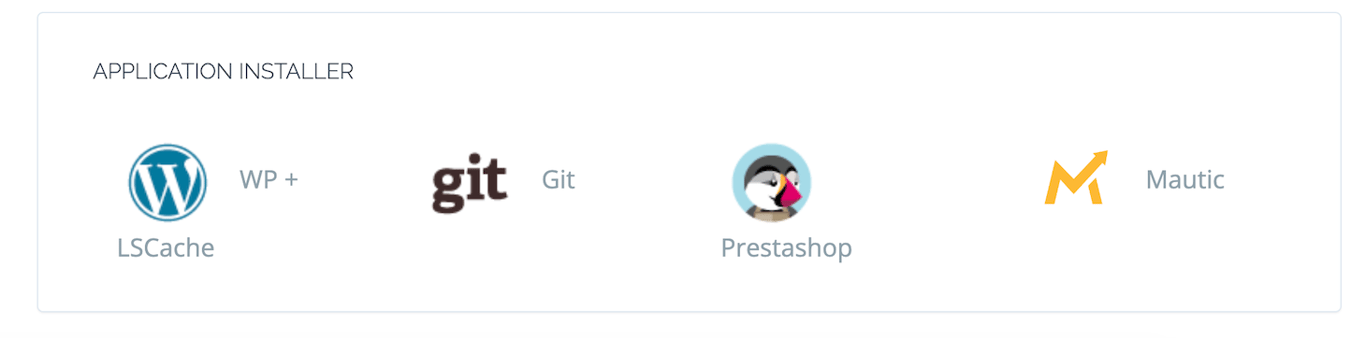
Applications you can install using this feature include WordPress, Git, Prestashop, and Mautic. To set it up, create a new website on CyberPanel, open its management page, and scroll down to the Application installer section.
Want to install other applications?
Hostinger VPS has OS templates that let you easily set up over 50 different operating systems, applications, frameworks, and control panels in one click, including CyberPanel.
Robust security features
There are various built-in CyberPanel security features that help you safeguard various aspects of your server. Some of them are:
- Backup management. To maintain optimal data integrity, you can schedule automatic backups, restore data, and set up remote storage.
- Secure sockets layer (SSL) tool. Users can issue SSL certificates for your website domains, hostnames, and email servers directly from CyberPanel.
- ModSecurity. This web application firewall monitors and filters traffic in your server, ensuring only legitimate users can connect.
- Immunity. A suite of security tools for scanning and removing malicious files on your VPS.
Expert tip
Security exploits can happen anytime to anyone. To minimize the risk, install the latest version of CyberPanel and regularly update it.
If you install CyberPanel using the Hostinger VPS template, you will get the newest version of the control panel. We are actively updating our templates to make sure you get the latest security patches and bug fixes.

Built-in staging environment
Setting up a WordPress staging environment enables you to safely test various changes and troubleshoot bugs without affecting the live website. CyberPanel’s built-in feature makes this easy.
Simply click Clone/Staging on the website management page, then enter a domain and name for your staging environment. CyberPanel will create an exact copy of your site, which you can access from the Website List menu.
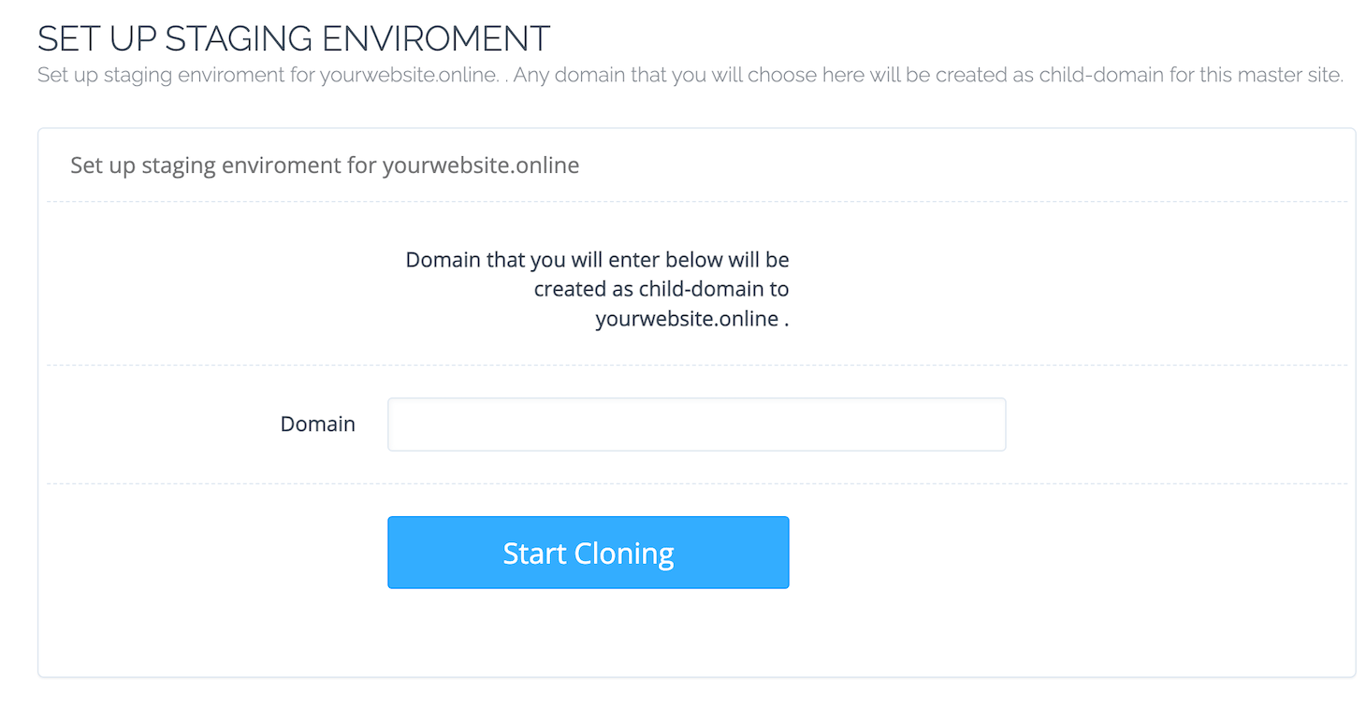
In addition to simplifying the setup process, this feature enables you to manage the live and staging sites on the same dashboard to improve efficiency.
Docker integration
CyberPanel’s Docker integration means you can easily deploy and manage containerized applications using a graphical user interface.
From the control panel, you can manage images – templates specifying instructions and packages to download when deploying a container. For example, you can search, delete, and pull images from Docker Hub without commands.
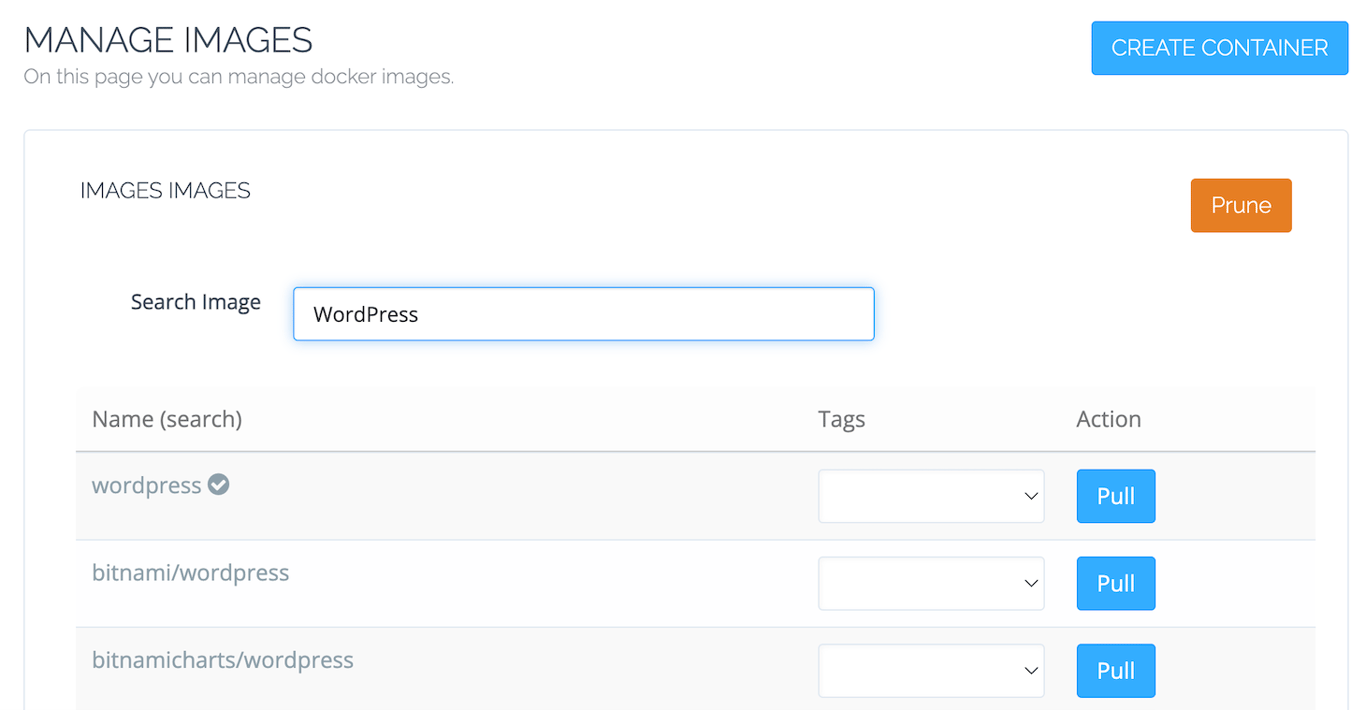
Note that CyberPanel doesn’t come with Docker pre-installed. However, you can configure this tool without commands by simply completing the setup wizard from any Docker-related menu on this control panel.
Why choose CyberPanel?
Here are several reasons why you should choose CyberPanel for your VPS:
- Cost-efficiency. Offering a free plan with extensive features, CyberPanel is a great option if you don’t want to spend money on a control panel.
- User-friendliness. CyberPanel suits users who prefer a simple and minimalistic control panel that is easy to use.
- Docker and WordPress integration. If you host Docker-based applications or WordPress websites, you can manage them easily through CyberPanel.
- Extensive features. CyberPanel has built-in features for streamlining various tasks, including automated backups, database management, application installation, and domain setup.
Since there are various other web hosting control panels, we recommend testing CyberPanel yourself to see if it best fits your needs.
Conclusion
CyberPanel is a free control panel that enables you to easily manage your Linux VPS without commands. To simplify server administration tasks, it has several notable features:
- User-friendly interface with neatly organized menus and simple visual appearance.
- Built-in OpenLiteSpeed, which means you don’t need to set up a web server manually.
- One-click installations for various applications, including WordPress and PrestaShop.
- Robust security features like built-in SSL management and an automatic backup.
- Built-in staging environment that lets you easily set up a testing WordPress site.
- Docker integration enables you to easily set up containerized applications using images.
If you are looking for a cost-effective and feature-packed control panel for your VPS, CyberPanel might be a great option.
What is CyberPanel? FAQ
Is CyberPanel free?
Yes, CyberPanel is free, but you need to pay for the VPS hosting plan. For example, Hostinger KVM1 costs $6.49/month. Also, if you use the LiteSpeed Enterprise web server’s Site Owner plan or above, you must pay for its license.
What web server does CyberPanel use?
CyberPanel uses OpenLiteSpeed by default, but you can upgrade to LiteSpeed Enterprise for its extra features. Additionally, it lets you set up the Apache web server as a proxy server for IP masking or load balancing.
Who is CyberPanel best for?
CyberPanel is best for any user who prefers using a graphical user interface when managing their server and website. It is particularly suitable if you are looking for a free and lightweight web hosting control panel with simple interface.
All of the tutorial content on this website is subject to Hostinger's rigorous editorial standards and values.

Aris is a Content Writer specializing in Linux and WordPress development. He has a passion for networking, front-end web development, and server administration. By combining his IT and writing experience, Aris creates content that helps people easily understand complex technical topics to start their online journey. Follow him on LinkedIn.