Mar 31, 2026
Ariffud M. & Dainius K.
19min Read

v0 by Vercel is an AI tool that turns natural language prompts into production-ready React and Tailwind CSS code. That makes it a popular choice for frontend prototyping.
However, it’s tightly coupled to Next.js and specific UI libraries, which limits framework flexibility. Its credit-based pricing can also get expensive during iterative builds.
On top of that, v0 focuses on individual UI components rather than full applications, so you’ll still need extra tools for backend logic, databases, authentication, and deployment.
Here are 12 v0 by Vercel alternatives for AI-powered app development, from all-in-one no-code builders that handle everything from generation to hosting, to advanced coding assistants that work inside your editor:
| Tool | Pricing | Key features | Best for |
| Hostinger Horizons | From $9.99/month. Free trial available | AI app generation, integrated backend, real-time editing, voice/image inputs, built-in hosting | Non-technical users building web apps quickly with AI and built-in hosting |
| Bolt.new | From $18/month. Free plan available | Browser-based full-stack dev, token-based AI, built-in deployment, Figma import, multi-framework support | Solo builders and founders who want fast AI-powered app development in the browser |
| Windsurf | From $20/month. Free plan available | Cascade AI agent, deep codebase awareness, multi-file editing, Memories, MCP support | Developers seeking an intuitive agentic AI code editor with strong context understanding |
| GitHub Copilot | From $10/month. Free plan available | AI code suggestions, natural language to code, multi-language support, IDE integration, coding agent | Developers who want AI assistance directly in their existing coding environment |
| Replit | From $17/month. Free plan available | Browser-based IDE, Replit Agent, autonomous builds, instant deployment, multi-language support | Solo devs and small teams building full-stack apps entirely in the browser |
| Netlify | From $9/month. Free plan available | Static site hosting, serverless functions, global CDN, form and identity tools | Frontend-focused teams deploying modern Jamstack or static websites |
| Firebase | Pay-as-you-go. Free plan available | Realtime database, authentication, cloud messaging, analytics, seamless scaling | Dev teams needing scalable backend services with minimal setup |
| Fly.io | Pay-as-you-go | Edge deployment, persistent storage, Postgres support, custom networking | Developers deploying full-stack apps close to users with low latency |
| Bubble.io | From $29/month. Free plan available | No-code builder, visual editor, workflow automation, database and API tools, AI Agent | Non-technical founders launching MVPs with drag-and-drop tools |
| Lovable | From $21/month. Free plan available | Prompt-based full-stack generation, Lovable Cloud backend, Supabase and GitHub integration | Solo builders or teams turning prompts into full-stack apps |
| Motiff | From $16/month. Free plan available | AI UI generation from text prompts, design system support, Figma export, React/HTML code export | Designers and product teams generating production-ready UI mockups with AI |
| Cursor AI | From $16/month. Free plan available | AI code editor, credit-based model access, multi-file editing, Agent mode, terminal integration | Dev teams seeking an AI-enhanced VS Code experience for full-stack work |
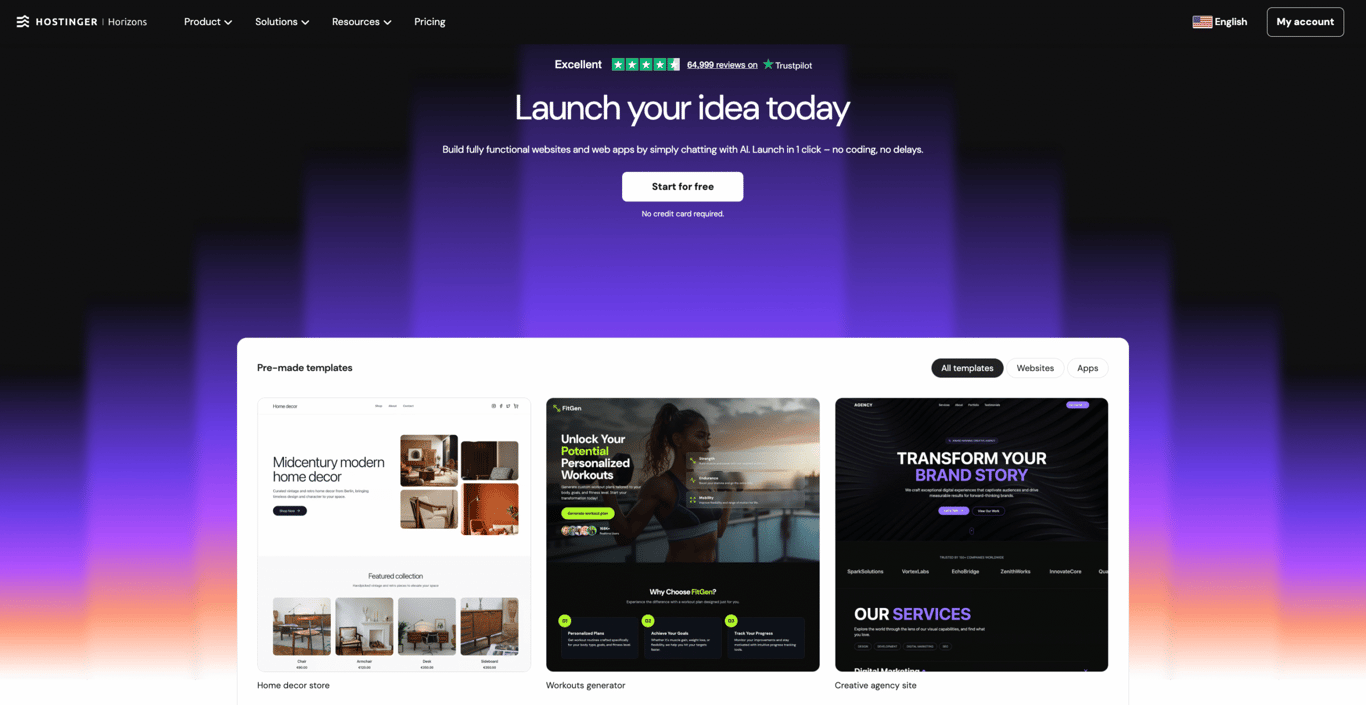
Best for: Entrepreneurs, small businesses, and individuals looking to build web apps quickly without technical expertise.
Pricing: Starts at $9.99/month with the Explorer plan. Free trial available with 5 messages.
Hostinger Horizons is an AI app builder that takes you from raw concepts to fully functional web apps without writing a single line of code. Describe your app idea through a chat interface, and the platform’s AI assistant generates, customizes, and publishes it in real time.
While v0 generates frontend UI components only, Horizons builds entire applications and includes built-in hosting, domain registration, and email services, minimizing the need for third-party tools.
The platform includes an integrated backend system that handles authentication, data storage, and automated emails without external services.
You can add user accounts, store data (up to 5GB per project), set up single sign-on with Google, Apple, Facebook, or Microsoft, and send automated emails (up to 500/day per project) by simply describing what you need in the chat.
You can also export and download the full source code on any paid plan, so your app is not locked into Hostinger’s ecosystem.
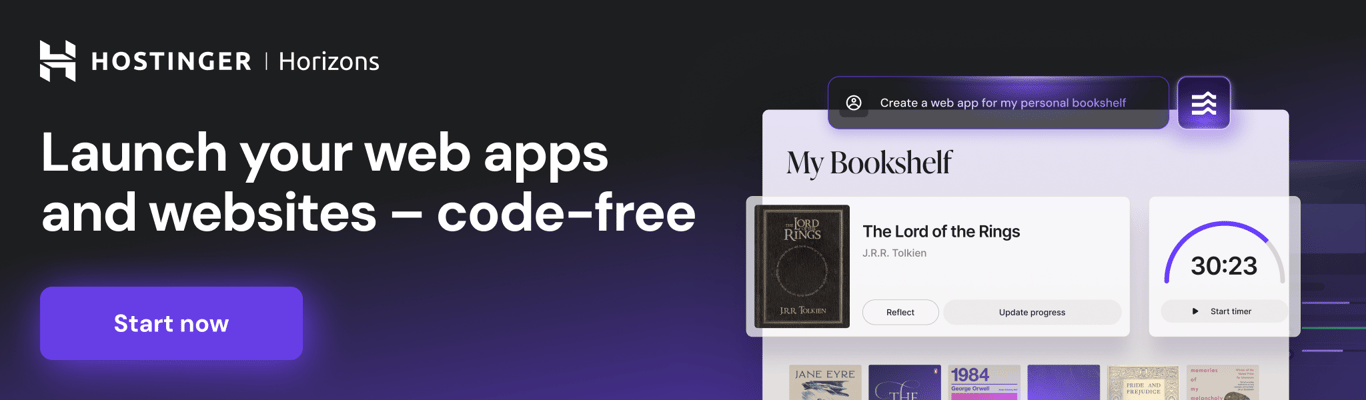
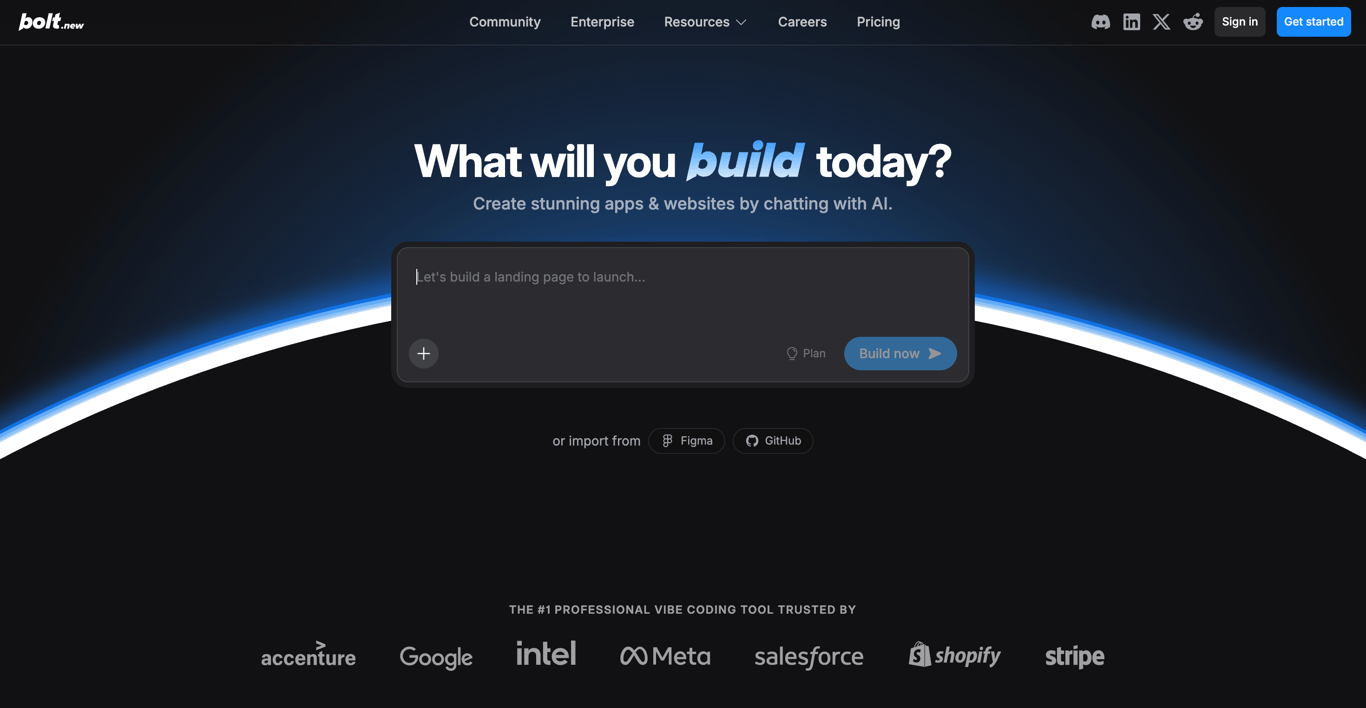
Best for: Solo builders, startup founders, and product managers who want to prototype and deploy full-stack web apps quickly without local setup.
Pricing: From $18/month (free plan available).
Bolt.new is an AI-powered development platform built by StackBlitz that runs entirely in the browser. It uses WebContainers technology to give you a full-stack development environment, including a code editor, terminal, and deployment pipeline, without installing anything locally.
You describe what you want to build in a prompt, and Bolt generates a working application with frontend, backend logic, and database integration that you can refine through follow-up prompts or direct code edits.
Compared to v0, Bolt.new generates complete full-stack applications rather than isolated UI components, and supports multiple frameworks beyond React, including Vue, Svelte, and Angular, giving you more flexibility in your tech stack.
Bolt uses a token-based pricing model where every AI interaction consumes tokens based on your project’s complexity and codebase size.
The free plan includes 1 million tokens per month with a 300,000 daily cap, which is enough for small experiments but depletes quickly during active development.
Best for: Developers who want an AI-native code editor that understands their entire codebase and can autonomously execute multi-file changes.
Pricing: From $20/month for the Pro plan (free plan available with limited quota).
Built from the ground up for AI-assisted development, Windsurf is an agentic code editor now owned by Cognition AI (the company behind the autonomous coding agent Devin).
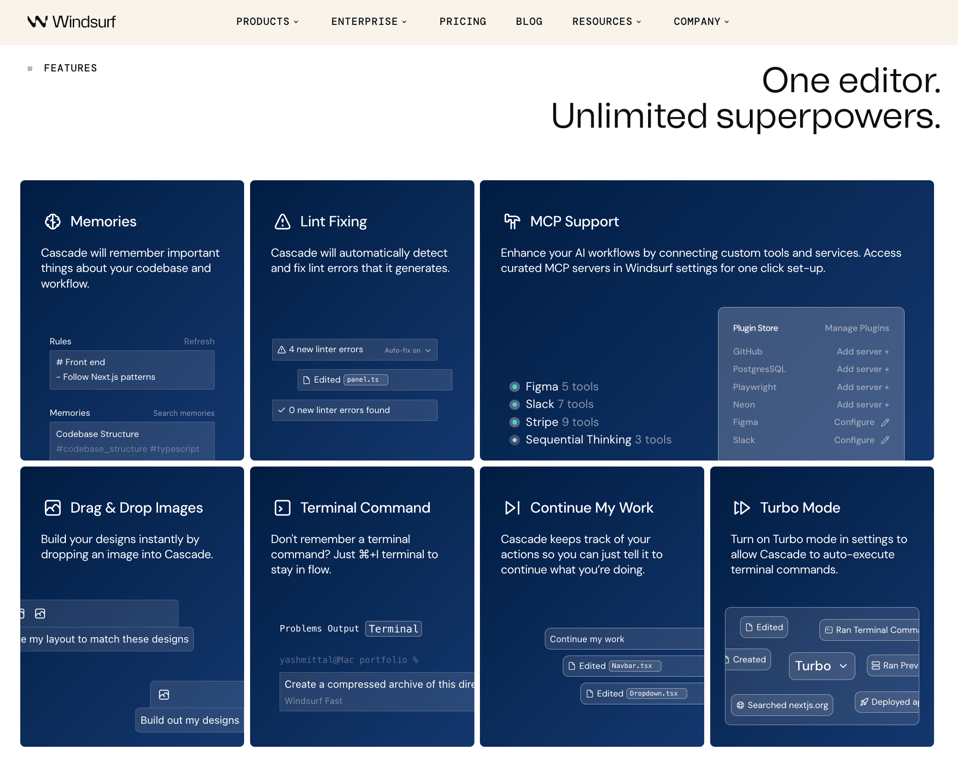
Its flagship feature, Cascade, acts as an autonomous coding agent that understands your project structure, makes coordinated changes across multiple files, and executes terminal commands.
Windsurf occupies a different space than v0, serving as an AI-enhanced coding environment for developers who want deep AI integration into their daily workflow rather than one-off component generation.
Cascade’s contextual awareness is what sets it apart: it indexes your codebase, learns your coding patterns through its Memories feature, and maintains context across sessions.
Windsurf also supports Model Context Protocol (MCP) for connecting external tools and services directly into your AI workflow.
The Pro plan uses a quota-based system with daily and weekly usage allowances that refresh automatically. You can choose from Windsurf’s native SWE-1 and SWE-1.5 models (which consume less quota) or third-party frontier models from Anthropic and OpenAI (which consume more).
A Max plan ($200/month) is also available for power users who need heavier daily usage.
Best for: Developers seeking an AI coding assistant to boost productivity and code quality within their existing environment.
Pricing: From $10/month for Copilot Pro (free plan available).
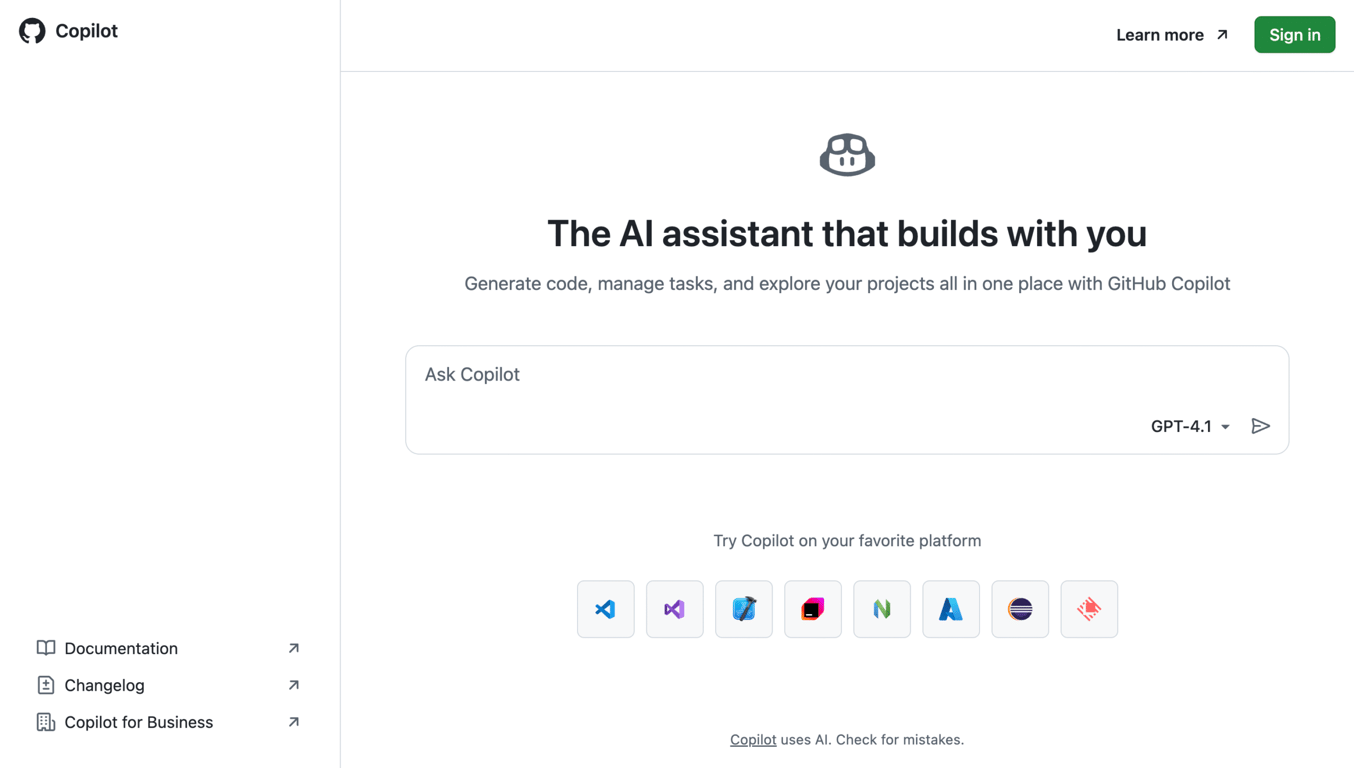
GitHub Copilot is an AI-powered coding assistant developed by GitHub in collaboration with OpenAI. It integrates directly into popular code editors like Visual Studio Code (VS Code), JetBrains IDEs, and Xcode.
Using GitHub Copilot, you receive context-aware code suggestions, generate entire functions, and convert natural language prompts into code.
While v0 turns prompts into standalone UI components, Copilot assists across the entire development process, from writing functions to reviewing pull requests.
GitHub Copilot offers five tiers: Free (2,000 completions and 50 premium requests/month), Pro ($10/month, unlimited completions, 300 premium requests), Pro+ ($39/month, 1,500 premium requests, all available models), Business ($19/user/month), and Enterprise ($39/user/month).
The free plan makes it accessible to anyone with a GitHub account.
The platform also includes a coding agent that can work on GitHub Issues autonomously, implementing code changes and opening pull requests without manual intervention.
Best for: Developers and small teams needing an all-in-one, browser-based environment to build, deploy, and scale apps with AI assistance.
Pricing: From $17/month for the Core plan (free Starter plan available).
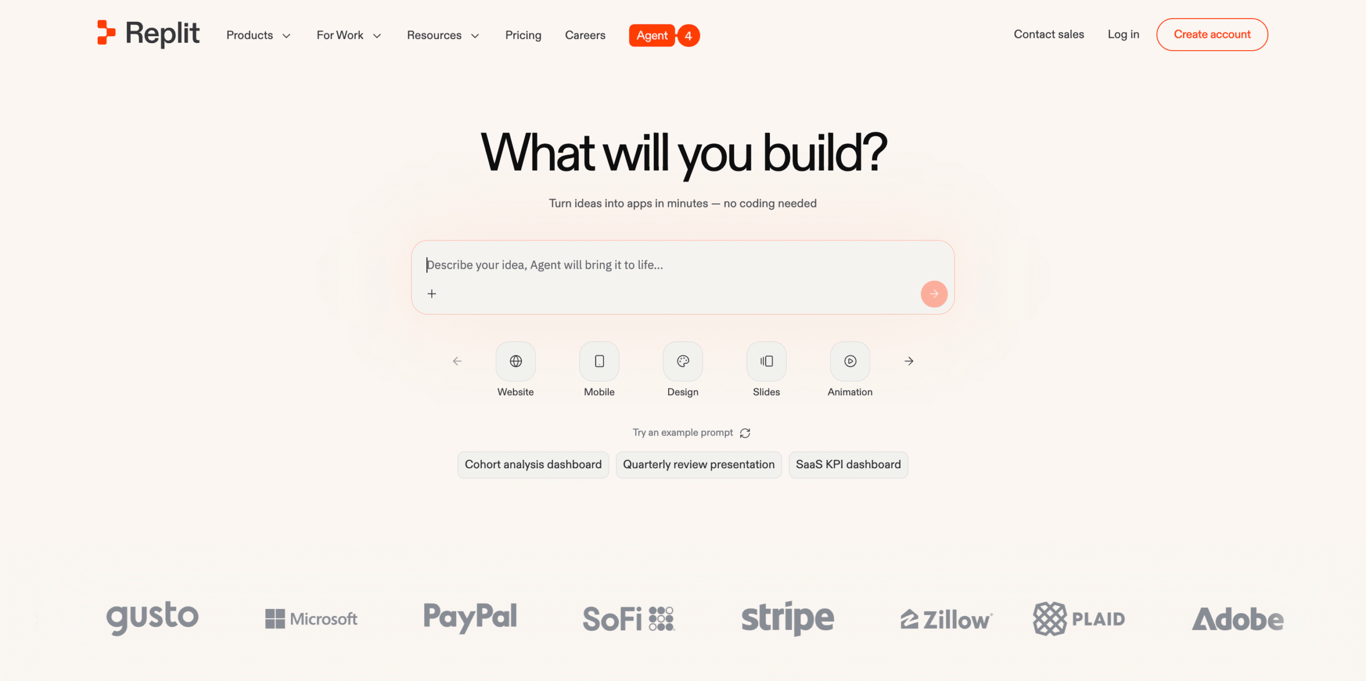
For developers who want to go from idea to deployed app without leaving the browser, Replit is a cloud-based development platform that supports over 50 programming languages and offers real-time collaboration.
The Replit Agent generates full applications from natural language prompts. It can work autonomously on longer builds (available on Core and above), handling everything from writing code to configuring databases and deploying the finished app.
Compared to v0, Replit offers a complete development experience that covers the full lifecycle, combining AI assistance, version control, deployment, and database hosting in one place.
Replit uses an effort-based credit system. Your subscription includes a monthly credit allowance that powers AI interactions, deployments, and compute.
The Starter plan is free but limited to one published app and capped daily Agent usage. The Core plan ($17/month annual) includes $20 in monthly credits and autonomous build capabilities.
The Pro plan ($95/month annual) adds $100 in monthly credits, up to 15 collaborators, access to the most powerful models, private deployments, and premium support.
Best for: Developers and teams building static or Jamstack websites with tools like forms, identity management, and A/B testing.
Pricing: From $9/month for the Personal plan (free plan available).
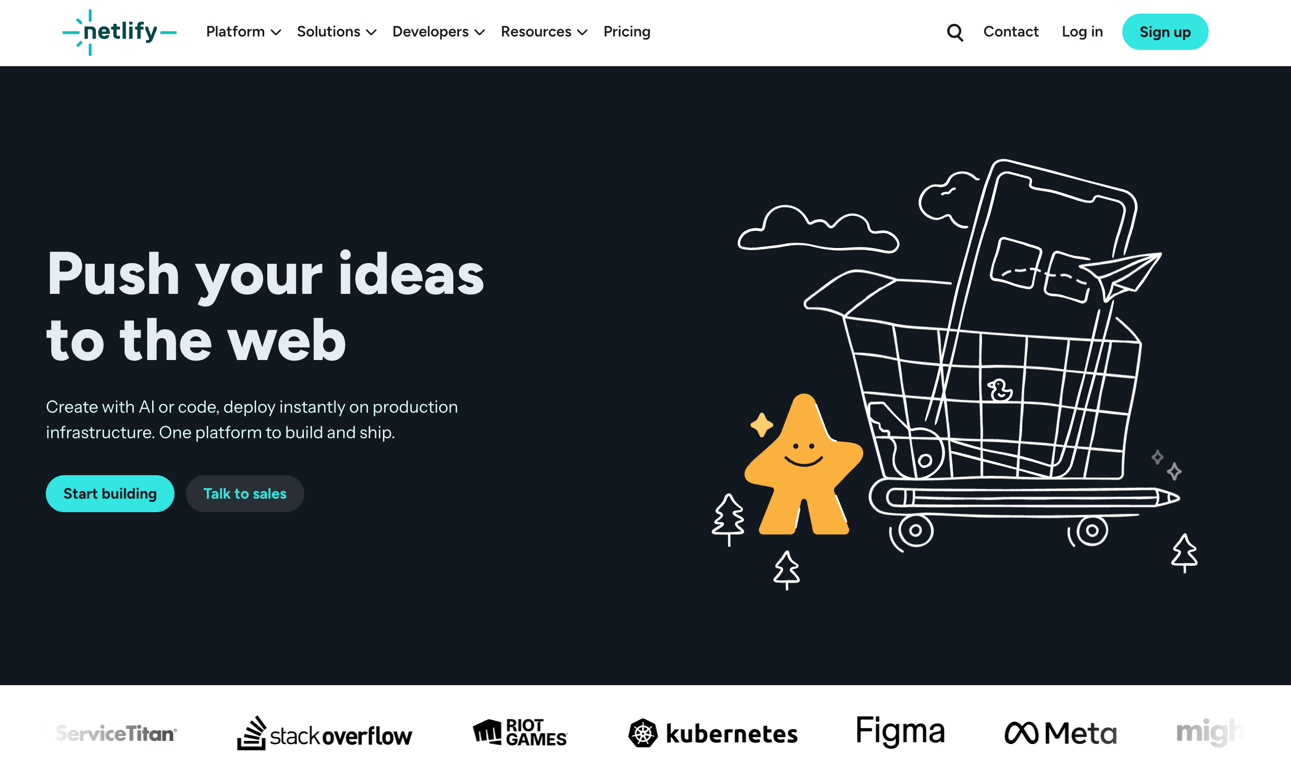
If your project is a modern static or Jamstack site, Netlify is one of the most established cloud platforms for building, deploying, and managing it. This tool supports many frameworks and includes built-in features like form handling, identity management, and split testing.
Getting started with Netlify is simple. Connect your Git repository, and Netlify automatically builds and deploys your site.
You can then set up serverless functions, configure environment variables, and take advantage of its global content delivery network (CDN) with minimal configuration.
Unlike v0, which generates code, Netlify handles the deployment and hosting side of the workflow. Many developers use tools like v0 or Lovable to generate their frontend code, then deploy it on Netlify.
The free plan includes 300 build credits per month, custom domains, and SSL. The platform uses a credits-based system for builds, so teams with frequent deployments should monitor usage to avoid unexpected overages.
Best for: Developers looking for a complete backend-as-a-service (BaaS) platform with real-time databases, authentication, and analytics.
Pricing: Pay-as-you-go with the Blaze plan (free Spark plan available).
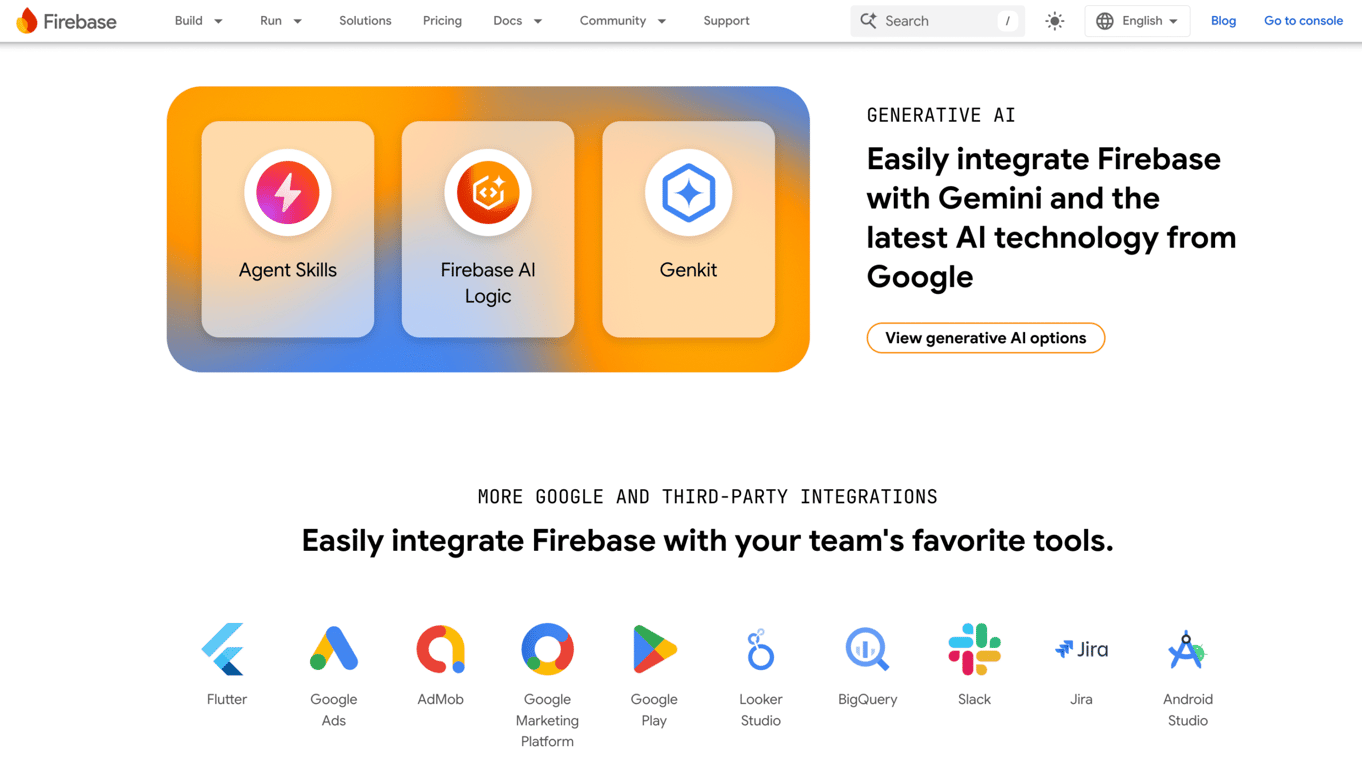
Firebase is a cloud-based platform developed by Google that offers a suite of tools for building and managing web and mobile apps.
It provides a complete backend solution that lets you build and scale apps without managing server infrastructure, and it integrates with other Google Cloud services.
Where v0 handles frontend code generation, Firebase covers everything behind the UI: databases, authentication, cloud functions, messaging, and analytics.
Firebase’s real-time database and Firestore support dynamic data syncing, while built-in authentication handles email/password, phone, and third-party logins.
The free Spark plan includes basic features for development and testing. When you’re ready to scale, the Blaze plan uses flexible, pay-as-you-go pricing.
Firebase also includes Firebase Genkit, an open-source framework for building AI-powered features within your app, and tight integration with Vertex AI for custom model deployment.
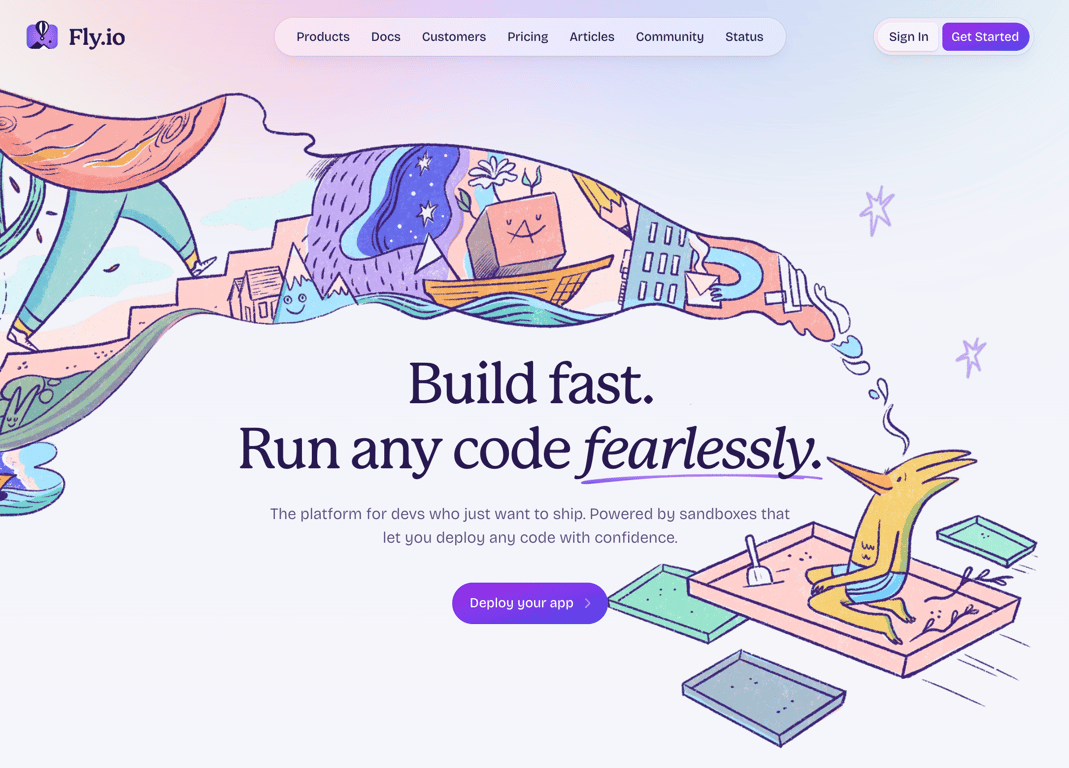
Best for: Developers and teams wanting to deploy full-stack apps globally with low latency and minimal infrastructure management.
Pricing: Pay-as-you-go.
Fly.io is a cloud platform that runs apps close to users by deploying them across a global network of servers. It focuses on edge computing, letting you host apps in multiple regions worldwide to reduce latency and improve performance.
You can deploy your apps in Docker containers or Firecracker micro-VMs.
Fly.io gives you control over persistent storage, custom networking, and support for multiple programming languages. This makes it a strong choice for apps that need specific configurations, stateful services, or globally distributed performance.
Fly.io occupies an entirely different part of the stack than v0, handling infrastructure and deployment rather than code generation. Developers often pair Fly.io with AI code generation tools to build the app, then use Fly.io for globally distributed hosting.
The platform also supports GPU workloads for running AI inference close to users, and offers managed Postgres with high availability and read replicas.
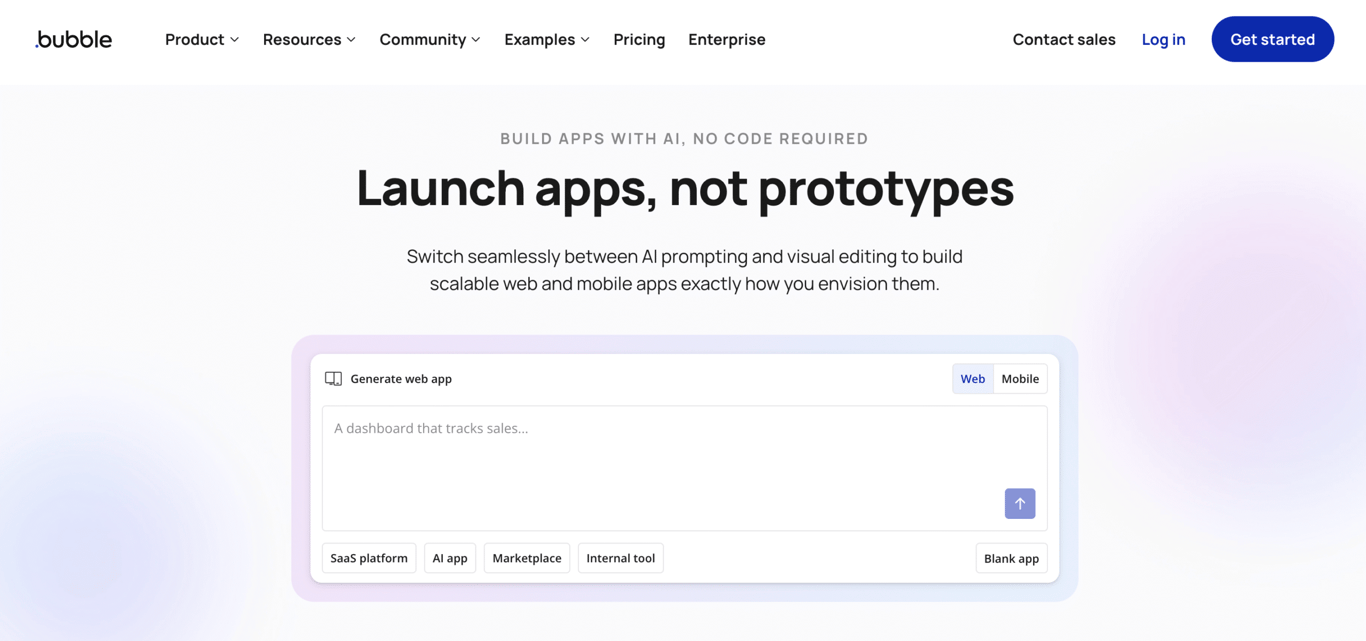
Best for: Entrepreneurs, startups, and non-technical users aiming to build full-featured web apps without coding.
Pricing: From $29/month for the Starter plan (free plan available).
Bubble.io is a no-code development platform that lets you design, build, and launch web apps through a visual interface. It covers frontend design, backend logic, workflows, and database management in one platform.
With Bubble, you create responsive web apps by dragging and dropping elements, setting up workflows, and integrating with external APIs, all without writing code. This makes it a strong choice for quickly prototyping ideas or launching minimum viable products (MVPs).
Bubble also includes an AI App Generator that creates UI layouts, data types, and workflow logic from a text prompt. The Bubble AI Agent works inside the editor to help build features and troubleshoot issues.
Both AI tools generate visual components within Bubble’s proprietary format, not exportable code.
Compared to v0’s frontend component output, Bubble lets you build complete applications with user authentication, database management, payment processing, and complex conditional workflows, all without code.
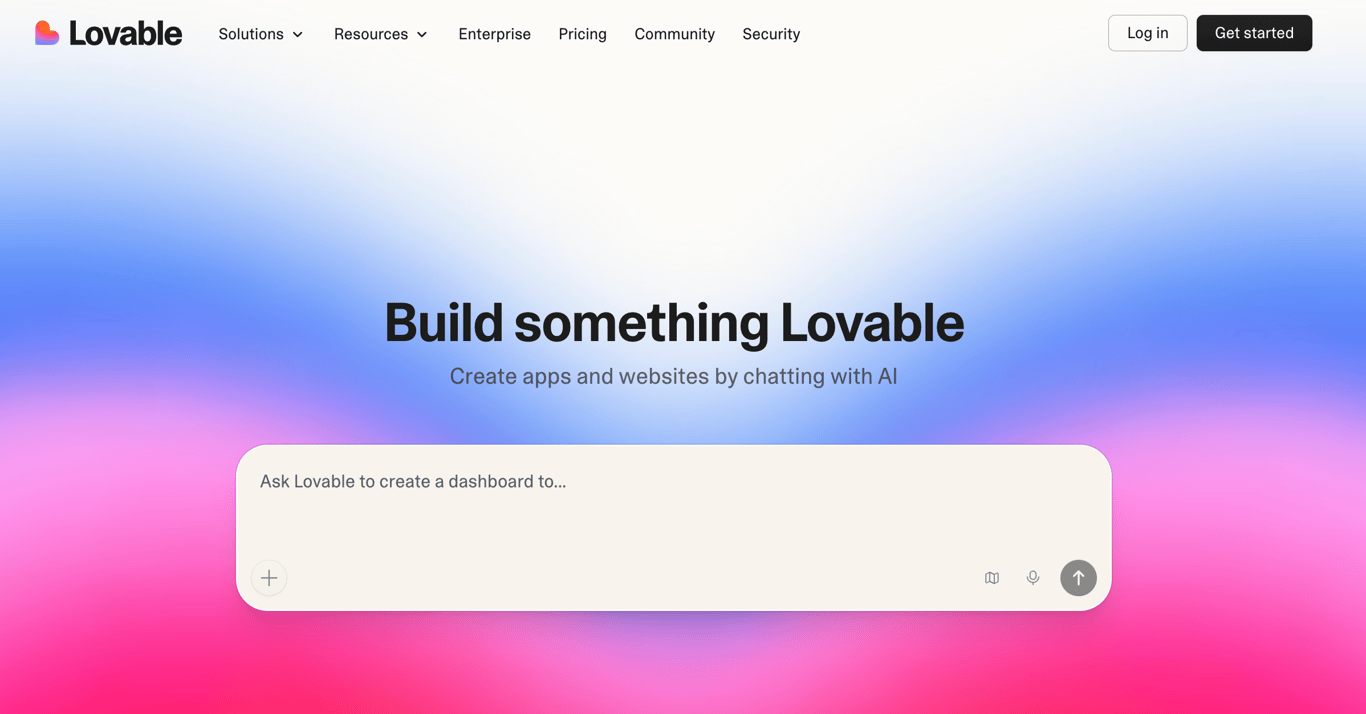
Best for: Non-technical founders, solopreneurs, and small teams who want to build full-stack web apps quickly using simple prompts.
Pricing: From $21/month for the Pro plan (free plan available).
Lovable is an AI-powered app builder that lets you design, build, and deploy full-stack web applications by describing your idea in natural language.
It generates standard React and TypeScript code with Supabase backends. The platform includes Lovable Cloud, a built-in backend that handles authentication, data persistence, and service connections without leaving the platform.
You don’t need to configure Supabase externally or manage API keys yourself. Lovable Cloud simplifies the entire backend setup.
Lovable also supports visual editing. You click on elements in the preview and adjust them directly rather than relying solely on prompts, a feature that sets app builders like Lovable apart from pure prompt-based tools.
This combination of AI generation and visual refinement makes it a strong pick for users who want rapid prototyping with the option to fine-tune details.
Unlike v0, which outputs individual React components, Lovable generates complete full-stack applications with deployment, backend integration, and GitHub synchronization out of the box.
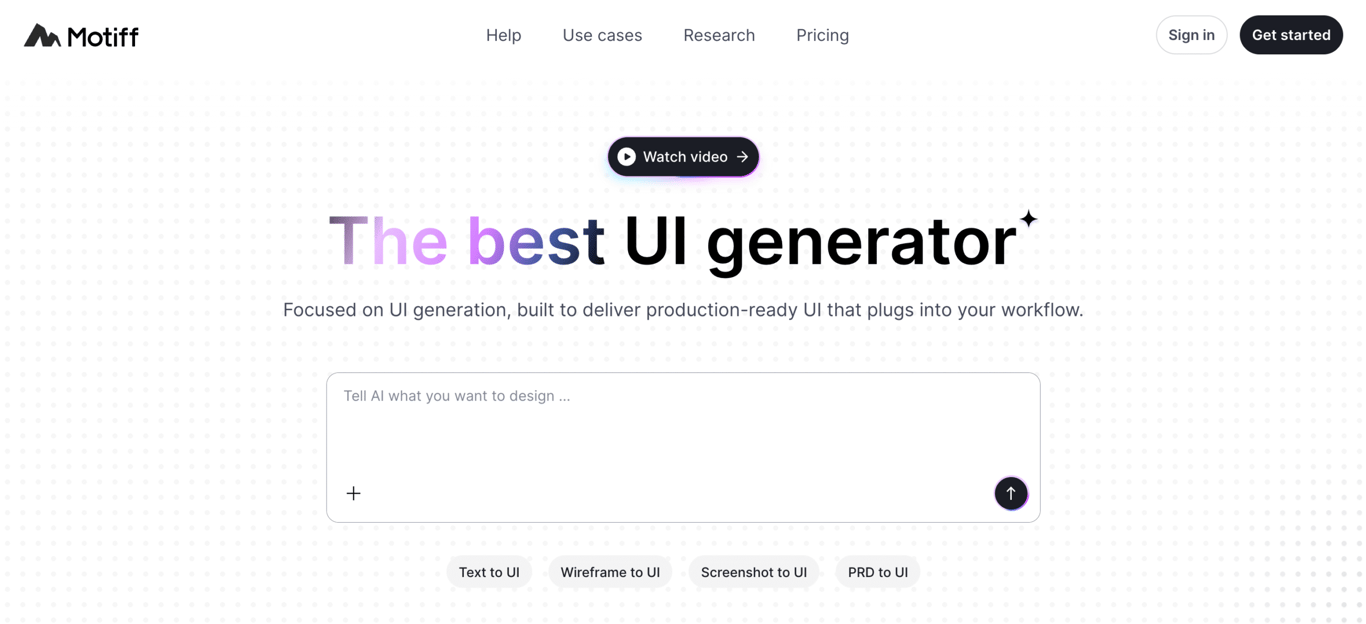
Best for: Designers, product managers, and non-technical professionals who need AI-generated UI designs quickly without traditional design skills.
Pricing: From $16/month for the Pro plan (free plan available with 100 credits/month).
If you need production-ready interface designs without traditional design skills, Motiff is an AI-powered UI generator that creates them from text prompts, wireframes, or visual references.
You describe the interface you want, and Motiff generates high-fidelity designs that include interactive elements, proper layout structure, and built-in design system support (Material, Ant, Shadcn).
The Pro plan lets you copy generated designs to Figma and export production-ready code in React or HTML.
This makes Motiff a bridge between ideation and implementation, especially for teams where designers and product managers need to visualize ideas before developers start building.
Where v0 generates React code you can implement directly, Motiff sits one step earlier in the workflow, producing visual UI designs that you can use as reference or export as code for implementation.
The free plan includes 100 credits per month and supports up to 10 generated UIs. The Pro plan ($16/month) adds 1,000 credits, Figma export, and code export capabilities.
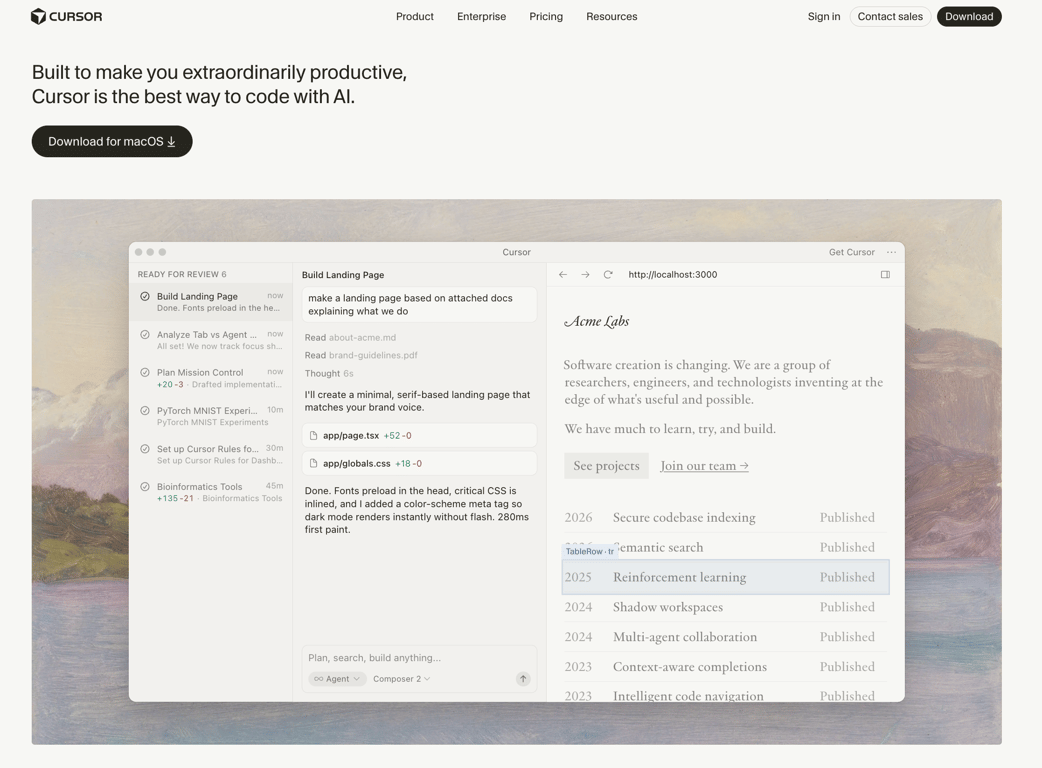
Best for: Developers and engineering teams looking for an AI-enhanced code editor for full-stack development, refactoring, and debugging.
Pricing: From $16/month for the Pro plan (free Hobby plan available).
Cursor AI is an AI-powered code editor built on VS Code. It boosts developer productivity by embedding AI features directly into the coding environment, including context-aware code completion, natural language commands, multi-file editing, and an autonomous Agent mode.
Cursor uses a credit-based billing system. Every paid plan includes a monthly credit pool (equal to the plan price in dollars) that depletes based on which AI models you use. Auto mode is unlimited on all paid plans.
Credits are only consumed when you manually select a premium model like Claude Sonnet 4.6 or GPT-5. Most developers who stay on Auto mode rarely exhaust their credits.
Higher tiers include Pro+ ($48/month) with three times the credits and Ultra ($160/month) with a 20x usage multiplier for power users who need heavy AI model access daily.
Choosing an alternative to Vercel’s v0 depends on your project scope, technical skill level, and whether you need full-stack generation, backend support, or AI-assisted coding within an IDE.
AI generation tools fall into two main categories. Prompt-to-app platforms like Hostinger Horizons, Bolt.new, and Lovable generate complete applications from prompts. In contrast, AI coding assistants like GitHub Copilot, Cursor, and Windsurf work inside your editor and speed up existing workflows.
The first option suits non-technical users and rapid prototyping, while the second fits developers who want to write code faster.
Deployment and hosting also vary by platform. Some include built-in hosting and one-click deployment, such as Hostinger Horizons, Bolt.new, Netlify, and Replit. Others require you to set up infrastructure yourself.
If you want to go from prompt to a live app without managing servers, an all-in-one builder will save time.
Backend support is another key difference. Platforms like Hostinger Horizons, Firebase, Bubble.io, and Lovable include databases, authentication, and file storage. Frontend-focused tools like v0 and Motiff leave backend setup entirely to you.
If your app needs user accounts, persistent data, or real-time features, built-in backend support will simplify development.
Customization depth ranges across no-code, low-code, and full-code options. Bubble.io and Hostinger Horizons offer visual, no-code workflows. Lovable and Bolt.new provide low-code generation with exportable code. Replit, Cursor, and Windsurf give developers full IDE-level control and flexibility.
Pricing models differ as well. Some platforms use subscriptions, such as Hostinger Horizons, Netlify, and GitHub Copilot. Others rely on credits or tokens, including Bolt.new, Cursor, Lovable, Windsurf, and Replit. Platforms like Firebase and Fly.io follow a pay-as-you-go model.
Credit-based pricing can make costs harder to predict during heavy development periods.
Collaboration features can also influence your choice. Platforms like Replit, Bubble.io, and Hostinger Horizons support real-time collaboration. GitHub Copilot and Cursor integrate better with Git-based workflows, which many development teams already use.
To get the most out of AI web app generators, write clear, specific prompts and build in small steps instead of trying to generate a full app at once. Prompt quality directly affects the results you get.
A vague prompt like “build me an app” will give you something generic. A detailed prompt that outlines features, user flows, and tech stack preferences gives the AI enough context to generate something useful.
To write effective AI prompts, define your core features upfront, describe user journeys step by step, and specify your preferred frameworks. Then refine the output with focused follow-up instructions instead of rewriting everything from scratch.
This approach aligns with vibe coding. You describe what you want in natural language, and the AI handles the implementation details.
AI web app generators make this workflow practical by turning your instructions into working software you can test and adjust in real time.
Start small instead of generating a full application right away. Build an MVP around a single core feature, test it, and expand from there.
This approach uses fewer credits, gives you a working result faster, and reduces the risk of ending up with something that doesn’t match your expectations.
All of the tutorial content on this website is subject to Hostinger's rigorous editorial standards and values.

Ariffud is a Technical Content Writer with an educational background in Informatics. He has extensive expertise in Linux and VPS, authoring over 200 articles on server management and web development. Follow him on LinkedIn.

Dainius Kavoliunas is the Head of Product for Hostinger Horizons, with a passion for building innovative solutions. As an expert in product management, he combines deep expertise in UX, experimentation, and data analysis with a technical background to lead product strategy and build strong teams. He is particularly excited about the practical applications of AI and its potential to transform how we work and live. Follow him on LinkedIn.
Front-end and back-end development are the two core parts of building a software application: the front end handles what users ...

Replit is a browser-based, AI-first development platform built around a full-code IDE that supports 50+ programming languages, while Lovable is ...

A plagiarism checker web app helps users detect duplicate or copied content in documents, essays, or articles. Instead of manually ...